I am working on a series of tutorials (not sure what to name it yet
, but the idea is to develop a very non-expensive DIY lighting and shooting technique to produce stunning results, so jewelry designers and hobbyists can build and use it.
The idea came from +Genia Larionova‘s hobby. She and few her friends create hand-made gemstone jewelry and they all need good photos of them, without spending much $$ to hire a pro photographer or buying professional lighting/camera. I know most hobbyists don’t have the budget for pro photography anyway, so why not try to help them out?
I’m sure such tutorials will be interesting for photographers as well, as I’ll be explaining all the ins and outs of the shooting process.
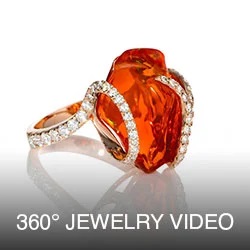
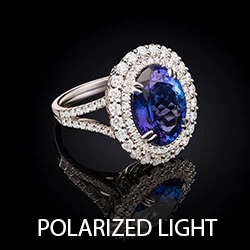
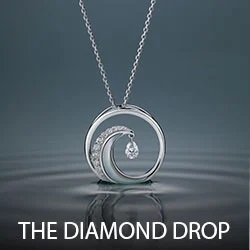
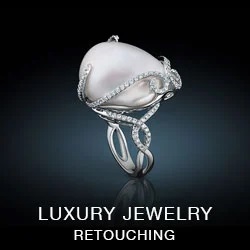
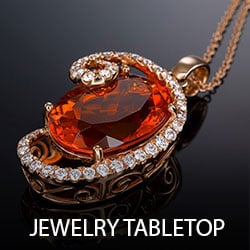
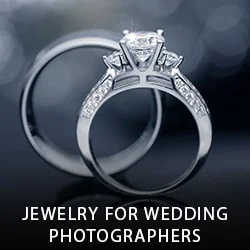
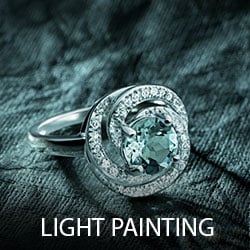
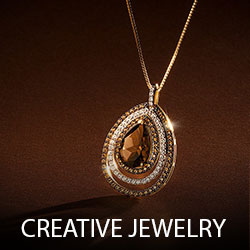
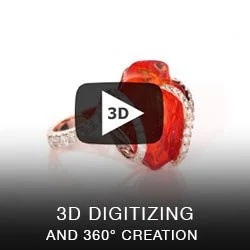
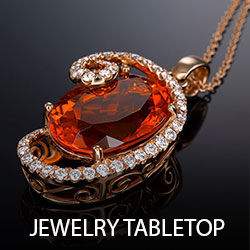
This example below was created using pro camera and lighting (very simple setup though), and the second step would be to repeat these shots (we actually did 10+ jewelry pieces) using $50 lighting setup, similar to this.
Handmade necklaces


Like I said previously, I’ve created these with pro strobe lighting and a serious camera. So it will be even more interesting to see our next steps when we’ll use cheapo stuff for both, camera and lighting.
Now, the lighting setup: a stripbox form the right, spot light from the left. The Stripbox was a fill light and the spot is the key. Pretty simple combination, isn’t it? If you look closer at the first image above you’ll see the reflection from each light source (well visible on a spherical gem).
DIY shooting table, I found that it is easier to use such small and flexible table rather than my monster Manfrotto large shooting table.

The lighting setup, top view
By adjusting position of both lights I was getting the desired look: for less transparent gems I had lighting more on top, for more transparent I was lowering both lights (especially key light, spot on the left) so it will penetrate gems and show the real 9refracted, not reflected) color.

The lighting setup, side view
[ois skin="Jewelry Photography"]
Now with the video, enjoy:
Update: The book is out!
![]() |
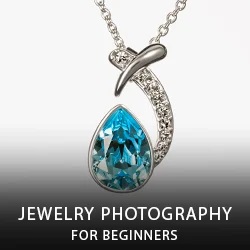
DIY Solutions for Jewelry PhotographyThis e-book is about jewelry photography. |
Hope you’ve got the idea:-) Now go ahead and start playing with LED lights: soon I’ll show you more:-)
About The Author: Alex Koloskov
The lighting magician, owner of AKELstudio, Inc.


Great video – I can’t wait for the follow-up. You address all the problems I’m having issues with – will you have any examples with a piece that contains shiny metal spheres? They’re like mirrors – so difficult!
Looking forward to learning how to do a proper setup – especially how to to a gridded spotlight.
Thanks for sharing your knowledge!
Hii Alex,
Hii, i am a beginner of product photography, especially jumped too soon onto jewelries.. so difficult to shoot, need to get the product crystal clear, original color (gold and silver even colorful germ stone (don’t know if i wrote germ correctly or not)…. without proper setup like yours.. i wasted so much time and effort and have to repeat the same products many times… still not work out.. gold and silver and those shiny products are too reflective..
I also don’t know where on earth i can get things here in Neuss Germany. can’t get anything i need here. Admire you guys in USA, can get anything needed and good price too.
I love to see your video.. so much information and cool gadgets you got there.. But most of all, you are generous with your finding and knowledge.
Cheers!
Bless you.
Andrew
andrew_ysk@yahoo.com
Andrew,
Yeah, Jewelry is hard to shoot and it requires quite a bit of post-production to get that clear look too.
I wish you good luck: just be persistent and do not give up if you have troubles.
All the best!
Alex
Alex,
Thank you for your generous sharing of knowledge. I eagerly await the folow-up with cheap DIY set-up.
Your top view image shows 2 key lights. Perhaps you meant one to be a fill?
Yes, exactly. it suppose to say “Fill”.
Thank you Charles!
Good reading this post. It would have been better, if you would have posted EXIF of the images, lens and camera used for the shoot.
http://strobist.blogspot.com/2006/07/how-to-diy-10-macro-photo-studio.html
This is quite old now but should cost about $10 to setup.
Grant, yep, I’ve seen it:-) It will work for many products, but may not work for any spherical glossy stuff, like jewelry (rings, etc), as it will reflect the edges of the cube. Even for ‘boxed” shots, I still prefer “open box” architecture, where each side is not attached to another.
Hi Alex, when might we see part 2 with the non pro lights
Noah,
I am working on it, and it looks like it will be an e-book with video: I want to provide a full solution for different types of jewelry, rather than separate it on a posts.
However, I’ll be posting a progress here:-)
Great advice…thanks!
Where I find the follow up video with cheap tools?
Alex, thank you for this. I have also read/watched your tutorial “How to get complete white background out from a camera” and I am wondering if you ever shoot using white plexiglass lit from behind instead of clear plexiglass lit by bouncing light off the background. Or is it too difficult to light the white plexiglass evenly?
I don’t mind that little bit of shadow.
The point that I’d like to make though, is that while it’s nice to have that sort of a fill light that you show to work with, a person starting out could use a piece of 30″ X 40″ white art board & bounce a work light off of it.
Or google: Translum
This diffusion material has a lot of uses in the studio, but the most obvious is to shine a light through it to get a larger source. I hang the roll & can control the size of the light by the distance the source is away from it.
As always, very informative. Alex, thanks for sharing your workflow. Does your wife have any videos on her Photoshop workflow for HDR work? I have you eBook and would like to see her demo that.
Howard,
Not yet, but I like the idea. It would be really cool to get video from processing of one image: from the beginning to the end. I’ll talk to Genia:-)
Thank you!
Please show us the best and fast way to use photoshop have shadows but have white background around jewellery. especially chain and many links necklace.Thanks very much Alex,
Alex Awesome! stuff many thx for sharing your knowledge with us. My problem is that I can’t get this translucent plastic anywhere in the shop, so instead, I am using glass piece on a white paper or cube tent background. Can you tell me please after when shoot is approved are you cutting it out of the image to place on a white or any background you wish? Or you will live it with nice soft light shadows etc… When I am shooting jewellery my client always wish to have stuff on a white background and I am finding some times that item it self is way overexposed when trying to get pure white. I am using 2 continues lights, would you wind to give any advise on that mater? I love your first shoot with shadows it has so much depth :]. You get this tabletop look that for sure, congrats on that. Have a goo one!
Peter,
It is all based on the requirements from a client: if they need white background, I shoot it the way to get on complete white background without any post (when it is possible), using this or similar technique: http://www.pixiq.com/article/how-to-shoot-on-white-background-photography-tutorial. There is a sub-link to another article where I do it with 2 tabletop lamps.
So, in this case, I needed the shadow, and I want to leave it on a final shot.l This was the requirement.
You get overexposed subject because you have it too close to a background. move it far away, and you may get heavily underexposed subject on a pure white background.
@Alex Koloskov, Many thx Alex for replay. I watched this video few times but instead of plastic I am using glass on a wee 4 stands, to keep it away from the background. You can imagine how hard is to get this plastic sheet here in N.I. I visited all the shops and only got FOAM BOARD but lady at the counter was surprised that they have it lol! I can order them from UK but this size of a plastic sheet will cost double to send it to me. Anyway, I love these shadows on your image and general clarity so pure and shiny :]. Have a good one m8!
Hello.
Alex, your works is excellent!!!
I’m very beginner in product photography… and want to ask a profi: which focus will be prefer for product photo if I want to buy tilt-shift lens? 45 or 85 mm (both micro)?
Thank you
Alex,
Once again you show that you are down to earth and unpretentious. Most photographers will swear by their $$$$$ setup and refuse to admit that it is all in the knowledge and imagination of the photographer not the equipment!
However….I would like to know what software you are using to create the videos? I love how you switch between live video and then the lightroom screen and then have your live video shrink to the bottom of the window…
Matt
How you can get shadow and white background out from a camera without photoshop?
Albert,
White background and shadows? it is like mixing water and oil:-) white background is easy to make as-is from a camera like this: http://www.pixiq.com/article/how-to-shoot-on-white-background-photography-tutorial
if you need to have shadows but have white background around, only Photoshop will help. Not much of adjusting though.
Thanks very much Alex, please show us the best and fast way to use photoshop have shadows but have white background around jewellery. especially chain and many links necklace.
You can mask background you want to be white and then raise brightness of it, to make it pure white. One day I’ll show you it.
Hey Alex, I use a setup like this as well, but when I want a pure white background and no shadows, I use a system that I built.
It consists of a 24″x24″x24″ wood cube I made with one side off. On top of this I place a 24″ x24″ piece of 1/8″ white plexiglass.
Inside the box I have a strobe and trigger and about 3′ above the pexiglass I have another strobe with a soft box.
The shots come out great and no PP work is needed to clean up or remove shadows.
When I’m not using this box for stock, I can use it for models or kids to sit on in my studio.
Once again, keep up the very impressive work and knowledge sharing.
Nick Soefje
@Nick,
I’d love to see a picture of your setup. It sounds like exactly the thing I need.
Matt
@Nick, How about a photo of that box?
@dbltapp, @Matt
I will post a few pics as soon as I can as well as a few examples of shots directly off of camera.
Nick
Nick
Last year I some jewelry photos to a friend.
All the lighting stuff were inexpensive and some I made myself.
I build a portable light tent with cardboard and tracing paper. And used two or three desk lamps.
Also used white, silver and gold cardboard to manage reflections.
He was happy with the shoots, but now, I think I would do better.
Hi Alex!
This is simple way for setup, but shadow still exist. To remove a shadow, I use transparent surface and back light.
Gennady,
Sure it is exist, I need shadow here:-) I wanted to create such tabletop-look, where it will be clearly visible that it was placed on a flat surface. You are right on how to kill the shadow, I even have an article about it: How to get complete white background out from a camera
Thank you!