Adobe AI Tools in Product Photography
You'll learn to leverage the power of Adobe AI to create stunning, professional-quality images without the confines of a traditional studio.

Photigy School Of Photography
Mastering Adobe AI Tools
In Product Photography
BY SVETLANA TRIFONOV
You'll learn to leverage the power of Adobe AI to create stunning, professional-quality images without the confines of a traditional studio.
Unlock the Secrets to Effortless Studio-Quality Product Photography!
Step into our course and master the art of photographing challenging reflective and glass surfaces without a traditional studio setup. Learn to create and utilize innovative backgrounds with Adobe Firefly, then seamlessly integrate your products into these settings using both basic and advanced AI tools in Adobe Photoshop. This course will equip you with the skills to produce eye-catching images from virtually anywhere, no props or stylists needed.
Images From The Course
Sample photos from the course video lessons that you will learn
Course Curriculum
Course includes 4 Chapters
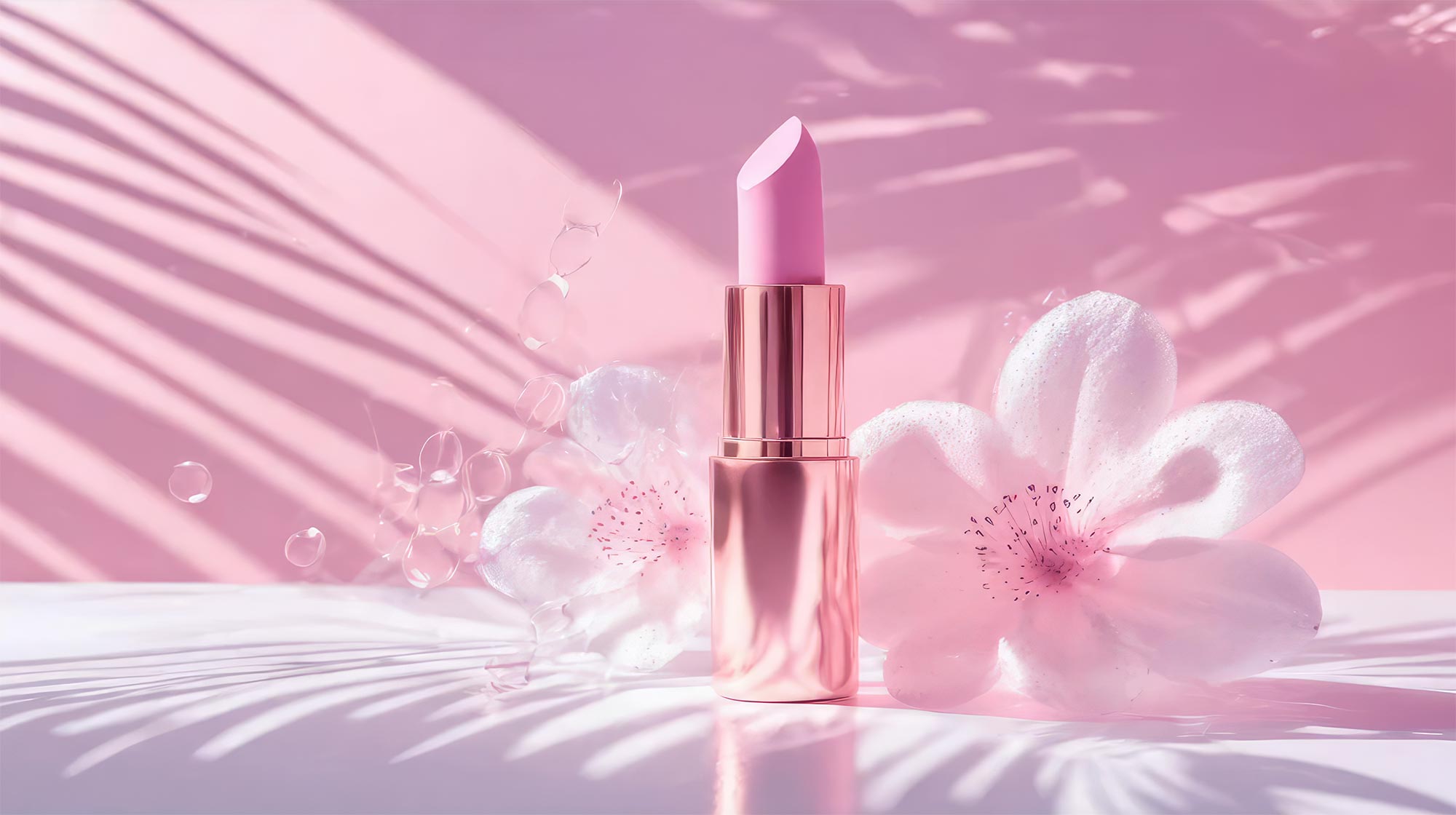
Chapter 1:
Lesson 1 : Generating Images From Text Prompts
Lesson 2: Generating Images From Built-in Styles
Lesson 3 : Using Reference Image In Adobe Firefly
Lesson 4: Using Adobe Firefly Camera Settings
Lesson 5 : Tips For Generating Images In FireflY
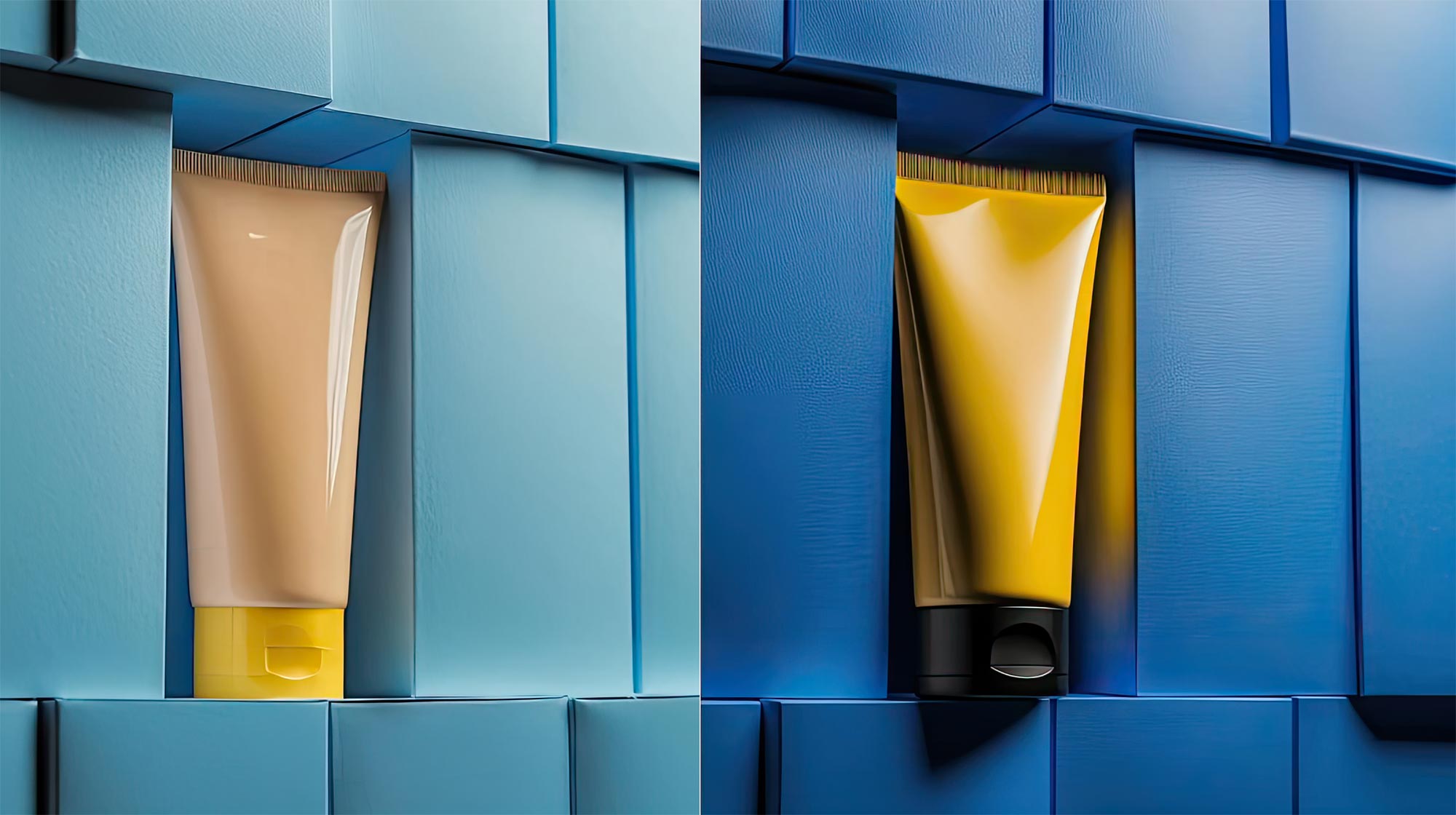
Chapter 2:
Lesson 6: Generating Images For Our Products
Lesson 7: Removing Generated Products / Toner
Lesson 8: Removing Generated Products / Lipstick
Lesson 9: Shooting Our Products Without Studio

Chapter 3:
Lesson 10: Compositing Toner with AI Background
Lesson 11: Compositing Lipstick with AI Background
Lesson 12: Compositing Cream with AI Background
Lesson 13: Compositing Tube with AI Background

Chapter 4:
Lesson 14: Using Generative Fill in Photoshop
Lesson 15: Using Generative Expand in Photoshop
Lesson 16: Reference image in Photoshop
TYPE
Online Video Course
⭐⭐⭐ RETOUCHING SERIES
Mastering Adobe AI Tools in Product Photography
Buy Individual course purchase or VIP Membership:
Best for long-term access for a single course
Lifetime access
Weekly Q&A
24/7 Email Support
VIP Membership
Best for ongoing learning
Unlimited access to all courses
Priority support
FAQ
I am Brand New to Photoshop, can I learn from this?
While this course isn't a basic Photoshop tutorial, it is designed with beginners in mind, focusing specifically on using Photoshop tools for product retouching.
It starts from the assumption that you have little to no knowledge of the Photoshop tools needed for product retouching and guides you through each necessary tool in the product retouching process.
Is there a way to ask an instructor a question/to show work and get a feedback?
Yes, you can ask an instructor, as well as get a feedback on your work. We have a support forum for this course where you can ask questions, get answers, and feedback from your instructor.
How do I access the course materials?
You will have 24/7 access to course videos, forums, and reviews on the Photigy.com website. It is optimized for mobile as well, and we stream from the worldwide cloud to ensure a worry-free learning experience.
How long will I have access to this course?
You’ll have lifelong access to the course. There is no limitation on this.
How I can ask questions of the instructor?
All course students have access to a private forum dedicated to support. This is the place where Photigy instructors answer students’ questions, and students can share their own experiences and solutions.
Photigy School Of Photography 2020
Photos You’ll Learn to Make
Who Teaches This Course

Most frequent questions and answers
I am Brand New to Photoshop, can I learn from this?
While this course isn't a basic Photoshop tutorial, it is designed with beginners in mind, focusing specifically on using Photoshop tools for product retouching.
It starts from the assumption that you have little to no knowledge of the Photoshop tools needed for product retouching and guides you through each necessary tool in the product retouching process.
Is there a way to ask an instructor a question/to show work and get a feedback?
How do I access the course materials?
You will have 24/7 access to course videos, forums, and reviews on the Photigy.com website. It is optimized for mobile as well, and we stream from the worldwide cloud to ensure a worry-free learning experience.
How long will I have access to this course?
Get This Course
Adobe AI Tools in Product Photography
One-time payment · lifetime access
- Every lesson in this course
- Watch on any device, forever
- Instructor feedback in the member forum
VIP Membership
This course + every other Photigy course
- All ai photography and every other course
- 184+ Pro Club workshops
- Weekly live Q&A and photo reviews