Photigy Course
Advanced Splash Photography for Professionals
Professional, step-by-step online course — watch every lesson at your own pace, forever.
$125one-time · lifetime access
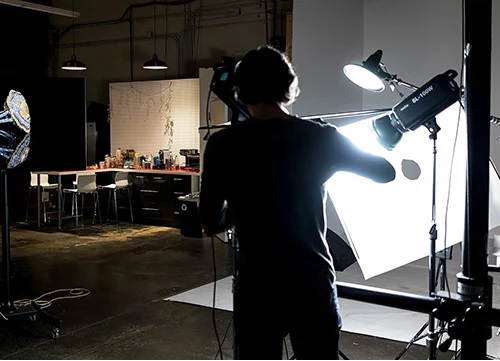
Professional, step-by-step online course — watch every lesson at your own pace, forever.
ONLINE COURSE
In this course aimed for professionals and emerging photographers, you will learn the art of sculpting splashes, capturing them with special high-speed strobes and creating advertising images.
This course is based on the “Art of Sculpting Splashes” workshop that took place in Photigy studio in 2015.
Course instructors, Alex Koloskov and Genia Larionova will guide you through the whole process, from setting up the studio and protecting your gear to a final touch in Adobe Photoshop for final advertising images
This course is for you if...
You have never attempted splash photography and don’t know where to start
You thought you needed expensive high-speed equipment to capture quality splash images
You thought combining splashes with products was only for top-level advertising photographers
Imagine you could...
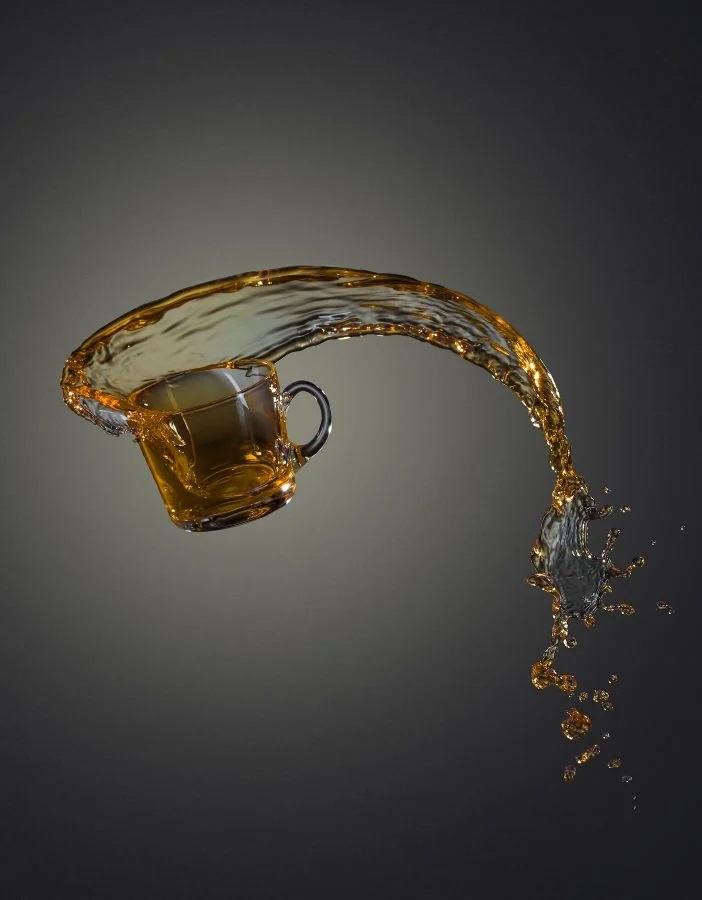
Freeze crystal-clear aqueous effects with ease.
Shape liquid splashes at will to get just the right composition
Create stunning splash advertising-quality images featuring your clients’ products
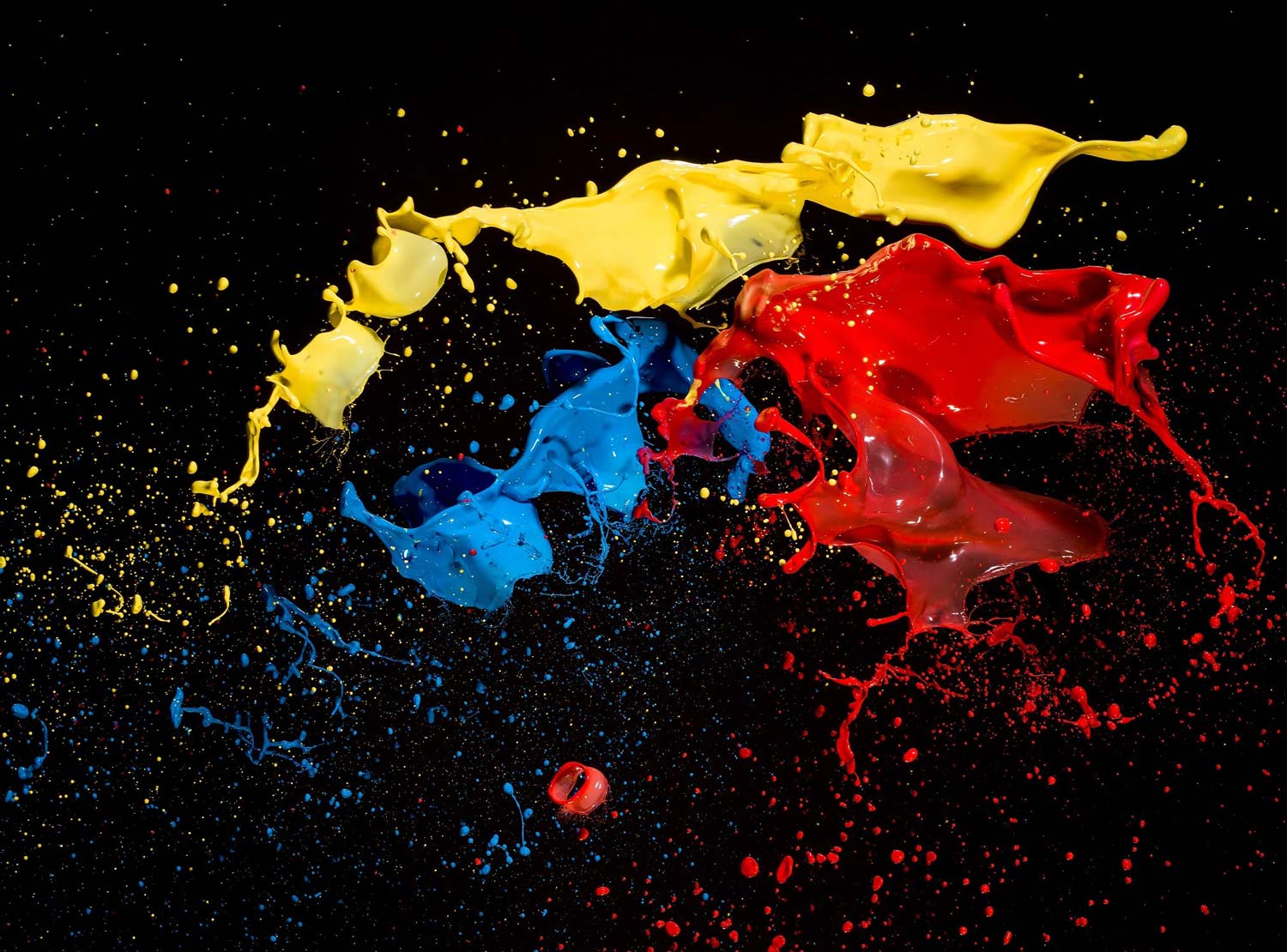
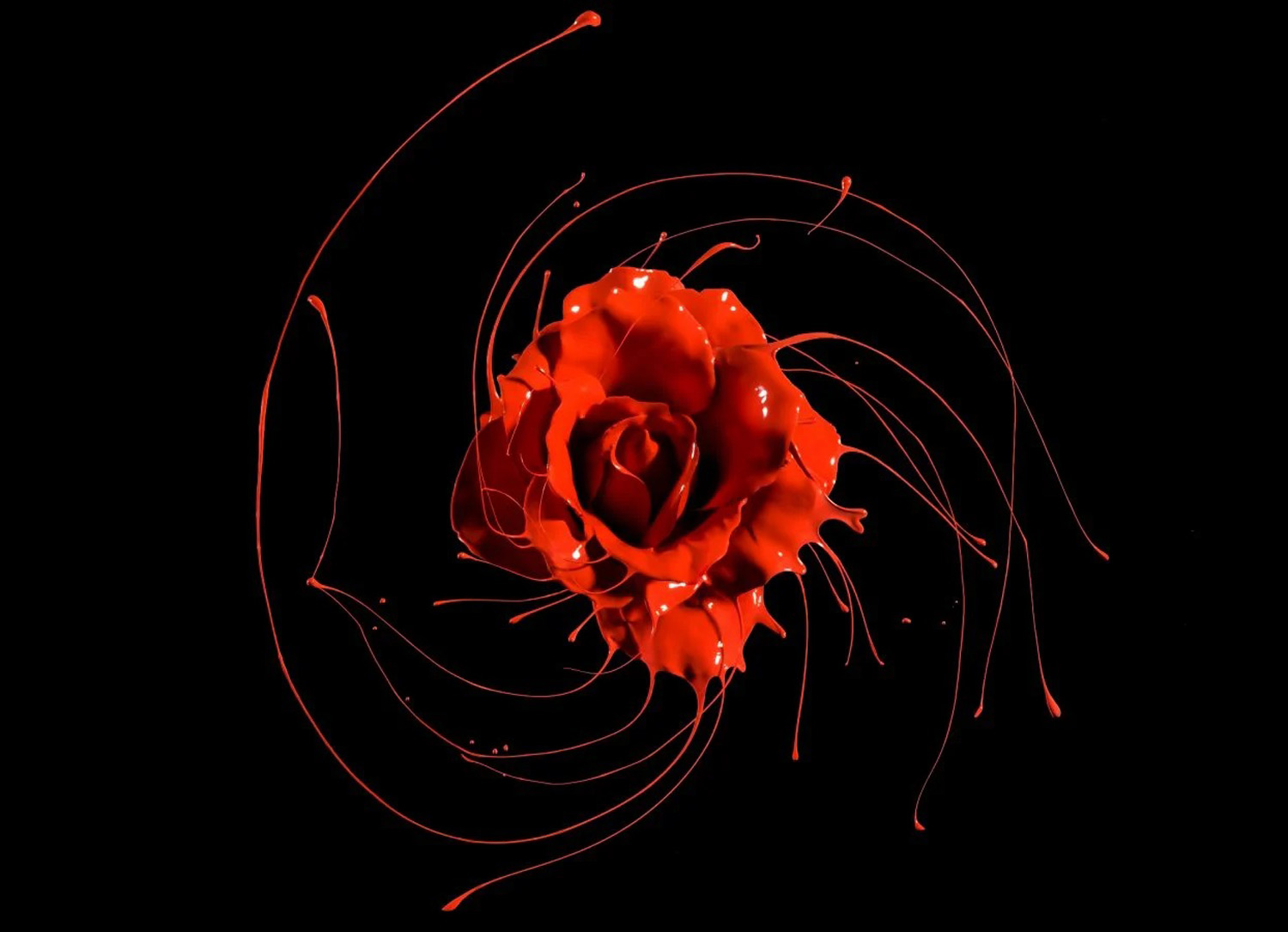
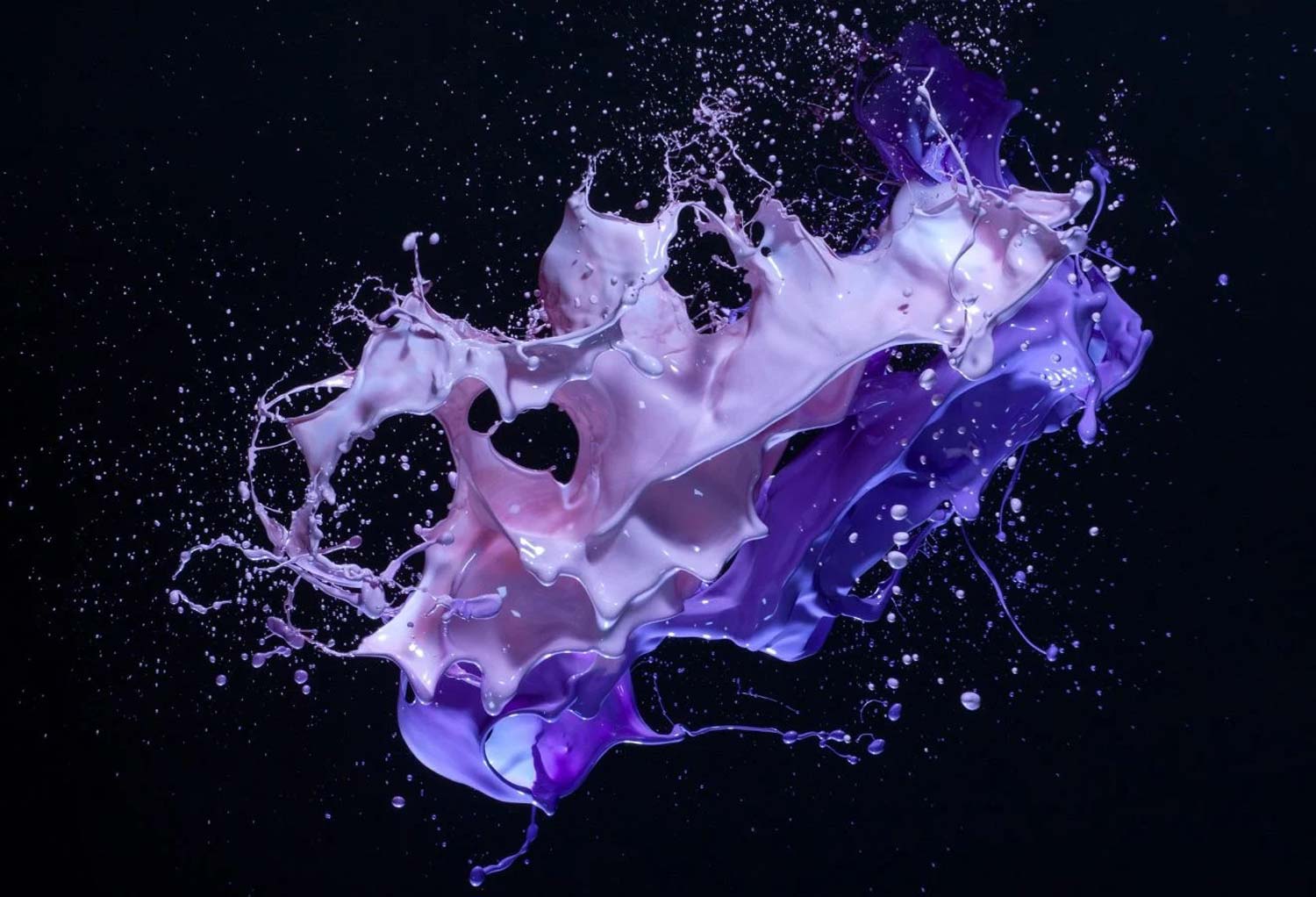
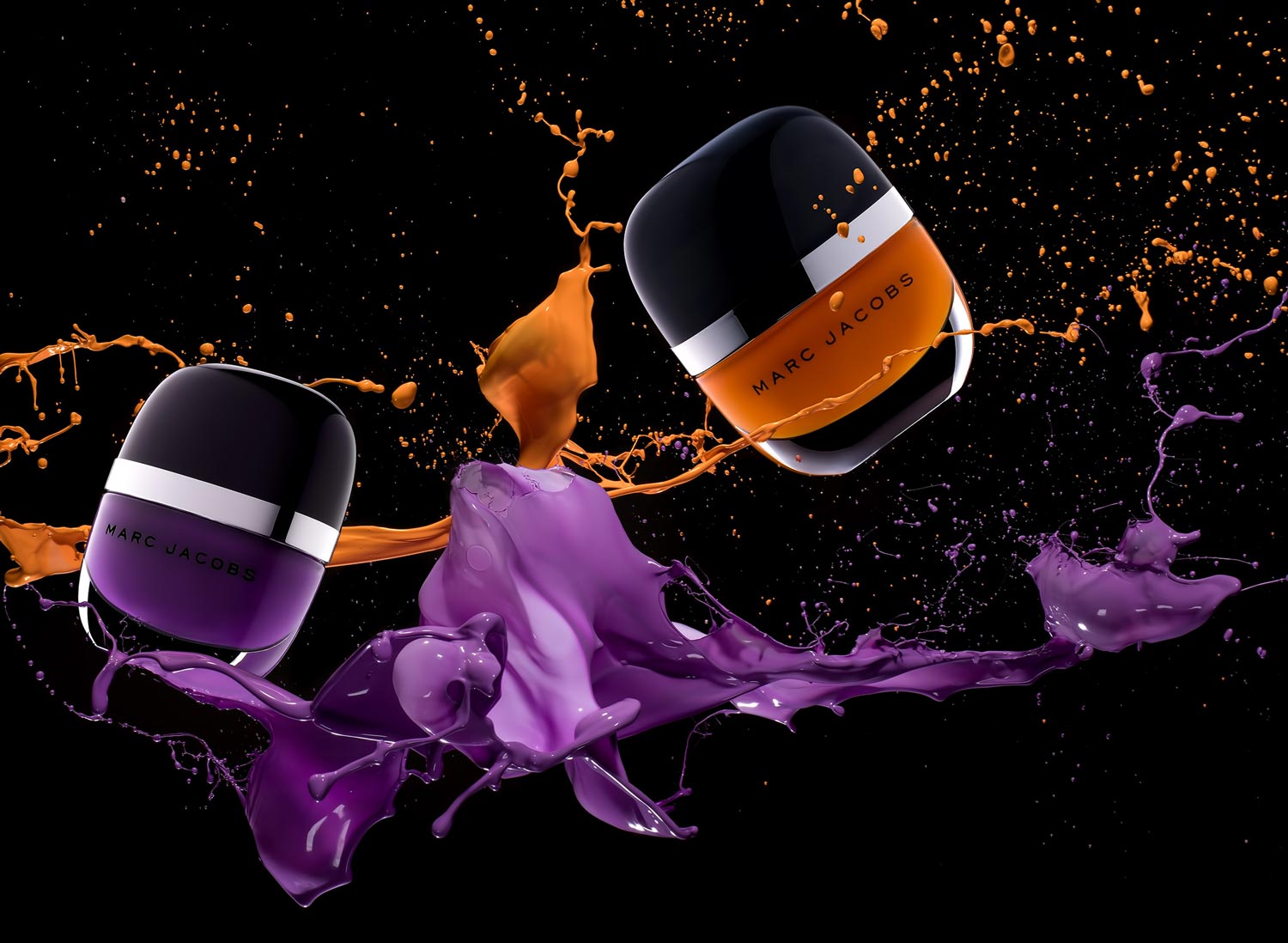
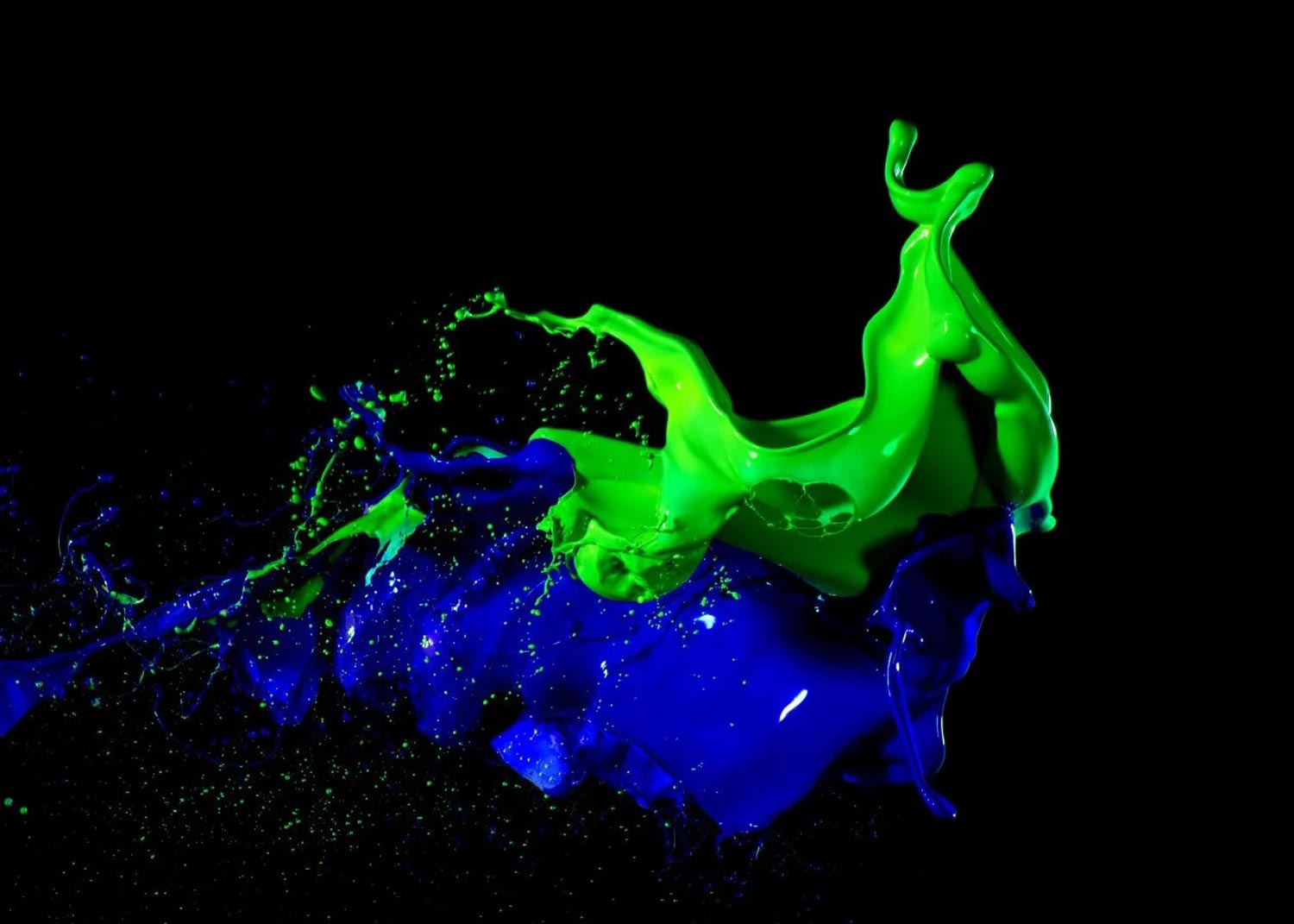
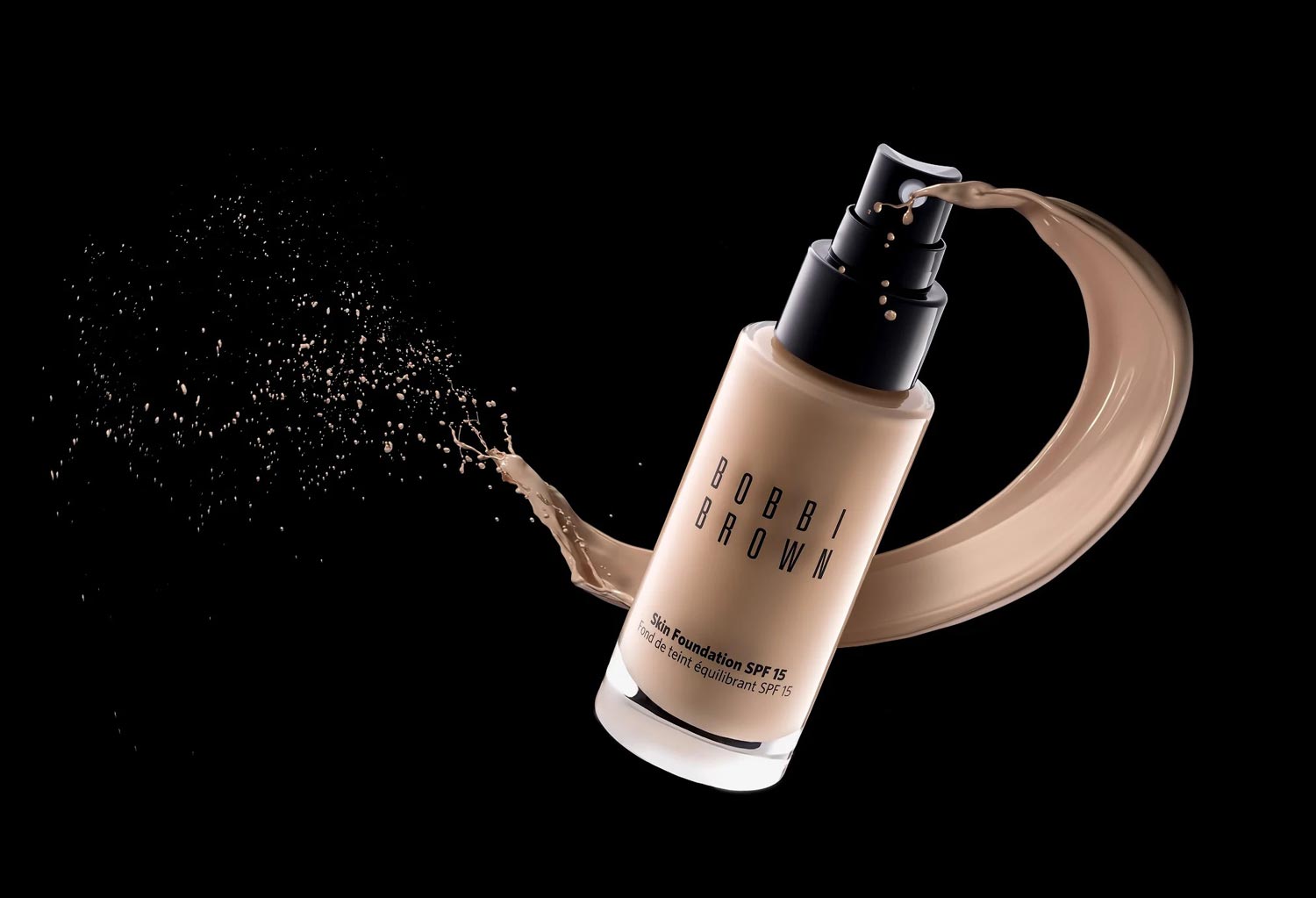
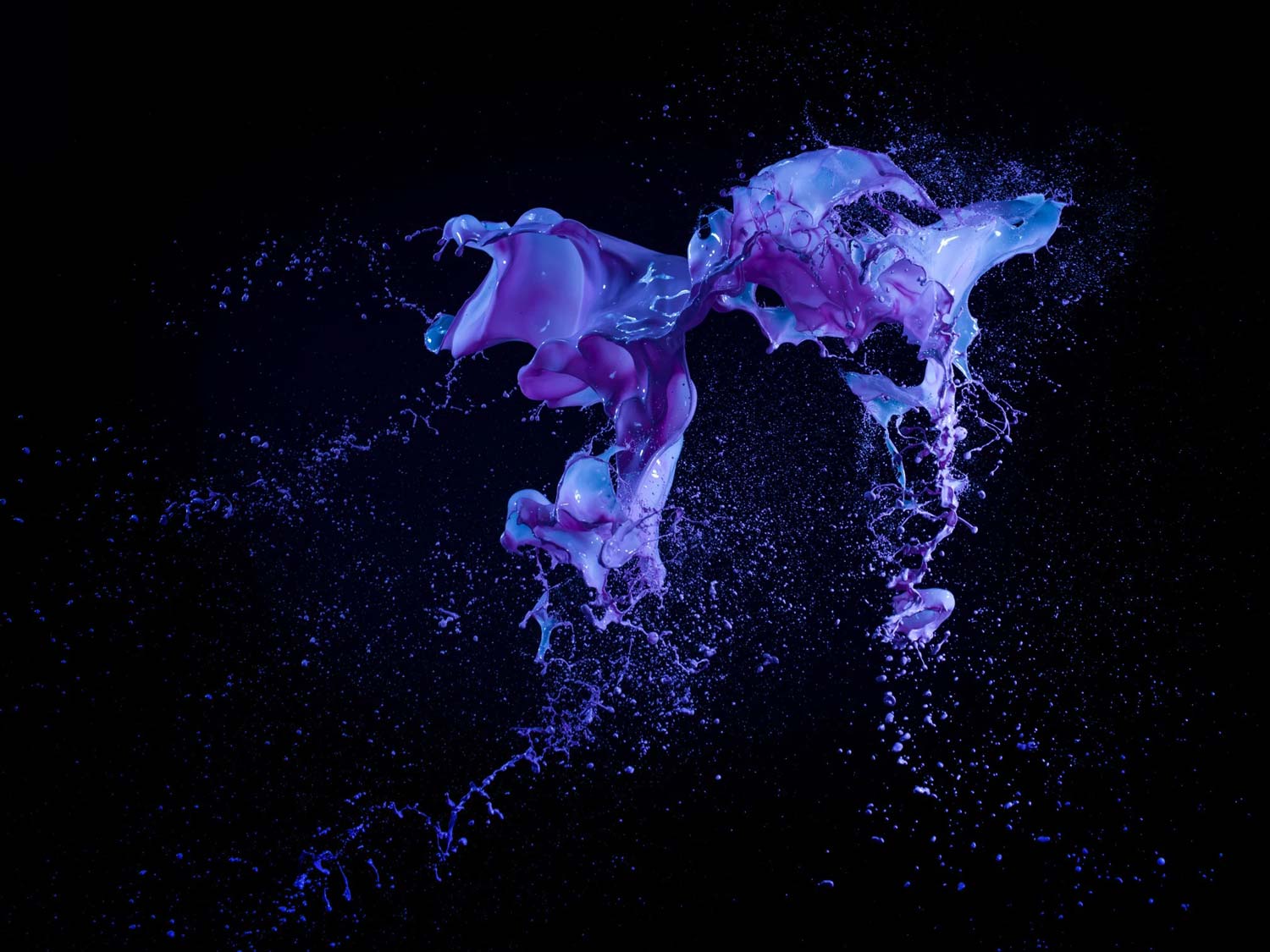
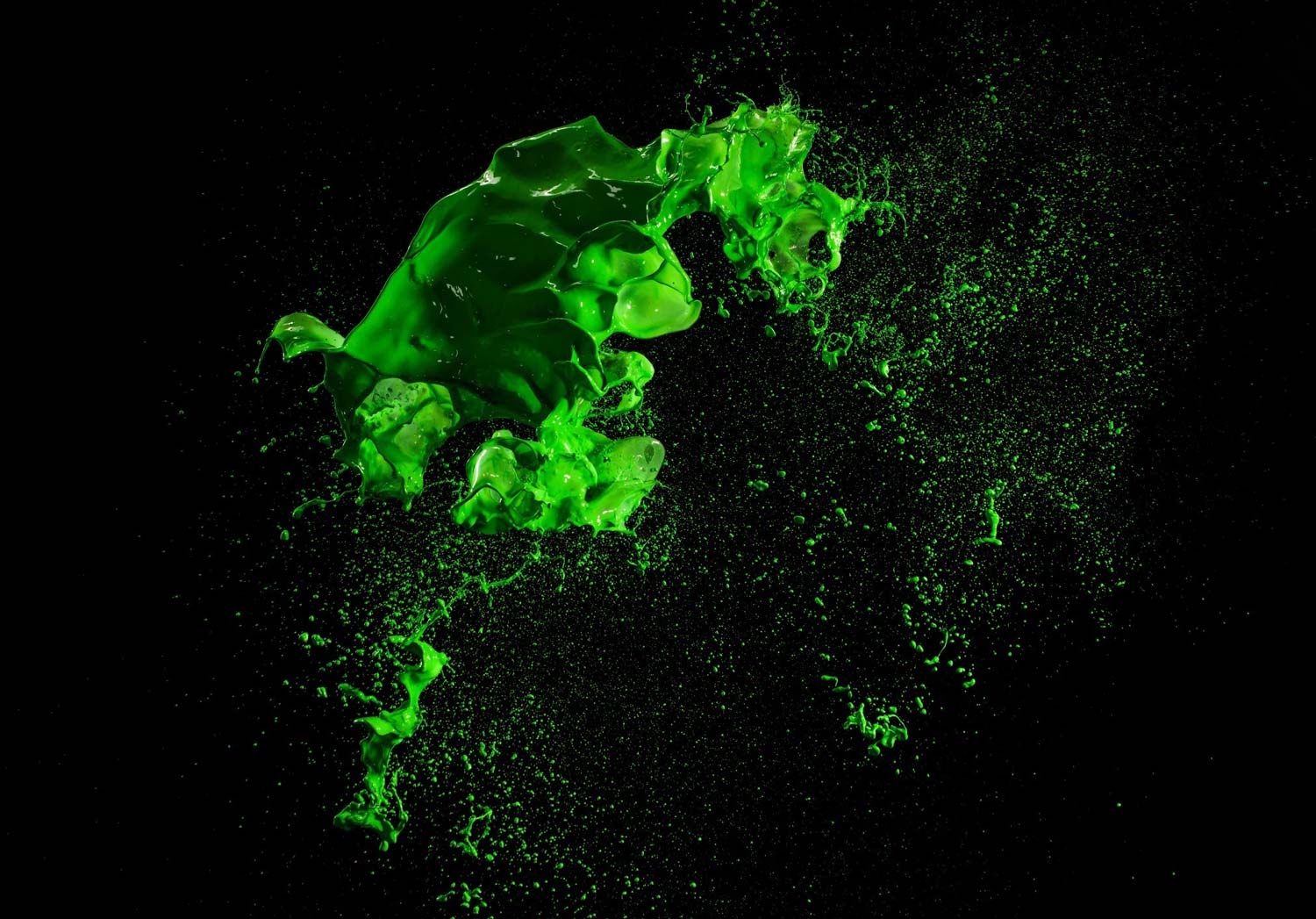
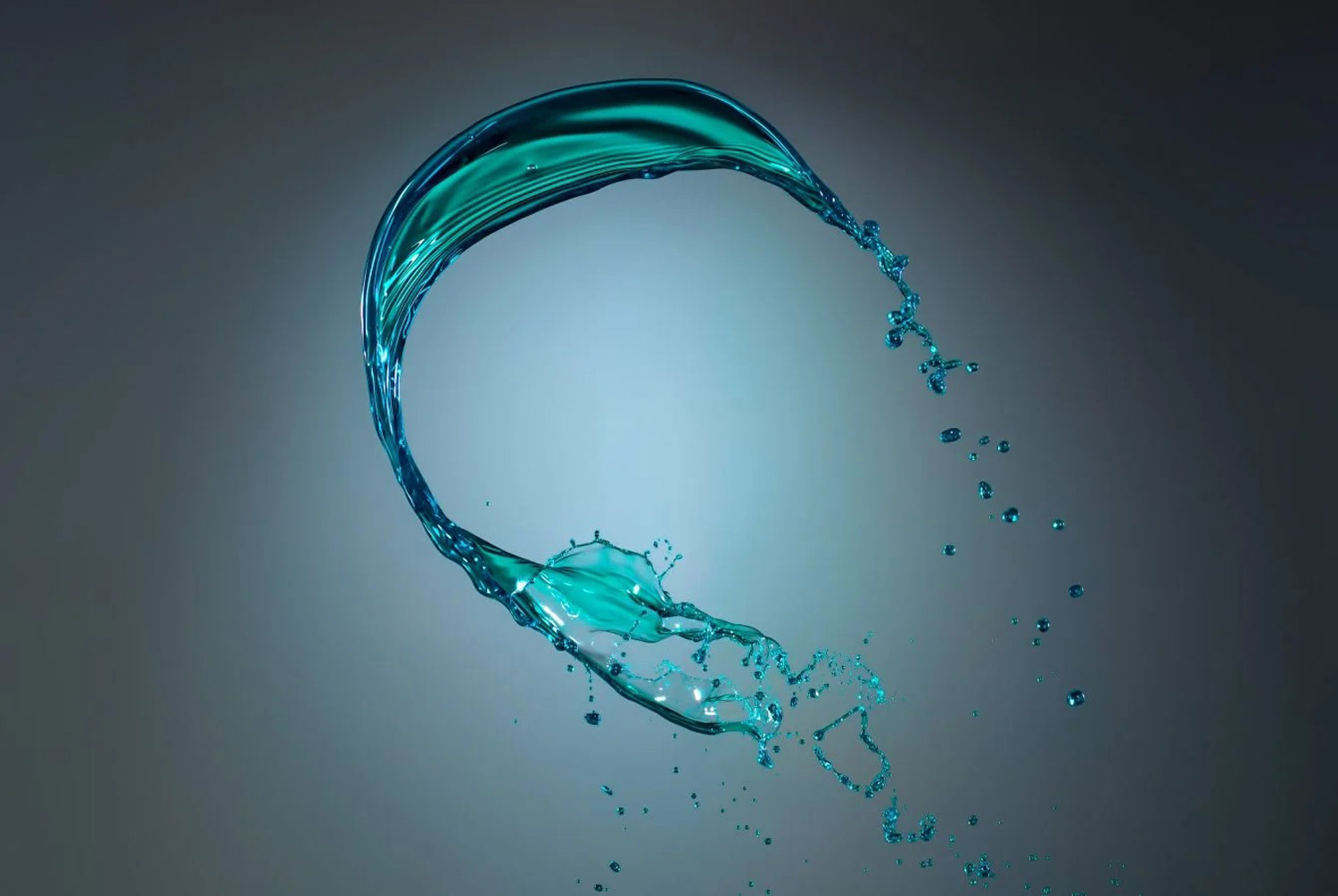
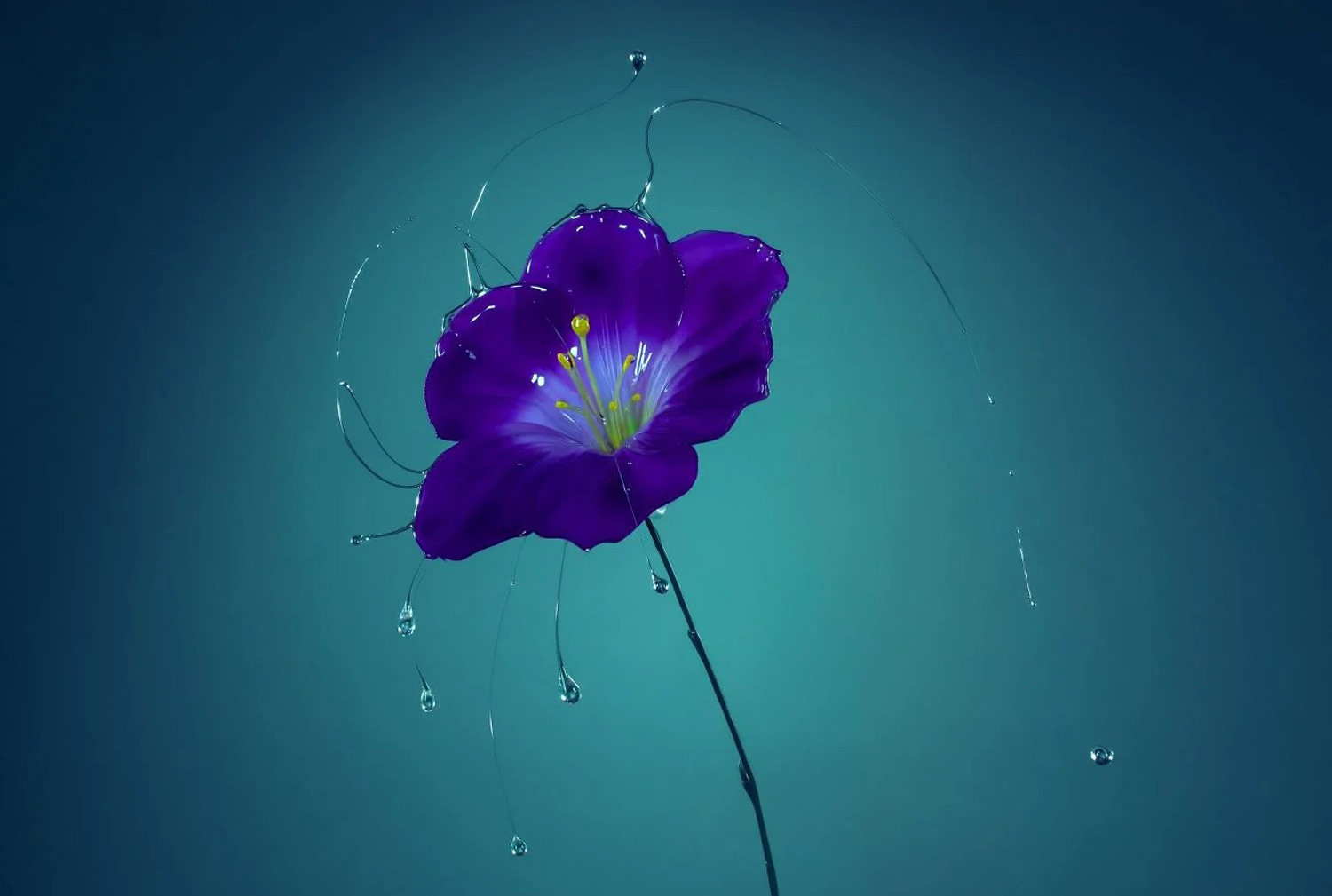
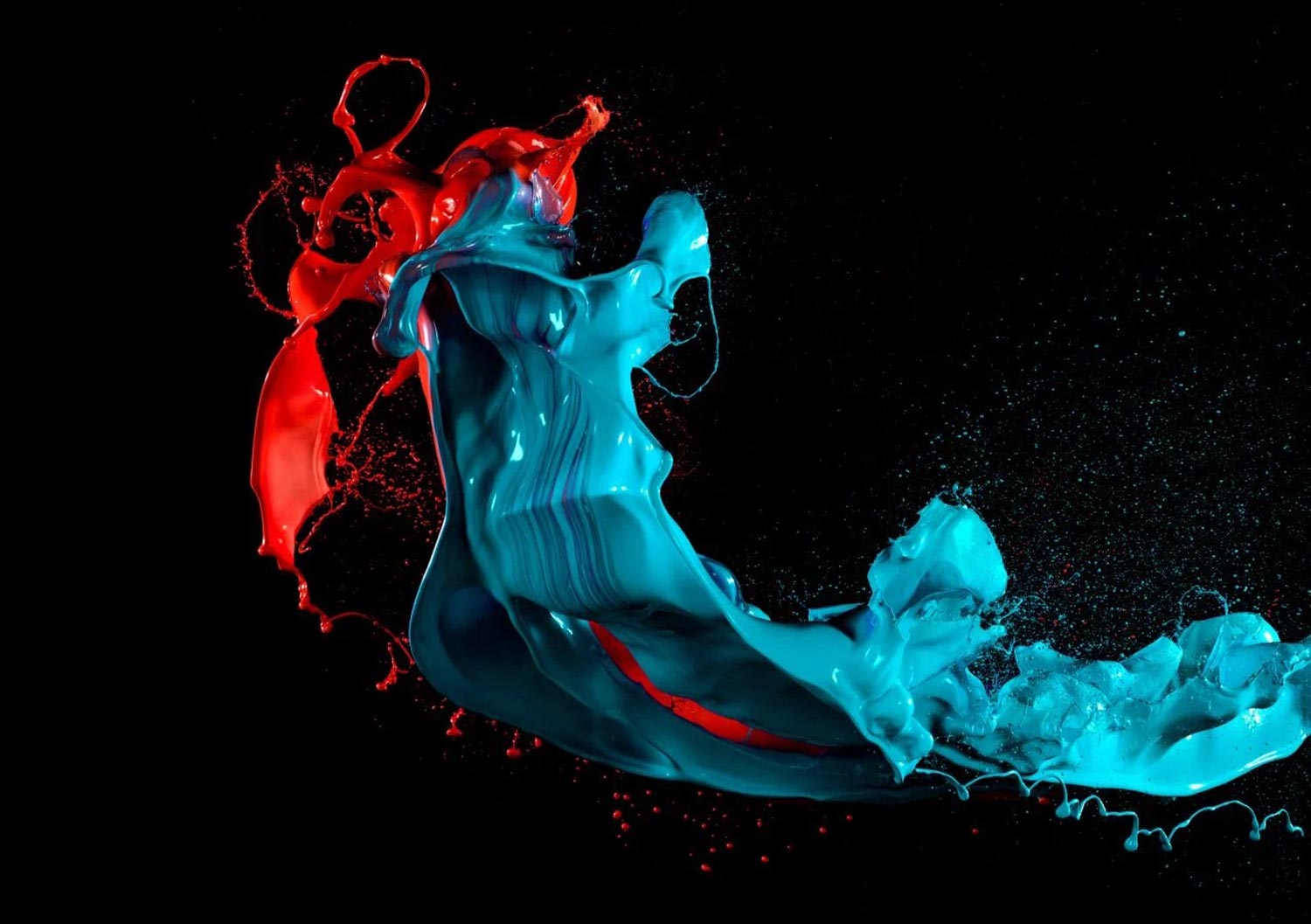
Sample photos from the program’s video lessons that you will learn
Course Curriculum
Course includes 4 module and 14 video lessons
INTRODUCTION
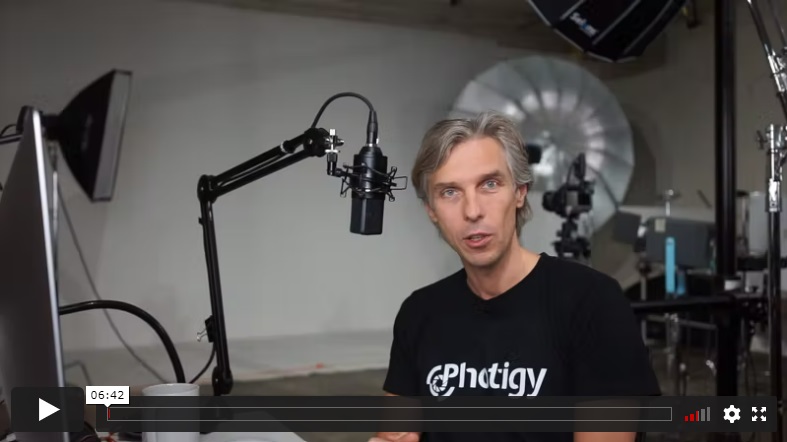
In this introduction to the course, Alex explains the basics of splash photography. He begins with a discussion on the importance of flash duration and how to capture splashes by freezing motion to maintain very high details.
SPLASH PHOTOGRAPHY
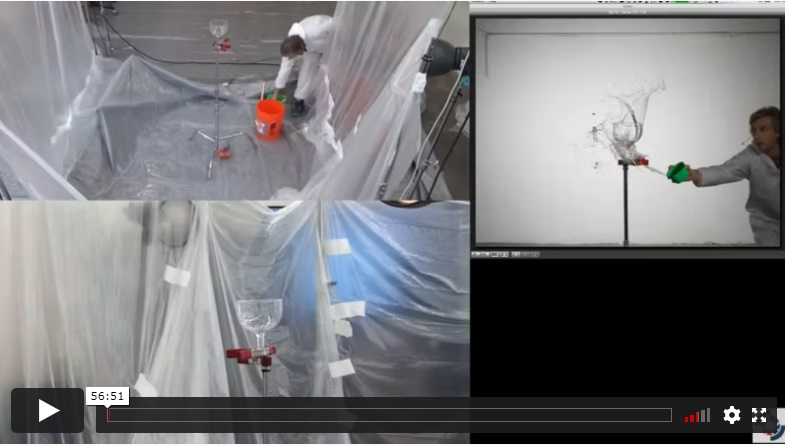
In this lesson, you’ll see how Alex prepares the studio for splash photography. Learn how to protect your gear and studio environment from splashes. You will also learn the lighting setup for capturing transparent splashes on a white background.
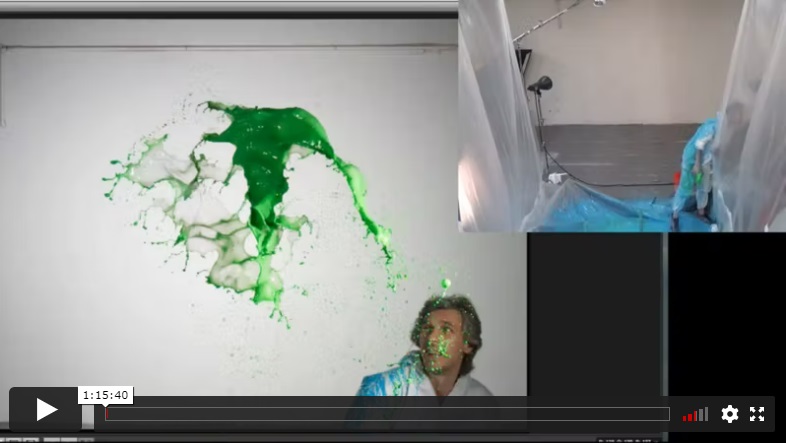
In this lesson, you will learn how Alex creates a large splash that explodes in the air, creating dramatic effects, shot on both white and black backgrounds. Alex discusses what kind of liquid and coloring is best in each case.
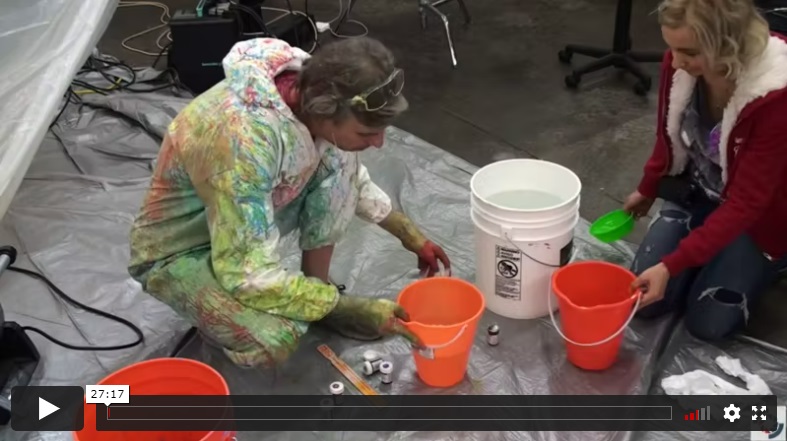
In this lesson, Alex will show you how to change the thickness of the liquid used for the splashes and why that needs to be done in order to create interesting shapes.
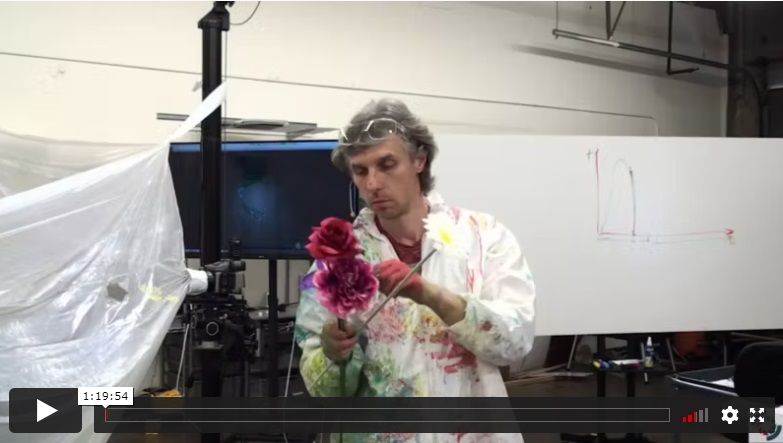
For this lesson, Alex demonstrates how to use flowers and splashes together to create an interesting composition right in camera.
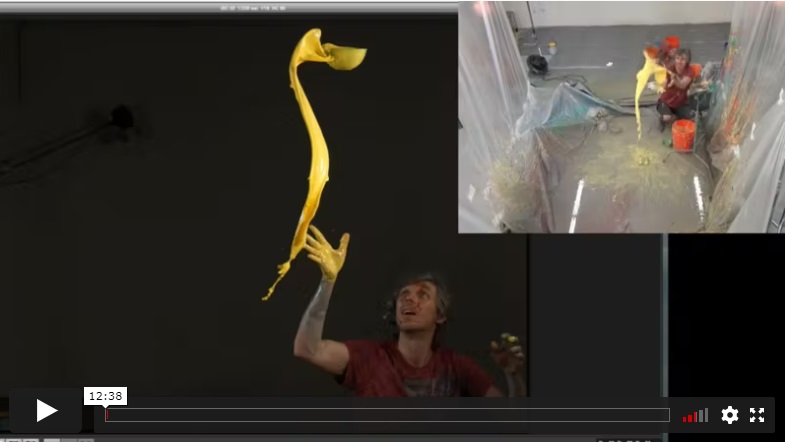
In this lesson, Alex demonstrates more techniques for how to create dramatic splashes, with different props and ways to throw liquid.
BONUS
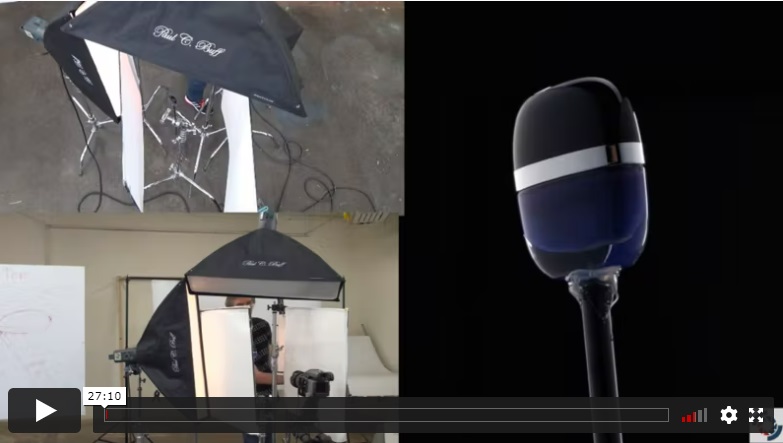
In this bonus lesson, Alex demonstrates how to use knowledge of creating splashes in the actual commercial shot of a cosmetic product. This time Alex uses a different lighting setup and a smaller set in the studio to achieve amazing results.
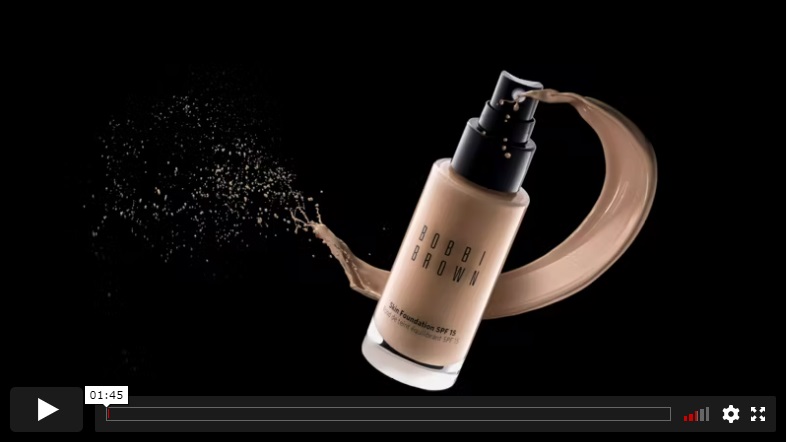
In this lesson, Alex explains how a cosmetic product was photographed first before being composited with the splash in post-production.
POST-PRODUCTION
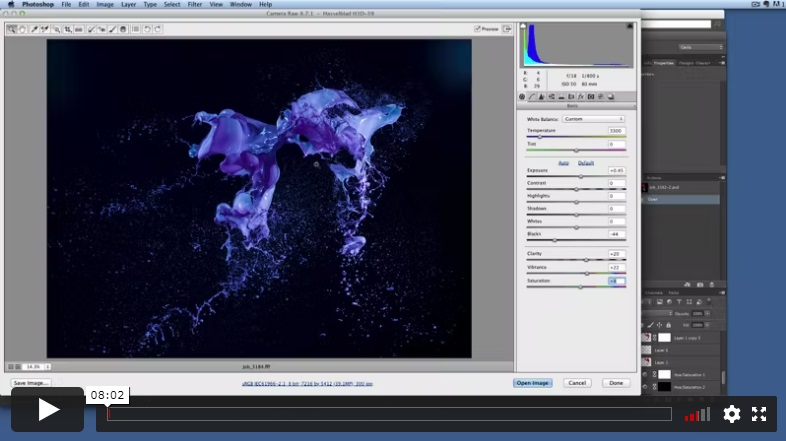
In this first post-production lesson, you will learn the basics of raw file processing of the splashes, color adjustments, sharpening, and contrast and brightness adjustments.
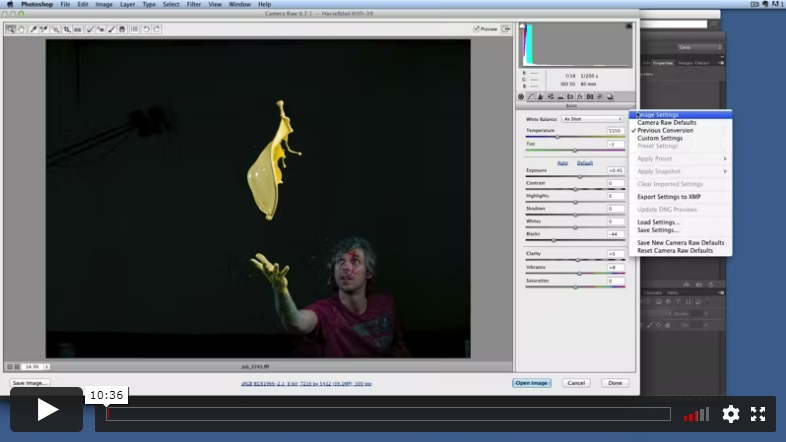
This lesson covers how to make selections for a splash image and composing a splash image that will be used in product photography advertising-style images later.
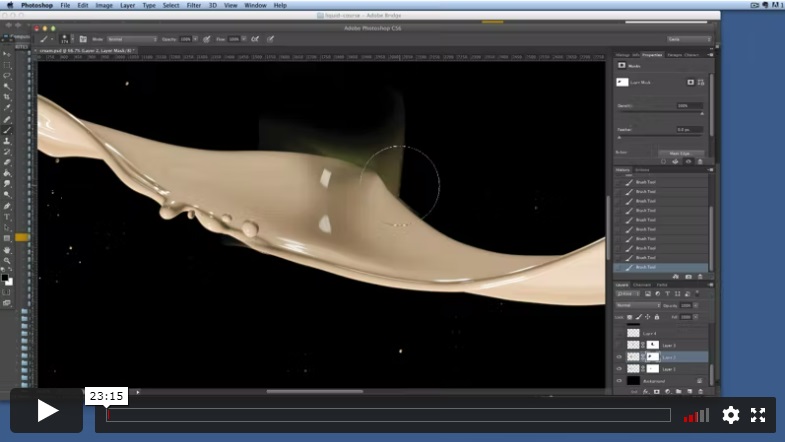
In this lesson, you will learn how to manipulate and combine different splashes in Adobe Photoshop to create a dramatic image.
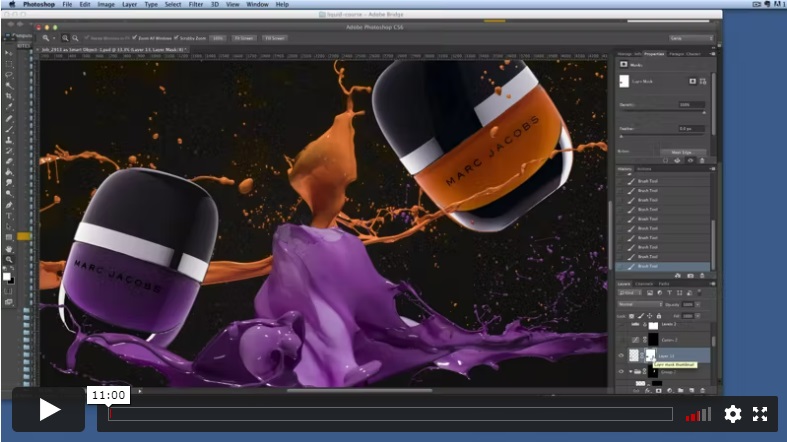
In Part 1 of this lesson, you will learn how to compose product shots with splashes to make a seamless blend of both into one advertising-style image.
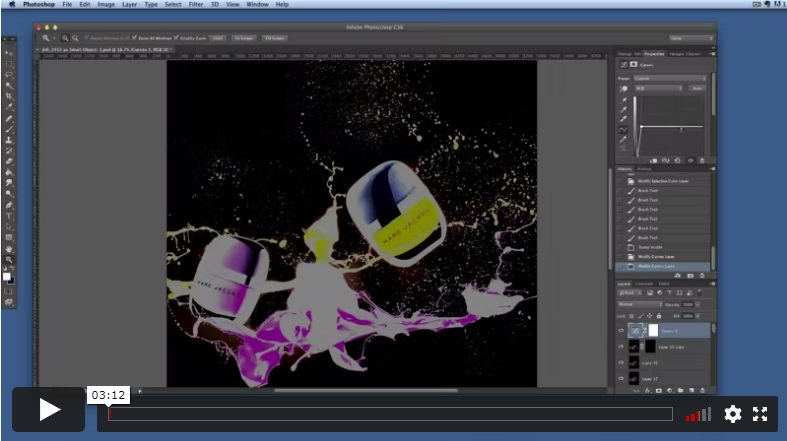
Part 2 of this lesson covers finalizing the composite image of nail polish products and splashes, final checks for the dust and leftovers, color corrections and sharpening.
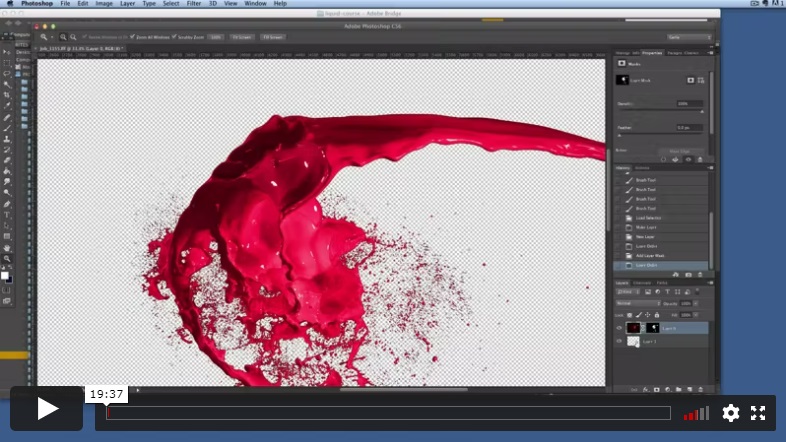
This lesson shows you how to use the Photoshop Warp tool and Liquify to bend and shape splashes into an interesting composition.
INCLUDES
Shooting & Post-Production
⭐⭐⭐ PROFESSIONAL SERIES
Advanced Splash Photography
Best for long-term access, more DIY approach
Lifetime access
Weekly Q&A
24/7 Email Support
VIP Membership
Best for ongoing learning
Unlimited access to all courses
Priority support
Yes, you can ask an instructor, as well as get a feedback on your work. We have a support forum for this course where you can ask questions, get answers, and feedback from your instructor.
You will have 24/7 access to course videos, forums, and reviews on the Photigy.com website. It is optimized for mobile as well, and we stream from the worldwide cloud to ensure a worry-free learning experience.
You’ll have lifelong access to the course. There is no limitation on this.
All course students have access to a private forum dedicated to support. This is the place where Photigy instructors answer students’ questions, and students can share their own experiences and solutions.
Photigy School Of Photography 2020





Most frequent questions and answers
Is there a way to ask an instructor a question/to show work and get a feedback?
How do I access the course materials?
You will have 24/7 access to course videos, forums, and reviews on the Photigy.com website. It is optimized for mobile as well, and we stream from the worldwide cloud to ensure a worry-free learning experience.
How long will I have access to this course?
You’ll have lifelong access to the course. There is no limitation on this.
How I can ask questions of the instructor?
All course students have access to a private forum dedicated to support. This is the place where Photigy instructors answer students’ questions, and students can share their own experiences and solutions.
Own this course for $125, or unlock it plus every Photigy course and workshop with a VIP membership.
Try the course. If it is not helping you make better images, email us within 30 days for a full refund.