Basic Photography for CGI Artists & 3D for Photographers
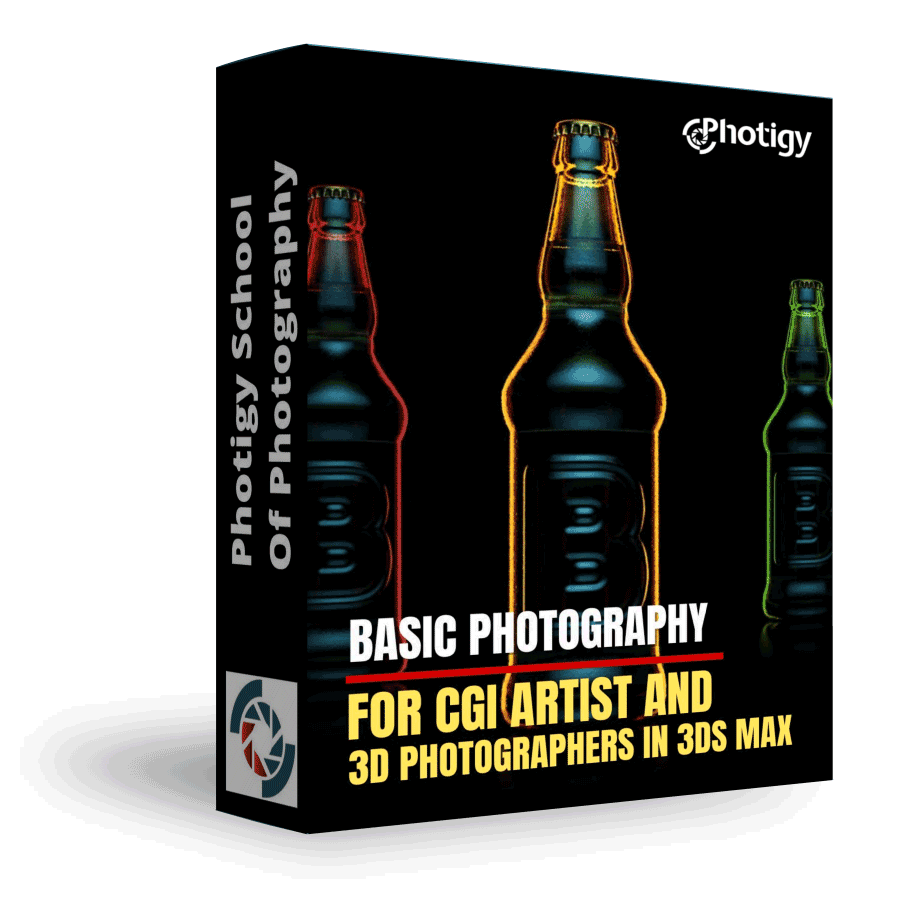
Basic Photography for CGI Artists and 3D for Photographers in 3Ds Max
Basic Photography for CGI Artists and 3D for Photographers in 3Ds Max
ONLINE COURSE
About the Course
This course has two goals for two types of professionals: photographers and CGI artists. In a very understandable manner I’ll teach photographers to use some of the essential technics in 3D.
On the other hand CGI artists will find useful and interesting those parts where I share my lighting set up methods and do it from photographer’s point of view.
This course is for you, if you …
Have no experience in 3D rendering or d3s Max, you will learn everything following instructor’s video step by step.
Have experience in 3D /CGI but have no experience in studio lighting and photography.
Ilya explains how to setup the lighting to mimic a real studio environment.
COURSE CURRICULUM
Course includes 4 hours of instruction in 18 video lessons
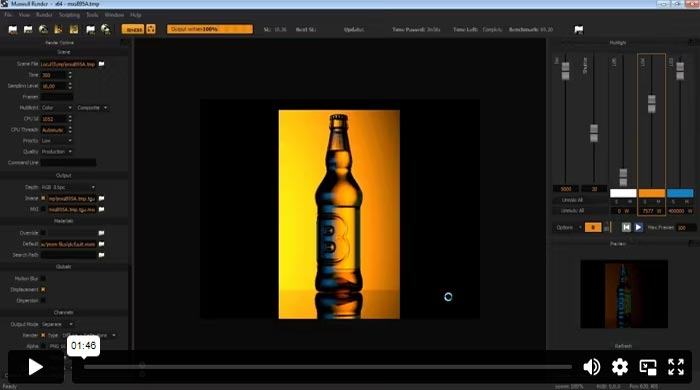
Introduction
This is an introduction to the course where you can learn composition, lighting, and digital manipulation techniques as a beginner.
Basics of 3D Max
I go through all tools and parameters that I used throughout the course. It’s purpose is to make it possible to take the course for those who have no experience in d3s Max whatsoever.
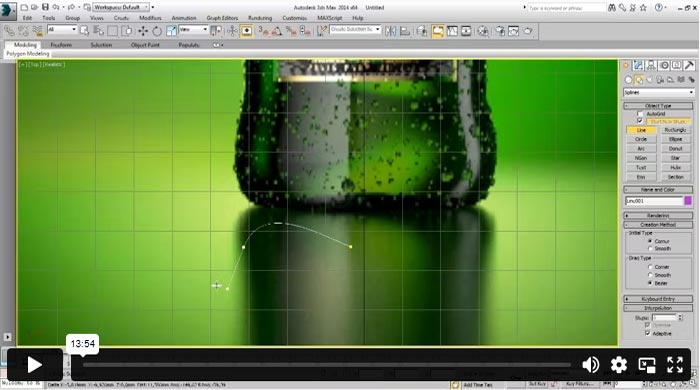
Building 3D Model – Part 1
An Introduction to Splines. I start with creating splines for a future bottle and a liquid inside the bottle.
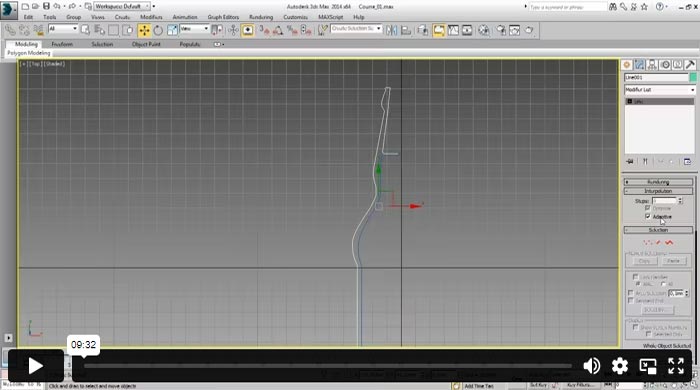
Building 3D Model – Part 2
I start with finalizing the splines and build and actual model of the bottle by using Lath modifier. After it I prepare a part of the model for an emboss on glass. The emboss will be done with Displacement.
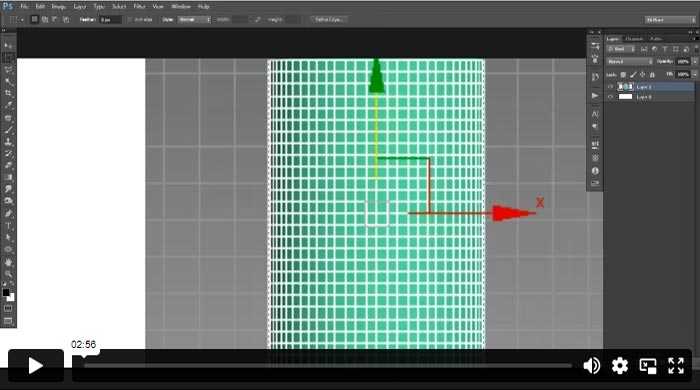
Building 3D Model – Part 3
I prepare a texture that will be used as a displacement map.
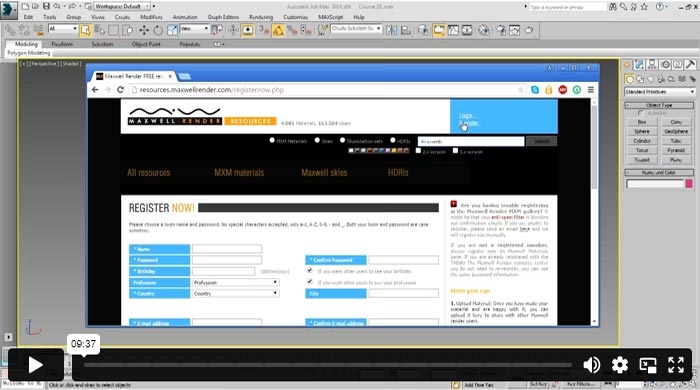
Maxwell Render Materials
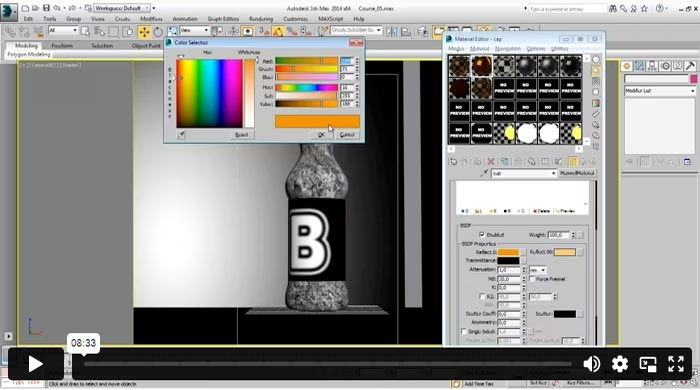
Maxwell Render materials. Starting point for everyone who is digging in this theme is resources.maxwellrender.com . There is a huge library of materials that is accessible right from the program. In the second part of this video I set the displacement map by using UVW Map modifier.
Camera – Part 1
Theory with examples from the real life. I show how different focal length and distance to product change perspective and mood in the image.
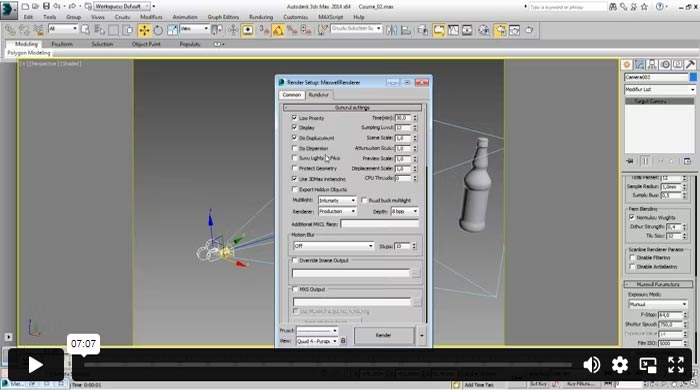
Camera – Part 2
I talk about depth of field and aperture and show how to achieve desirable result by changing camera parameters and setting Camera Target.
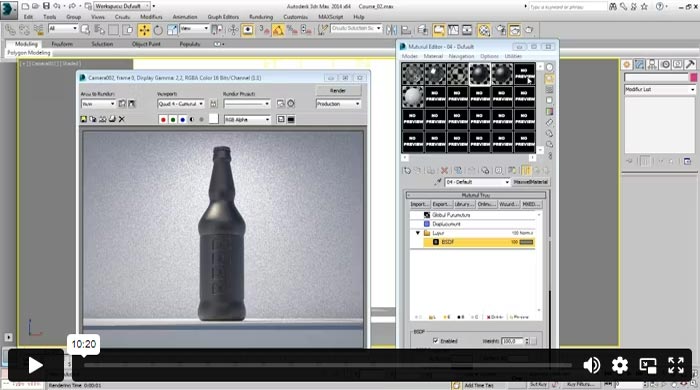
Lights and Displacement
I set a simple light scheme and start working on displacement.
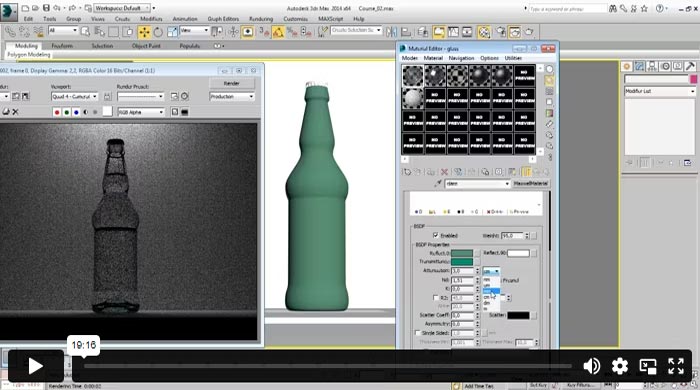
Lights and Materials – Part 1
The last tweaks with displacement map. Then I change a glass material in order to get green glass and show why standard Maxwell lights is not the best choice for rendering transparent products. After it I show how to use the real life experience and simulate a photo studio light in CGI.
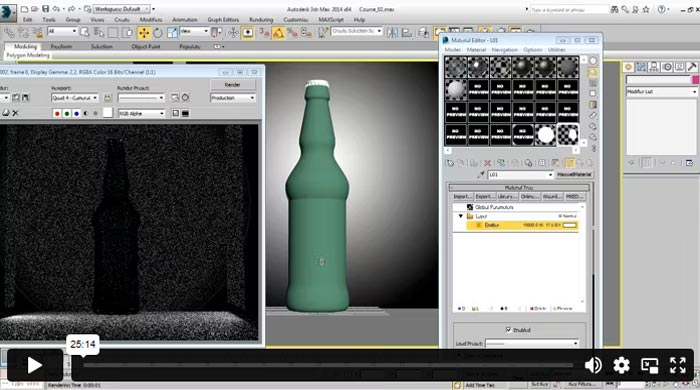
Lights and Materials – Part 2
Extension of the previous video. Simulation of a real photo studio in 3D. Faded reflexes and proper position of lights.
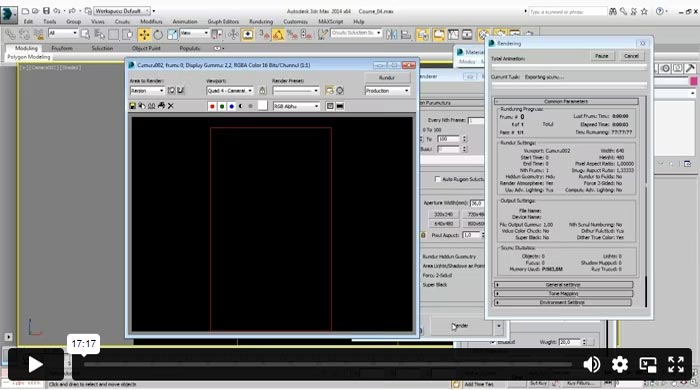
Scene – Part 1
The first scene with the first light scheme, created by using technics from previous videos. Multilight option in Maxwell Render. Export a scene to MXS file.
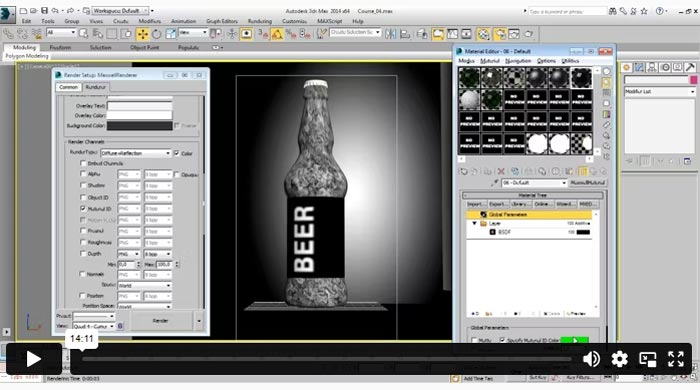
Rendering
Prepare scene for render. Render from MXS file. Advantages of MXI files over regular formats such as tiff, jpg or png.
Scene – Part 2
The second scene with new light scheme.
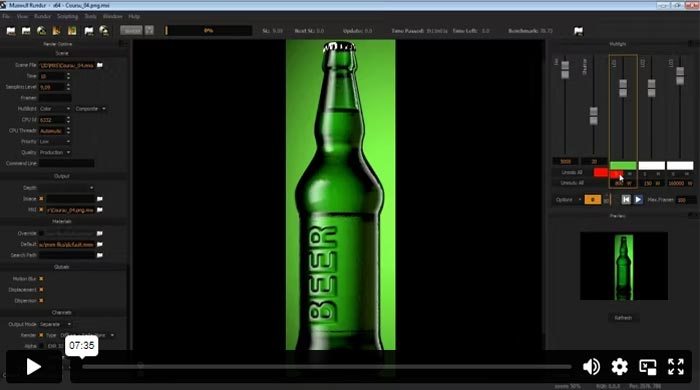
Scene – Part 3
The third scene with the last light scheme. One more photography trick replicated in 3D in order to get a light contour of the product while it stands against black background.
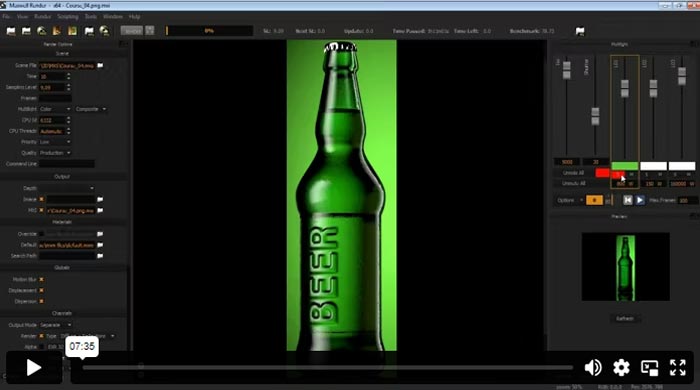
Saving Image
Proper way of saving rendered image for future retouching. Using Material ID for easy clipping.
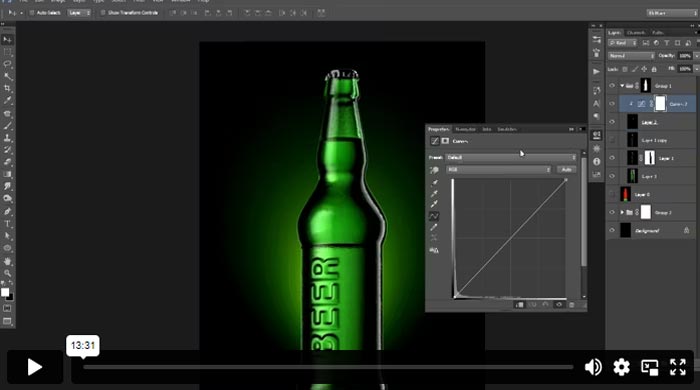
Image – Part 1
Retouching of the first render. Mostly by composing with layer masks and eraser tool.
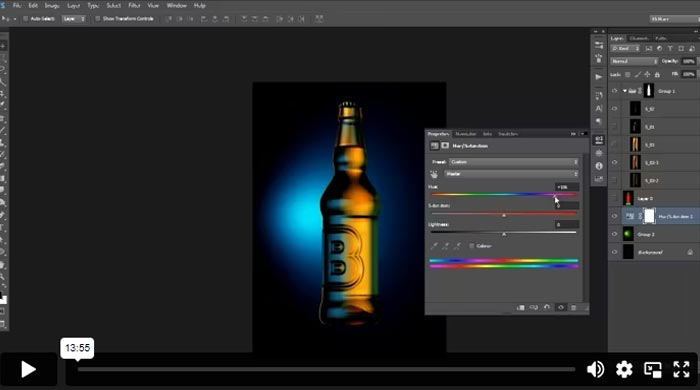
Image – Part 2
Retouching of the second render. An example of how a simple combining of different images might bring an impressive result.
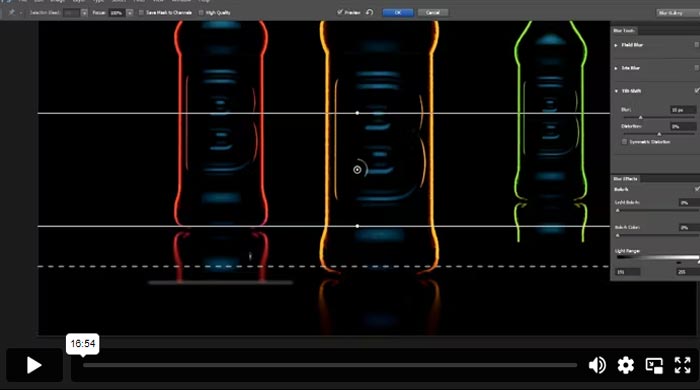
Image – Part 3
I make a composition of three bottles by copying rendered image and changing color of the contour. Explore some options with different colors and depth of field.
IMAGES YOU'LL BE ABLE TO MAKE YOURSELF
Sample photos from the program’s video lessons that you will learn.
ABOUT THE COURSE’S
Instructor
Instructor of Photigy
Ilya Plotnikov
Ilya has grown from an in-house photographer to the founder of one of the top Russian photography, CGI, and creative retouching studios – Doberman Studio.
Along with his team, he managed to build a studio that helps to keep the Russian advertising industry at the highest possible level.
Ilya has been chosen by Luerzer’s Archive as one of the best ad photographers in the world for two years in a row.
He works for major worldwide ad agencies such as McCann, BBDO, DDB, etc., and such famous companies as Coca-Cola, Pepsi, Bud, Nestle, Unilever, and many others. His works are featured in l’Officiel, InStyle, and Forbes.
See Ilyas' Portfolio
TYPE
Online Video Course
⭐⭐⭐ STARTER SERIES
Individual course purchase v.s VIP Membership:
Best for long-term access, more DIY approach
Lifetime access
Weekly Q&A
24/7 Email Support
VIP Membership
Best for ongoing learning
Unlimited access to all courses
Priority support
Photigy School Of Photography 2020
Photos You’ll Learn to Make
Get This Course
Basic Photography for CGI Artists & 3D for Photographers
One-time payment · lifetime access
- Every lesson in this course
- Watch on any device, forever
- Instructor feedback in the member forum
VIP Membership
This course + every other Photigy course
- All cgi / 3d and every other course
- 184+ Pro Club workshops
- Weekly live Q&A and photo reviews