Beverage Photography in Examples
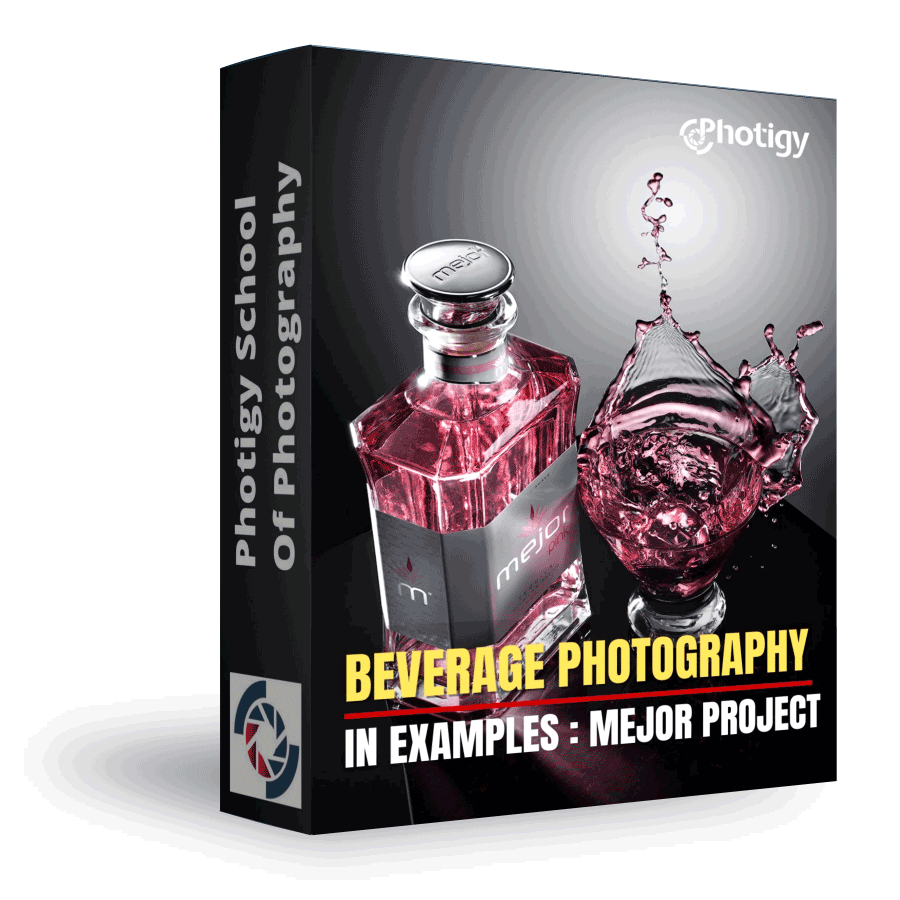
The Beverage Photography In Examples Course is an in-depth look at producing a professional image for a client. There are three parts in the series; each part, while covering the s
Beverage Photography in Examples: Mejor Project
ONLINE COURSE
About the Course
The Beverage Photography In Examples Course is an in-depth look at producing a professional image for a client. There are three parts in the series; each part, while covering the same steps, will cover different techniques and varying levels of complexity to achieve the goal of a professional product image.
The approach to this series will be based on the assumption that a client has approached us with their product, and would like it photographed in a few different ways for various uses (packaging, web ad, printed ad, etc.).
COURSE CURRICULUM
Course includes 7+ hours of instruction in 24 video lessons
MEJOR PART 1
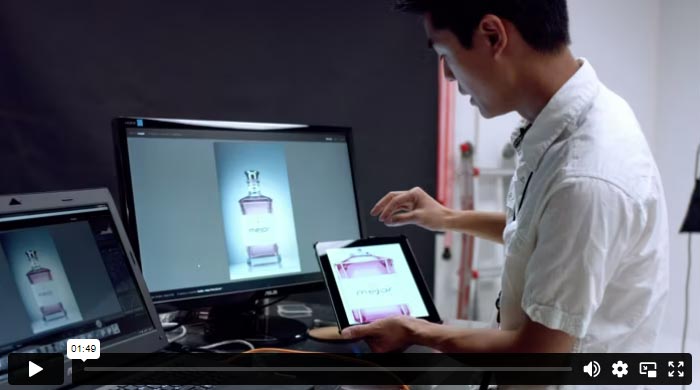
Introduction
This course will focus on the process of creating professional studio product photography for clients. The course will cover three essential steps: pre-visualization, lighting the product in the studio, and post-processing and retouching the final image.
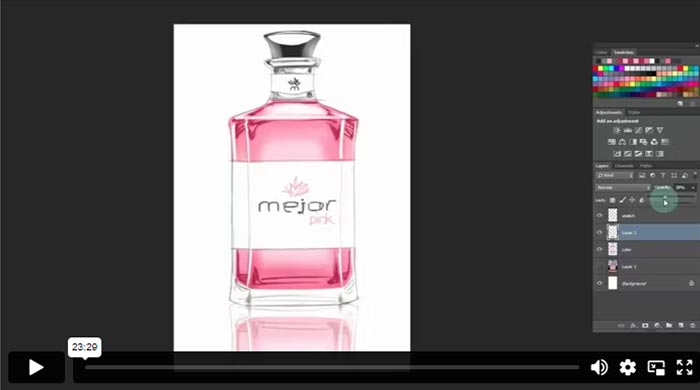
Concept and Previsualization
You will learn how to produce a previsualization sketch from a photograph for the client to approve. This sketch will include key aspects of the shoot (specific highlights, reflections or shadows), and will be used to give our client an idea of what the final image is going to look like.
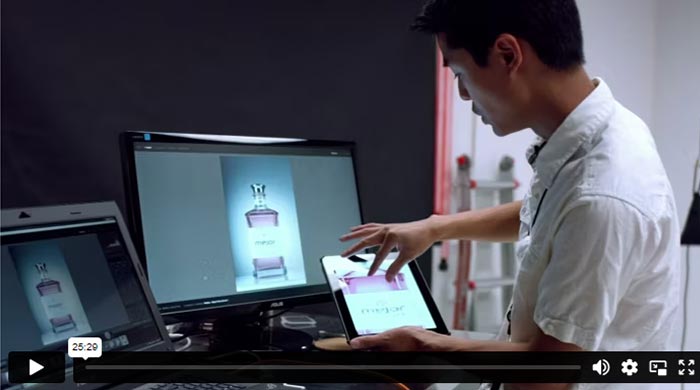
In The Studio: Shooting
We are going in-studio to build our lighting from scratch and photograph our product using the sketch that was approved as a roadmap.
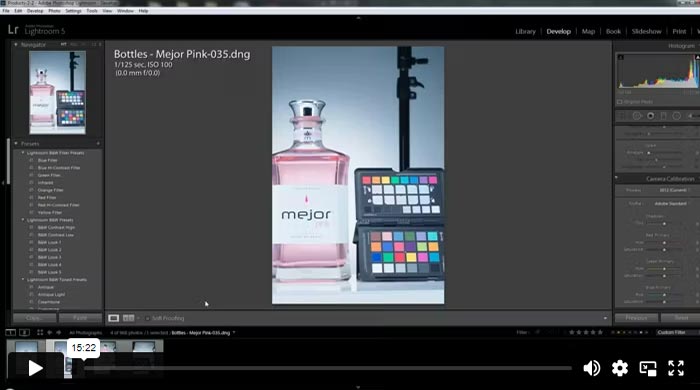
Post-Processing, Part 1
Here, we take the image that was captured in-studio to Photoshop. You will learn the process of retouching and some key techniques for finalizing your image and preparing it for delivery to our client.
Introduction to Post Processing
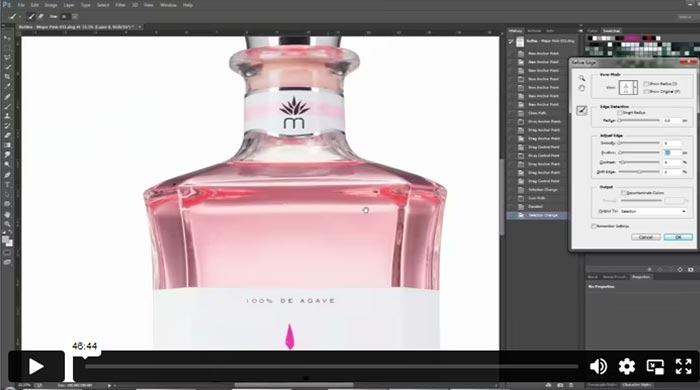
Post-Processing, Part 2
Shot overview & Color calibration
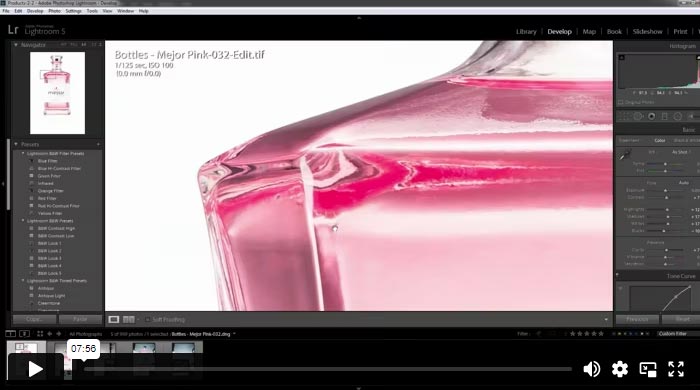
Post-Processing, Part 3
Color calibrate using color checker
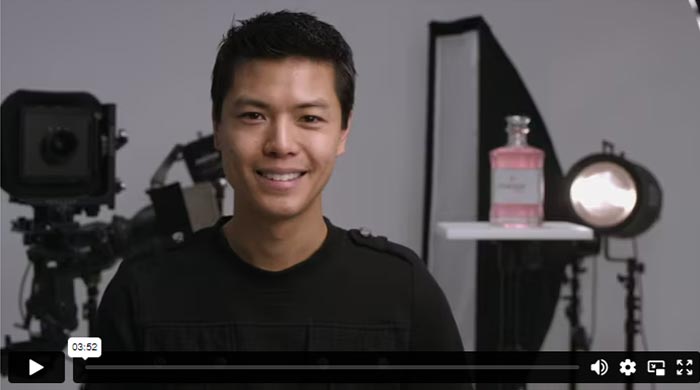
Conclusion
In conclusion, Tim explained the process of creating a professional studio product photograph, emphasizing the importance of clear communication and client involvement at every step. The success of the project relied on collaboration and approval from the client, ensuring a satisfying end result. Tim expressed gratitude to those involved in producing the course and encouraged viewers to go out and pursue their photography goals confidently.
MEJOR PART 2
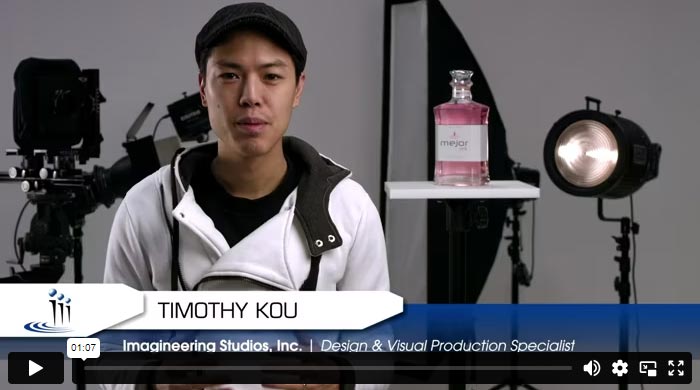
This course will further explore the process of creating commercial photographs, using wide-angle and tilt-shift lenses, along with special techniques in previsualization to achieve more dramatic and captivating effects.
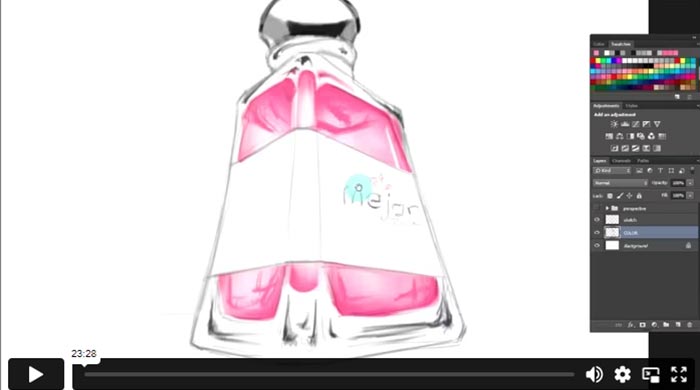
Concept & Previsualization
We are going to imagine that we don’t yet have the product on hand, and we aren’t able to find an image of the product in the angle that we want. We will need to approach the previsualization stage using freehand. You will learn how to use advanced perspective techniques to create a wide angle image.
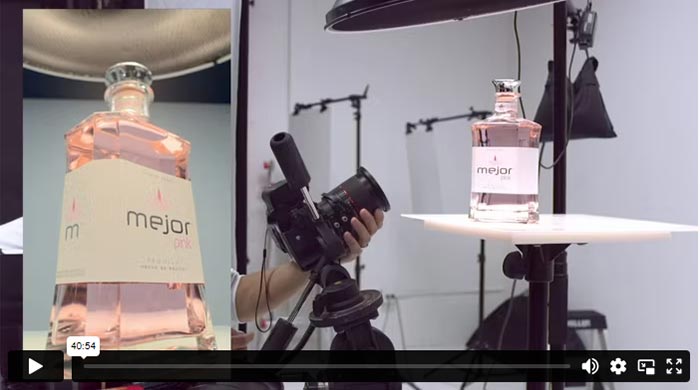
In-Studio Photograhy
You will learn how to photograph our “epic” or “larger than life” image using a 24mm tilt/shift lens. You will learn how to utilize the tilt/shift lens to make the product look large and to keep the entire product in focus.
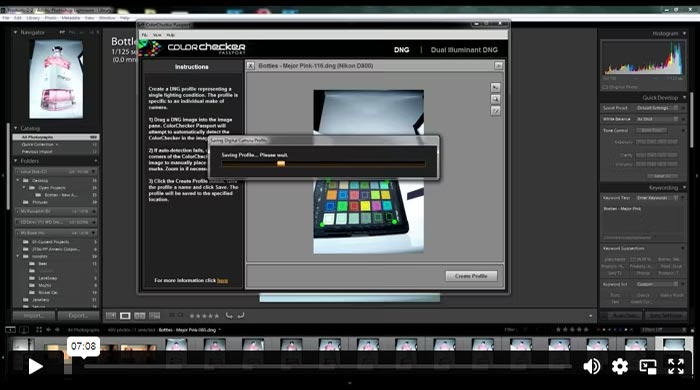
Post-Production (Introduction)
Building on the techniques learned in Course 1, we are going to retouch this image in a similar fashion. You will also learn some techniques for reconstructing reflective surfaces using existing reflections as reference points.
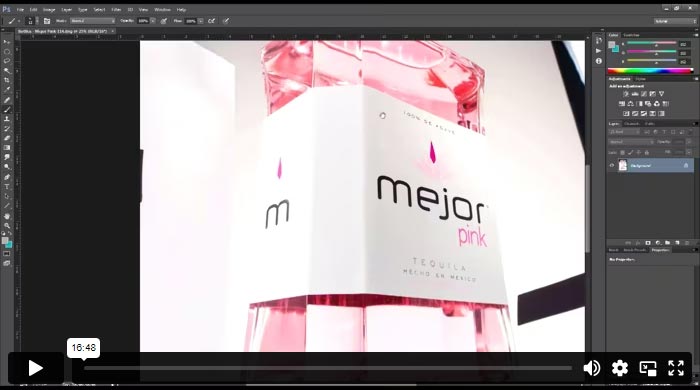
Post-Production (Part 2, Photoshop)
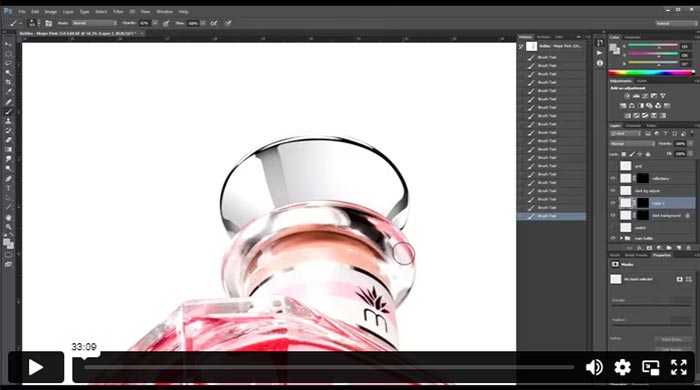
Post-Production (Part 3, Photoshop)
Post processing the image using a combination of brush techniques
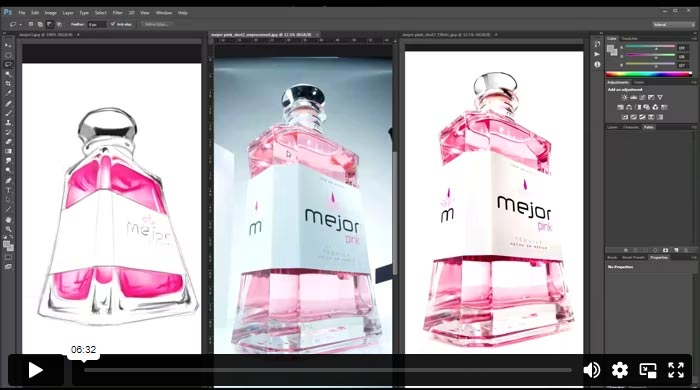
Post-Production (Final)
Reconstructing reflective surfaces from scratch
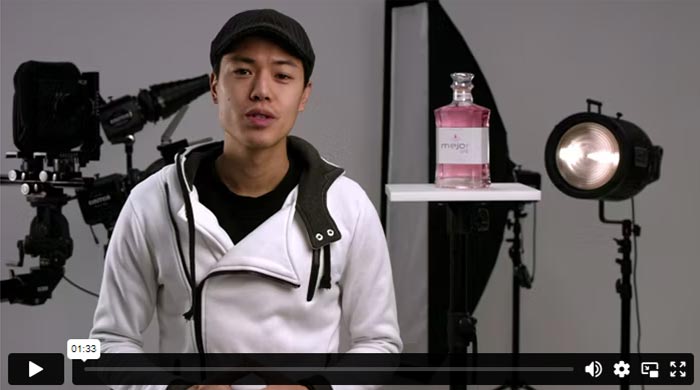
Tim expressed his enthusiasm and enjoyment in creating this course, especially with the introduction of new techniques. He hopes that viewers have learned a lot from the content presented.
MEJOR PART 3
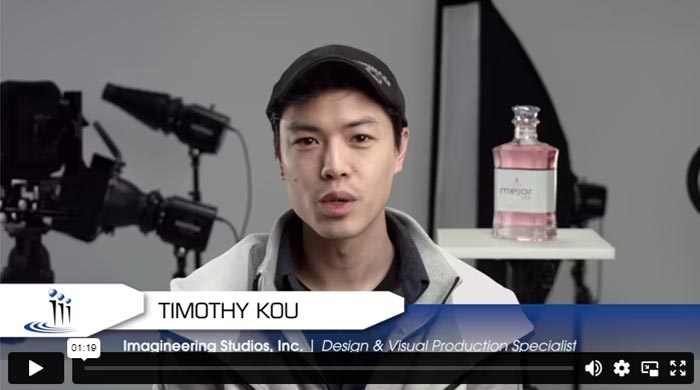
In this video, Tim provides an overview of what you will accomplish in part three of his Mejor Project series. For this course Tim will be working with splash photography. First, you will begin with pre-visualization, then take your concept into the studio, and then finally finish in post-production which is quite extensive because of the work to bring everything together.
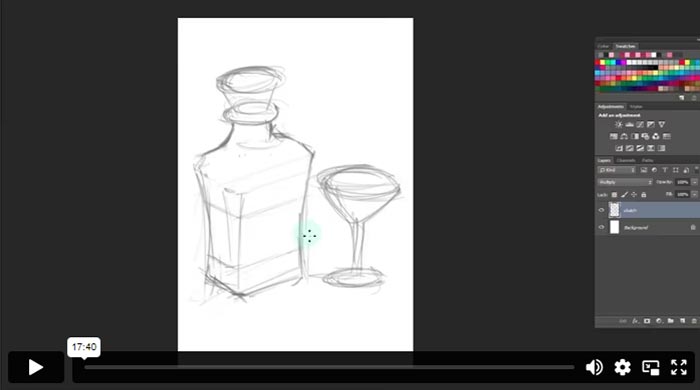
PreVisualization
This lesson begins by free hand drawing what the concept of the shot will be. This is useful when coming up with ideas when working with a customer. Here, Tim uses Photoshop to sketch out the layout as if he was in front of a client. Here you will see how to use Photoshop to layer your sketch to bring out lighting and colors to properly display your idea to the person you are working with.
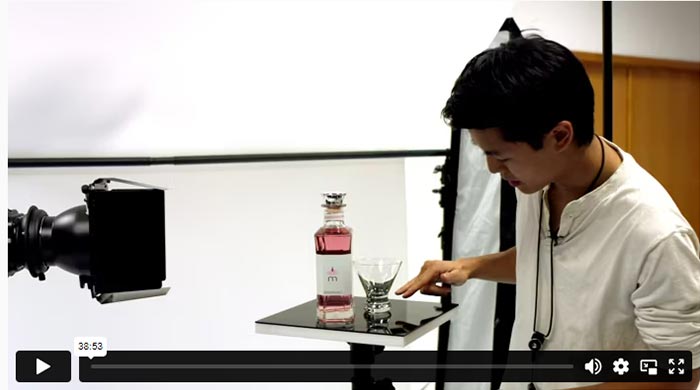
In Studio Work
Once you have approval from the client on what they are looking for, you can now begin to execute your vision in the studio. This one is more complicated than the previous ones in that there will two different lighting setups -one for the bottle and one for the splash. Here you will create multiple exposures in order to combine them into one great shot. You will see, step-by-step how each of the shots is taken. In this video you will see all sorts of tips and tricks to enhance each shot.
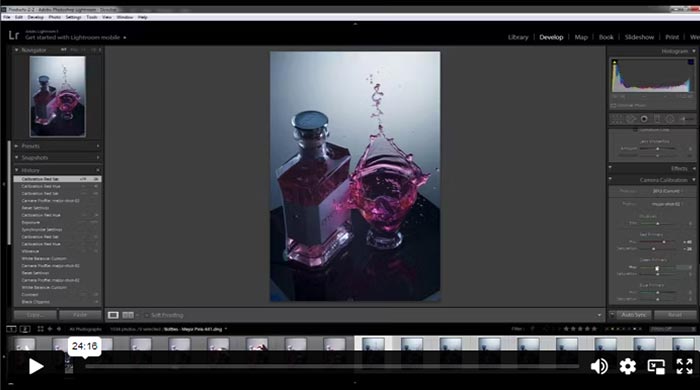
Post-Production, Part 1
This lesson begins the main portion of this training. Working in both Lightroom and Photoshop Tim gathers the the right images to make a great composite. Here Tim selects the images that he will work with. He also works on some color correction between the splash shots and the bottle shots. He then shows how to pull in various highlights from the different images an how to mask them out.
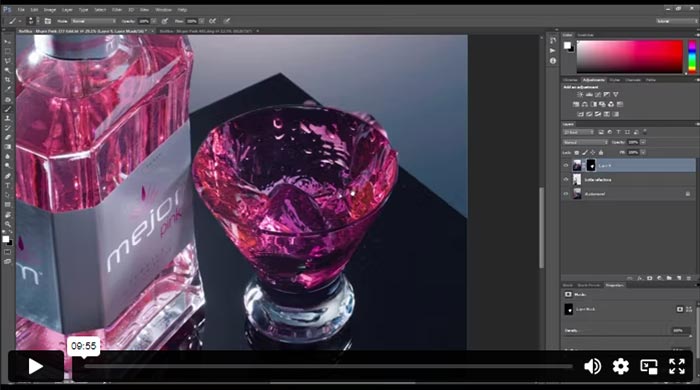
Post-Production, Part 2
After the bottle image is complete, Tim works on the splash images. First he select the main splash shot and then begins adding the other splash shots to create the proper look.
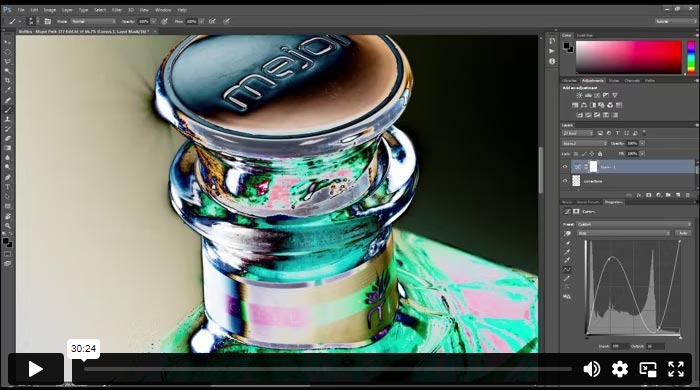
Post-Production, Part 3
With the composite complete, it’s time to clean up the image. There are a lot of dust particles that need to be removed. Tim will also show you how to solarize the image to see where there are imperfections in the image that needs to be cleaned up. He then shows various techniques on how to accomplish these adjustments. He also explains how to filling missing areas like where the table top and the background stops before the end of the frame.
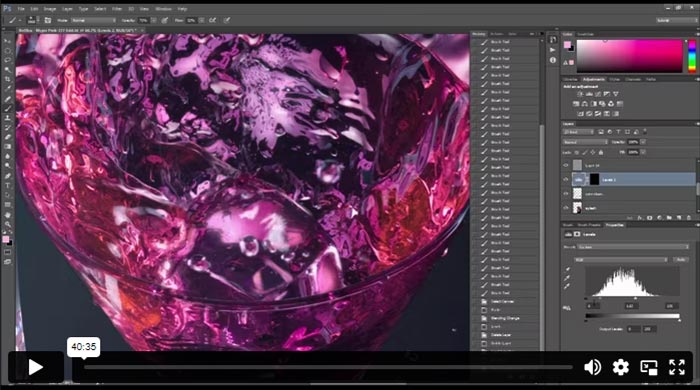
Post-Production, Part 4
Looks at how to accentuate the image by adding highlights and dynamic lighting to the scene. Tim will balance the whites so that all of the white is the same color, and then he will work on the lighting to make the shot more spectacular. Again, using a solarization layer, you will see how to fine-tune your image so that even if it is seen on a monitor that is not calibrated properly, your editing strokes do not show up looking badly.
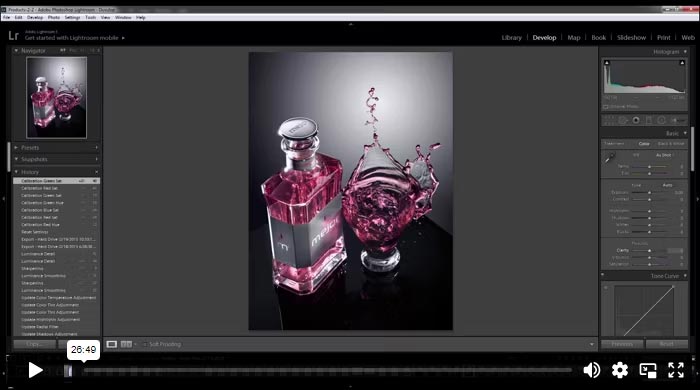
Post-Production, Part 5
Tim now brings the image back into Lightroom to adjust the toning of the liquid to make it more consistent with prior shots in the earlier phases of this project. He does this in Lightroom because it is easy to work with and it is non-destructive so it gives more flexibility. He will show you how to add caustic refractions as well as adding the final touches to the image.
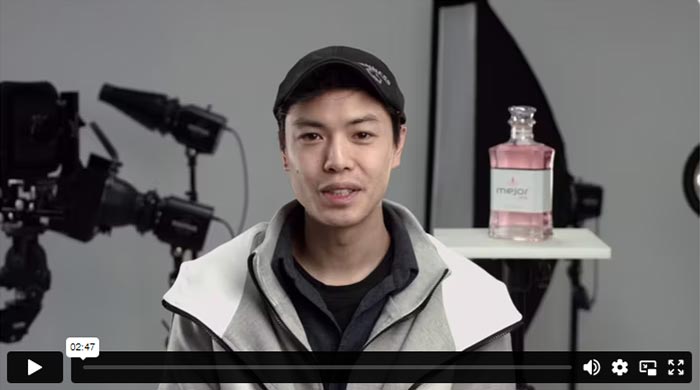
Finishes up by summarizing what has been accomplished in this course.
IMAGES YOU'LL BE ABLE TO MAKE YOURSELF
Sample photos from the program’s video lessons that you will learn.
ABOUT THE COURSE’S
Instructor
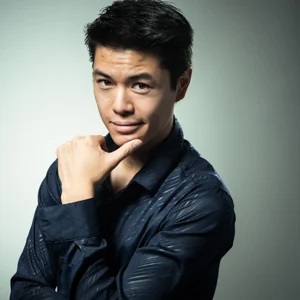
Instructor of Photigy
Timothy Kou
Design & Visual Production Specialist at Imagineering Studios, Inc.
I am a creative with a background in marketing. Imagineering Studios works to bring all marketing production services under one roof from audio/visual production to design for print and web. My title means that I do anything associated with visuals. I serve as Lead Photographer, Graphic Designer, Illustrator, and I’m also involved in video production and web design.
I began shooting professionally as a wedding/event and portrait photographer for musicians and actors. I still enjoy those shoots, but I love the amount of creativity and challenge that I get in the studio environment. I am very specific about the planning and vision of my shoots. I try to bring a creative/dramatic aspect to every shot I take. Like my mentors, I am an outside-the-box thinker when it comes to the technical approach to my shoots, and I’ll do whatever it takes to create the image envisioned.
See Timothy Kou’s portfolio
TYPE
Online Video Course
⭐⭐⭐ ADVANCED SERIES
Individual course purchase v.s VIP Membership:
Best for long-term access, more DIY approach
Lifetime access
Weekly Q&A
24/7 Email Support
VIP Membership
Best for ongoing learning
Unlimited access to all courses
Priority support
Photigy School Of Photography 2020
Photos You’ll Learn to Make
Get This Course
Beverage Photography in Examples
One-time payment · lifetime access
- Every lesson in this course
- Watch on any device, forever
- Instructor feedback in the member forum
VIP Membership
This course + every other Photigy course
- All food & beverage and every other course
- 184+ Pro Club workshops
- Weekly live Q&A and photo reviews