Photigy Course
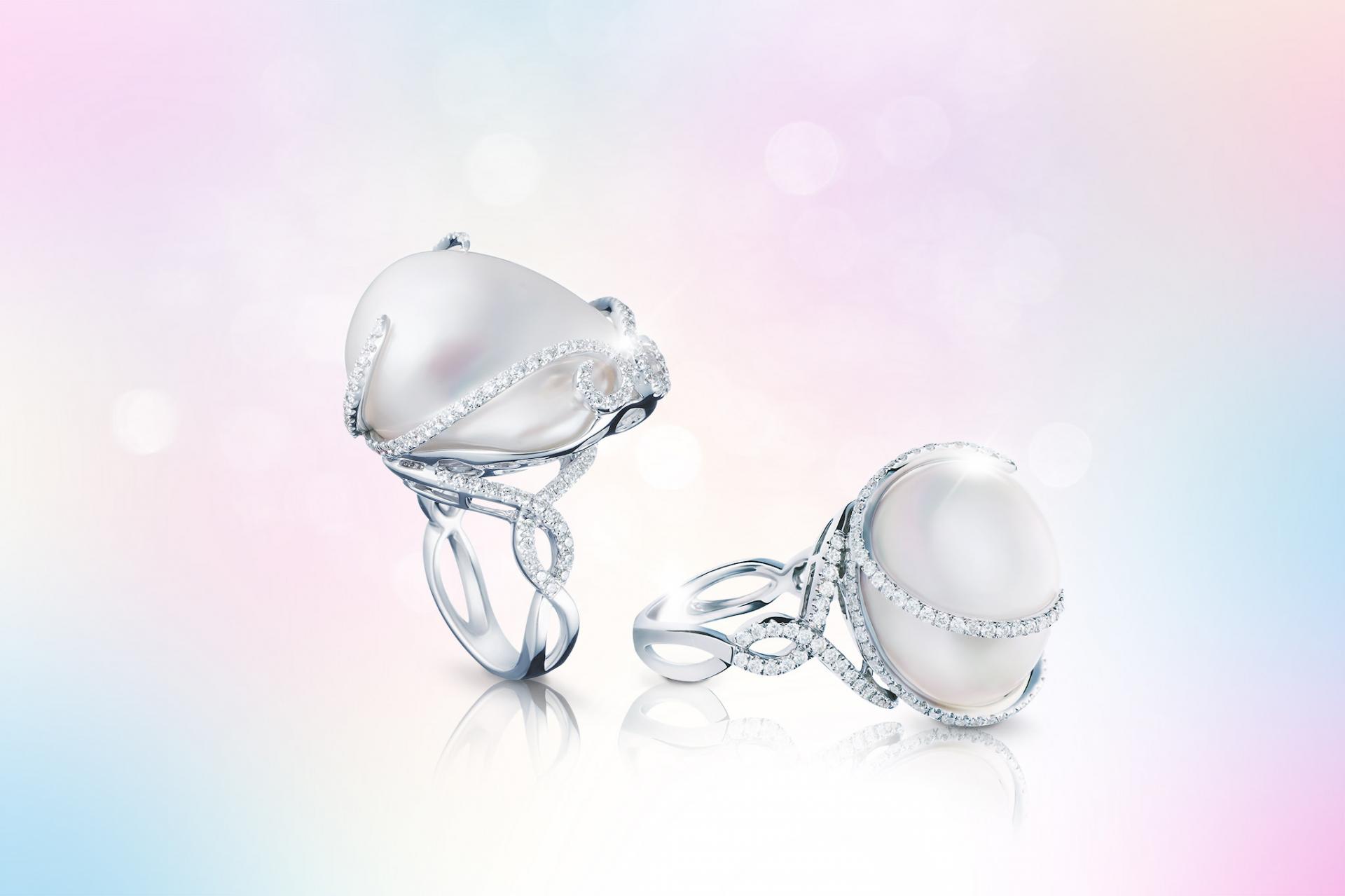
Caribbean Quartz Jewelry Set
Professional, step-by-step online course — watch every lesson at your own pace, forever.
$95one-time · lifetime access
Professional, step-by-step online course — watch every lesson at your own pace, forever.
ONLINE COURSE
About the Course
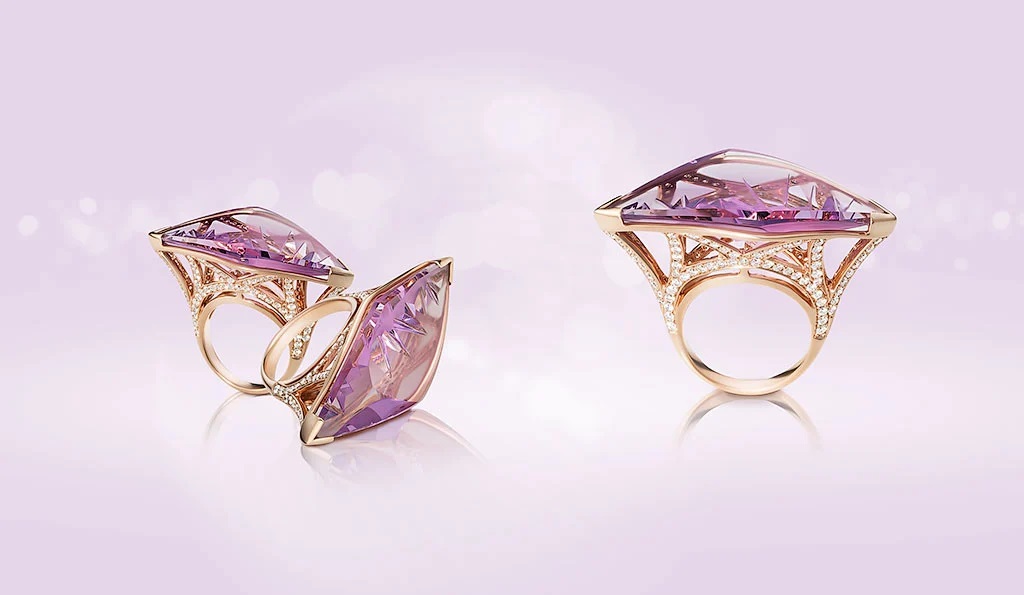
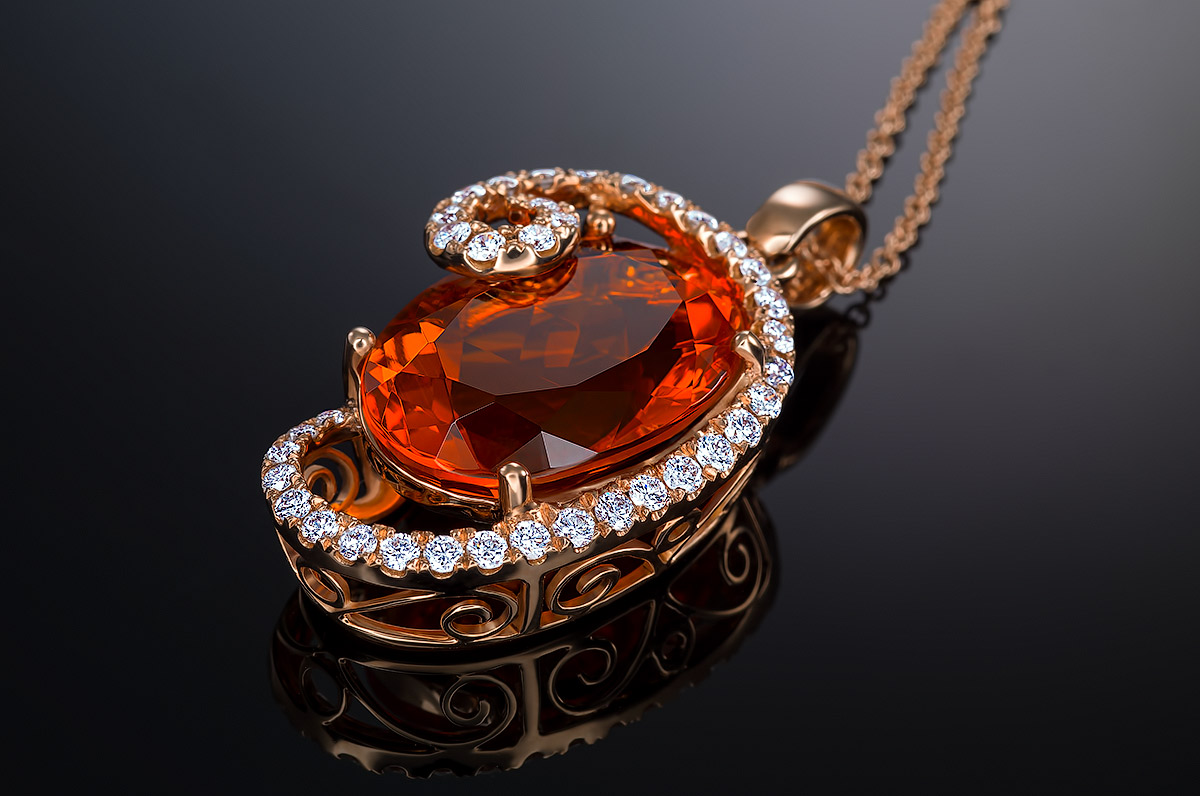
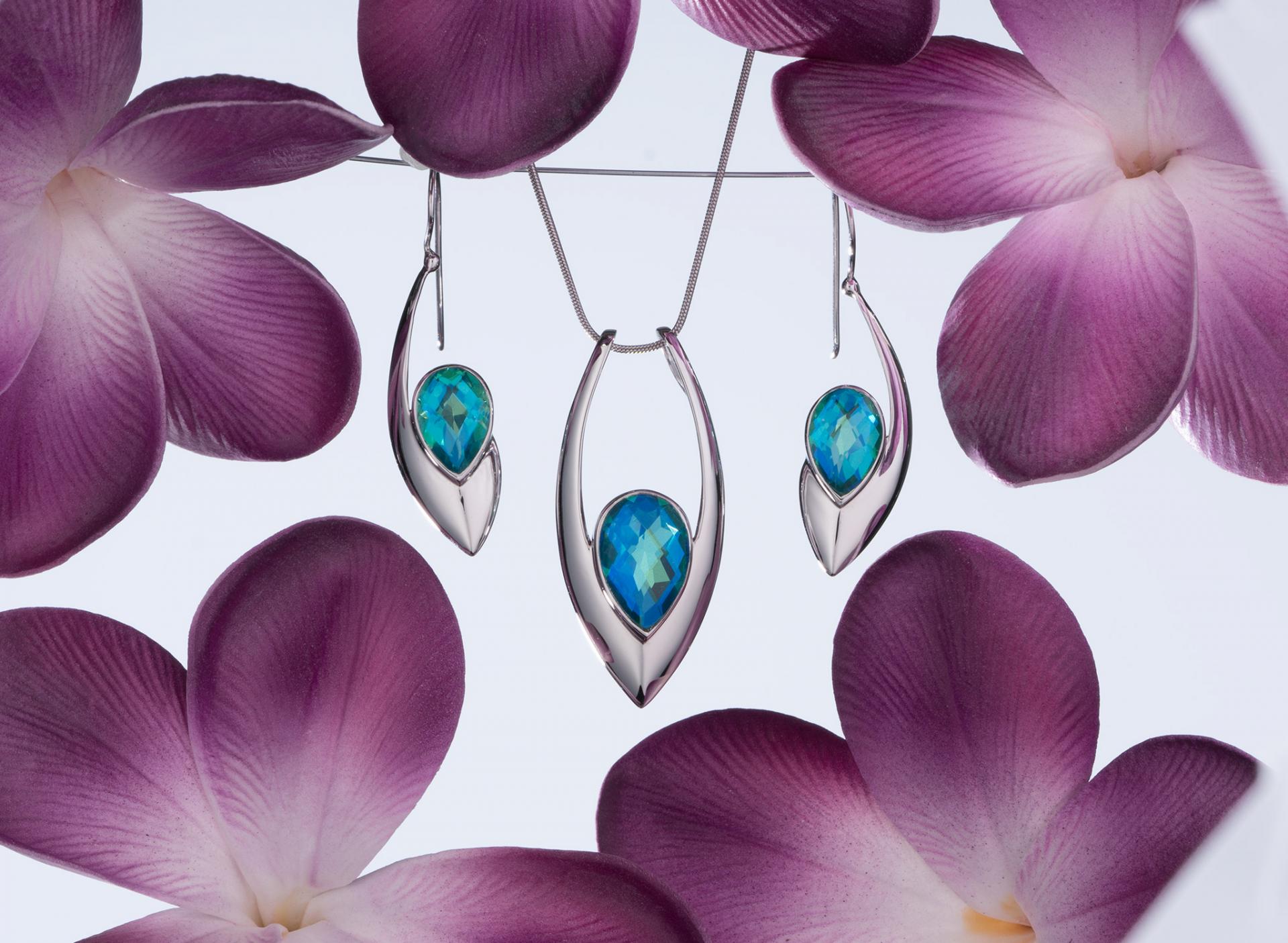
In this course we will explain in depth the approach to creating this Caribbean quartz jewelry set. You will learn how to examine the object’s shape and surface and how to build the lighting based on this.
We are also explaining the preparation and decoration process, and then will guide you step by step through a photoshoot from the begging to the end.
You also will learn the secrets of jewelry post-production in Adobe Photoshop
What you will learn from this course:
Theory of lighting for jewelry photography
How to build the lighting diagram based on the jewelry shape and finish. Thoughts behind the lighting setup
How to setup and prop a jewelry photoshoot
Creating an ultimate light modifier
How to modify the conventional lighting modifier to make it work for a wide variety of jewelry photography subjects
Secrets of retouching jewelry images
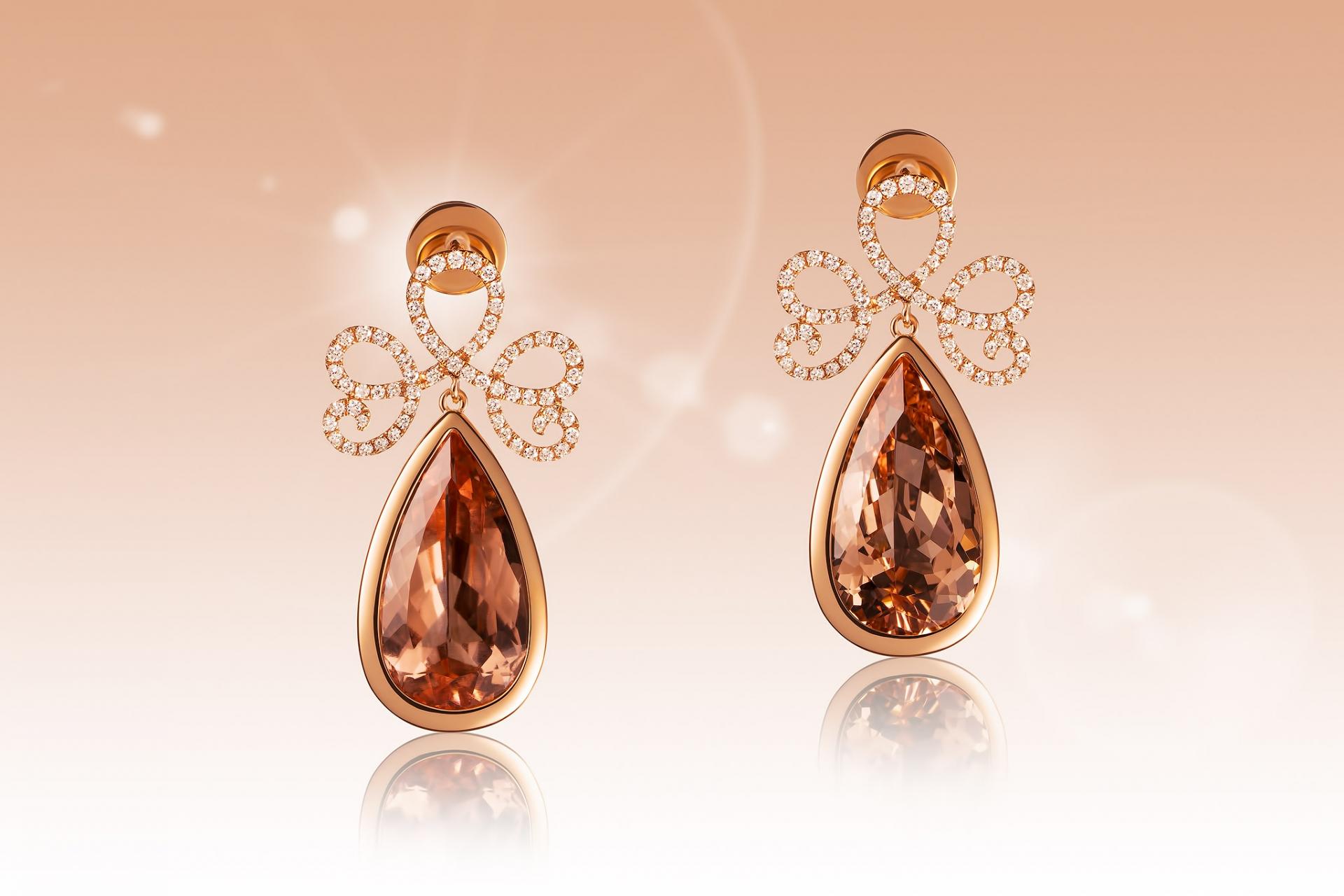
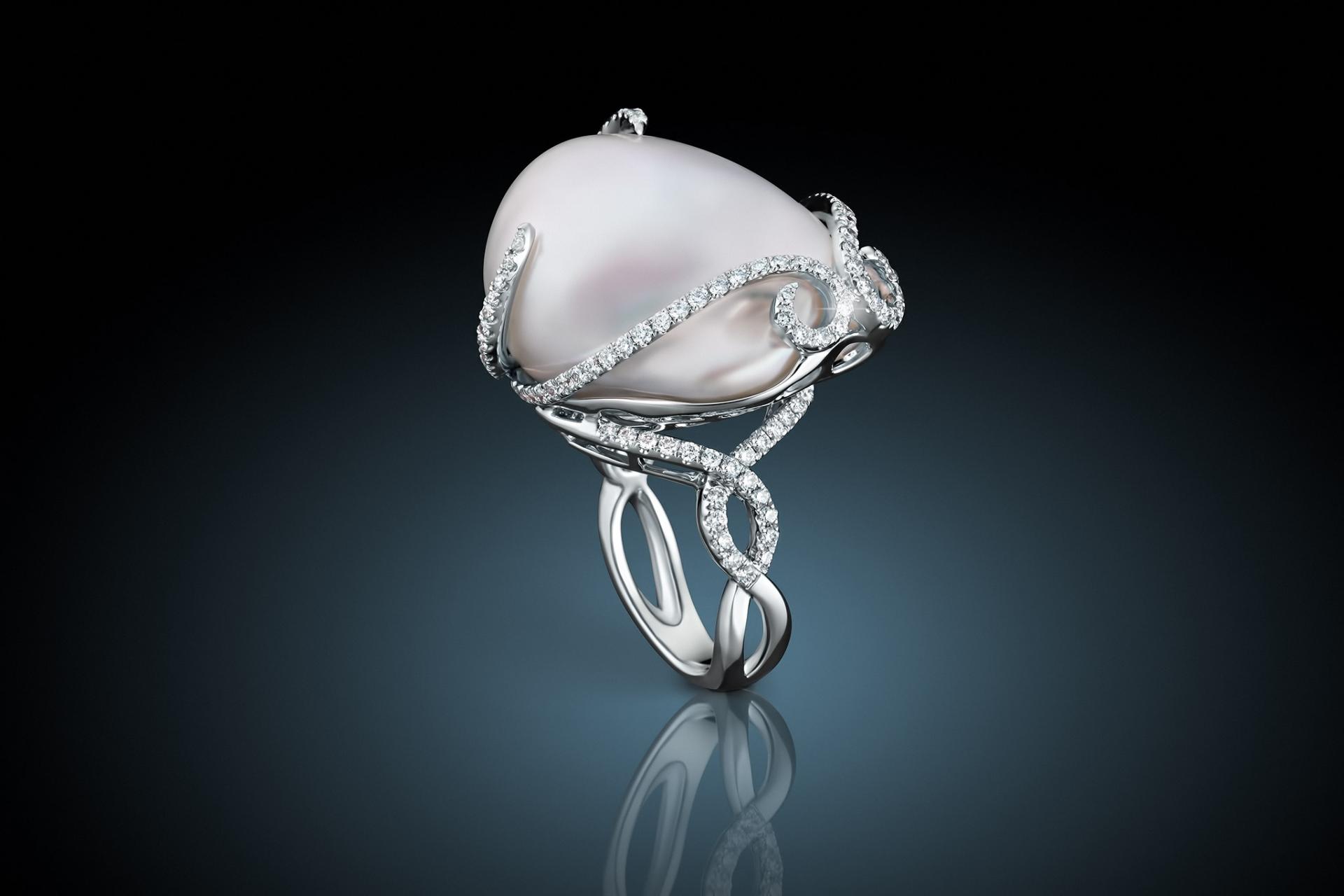
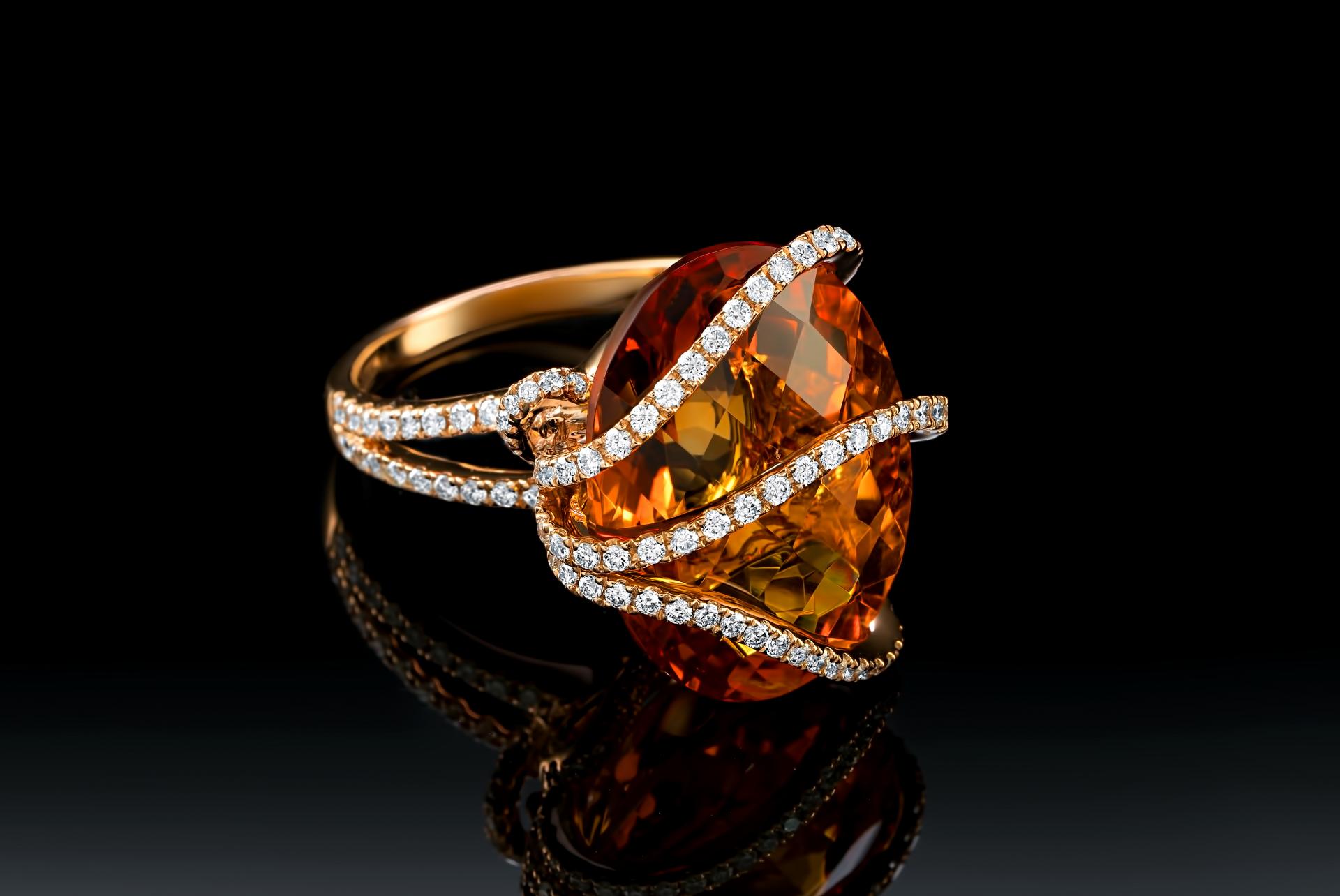
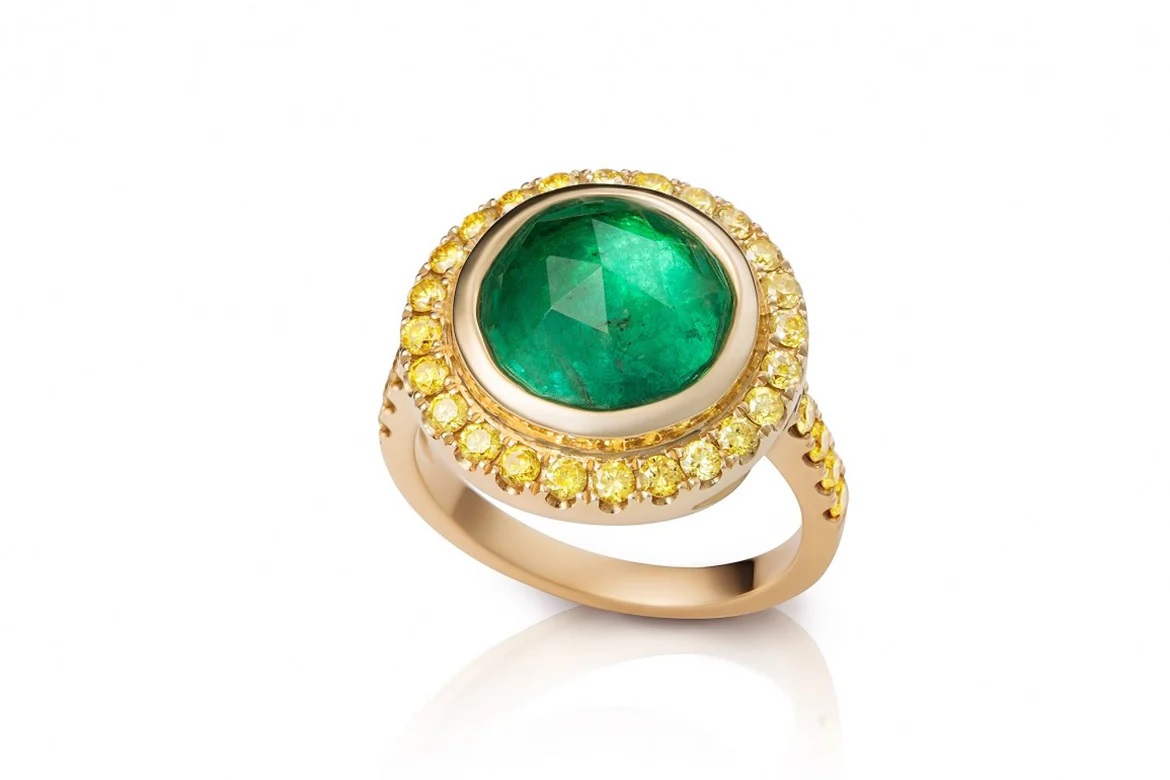
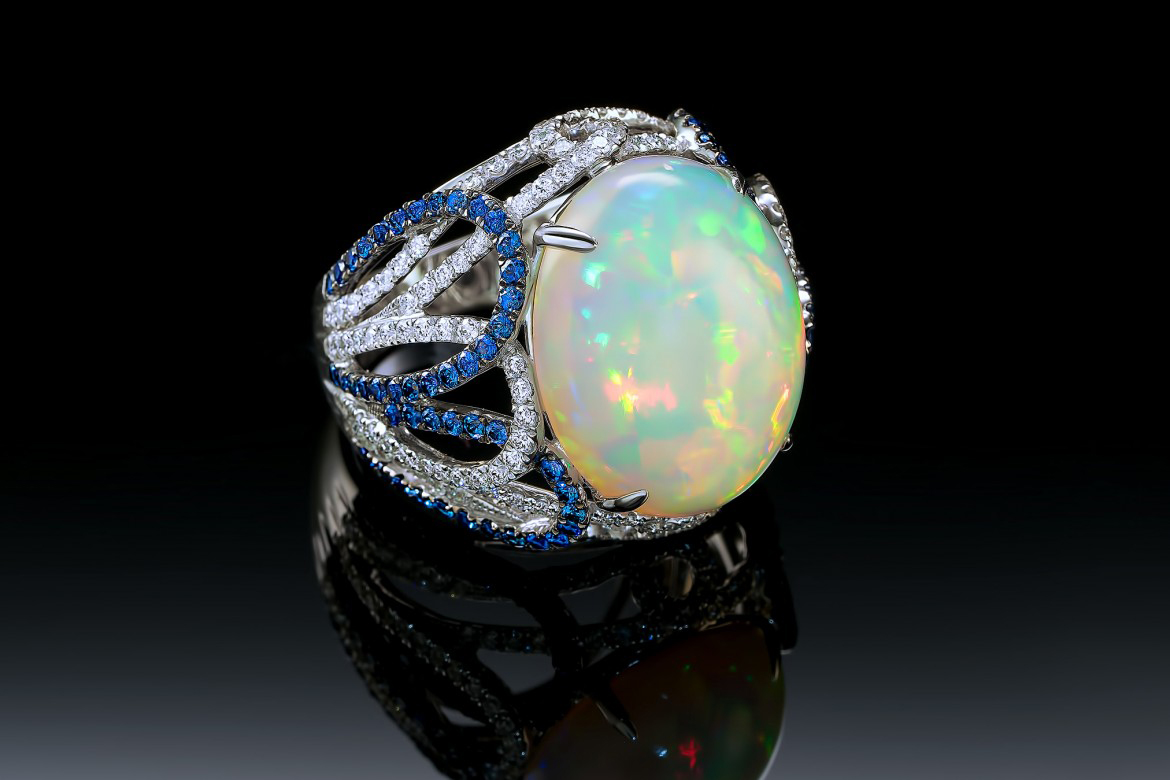
Work of Alex Koloskov and Genia Larionova
Before-After Post-Production
Left – SOOC (straight out of the camera),
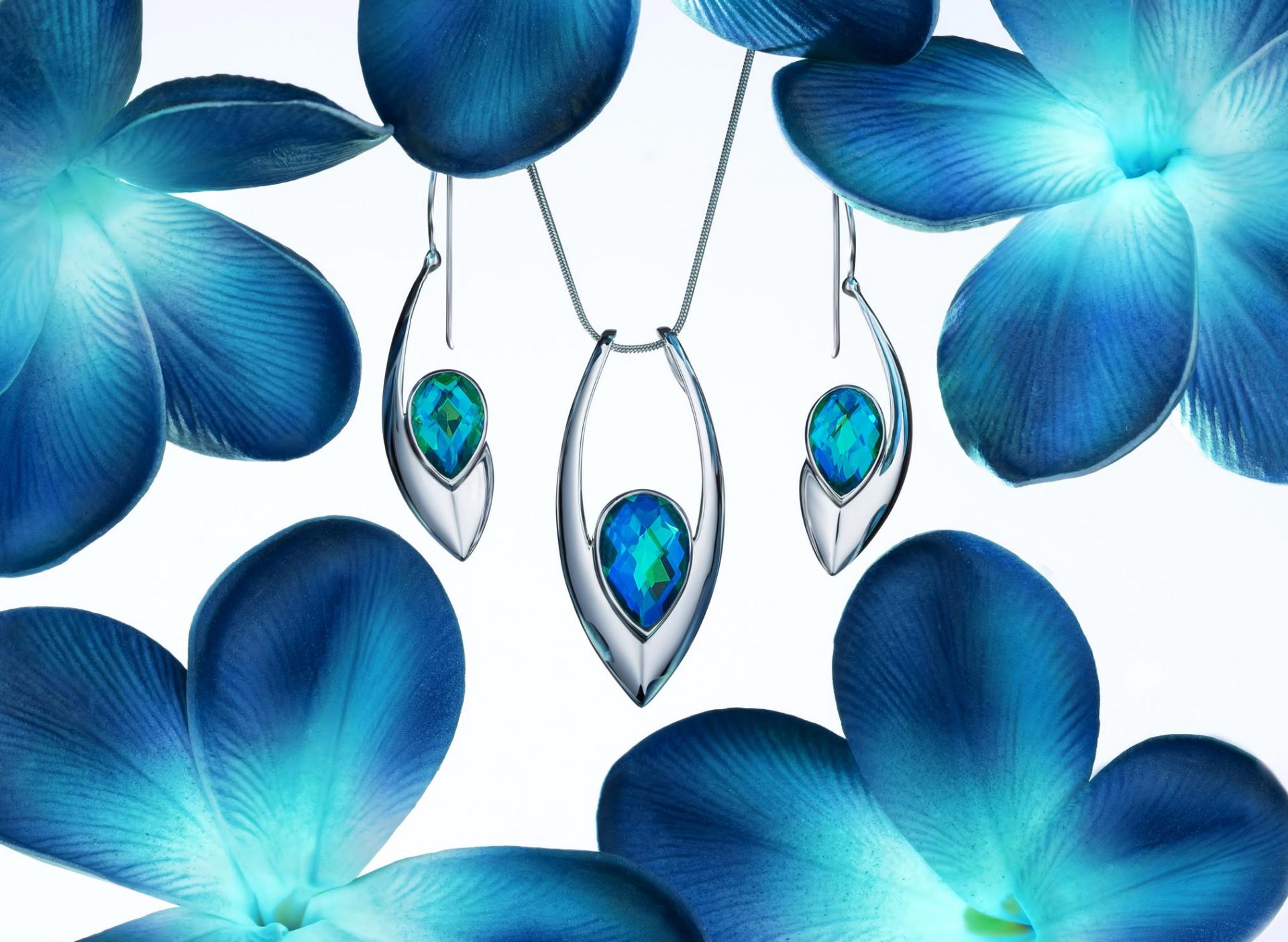
Right– after Adobe Photoshop
SOOC - BEFORE
AFTER
This course is for you, if you:
You struggle with creative concepts for showcasing jewelry in your images.
You have difficulty effectively lighting jewelry that features gemstones.
You haven't been able to achieve a cimmercial-quality final image with your current retouching skills.
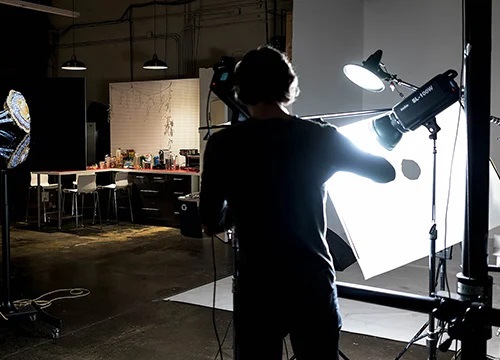
INTRODUCTION
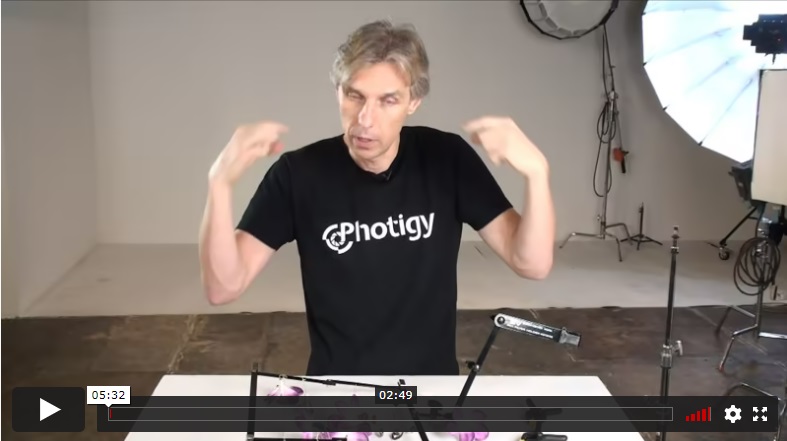
In this introductory lesson, Alex gives an overview of the jewelry to be shot, it's shape, the artificial flowers used and the frame and attachments used. He discusses how the flower colors will be adjusted in post-processing and the challenge of shooting glossy, spherical shaped metal objects.
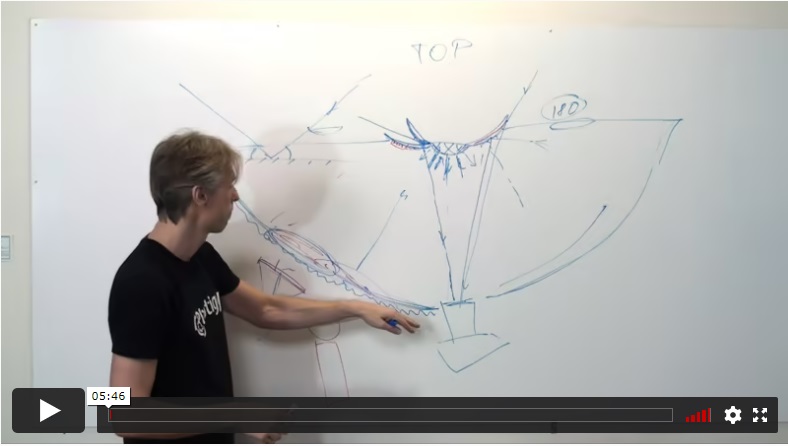
Alex uses a diagram to explain how the law of reflection will affect the shot and how to use it to get the proper lighting placement to achieve good results.
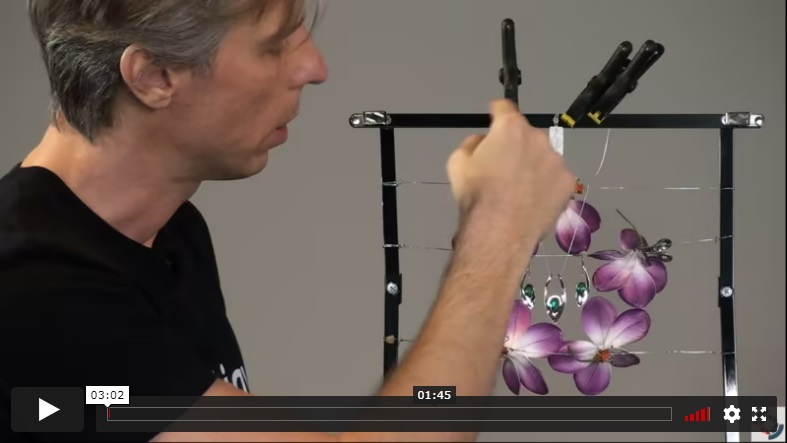
Alex shows the frame and how the jewelry and flowers are attached and arranged to create the composition. He discusses the importance of designing a thoughtful arrangement to make some of the post work easier.
SHOOTING
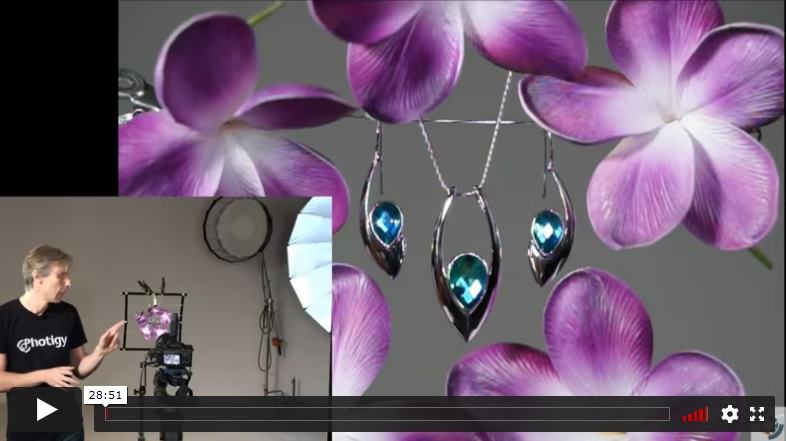
In the first shooting lesson, Alex begins shooting the jewelry image and shows the DIY curved diffusion panel he created and how to position it. He demonstrates how to use a flashlight with this panel to help build the lighting setup.
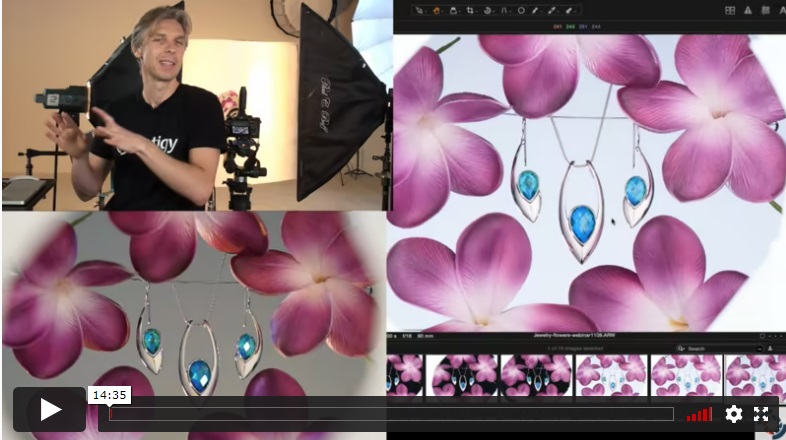
Alex brings in another strobe to light the wall behind the jewelry. He strives to get more texture in the flower petals by adding a fourth light undiffused, with barn door from the left rear. Alex demonstrates how to reduce some specular highlights and how to use a small hand held flood light to capture the best gem lighting.
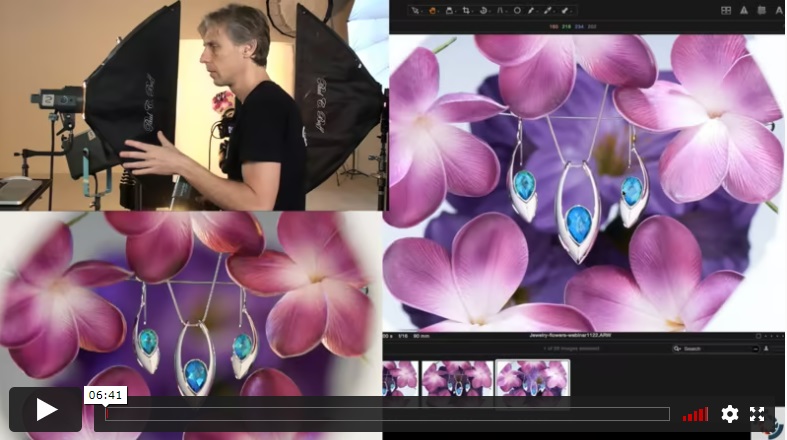
A lex experiments with adding some flowers to the background and explains the benefits of giving your client more than they initially desired.
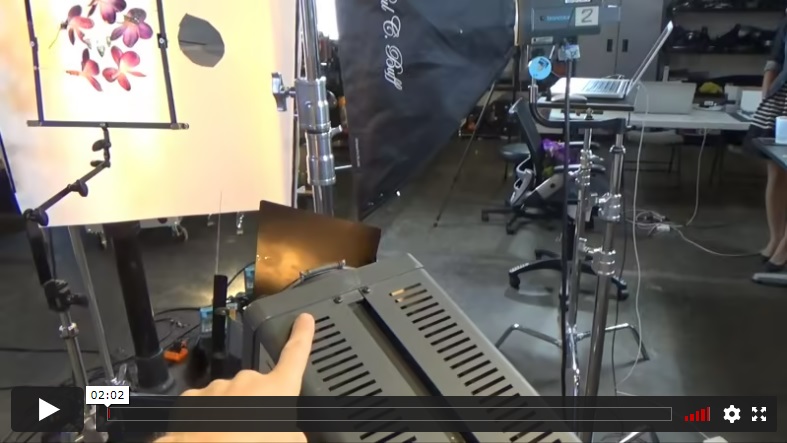
Alex gives a video overview of the equipment and it's positions for this shot, to illustrate relative placements.
POST-PRODUCTION
Post-Production, Part 1.1
Retoucher Genia Larionova demonstrates her initial raw file processing workflow and her technique of combining various copies of the image to bring out the best details before making color adjustments to the flowers.
Post-Production, Part 1.2
Genia shows you how to adjust the color of the flower and remove unwanted support wires from the image.
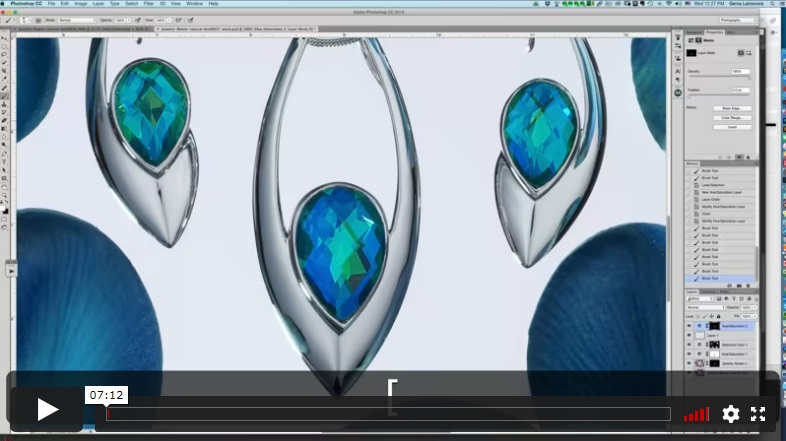
Genia demonstrates how to restore the original metal color cast and how to achieve a better looking metal gradient.
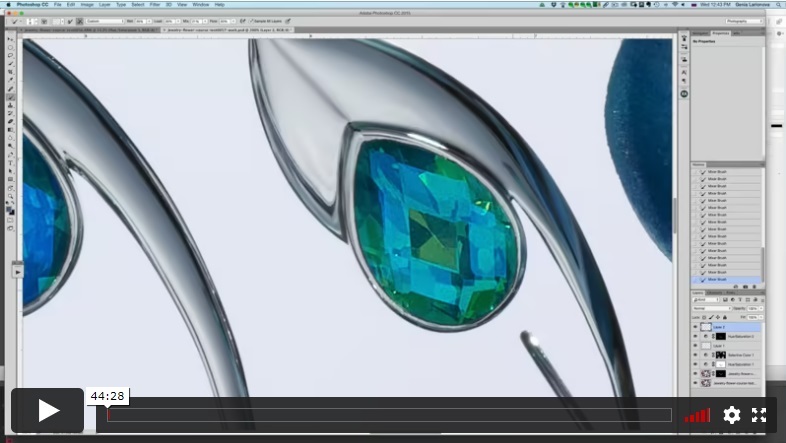
Genia demonstrates her technique for cleaning the metal and gems using the Mixer Brush, how to adjust shadows and highlights to achieve a more beautiful and cohesive appearance, and how to repair and equalize the earring wires.
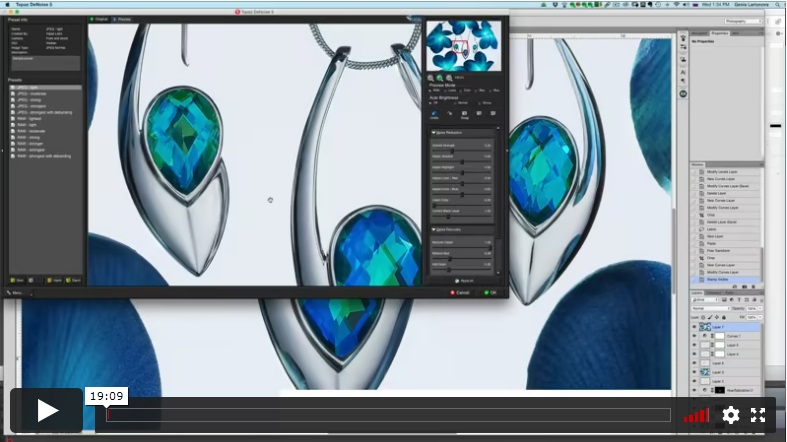
In the final post-production lesson, Genia shows you how to make a variety of adjustments to the jewelry and flowers to create the final image.
INCLUDED
Intermediate-Advanced
⭐⭐⭐ ADVANCED SERIES
Caribbean Quartz Jewelry Set, Photography and Retouching
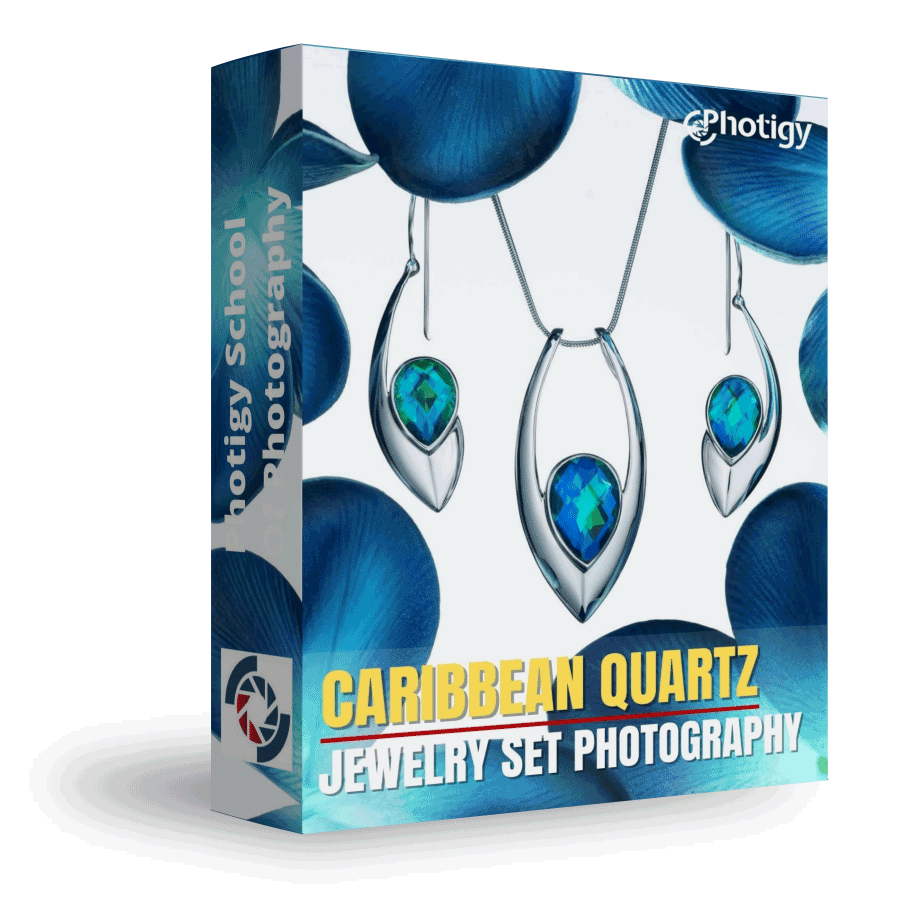
Best for long-term access, more DIY approach
Lifetime access
Weekly Q&A
24/7 Email Support
VIP Membership
Best for ongoing learning
Unlimited access to all courses
Priority support
Yes, you can ask an instructor, as well as get a feedback on your work. We have a support forum for this course where you can ask questions, get answers, and feedback from your instructor.
You will have 24/7 access to course videos, forums, and reviews on the Photigy.com website. It is optimized for mobile as well, and we stream from the worldwide cloud to ensure a worry-free learning experience.
You’ll have lifelong access to the course. There is no limitation on this.
All course students have access to a private forum dedicated to support. This is the place where Photigy instructors answer students’ questions, and students can share their own experiences and solutions.
Photigy School Of Photography 2020

Most frequent questions and answers
Is there a way to ask an instructor a question/to show work and get a feedback?
How do I access the course materials?
You will have 24/7 access to course videos, forums, and reviews on the Photigy.com website. It is optimized for mobile as well, and we stream from the worldwide cloud to ensure a worry-free learning experience.
How long will I have access to this course?
You’ll have lifelong access to the course. There is no limitation on this.
How I can ask questions of the instructor?
All course students have access to a private forum dedicated to support. This is the place where Photigy instructors answer students’ questions, and students can share their own experiences and solutions.
Own this course for $95, or unlock it plus every Photigy course and workshop with a VIP membership.
Try the course. If it is not helping you make better images, email us within 30 days for a full refund.