Photigy Course
Coffee Maker Product Photography
Professional, step-by-step online course — watch every lesson at your own pace, forever.
$95one-time · lifetime access
Professional, step-by-step online course — watch every lesson at your own pace, forever.
ONLINE COURSE
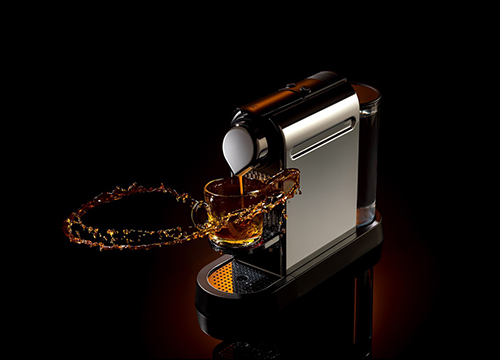
Learn advanced photography techniques in commercial product photography. Lighting, view camera and post-production If you want to improve your commercial photography skills, this photography course is what will help you on your way.
We will show you all tricks of shooting polished metal, and will explain how to work with a view camera in product photography. You will also learn the secrets of post-production in Adobe Photoshop, which will help you to create exceptional images.
What you will learn from this course:
How to setup lighting for polished glossy metal We’ll show the secrets in lighting for glossy metal which will help you to create beautiful commercial pictures.
We’ll show the secrets in lighting for glossy metal which will help you to create beautiful commercial pictures.
How to work with a view camera We’ll explain you all benefits and drawbacks of using a view camera in product photography.
We’ll explain you all benefits and drawbacks of using a view camera in product photography.
Tricks of retouching this coffee maker image Retouching is an essential part of the process, and our expert will teach you the tricks of post-production for this outstanding coffee maker image.
Retouching is an essential part of the process, and our expert will teach you the tricks of post-production for this outstanding coffee maker image.
Before-After Post-Production
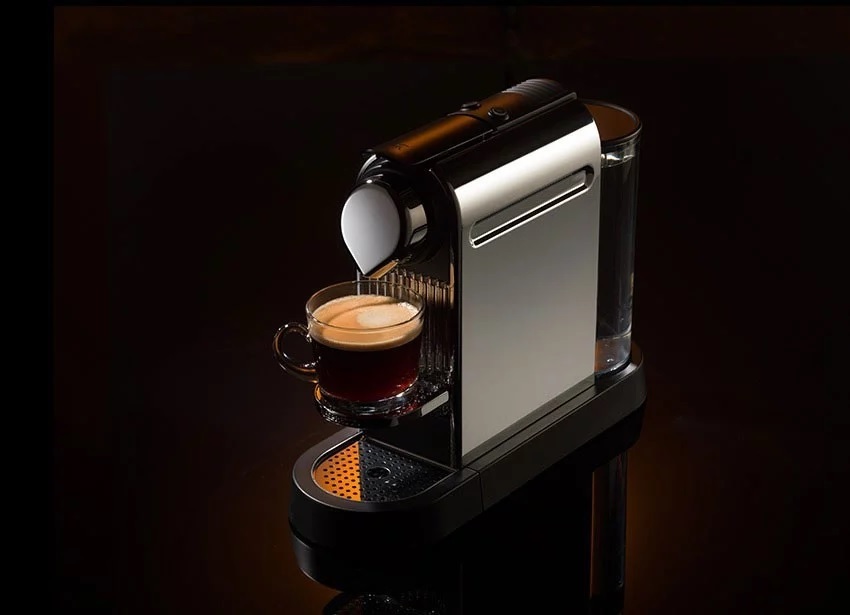
BEFORE - Out Of The Camera

Course Curriculum
SHOOTING
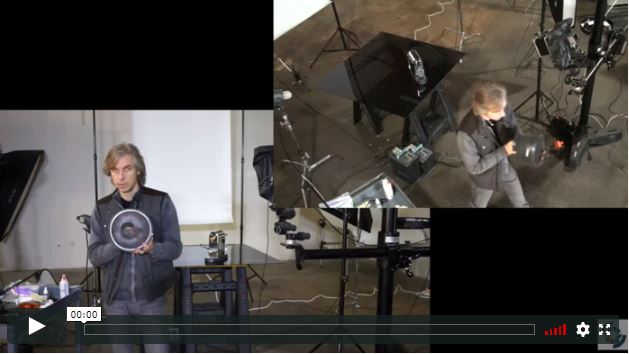
In the first lesson, Alex describes how he attacks his projects with a visual concept first, then builds out the lighting from there. He demonstrates each step, explaining the look he is trying to achieve as he adds each light so you understand the logic and the concept behind each one.
Duration: 00:14:00
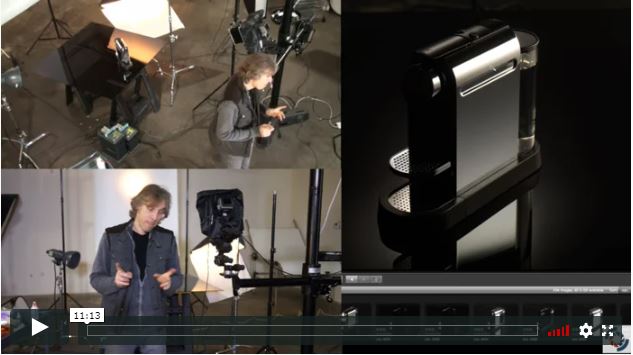
Alex shows where the gradient light comes from on the side of the coffee maker and demonstrates how adjusting the position of the diffuser and strip box can achieve a better image.
Duration: 00:11:00
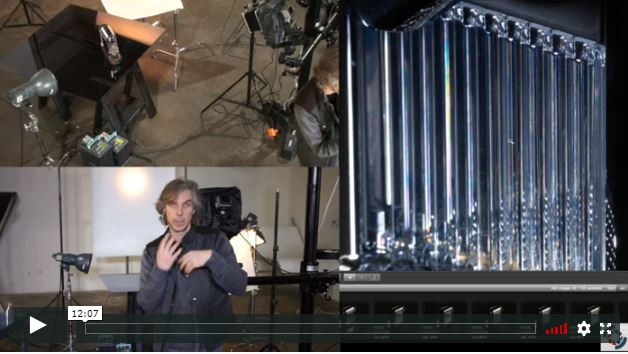
In this lesson, Alex starts by making a few final adjustments to the light source position to achieve the final desired lighting of the subject's right side before proceeding to set up the remaining lights on the subject.
Duration: 00:12:00
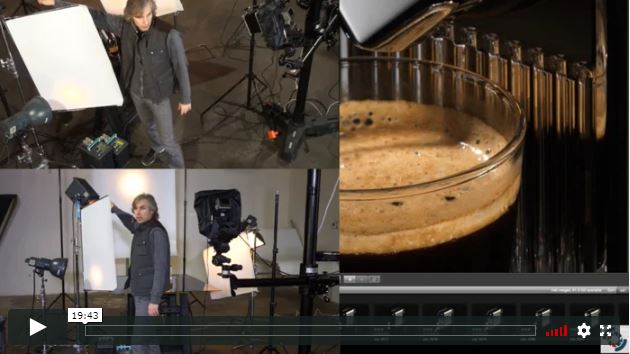
Alex adds a glass cup of coffee to the shot. The top light is already working on the coffee surface but Alex shows how to add more lighting to define the coffee up before taking final shots while the coffee brews and fills the cup.
Duration: 00:20:00
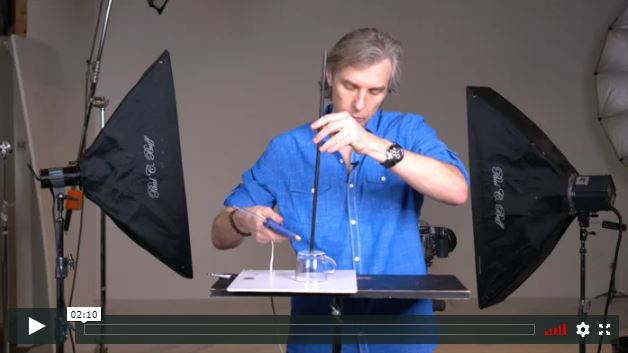
In this lesson, Alex begins his setup for the “floating coffee cup” portion of the shot.
Duration: 00:02:00
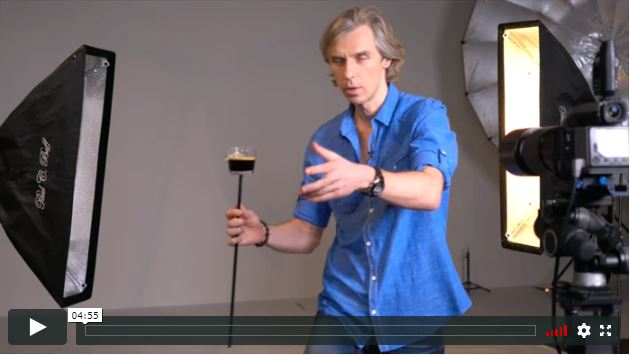
Alex demonstrates his technique for lighting the floating cup and creating the splash.
Duration: 00:05:00
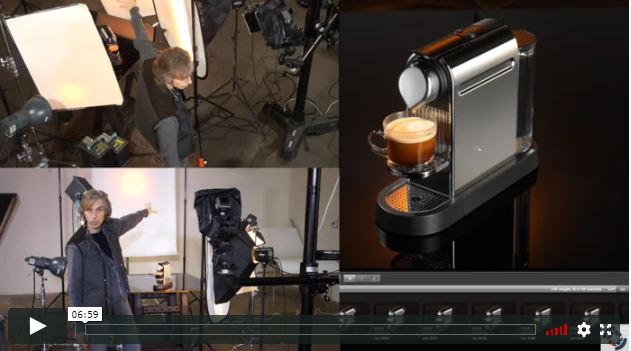
In the final shooting lesson, Alex summarizes the shooting thus far before taking a final shots with various lighting elements turned off, in case the shots are needed in creating a final composite shot.
Duration: 00:07:00
POST-PRODUCTION
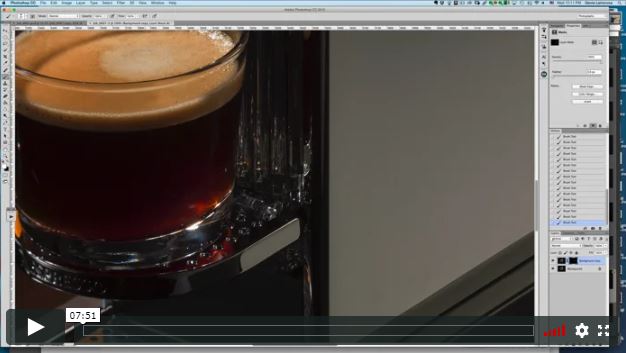
In the first post-production lesson, retoucher Genia Larionova demonstrates her workflow for adjustments of the camera raw file and initial cleanup work in Photoshop.
Duration: 00:08:00
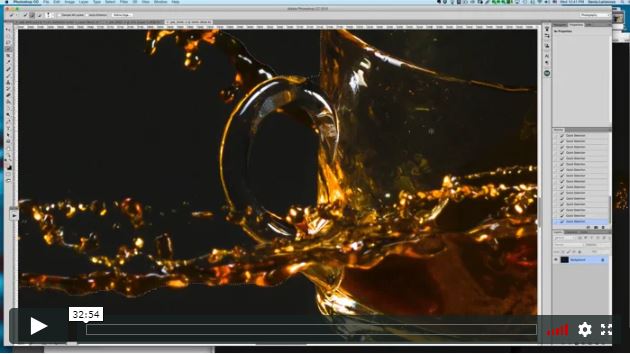
Genia starts out this lesson working on the splash image, showing you how to make raw adjustments before bringing the image into the base coffee maker image, and transforming the splash cup to match as closely as possible to the machine cup. She then demonstrates how to blend the actual splash with the base image
Duration: 00:33:00
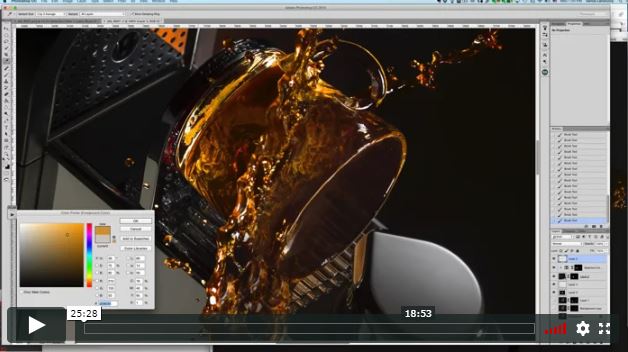
in this lesson, Genia shows you how to achieve a more realistic appearance for the transparent cup and splash as well as how to refine highlights and perform additional cleanup of the image using a variety of techniques.
Duration: 00:26:00
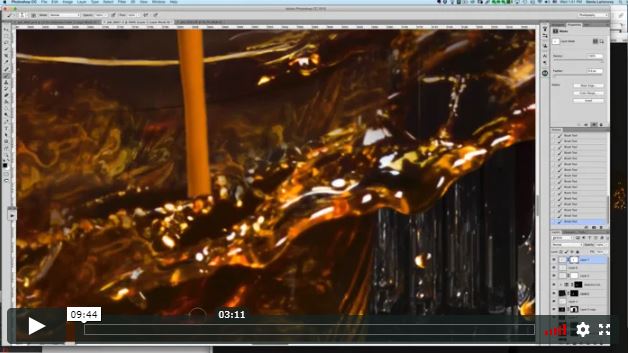
In this last post-production lesson, Genia shows how to incorporate the coffee dripping image before adding final tweaks to finish the image.
Duration: 00:10:00
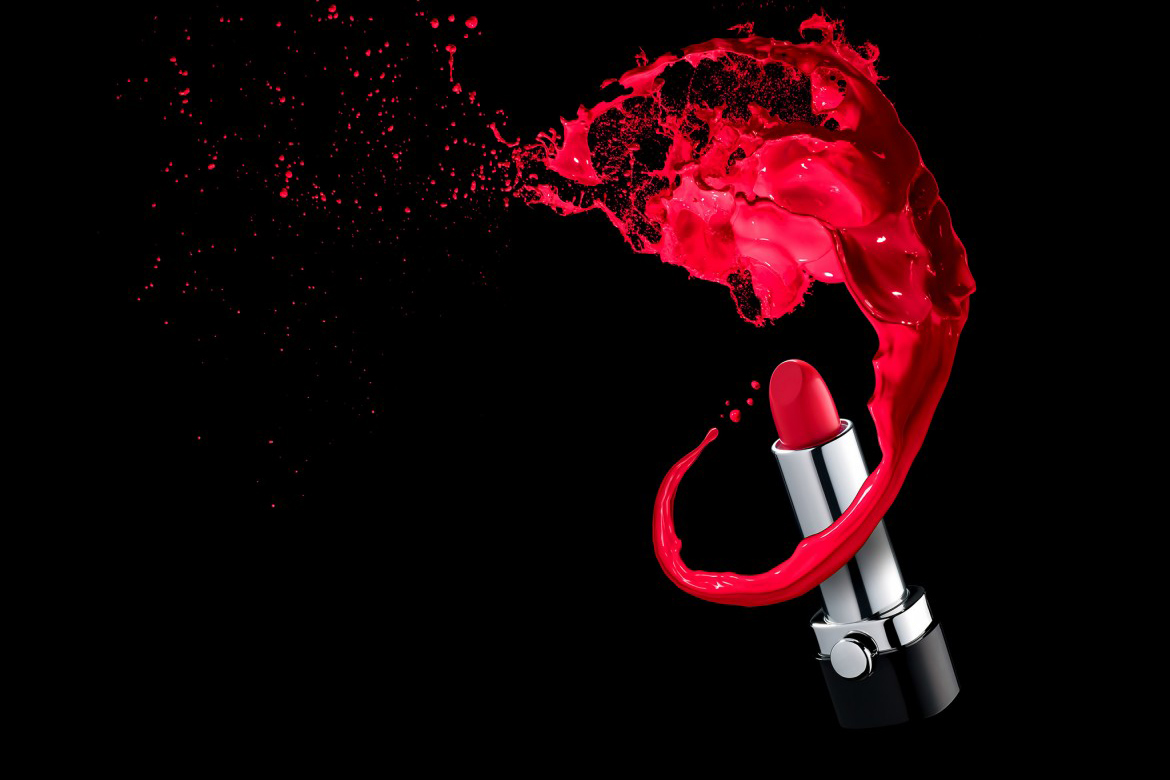
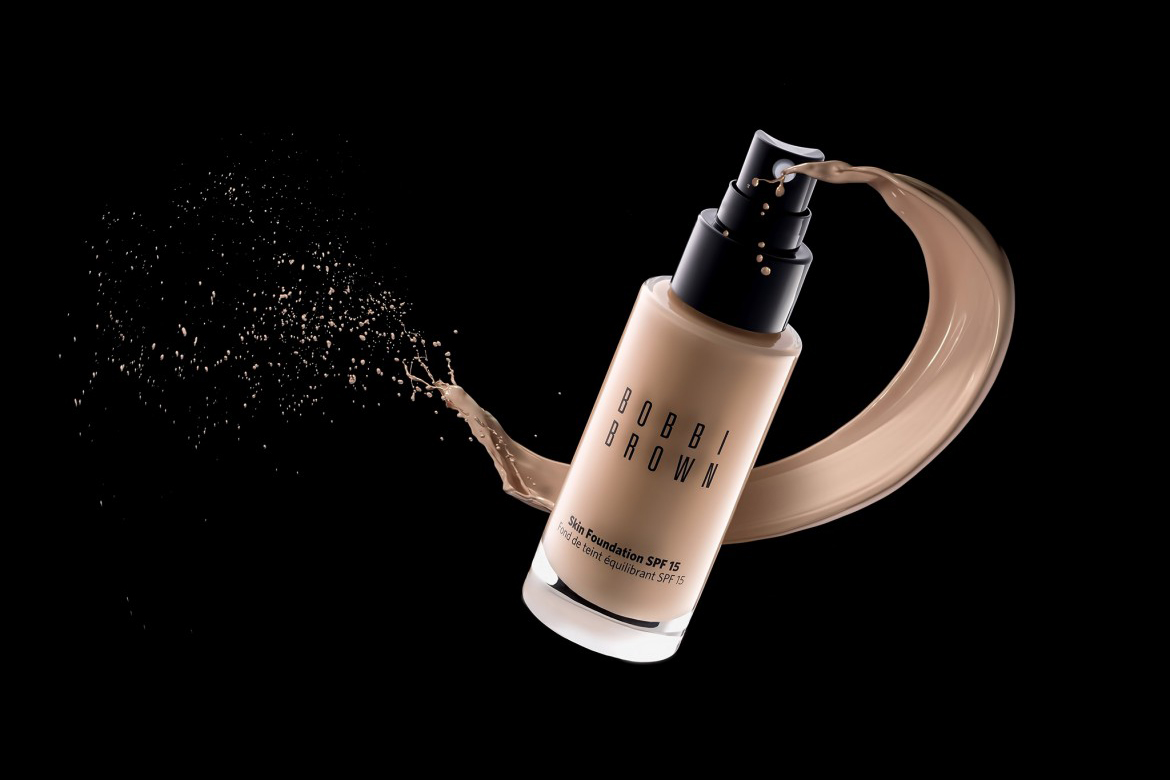
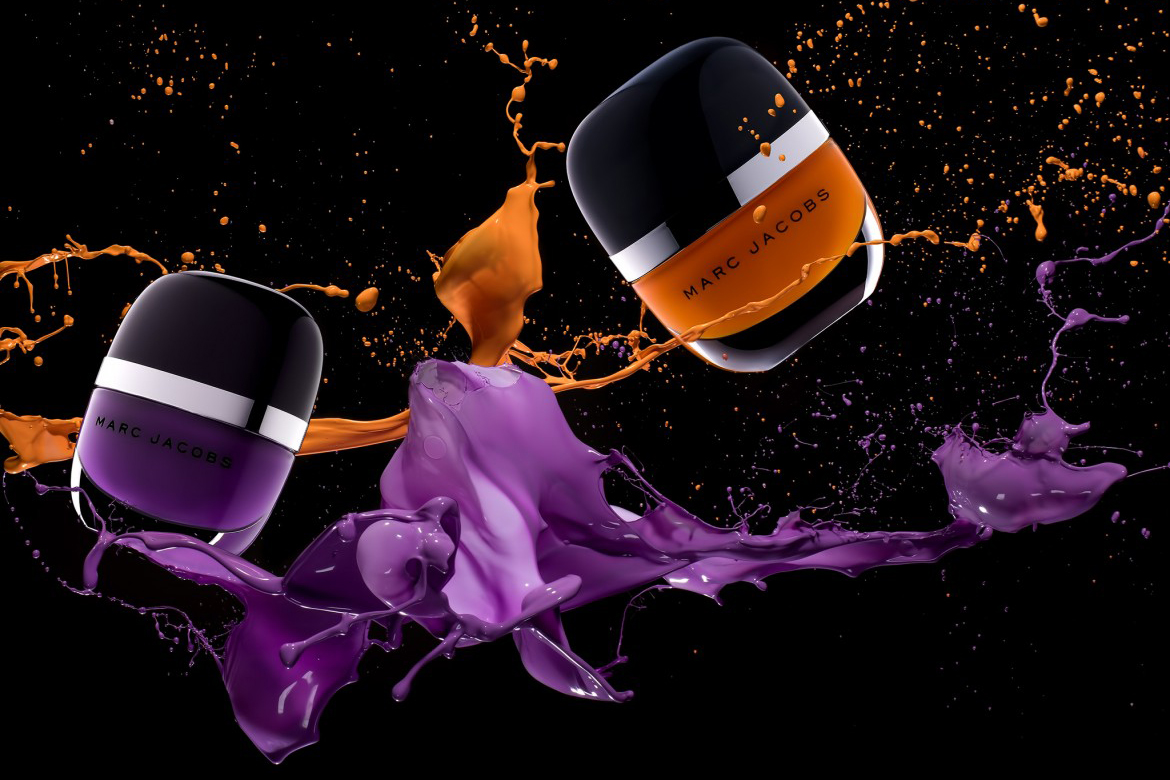
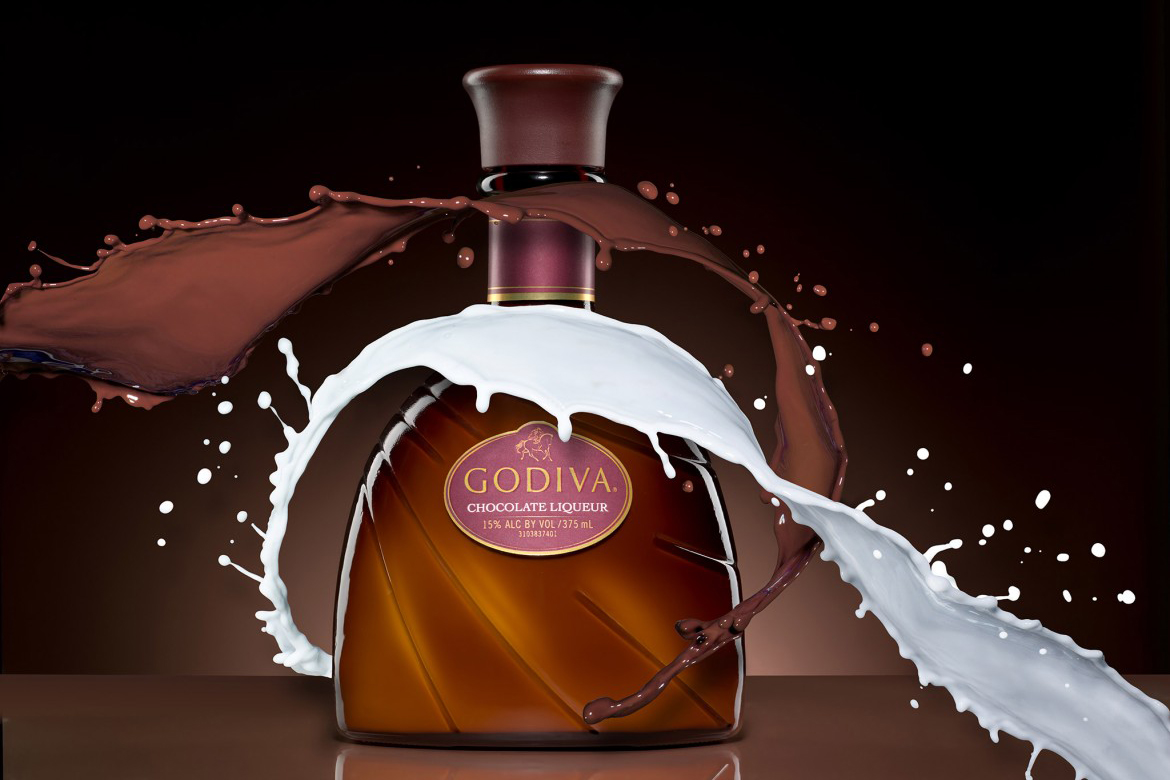
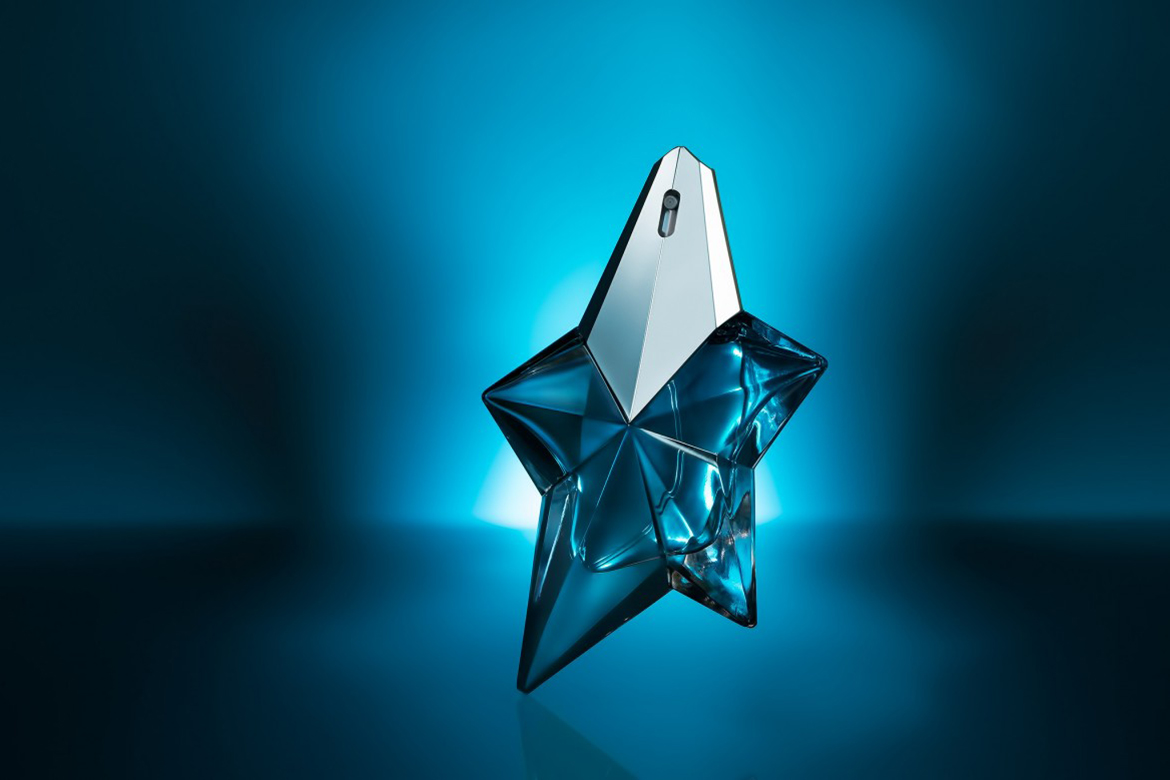
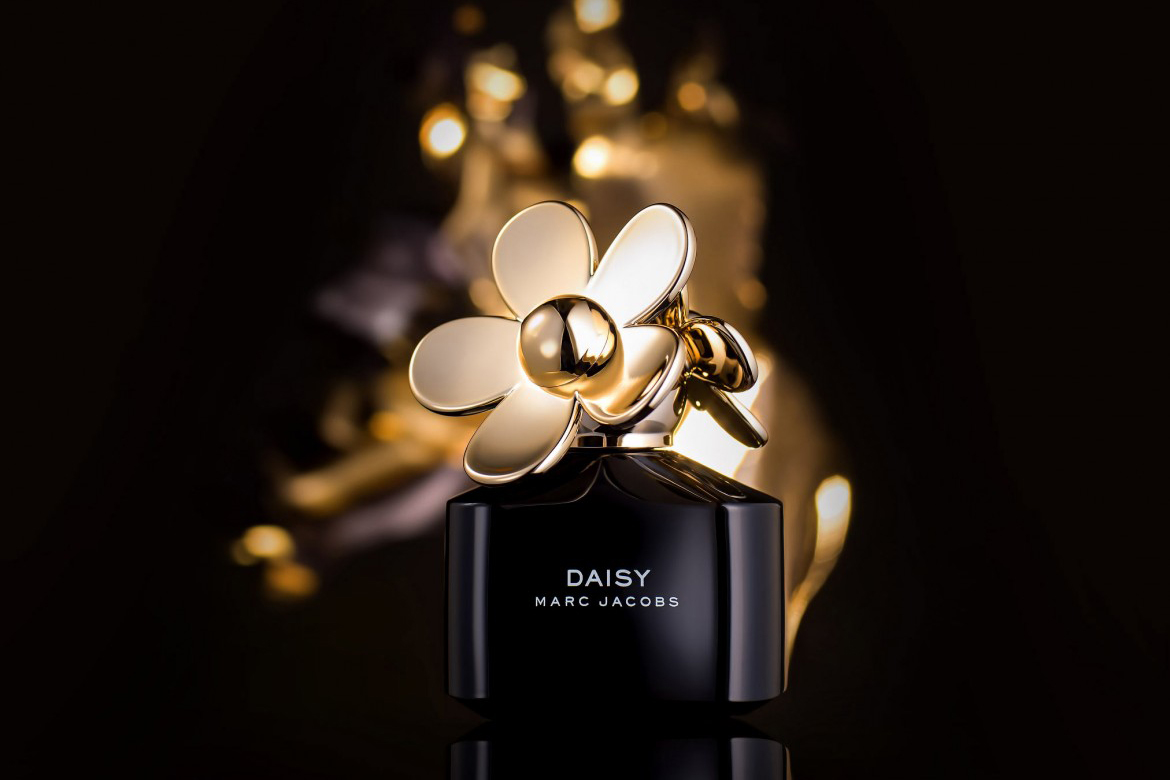
For your Inspiration:
⭐⭐⭐ ADVANCED SERIES

Best for long-term access, more DIY approach
Lifetime access
Weekly Q&A
24/7 Email Support
VIP Membership
Best for ongoing learning
Unlimited access to all courses
Priority support
Photigy School Of Photography 2020
Own this course for $95, or unlock it plus every Photigy course and workshop with a VIP membership.
Try the course. If it is not helping you make better images, email us within 30 days for a full refund.