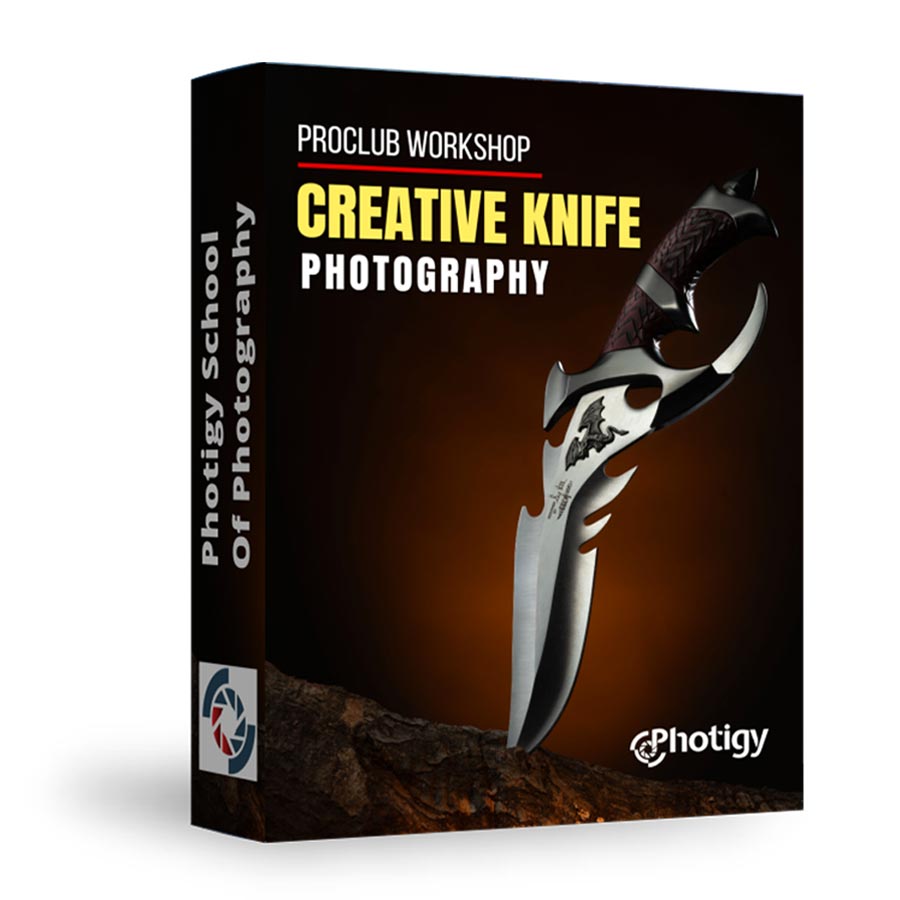
Creative Knife Photography
Master the art of photographing knives with precision and drama! Learn to light blades flawlessly, highlight intricate details, and add creative effects like smoke and fire. From s
Photigy School of Photography
PHOTIGY WORKSHOP
Creative Knife Photography:
Master the art of photographing knives with precision and drama! Learn to light blades flawlessly, highlight intricate details, and add creative effects like smoke and fire. From shooting to post-production, this workshop will equip you with the skills to craft stunning, portfolio-worthy images that stand out. Perfect for product photographers and knife enthusiasts alike!

About this Course:
Course Curriculum
The course includes 2 modules and 7 video lessons.
Part 1: Shooting
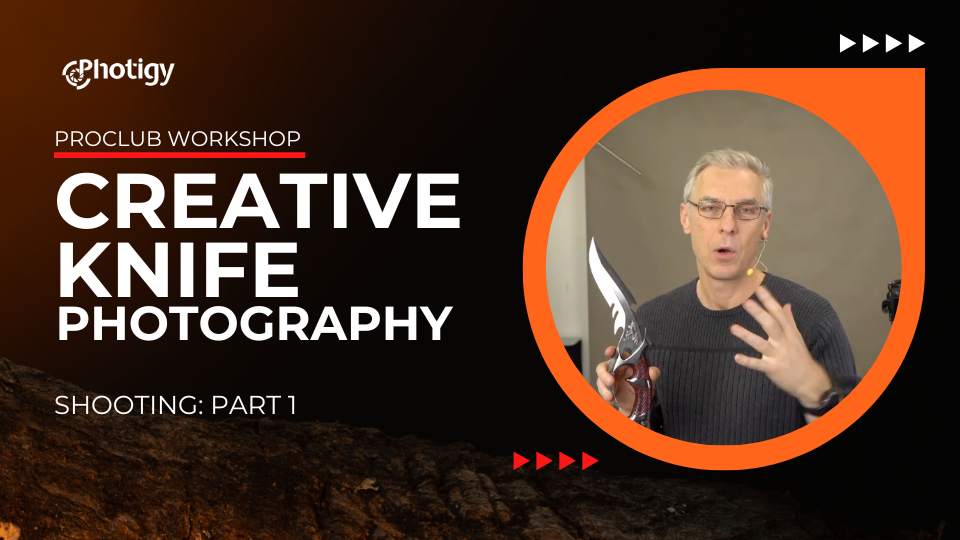
Understanding how to set up lighting
Alex explains how to evaluate your shooting subject and estimate what lighting and light modifiers will be necessary for the photo-shoot.
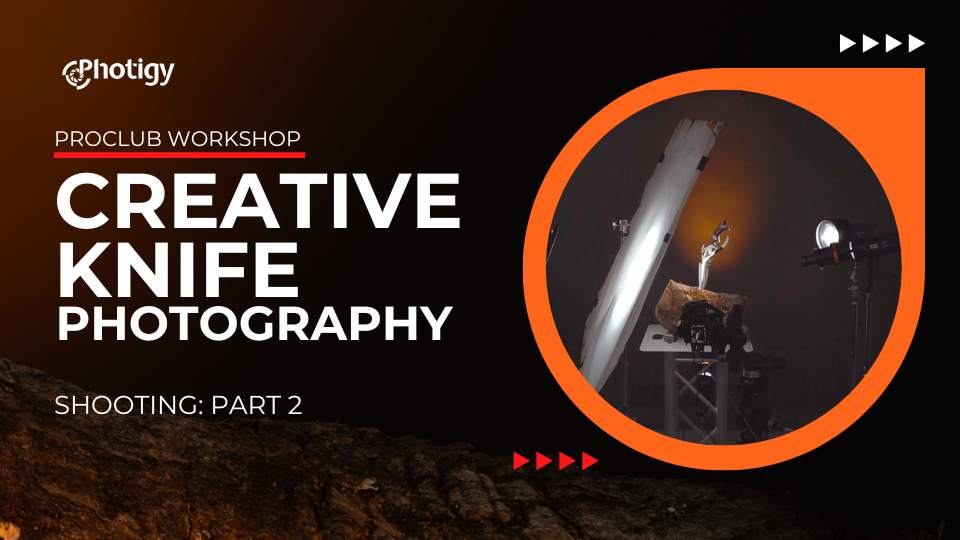
Building stange & lighting setup
Learn how to build the stage for this knife and set up the lighting, adding each light source one by one. Understanding why Alex was using specific light modifiers.
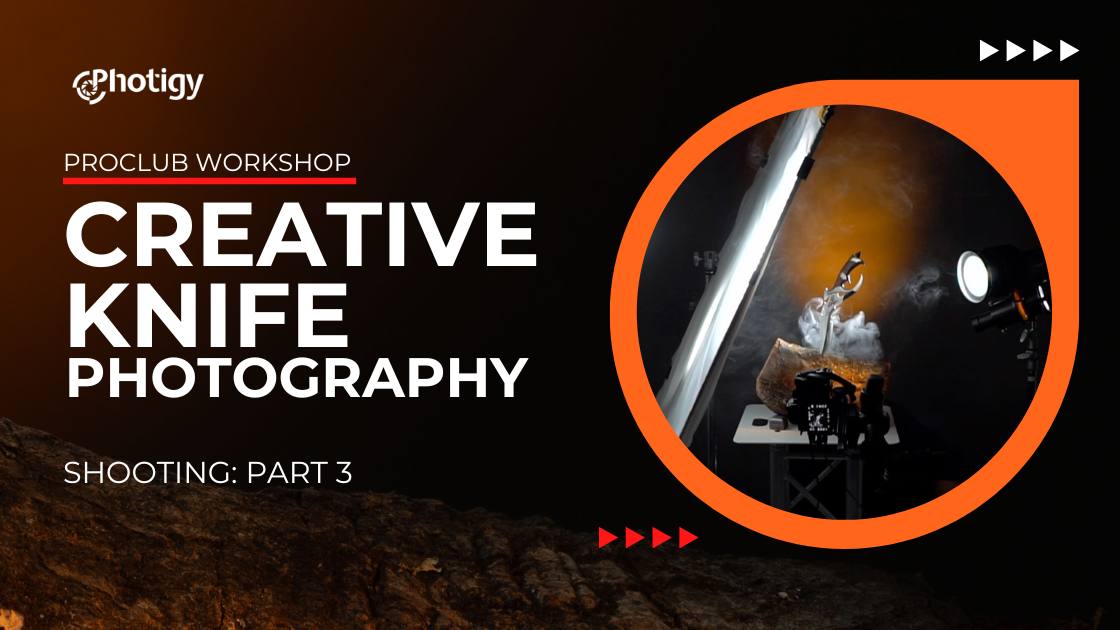
Shooting Various Knives Creatively
Learn the difference in lighting for different types of knifes. Flat knives will require specific changes in the lighting, and Alex demonstrates how and why it should be done. Add smoke to the scene for dramatic effect - DONE!
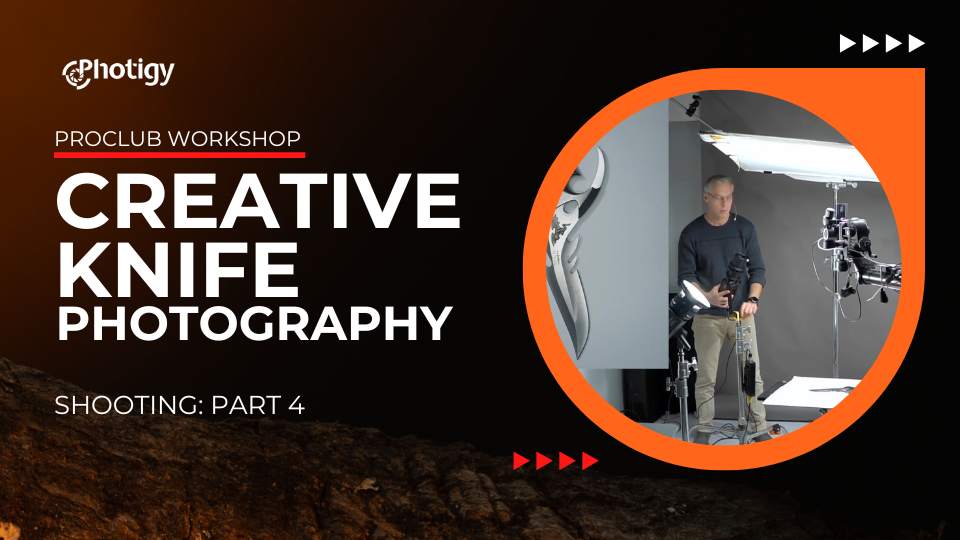
Top-down shot on a white background
This lesson covers a shot of e-comemrce placements, such as Amazon or other marketplaces where the subject should be photographed on a white background. 2 Different knives were photographed.
Part 2: Post-Production
In this section, you will learn how to process RAW images in Adobe Photoshop
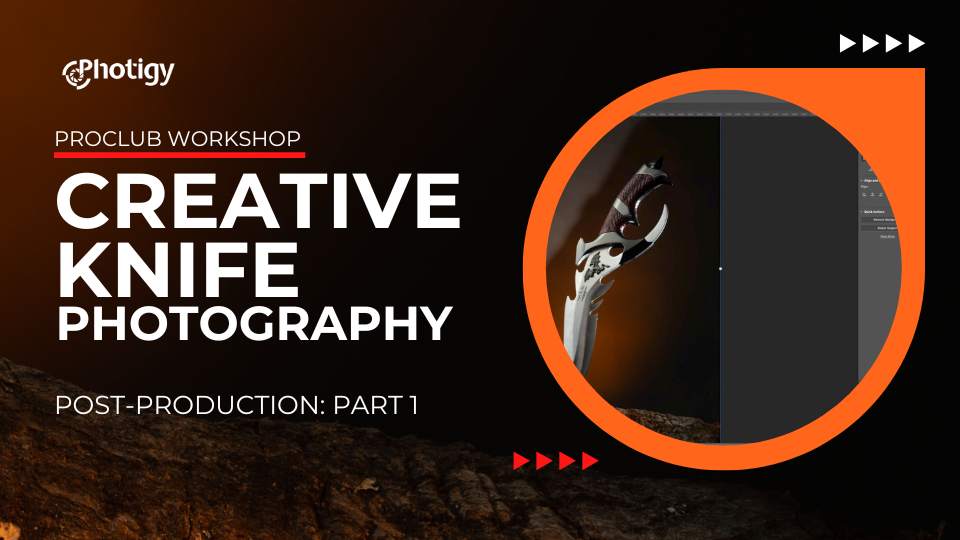
Part 1
In this post-production lesson, Alex demonstrated how to combine several RAW images into one, making the perfect composite image.
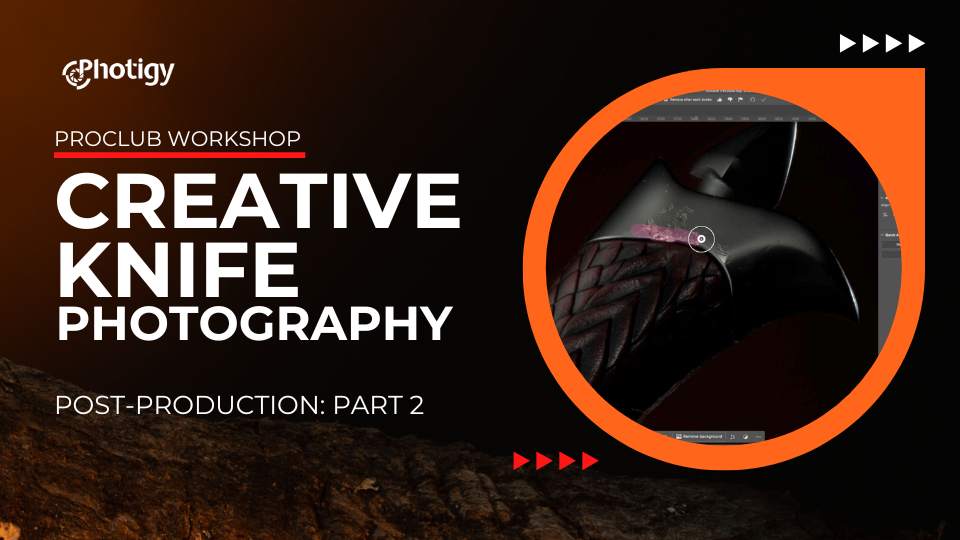
Part 2
In Part 2 of this post-production lesson, you will learn how to clean and restore various surfaces (some heavily damaged by wear and tear) using new AI tools in Adobe Photoshop.
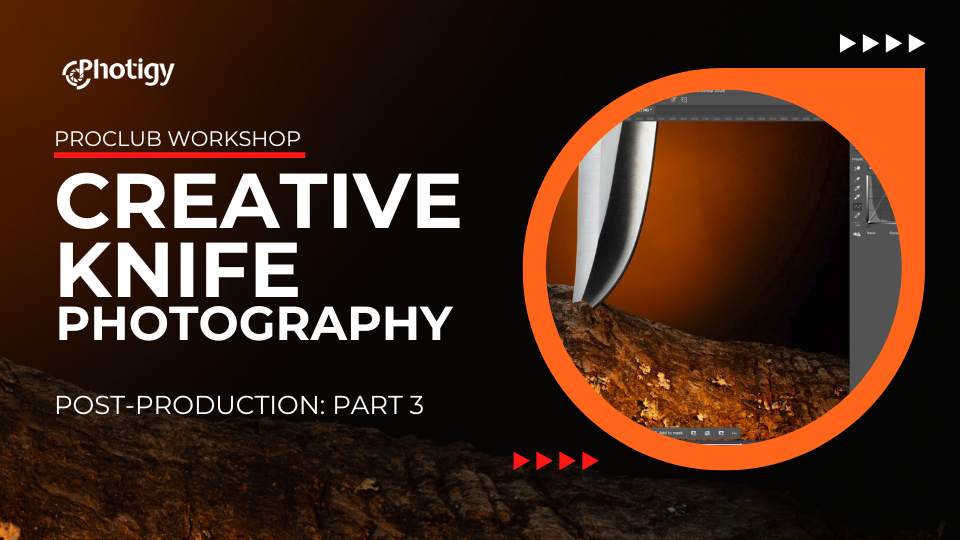
Part 3
In Part 3, learn about the final adjustments to the image, finalizing the post-production.
Instructor
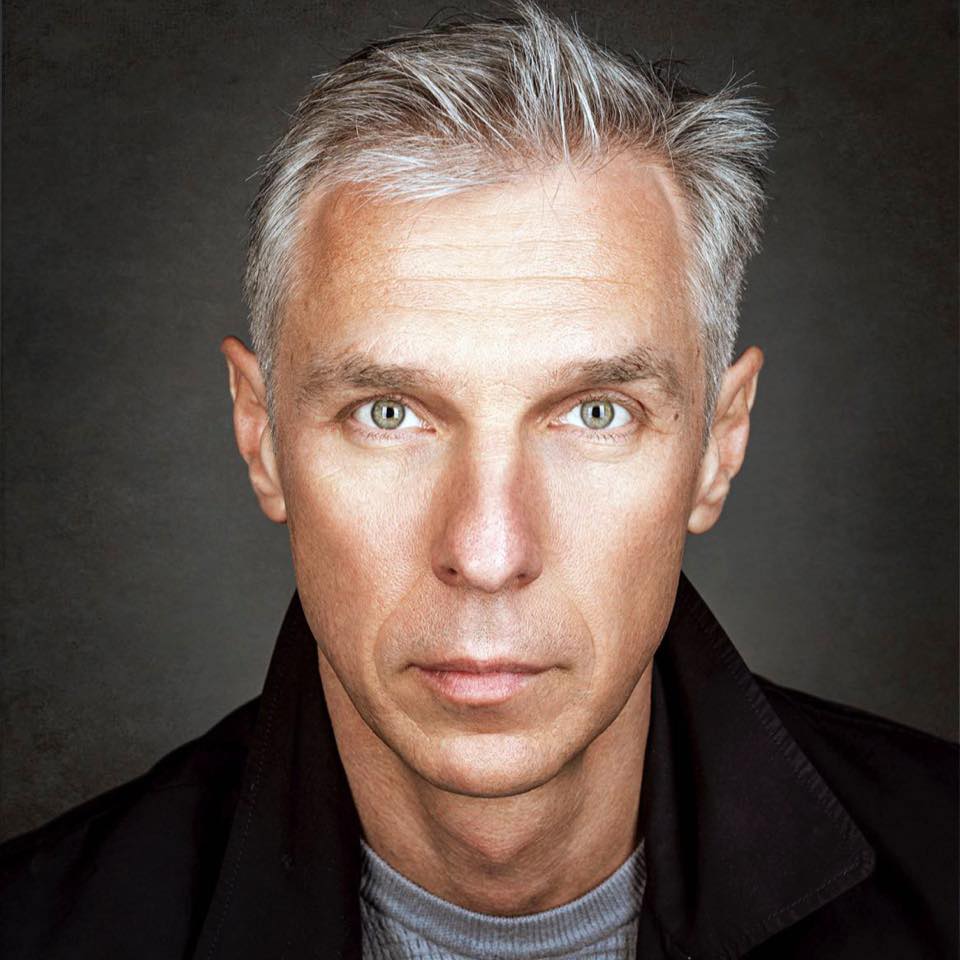
Alex Koloskov on LinkedIn
Alex Koloskov
The founder and instructor of the largest online school for product photographers, Photigy.com – we teach over 70,000 photographers worldwide.
Alex is one of the world's best commercial advertising photographers, co-founder and teacher at Photigy.com , an instructor at KelbyOne.com and Udemy.com
He is the man behind Photigy’s most popular courses and a tireless idea generator.
See Alex' Portfolio
⭐⭐⭐ PROFESSIONAL SERIES
Course purchase options:
One-time Purchase
Best for long-term access, more DIY approach
Lifetime access
Weekly Q&A
24/7 Email Support
VIP & Pro Club Membership
Best for ongoing learning
Unlimited access to all courses
Priority support
GUARANTEE OF SATISFACTION
30 DAYS MONEY BACK GUARANTEE
30 DAYS SATISFACTION GUARANTEE: If you are not completely satisfied with the purchase you have paid for, you may let us know with a note describing why you are disappointed and we will issue a full refund or credit your charge card for what you paid for the course or courses.

President, Photigy School Of Photography
F.A.Q
What you need to know about the workshop:
1. Do I need advanced photography skills for this workshop? Not at all! This workshop is designed for both beginners and experienced photographers. We’ll guide you through every step, from lighting basics to advanced effects, so you can follow along at your own pace.
1. Do I need advanced photography skills for this workshop?
Not at all! This workshop is designed for both beginners and experienced photographers. We’ll guide you through every step, from lighting basics to advanced effects, so you can follow along at your own pace.
2. Is post-production software required? Yes, we recommend Adobe Photoshop for post-production. However, we’ll cover beginner-friendly editing techniques and include downloadable presets to help you achieve professional results, even if you’re new to retouching.
2. Is post-production software required?
Yes, we recommend Adobe Photoshop for post-production. However, we’ll cover beginner-friendly editing techniques and include downloadable presets to help you achieve professional results, even if you’re new to retouching.
3. How can I access this workshop? This workshop is included in the VIP Subscription and Pro Club Membership ! If you’re a member, you’ll get full access to this workshop along with other advanced courses, challenges, and resources. Not a member yet? Join now to unlock everything!
3. How can I access this workshop?
This workshop is included in the VIP Subscription and Pro Club Membership ! If you’re a member, you’ll get full access to this workshop along with other advanced courses, challenges, and resources. Not a member yet? Join now to unlock everything!
Our Student's Stories of Success With Photigy:
Success Story Interview with Roman Sapronov
Roman Sapronov is a New York City-based photographer who specializes in e-Commerce product photography. He is an active member of the Photigy Community who developed his love of photography while traveling the world working for a cruise ship line.
Read More »
Success Story Interview with Ric Matkowski
Success Story: an interview with Ric Matkowski Featured Interview Ric Matkowski is a Canadian-based commercial photographer who spent a career as an engineer and manager
Success Story Interview with Sherry Sabatine
Photigy Success Story: an interview with Sherry Sabatine Featured Interview Sherry Sabatine is a commercial photographer based in Ontario, Canada, who went back to school
Success Story Interview with Ian Knaggs
Success Story: an interview with Ian Knaggs Featured Interview Ian Knaggs is an award-winning creator of still life and product images based in Leicestershire, East
Success Story Interview with Belisario Roldan
Success Story: an interview with Belisario Roldan Featured Interview Belisario Roldan is a full-time commercial product photographer based in Blumenau, Brazil who started out as
Success Story interview with Vitalina Rybakova
Success Story: an interview with Vitalina Rybakova Featured Interview Vitalina Rybakova is a product and still life photographer based just outside Naples, Italy. During her
Photos You’ll Learn to Make
Get This Course
Creative Knife Photography
One-time payment · lifetime access
- Every lesson in this course
- Watch on any device, forever
- Instructor feedback in the member forum
VIP Membership
This course + every other Photigy course
- All product photography and every other course
- 184+ Pro Club workshops
- Weekly live Q&A and photo reviews