E-Commerce Photography with iPhone
Want to wow people with professional-quality product photos? Don’t want the cost or hassle of a professional DSLR studio setup?
Photigy School Of Photography
E-COMMERCE PHOTOGRAPHY WITH IPHONE
ONLINE COURSE
About the Course
E-Commerce Photography: Course Summary
Want to wow people with professional-quality product photos? Don’t want the cost or hassle of a professional DSLR studio setup?
This course will equip you with the knowledge and skills to create commercial-quality product images with nothing but an iPhone, some foam and cardboard, and your creativity!
After this 3.5 hour course, you’ll know exactly how to take those pro-quality photos that’ll leave a lasting impression.
Made for e-commerce sellers using these platforms:
After the course, you’ll have mastered…
DIY STUDIO
PRODUCT PHOTOGRAPHY
Learn the techniques to take professional-quality photos in your new DIY studio with just an iPhone.
APP POST-PROCESSING
Post-processing your photos in your smartphone or tablet to add that professional touch.
(BONUS)
SLOW-MOTION VIDEO
Discover how to create captivating slow-motion product videos with this bonus module.
Product photography is the most powerful way of showing off your e-commerce products and their features, and directly influences potential customers in their buying decision. You don't need a lot of expensive gear to create great images --just your smartphone.
Alex Koloskov
Founder of Photigy
After program you can make photos like this
Sample photos from the program’s video lessons that you will learn.
This course is for you, if you:
Need professional-quality product photos
Have a low photography budge
Don’t have much (if any) photography experience
Don’t want to edit in Adobe Lightroom/Photoshop
Prefer using your iPhone to a DSLR
iPhone Product Photography
Course Curriculum
From the studio setup to shooting techniques through to post-production, learn everything you need to create stunning, professional-quality product photos.
During the course, you’ll learn the fundamentals of lighting theory. You’ll then learn how to create a budget DIY rig to light your subject and how to work around the limitations of your smartphone. Alex, the instructor, will take you through various product-specific lessons and how to shoot with a variety of styles and compositions, ending the course with post-production techniques using an iPad and Photogene 4.
THREE BONUS MODULES: Alex shows you how to shoot a slow-motion ‘splash’ video using a wine glass and colored water.
Lighting Theory
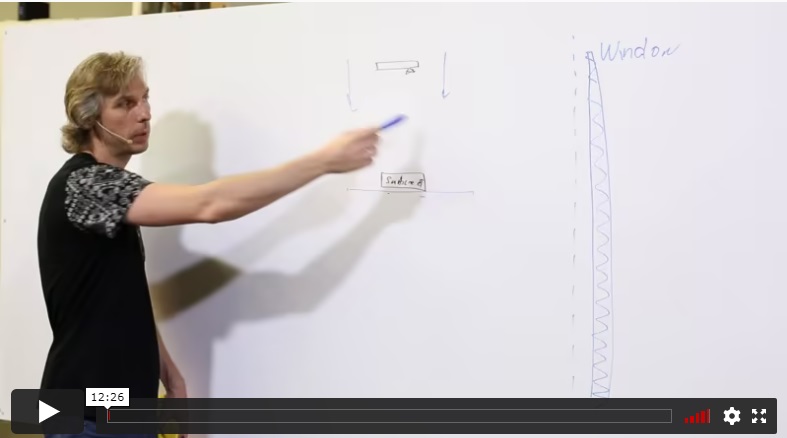
You’ll learn the basics of lighting theory as it relates to iPhone photography. Once you understand light, you’ll be able to modify your DIY rig and get the right lighting for your products.
Building Your DIY Studio
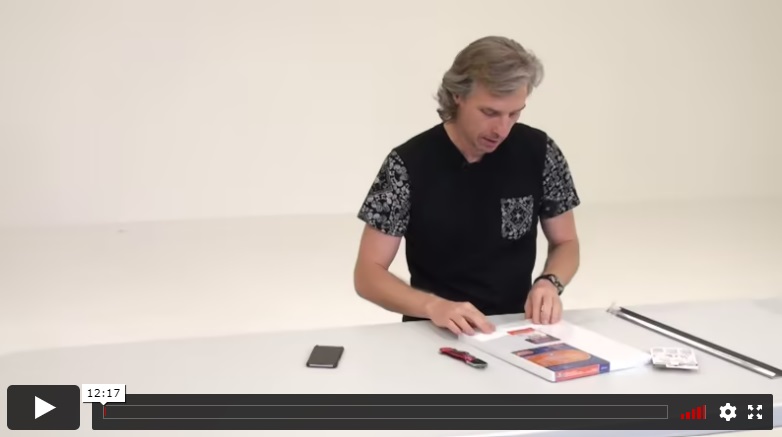
Alex shows you how to build the simplest DIY studio for iPhone product photography. This includes a painted shooting container (for a white background), reflectors (to shape the light), and a few ways to mount the iPhone without a tripod.
Overcoming Your iPhone’s Limitations
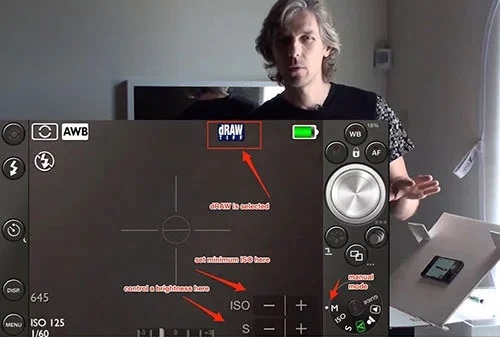
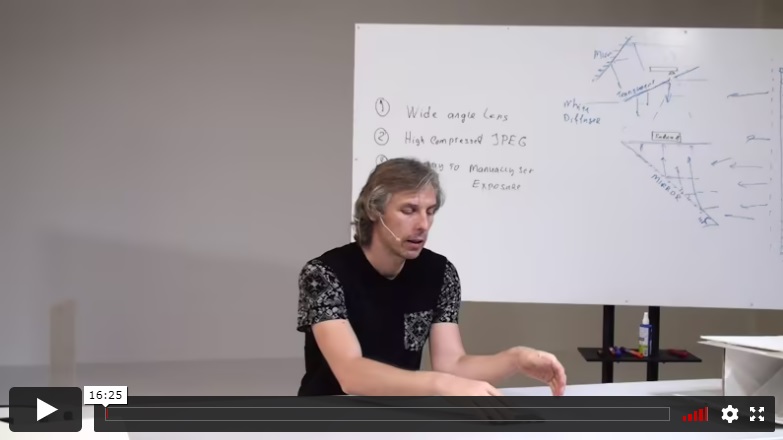
Smartphones have obvious limitations for photography. This lesson identifies these and shows you how to work around them by using the 645 PRO Mk III iPhone application to manually control the exposure, focus, white balance, shutter release, and more.
SHOOTING- PRACTICAL PRACTICE
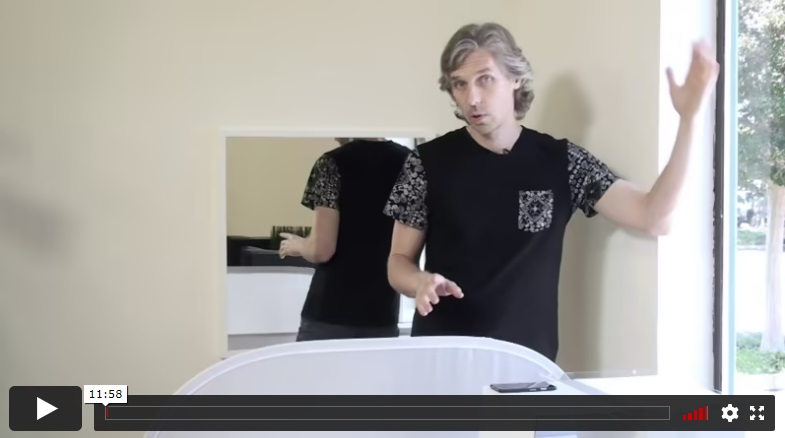
The Basic Setup
The fun begins! It’s time to apply what you’ve learned so far. You’ll learn how to set up your studio and begin taking product shots of small items – in this case, a pen.
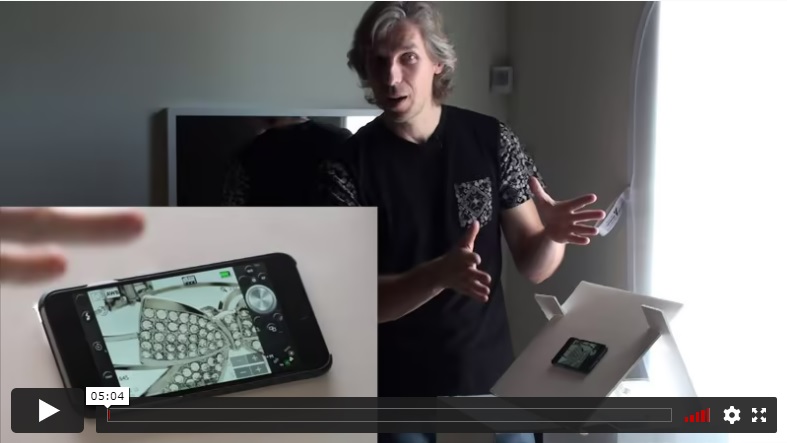
Capturing Small Details
Next, you’ll learn how to get the focus and exposure right for tiny details (in this case, fine gems on a piece of jewellery). Alex will explain why you should never use your smartphone’s zoom, and how to expose for light and dark areas within an image.
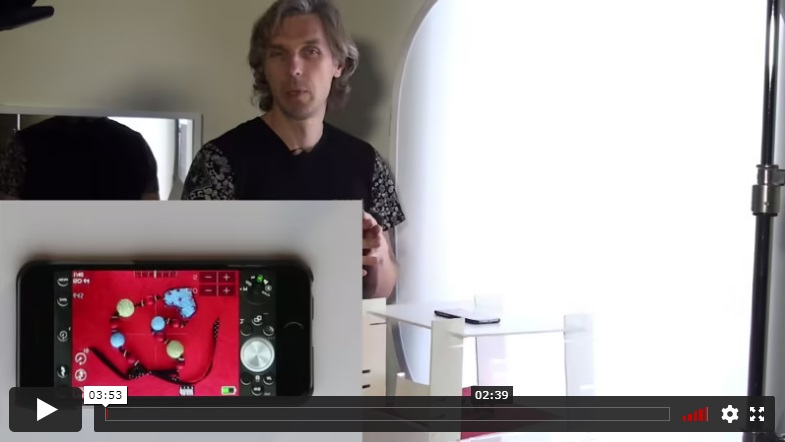
Shooting Textured Subjects
This time, you’ll learn how to shoot a product with texture – and how to adapt the lighting to fit. Alex is shooting a textured necklace on a red background.
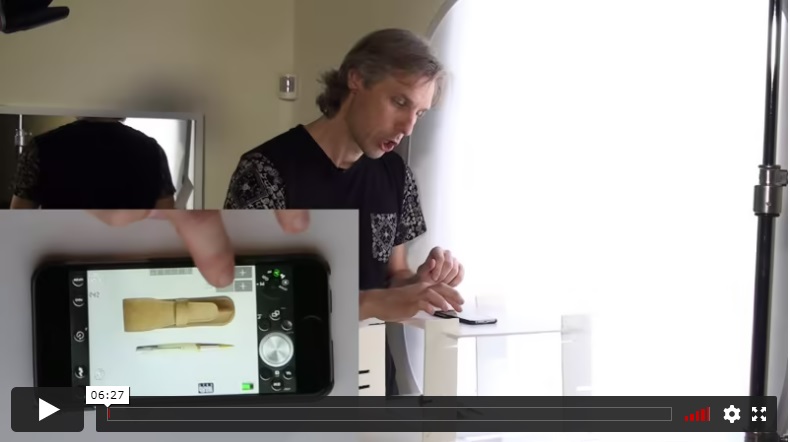
The Top-down Shot
Learn how to get the classic ‘top-down’ shot with a minimal white background, shooting a pen and leather pouch.
Shooting Glossy Subjects
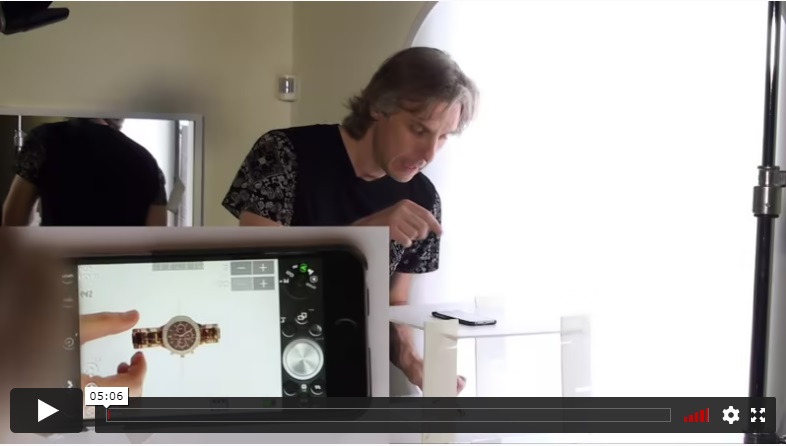
Glossy subjects can pose some lighting challenges. Learn how to do it perfectly, shooting this watch on a minimal white background.
Introducing Different Angles
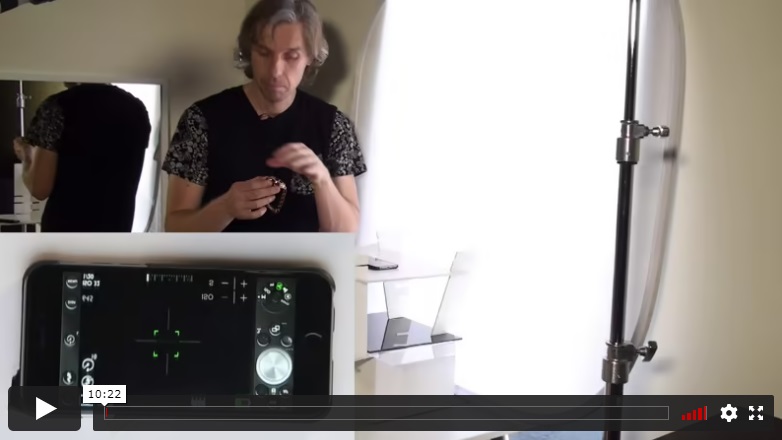
Continuing with the top-down approach, we’ll start to introduce different angles to best capture your subject using lipstick and cosmetic powder on a black background as an example.
The Side Shot
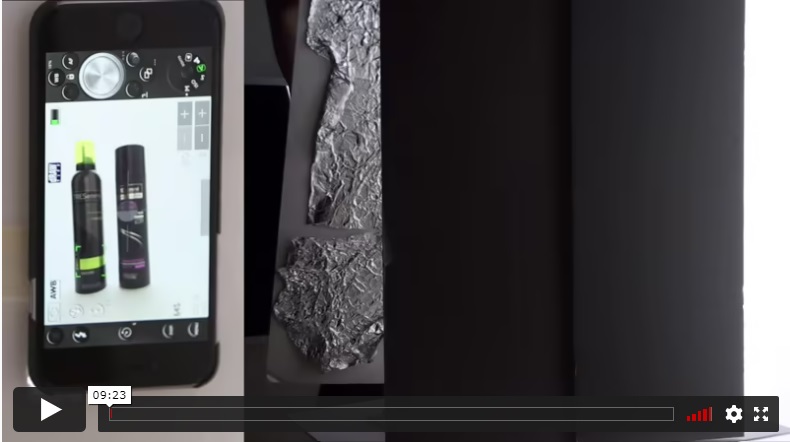
Learn the simple yet classic side shot. Alex will be using hair care products on a white background for this one.
Introducing Creative Composition
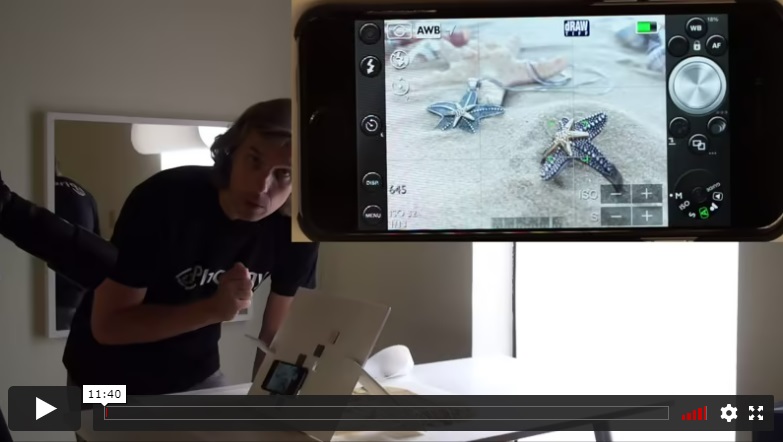
In this lesson, you’ll go beyond what you’ve already learned. Alex will show you how to create dynamic compositions to make your products truly shine. He’ll be using various props and textures to get the perfect shot of these starfish necklaces.
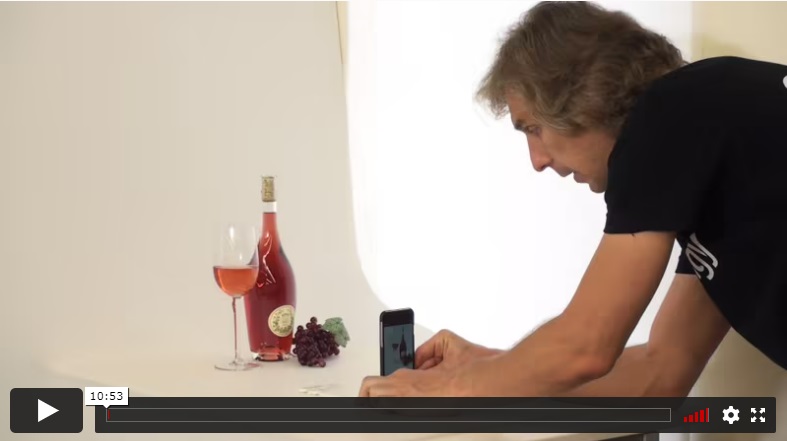
Creative Composition (continued)
You’ll learn even more composition skills to take your product photography to the next level. Alex will be shooting a wine bottle with a filled glass and artificial grapes to add context and an element of creativity to his shots.
POST-PRODUCTION
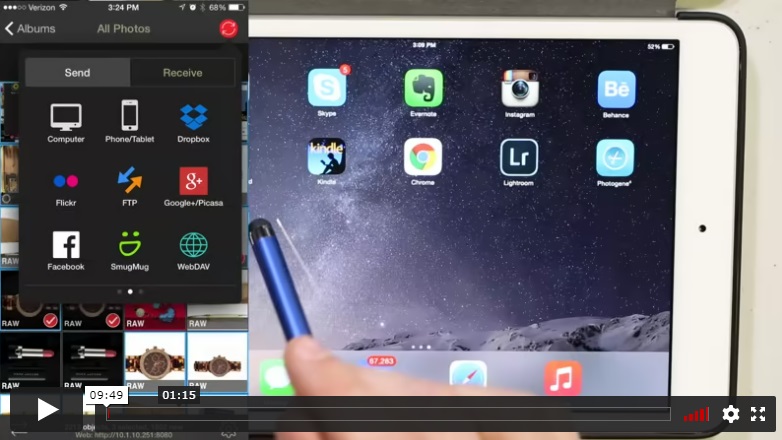
Setting up
You’ll get an intro to the ideal post-production workflow to make your iPhone photos stand out. Alex will be using an iPad and the Photogene 4 app. Using PhotoSync, he transfers his photos from his iPhone and begins working on the first pen that was shot.
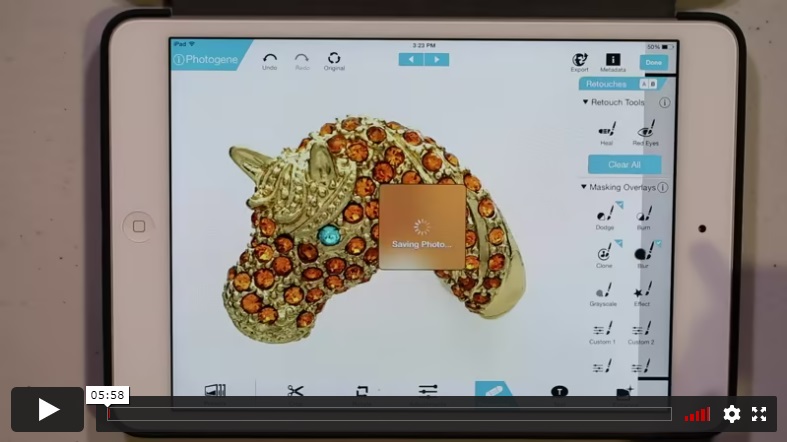
Detailed Adjustments
Next, you’ll learn how to make tiny detailed adjustments and retouching. Alex will be cleaning up the gemstones on a horse’s head pendant (as well as digitally replacing a missing stone!).
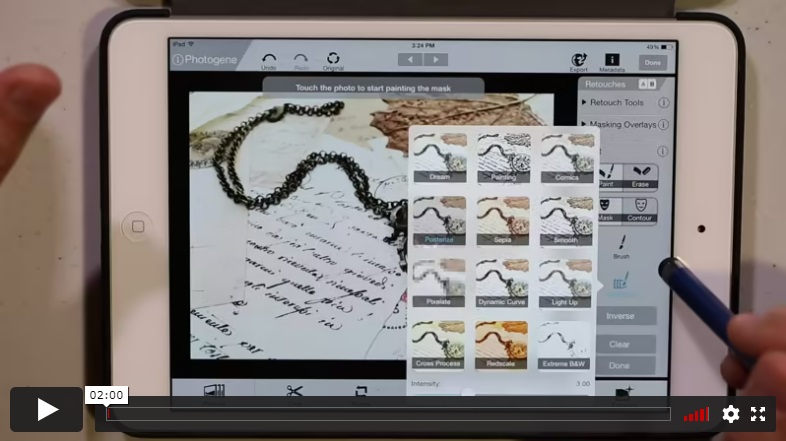
Complex Backgrounds
You’ll learn how to get the exposure, sharpness and white balance perfect with a complex subject background, using a chain and watch as a case study.
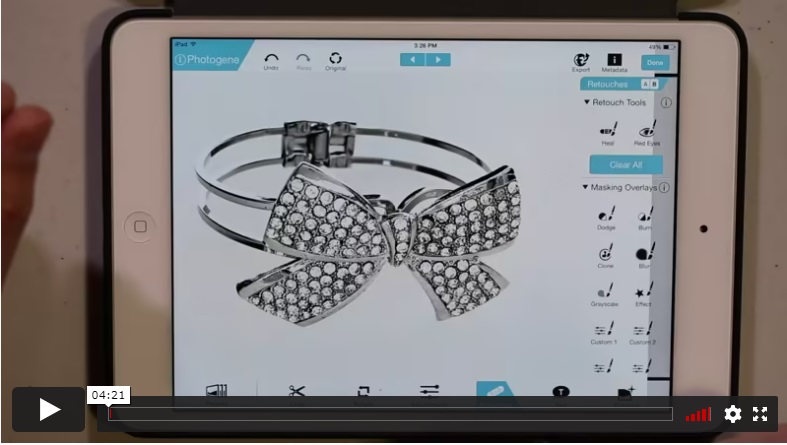
Different Textures
Now you’ll find out how to effectively edit an image with varying textures with this glossy silver bracelet with gemstones.
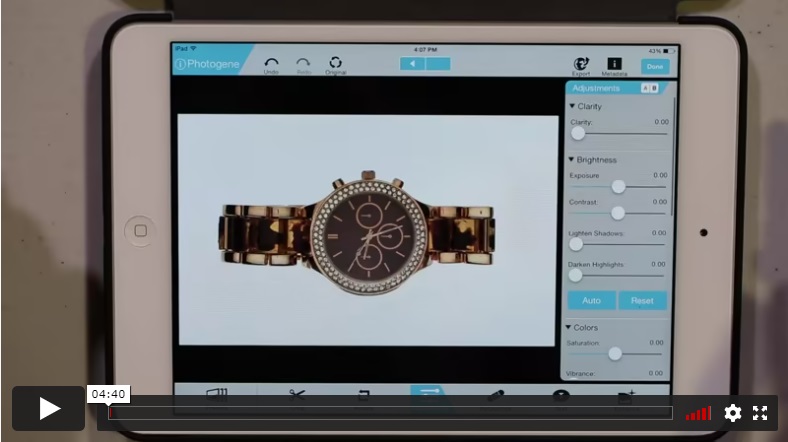
White Backgrounds (continued)
Here, Alex continues the previous lesson, showing you how to effectively edit a dark-colored wristwatch on a white background.
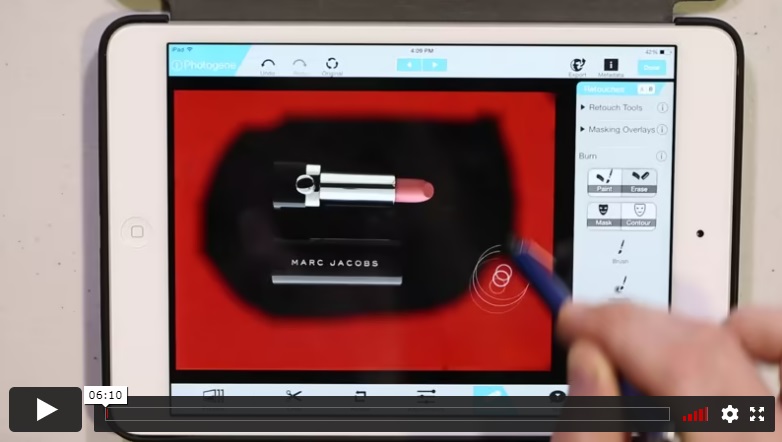
Black Backgrounds
Learn how to edit a dark subject on a black background for a sharp, professional look using lipstick as Alex’s chosen example.
BONUSES
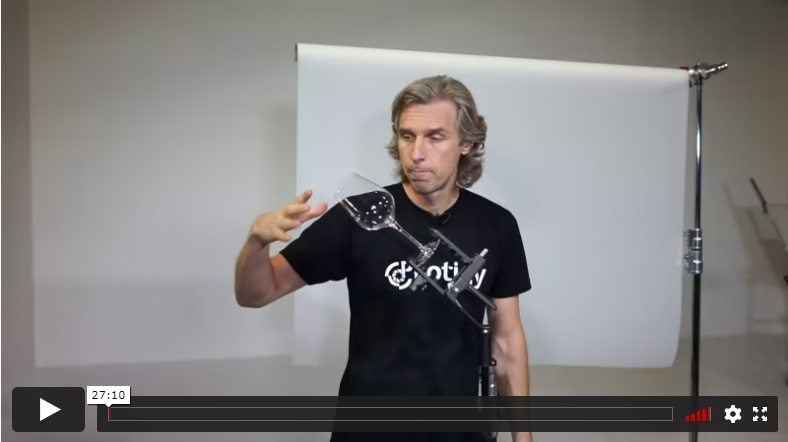
Hi-Speed Photography with iPhone
Find out how Alex captured this amazing splash photo using just an iPhone and Apple earphones as a remote trigger.
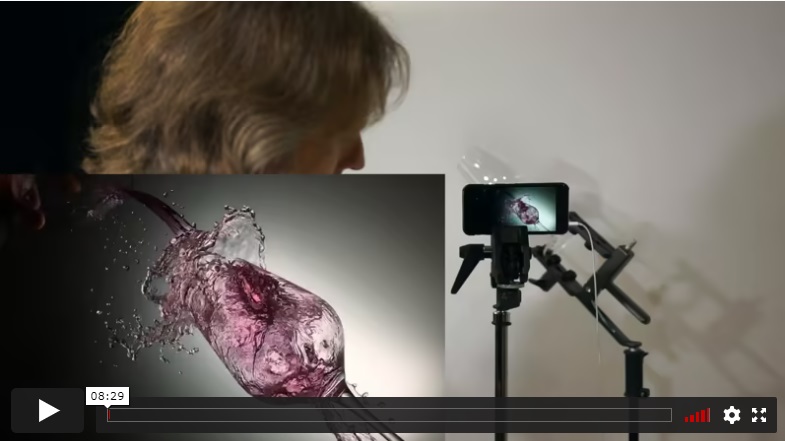
Slow Motion Video with iPhone
Alex shows you how you can capture stunning slow-motion videos that’ll captivate your viewers using an iPhone.
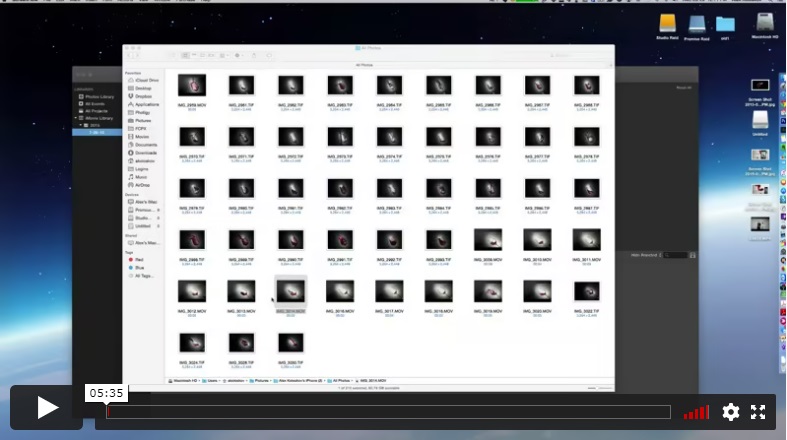
Slow-Motion Video Post-Production
Using iMovie, you’ll learn how Alex produces and creates the slow-motion video from the previous lesson.
Included in the iPhone Product Photography Course:
Unlimited access to all videos and course materials – forever!
Mentoring & feedback from Alex, course instructor and pro studio photographer
Entry to our bustling community forum for tips and support
What do I need for this course?
Your smartphone – iPhone (or Android with a decent camera)
645 PRO Mk III iPhone application ($3.99)(camera app)
Photogene ⁴ iPhone and iPad application ($2.99)(photo editing)
Foam core boards (from $6.99)(to build a shooting rig)
Bonus: Filmmaking with a Smartphone Course
Dancing with the wind - an iPhone 7 music video
Filmmaking with a smartphone Part 1 Theory and gear needed, 6 lessons
Filmmaking with a smartphone Part 1
Theory and gear needed, 6 lessons
Filmmaking with a smartphone Part 2 Shooting on a site, behind the scene
Filmmaking with a smartphone Part 2
Shooting on a site, behind the scene
Filmmaking with a smartphone Part 3 Post-Production in Final Cut X
Filmmaking with a smartphone Part 3
Post-Production in Final Cut X
⭐⭐⭐ SIGNATURE SERIES
Individual course purchase v.s VIP Membership:
Best for long-term access, more DIY approach
Lifetime access
Weekly Q&A
24/7 Email Support
VIP Membership
Best for ongoing learning
Unlimited access to all courses
Priority support
FAQ
Is there a way to ask an instructor a question/to show work and get a feedback?
Yes, you can ask an instructor, as well as get a feedback on your work. We have a support forum for this course where you can ask questions, get answers, and feedback from your instructor.
How do I access the course materials?
You will have 24/7 access to course videos, forums, and reviews on the Photigy.com website. It is optimized for mobile as well, and we stream from the worldwide cloud to ensure a worry-free learning experience.
How long will I have access to this course?
You’ll have lifelong access to the course. There is no limitation on this.
How I can ask questions of the instructor?
All course students have access to a private forum dedicated to support. This is the place where Photigy instructors answer students’ questions, and students can share their own experiences and solutions.
Photigy School Of Photography 2020
Photos You’ll Learn to Make
Who Teaches This Course

Most frequent questions and answers
Is there a way to ask an instructor a question/to show work and get a feedback?
How do I access the course materials?
You will have 24/7 access to course videos, forums, and reviews on the Photigy.com website. It is optimized for mobile as well, and we stream from the worldwide cloud to ensure a worry-free learning experience.
How long will I have access to this course?
You’ll have lifelong access to the course. There is no limitation on this.
How I can ask questions of the instructor?
All course students have access to a private forum dedicated to support. This is the place where Photigy instructors answer students’ questions, and students can share their own experiences and solutions.
Get This Course
E-Commerce Photography with iPhone
One-time payment · lifetime access
- Every lesson in this course
- Watch on any device, forever
- Instructor feedback in the member forum
VIP Membership
This course + every other Photigy course
- All product photography and every other course
- 184+ Pro Club workshops
- Weekly live Q&A and photo reviews