Photigy Course
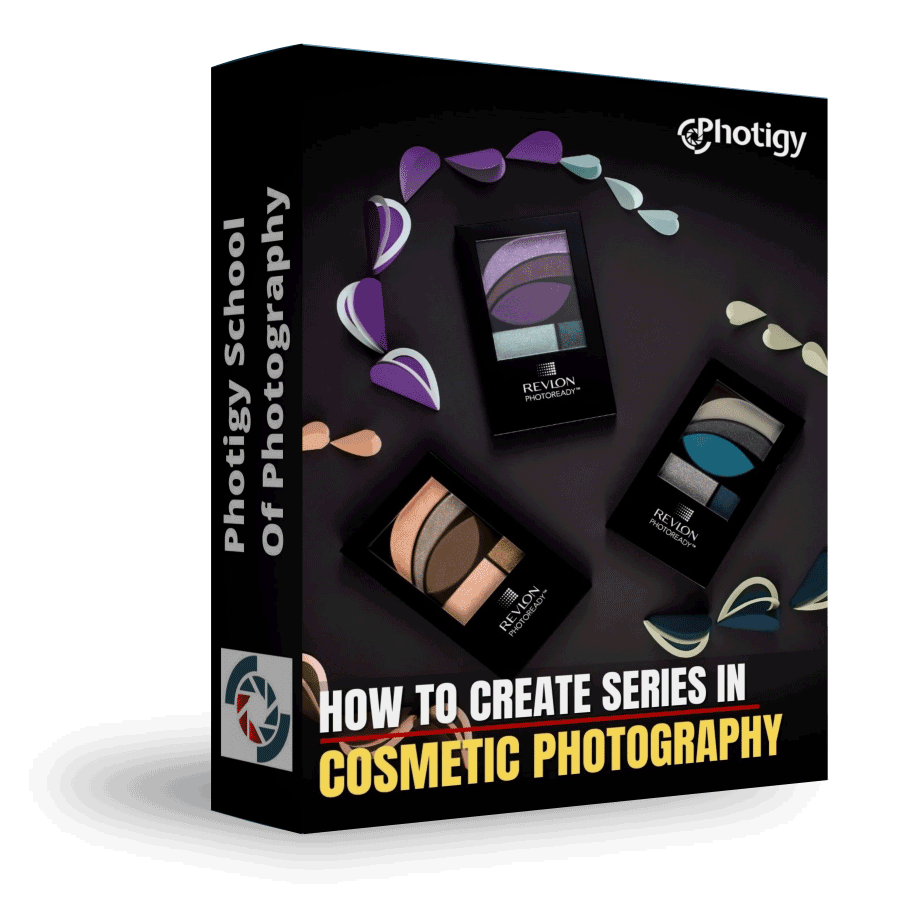
How to Create Series in Cosmetic Photography
Professional, step-by-step online course — watch every lesson at your own pace, forever.
$95one-time · lifetime access
Professional, step-by-step online course — watch every lesson at your own pace, forever.
ONLINE COURSE
About the Course
I n this course, you will learn how to approach a commercial assignment where a series of cosmetic products needs to be photographed.
What You'll Learn:
In this unique course, join Alex Koloskov as he demonstrates his approach to shooting a series of cosmetic products as if it were a commercial assignment. Alex takes you through his process from start to finish, showing you how he came up with the idea for the shoot, how he made the props, how to setup the proper lighting, to perform the complete post-production to get amazing final images.
Learn the process for developing a multi-image shoot based on a commercial assignment.
Learn how to create the props necessary to execute the series of images.
Learn how to photograph a series of cosmetics, from lighting to composition.
Learn how to perform the complete post-production of the series for commercial-quality results.
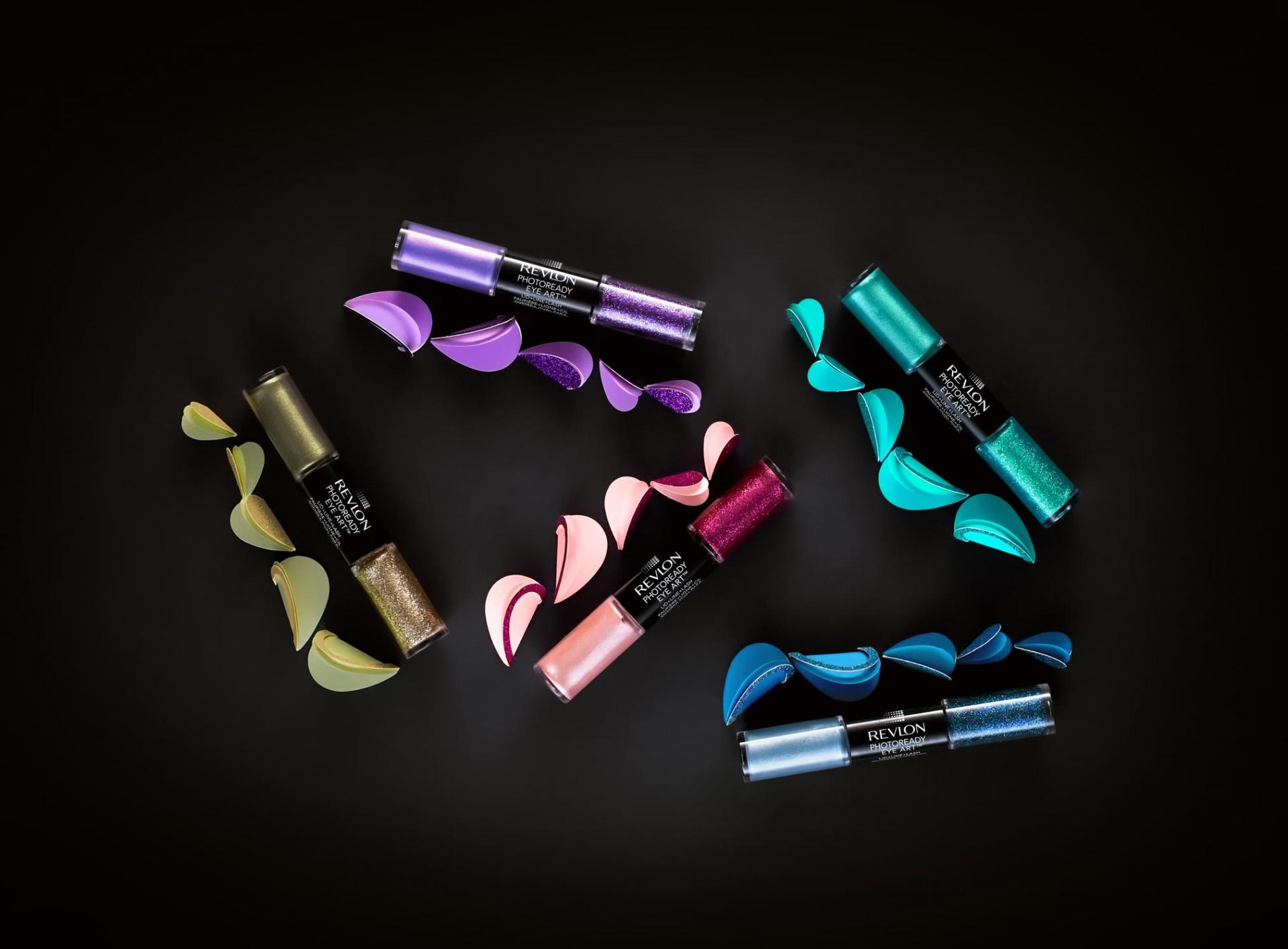
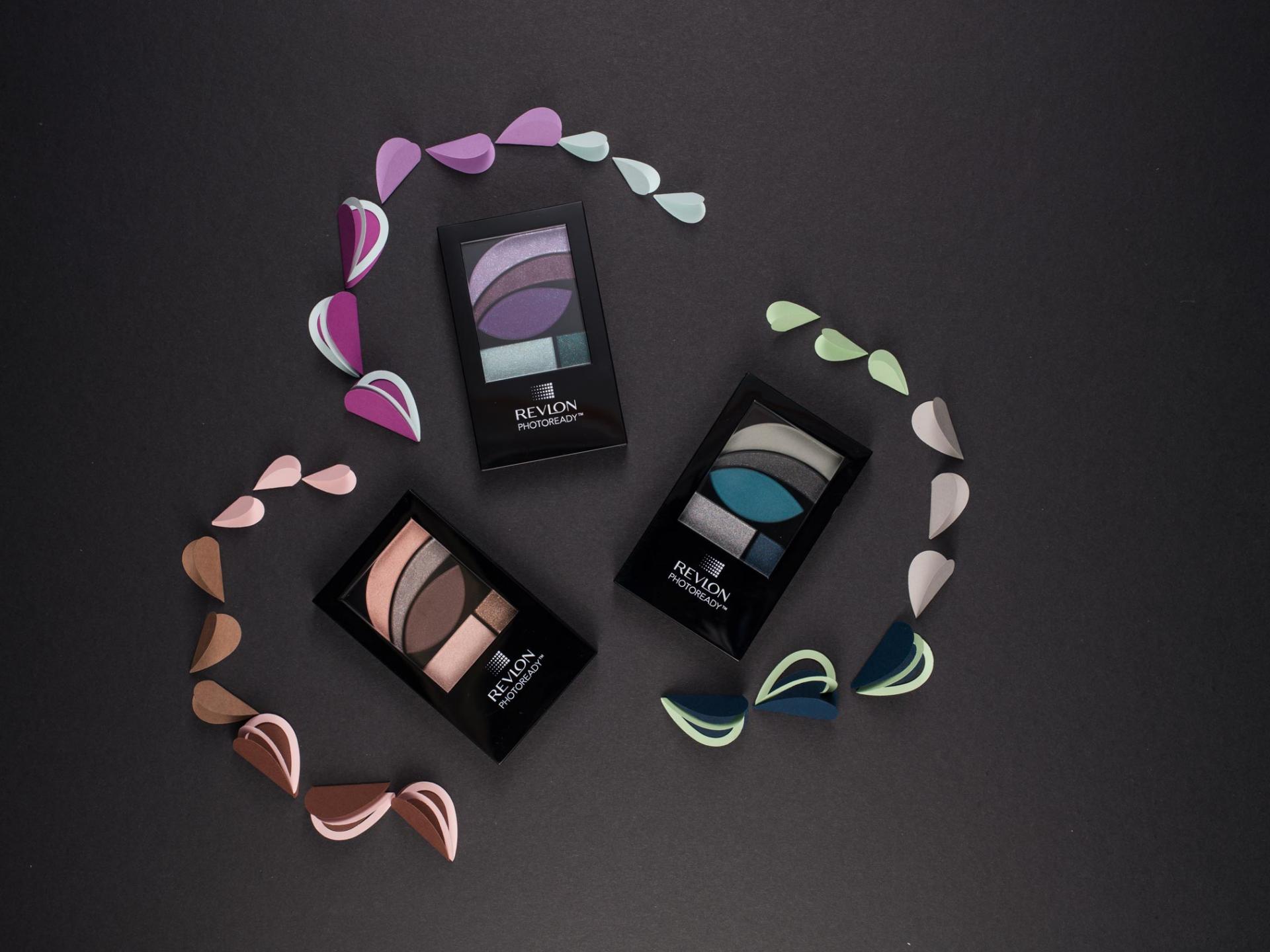
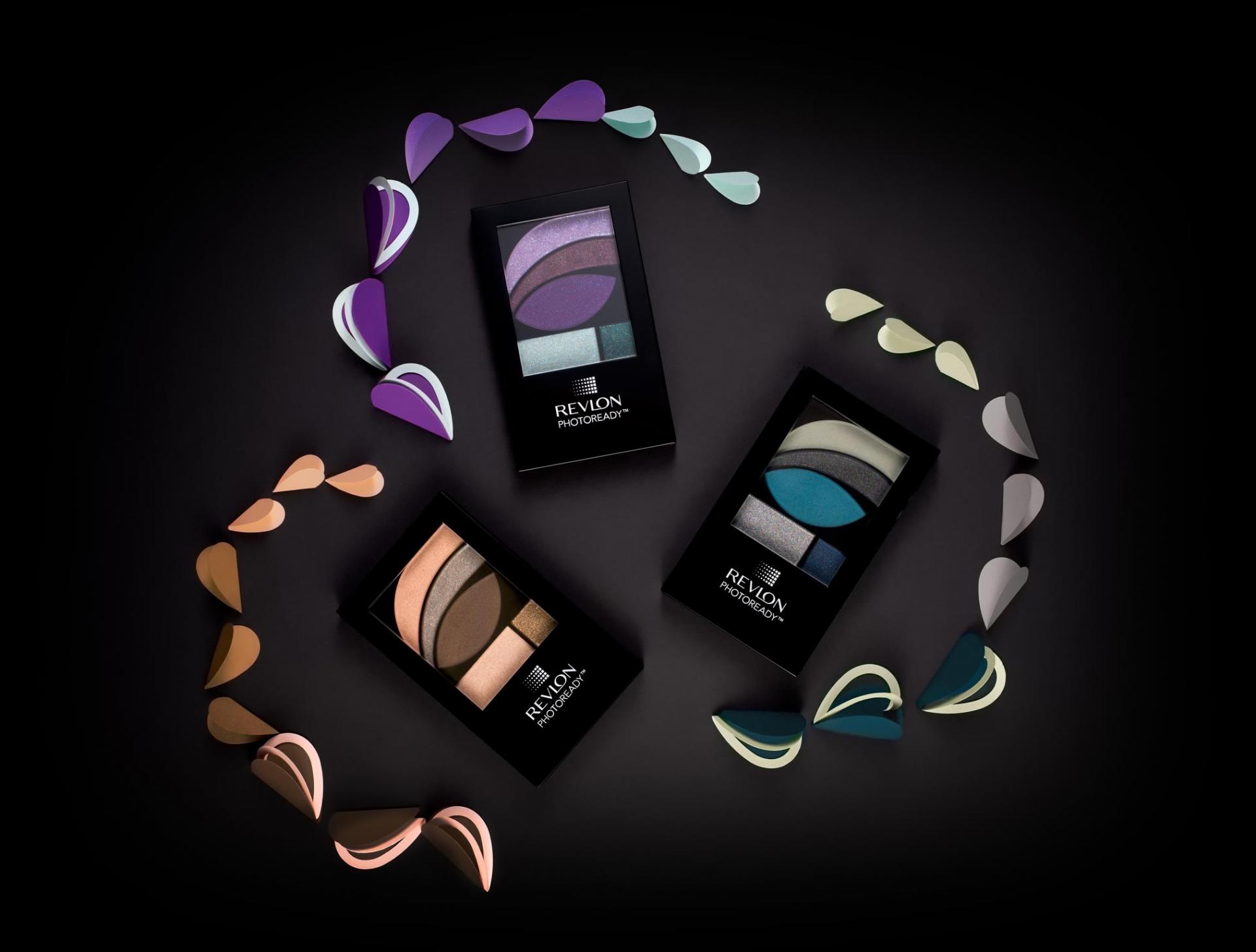
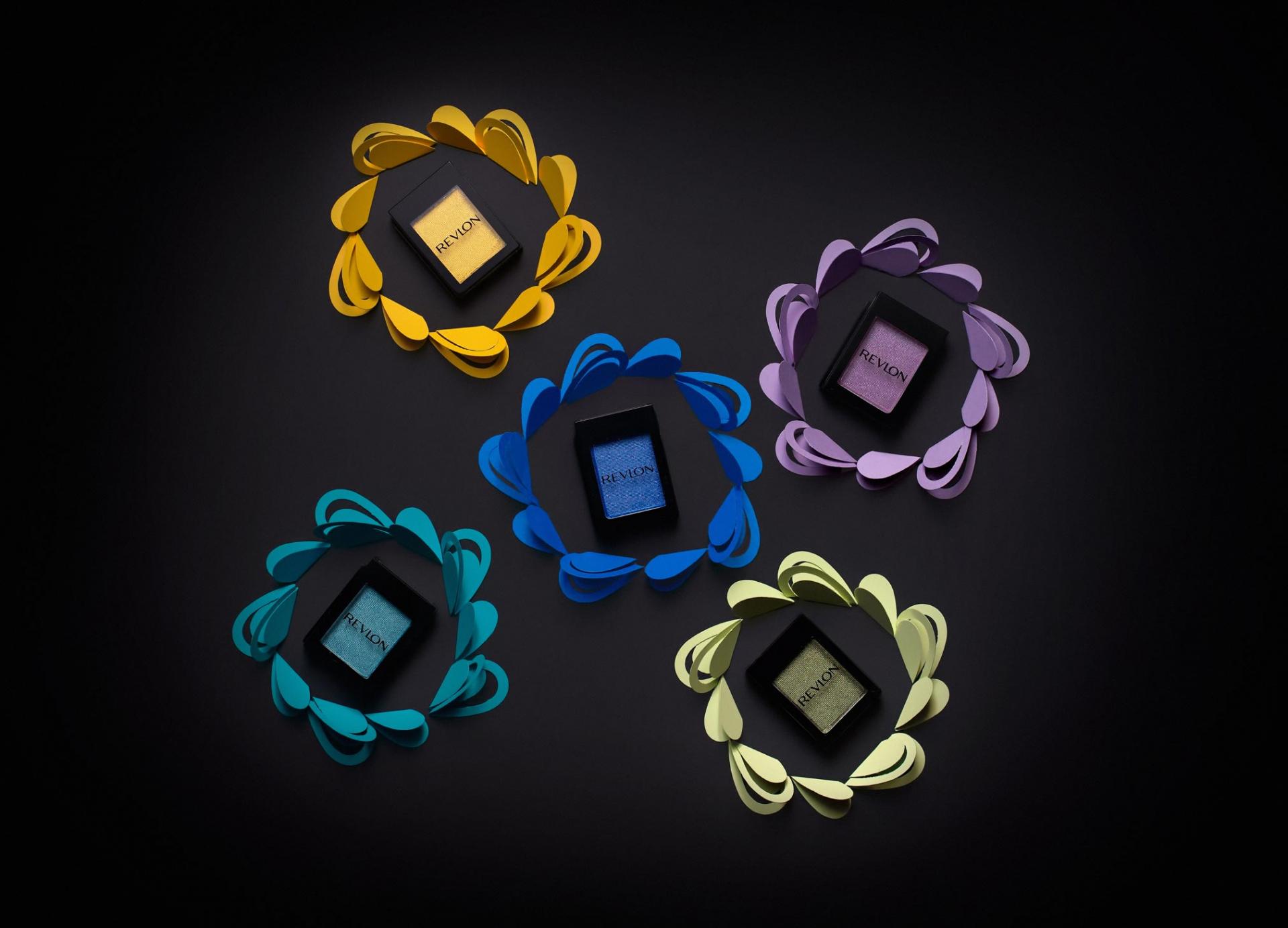
Sample photos from the program’s video lessons that you will learn.
Before-After Post-Production
Left – SOOC (straight out of the camera),
Right– after Adobe Photoshop
SOOC - BEFORE
AFTER
Looking for inspiration and techniques on how to make series of product images for your portfolio.
Already have a basic knowledge of studio lighting and have some lighting equipment (1-2 softboxes and few diffusers)
Passionate about studio product photography
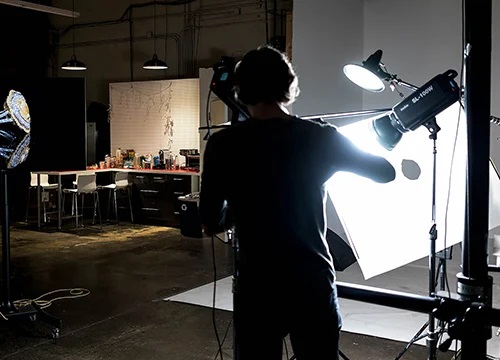
Course Curriculum
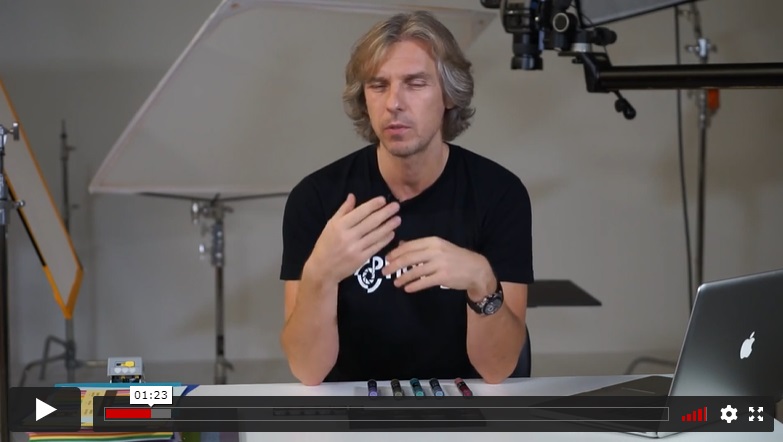
In this introductory lesson, Alex describes how we came up with the creative idea for the shot, what tools and props he used and why he picked them.
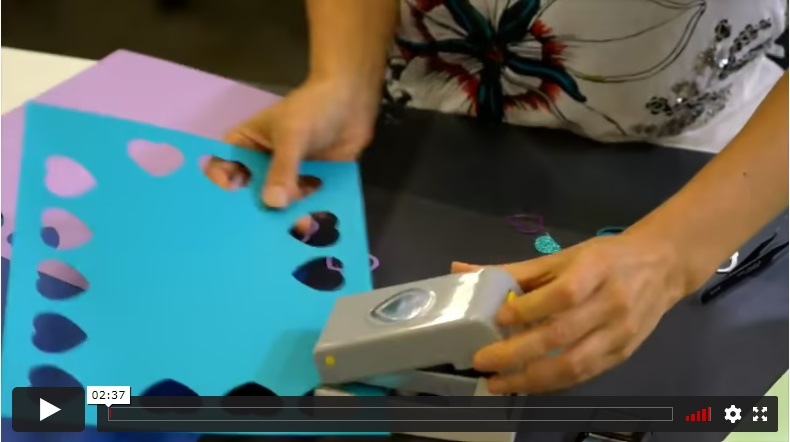
In this fun lesson, Genia Larionova shows a behind the scene view of the props-making process.
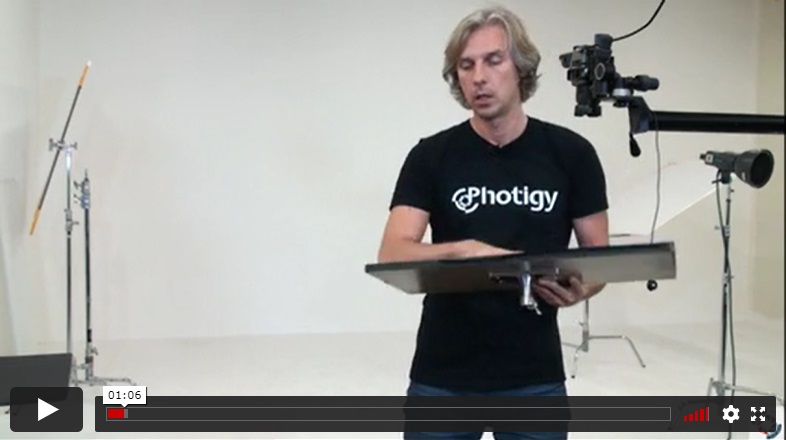
How we approach to a lighting setup, selected light modifiers and did a first shot of the first set of cosmetic products
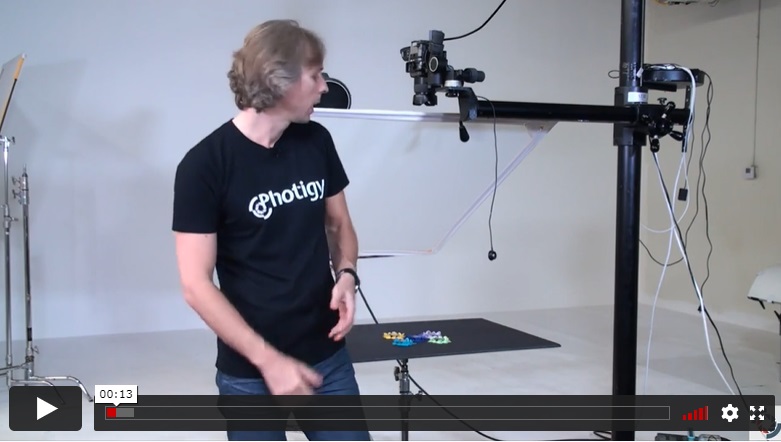
Alex continues shooting, using the same lighting for a second set of images from the series.
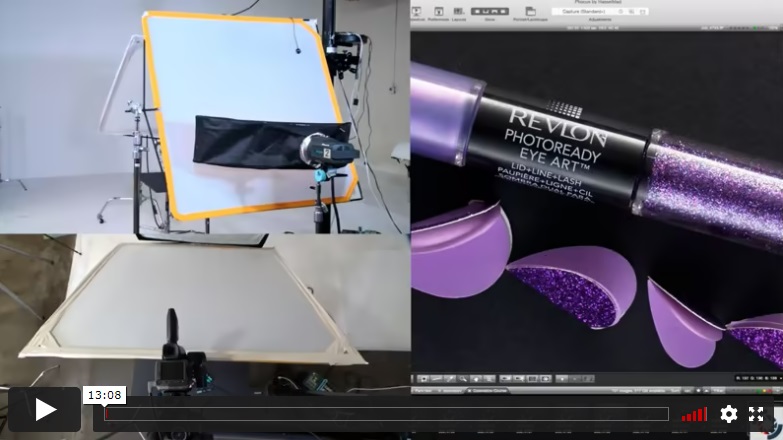
For the third and final set of images from the series, Alex adds strip lights and diffusion panels to shoot the differently-shaped products.
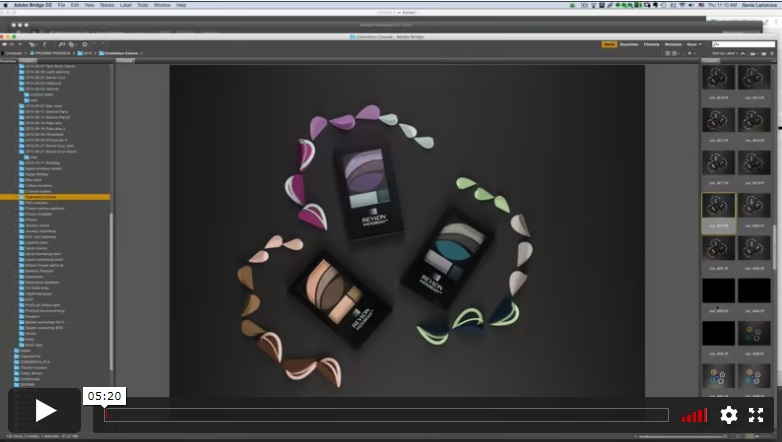
In the first post-production lesson, retoucher Genia Larionova begins by demonstrating her workflow for processing the first raw image and performs some initial cleanup of the background paper textures.
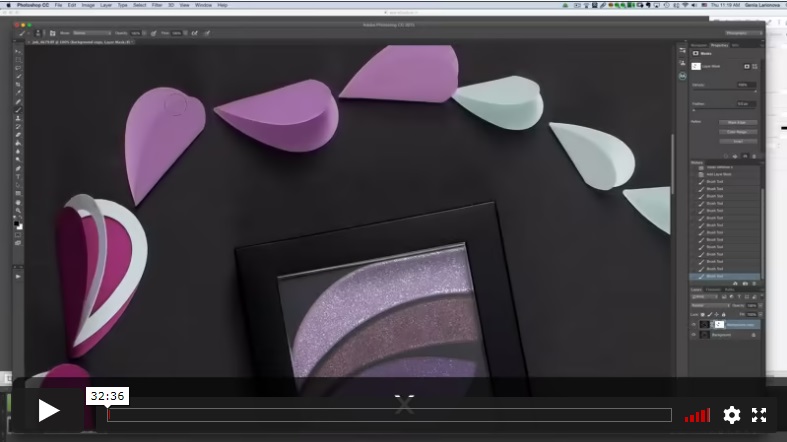
Genia demonstrates her brushwork approach to replacing any areas where the texture was lost. She proceeds to use several techniques to remove defects before making final color adjustments.
INCLUDES
Post-Production Lesson
⭐⭐⭐ PROFESSIONAL SERIES
How to Create Series in Cosmetic Photography
Best for long-term access, more DIY approach
Lifetime access
Weekly Q&A
24/7 Email Support
VIP Membership
Best for ongoing learning
Unlimited access to all courses
Priority support
Yes, you can ask an instructor, as well as get a feedback on your work. We have a support forum for this course where you can ask questions, get answers, and feedback from your instructor.
You will have 24/7 access to course videos, forums, and reviews on the Photigy.com website. It is optimized for mobile as well, and we stream from the worldwide cloud to ensure a worry-free learning experience.
You’ll have lifelong access to the course. There is no limitation on this.
All course students have access to a private forum dedicated to support. This is the place where Photigy instructors answer students’ questions, and students can share their own experiences and solutions.
Photigy School Of Photography 2020

Most frequent questions and answers
Is there a way to ask an instructor a question/to show work and get a feedback?
How do I access the course materials?
You will have 24/7 access to course videos, forums, and reviews on the Photigy.com website. It is optimized for mobile as well, and we stream from the worldwide cloud to ensure a worry-free learning experience.
How long will I have access to this course?
You’ll have lifelong access to the course. There is no limitation on this.
How I can ask questions of the instructor?
All course students have access to a private forum dedicated to support. This is the place where Photigy instructors answer students’ questions, and students can share their own experiences and solutions.
Own this course for $95, or unlock it plus every Photigy course and workshop with a VIP membership.
Try the course. If it is not helping you make better images, email us within 30 days for a full refund.