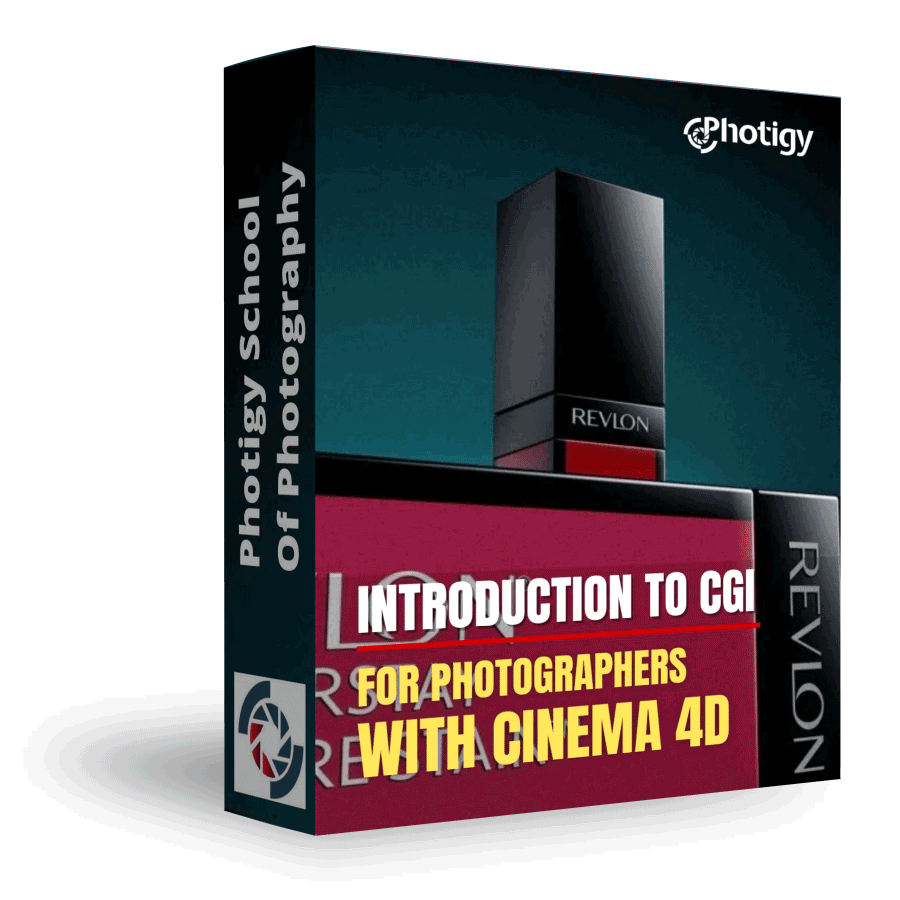
Introduction to CGI for Photographers with Cinema 4D
In this fun course, learn the basics of modeling and rendering with the very user-friendly software from Maxon, Cinema 4D . This software is not only powerful but also available on
Introduction to CGI for Photographers with Cinema 4D
ONLINE COURSE
About the Course
In this fun course, learn the basics of modeling and rendering with the very user-friendly software from Maxon, Cinema 4D . This software is not only powerful but also available on both Windows and Mac platforms.
This course is for you, if you...
Have never worked with 3D software.
Are a photographer who want a taste of the fun world of CGI.
Love learning new tools and technologies.
COURSE CURRICULUM
Course includes 2 hours 48 minutes of instruction in 11 video lessons
What is CGI and What Can it do?
What’s the current state of CGI in advertising today? What is it all about? What can I create? Some real world examples.
What is Cinema 4D?
A introduction to Maxon’s Cinema 4D – a 3D modeling tool available for both Mac & PC.
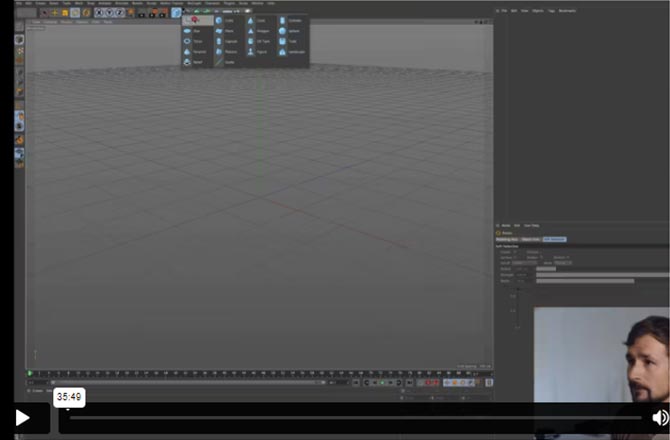
Intro to the Cinema 4D Workspace & the Basics of Building 3D Objects
You will learn about the user interface and some basic modelling ideas that you need to grasp in order to complete this course.
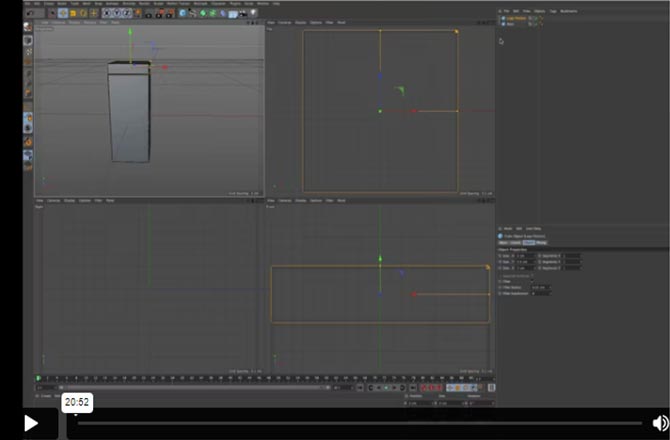
Modelling the Revlon Lip Gloss Product
With some basic tools at your disposal, you will now get your hands dirty modelling your first real world object, a Revlon Lip gloss product.
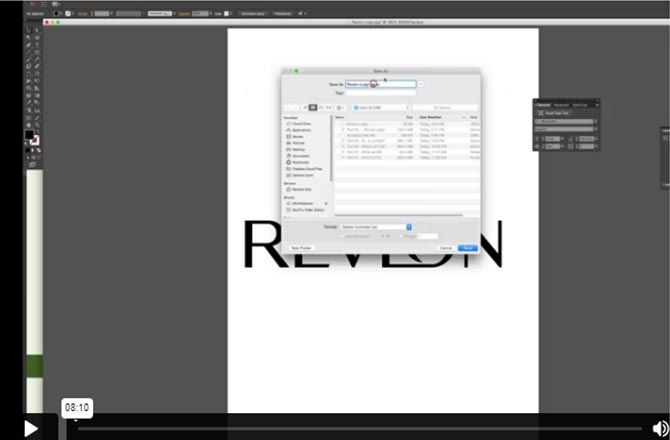
Finding & Creating the Revlon Logos into Vector Graphics
With the basic model ready, you need to find yourself a logo and bring it from a flat bitmap to a vector type graphic using Illustrator. If you do not have the software, Vadim has provided the ready files for import into Cinema 4D.
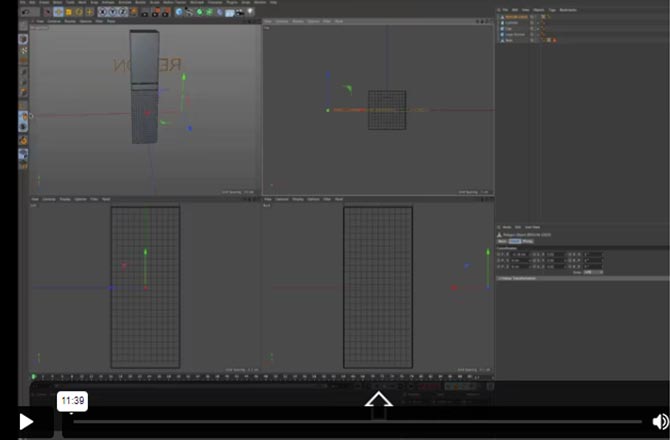
Importing, Building & Applying the Revlon Logo in Cinema 4D
Now that you have your logo in a 2D vector shape, it’s time to bring it life in the 3D world and apply it to your model.
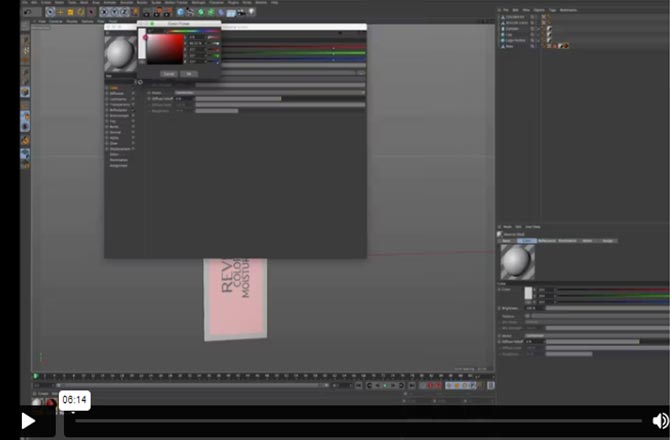
Creating the Materials
There’s nothing attractive with a naked model – so let’s dress her up with some materials adding some realism to your scene.
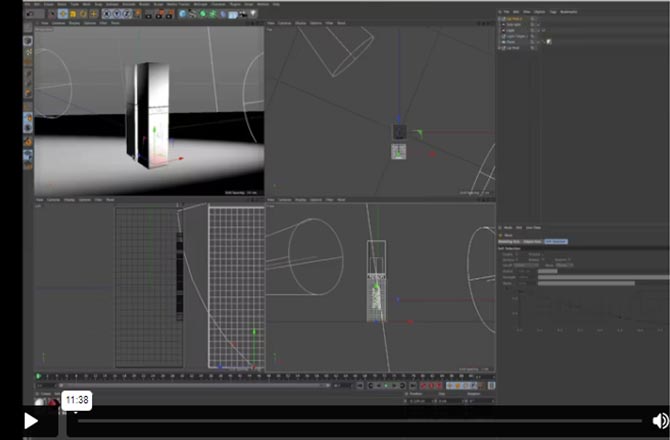
Lighting your Virtual Studio
Fully dressed, your Revlon product is ready to take the stage. You’ll see how lights are added to bring out some life into the product.
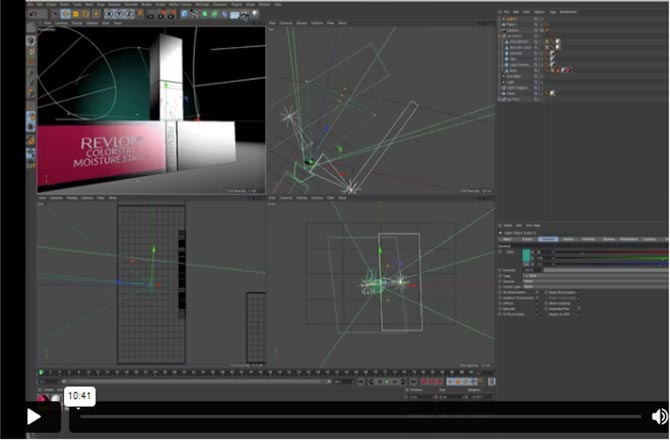
Setting up your Camera & Making Final Adjustments
Next up is adding a camera to the scene. Figure out the focal length for the desired perspective and make some tweaks with lighting to improve the image impact.
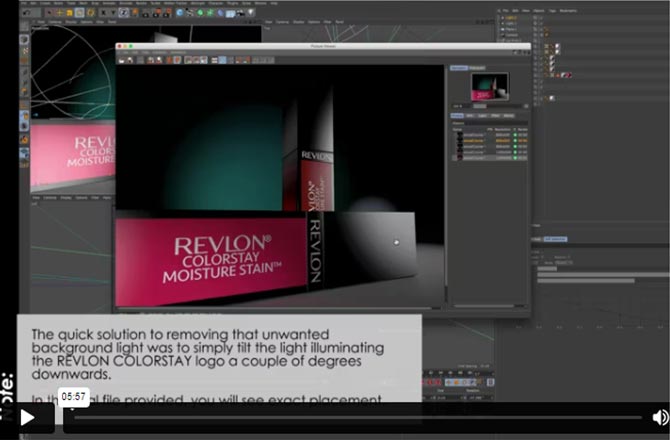
Rendering your Final Scene
Time to put this all together and let the computer do some work, but before that, you need to learn some basics about what is rendering and how to set things up.
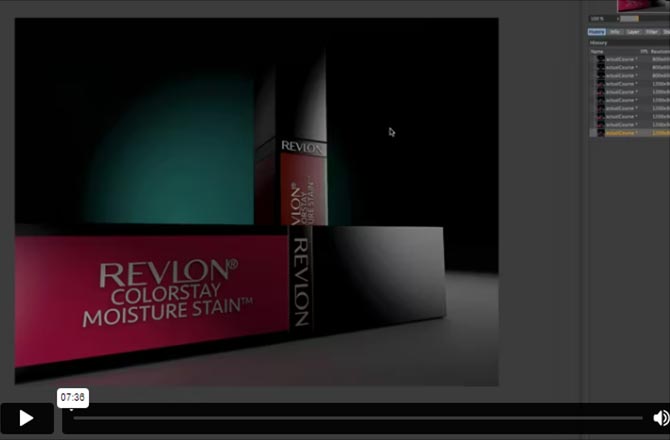
Final Touches in Photoshop
Let’s wrap things up with a touch of Photoshop to bring out some contrasts, saturations and more.
BONUS
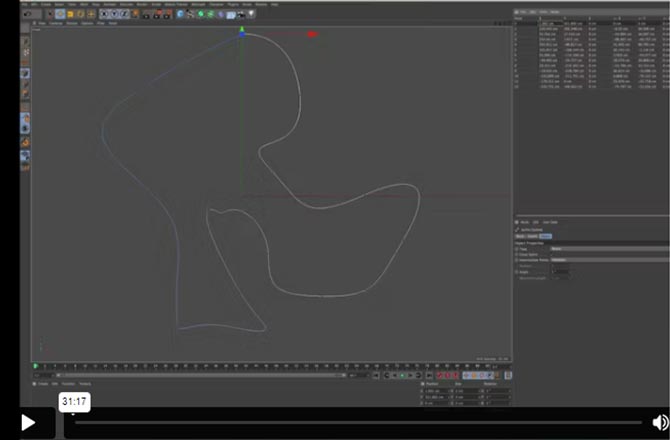
A Quick Look at Modelling with Splines and Generators
earn to create simple objects such as 3D text, curtains, vases/bottles, and odd shaped items that combine various shapes.
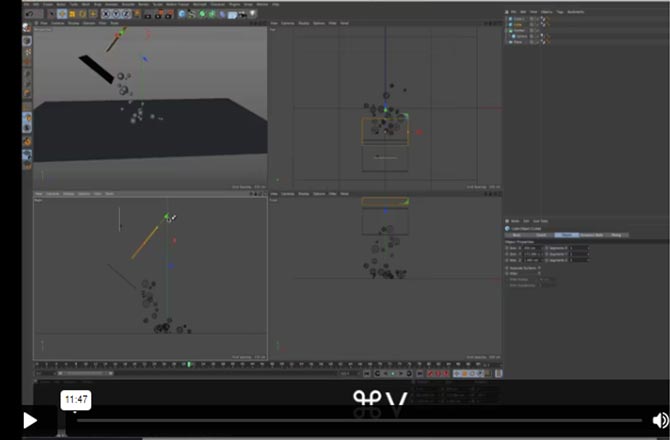
Emitters
This second bonus gives you a glimpse at the power of particle dynamics. See how to create gravity, colliding balls onto various surfaces coming from an emitter.
ABOUT THE COURSE’S
Instructor

Instructor of Photigy
Vadim Chiline
I’ve mixed it up over the years – having studied various fields from Cell Biology, to Computer Science; I’ve always been involved with art and photography but had a technical side which helps me today manage my studio. Having rarely taken the easy path in life, I believe obstacles present challenges to build on and promote quick learning. If I had to compare myself to a composer, I would choose Beethoven; things might not always come easily, and I believe my emotional nature comes through my photography with its dramatic counterpoint of light and dark images.
Today, after now 12 years as a luxury photographer, I work with great staff serving amazing clients around the world. In photography I love trying new things, always trying to improve my techniques – something can always be made better, more efficient – the product should always look its best.
If you need some powerful images, don’t hesitate to contact me, it will be a pleasure to speak with you by email or phone.
See Vadim Chiline’s portfolio
TYPE
Online Video Course
⭐⭐⭐ ADVANCED SERIES
Individual course purchase v.s VIP Membership:
Best for long-term access, more DIY approach
Lifetime access
Weekly Q&A
24/7 Email Support
VIP Membership
Best for ongoing learning
Unlimited access to all courses
Priority support
Photigy School Of Photography 2020
Get This Course
Introduction to CGI for Photographers with Cinema 4D
One-time payment · lifetime access
- Every lesson in this course
- Watch on any device, forever
- Instructor feedback in the member forum
VIP Membership
This course + every other Photigy course
- All cgi / 3d and every other course
- 184+ Pro Club workshops
- Weekly live Q&A and photo reviews