Mastering AI for Product Photographers
This course has been discontinued. Please check out the new course here:
Mastering AI For Commercial Product Photography
This course has been discontinued. Please check out the new course here:
Are you a semi-pro or professional commercial product photographer looking to streamline your workflow and create jaw-dropping images for your clients? Our "Mastering AI For Commercial Product Photography" course is designed specifically for you. By leveraging the power of Stable Diffusion, an open-source AI, you'll learn how to generate beautiful advertising images that will wow your clients and take your business to the next level.
Create high-resolution, professional-grade product images in a fraction of the time
Traditional product photography can be time-consuming, requiring extensive setup, lighting adjustments, and post-production work.
Our course teaches you how to efficiently generate high-resolution, professional-grade images that meet or exceed your clients' expectations.
Spend less time on post-production and more time growing your business
Post-production can be a major bottleneck in the product photography workflow, often requiring hours of editing and refinement. AI-powered tools can automate and streamline many aspects of post-production, such as background removal, color correction, and shadow creation.

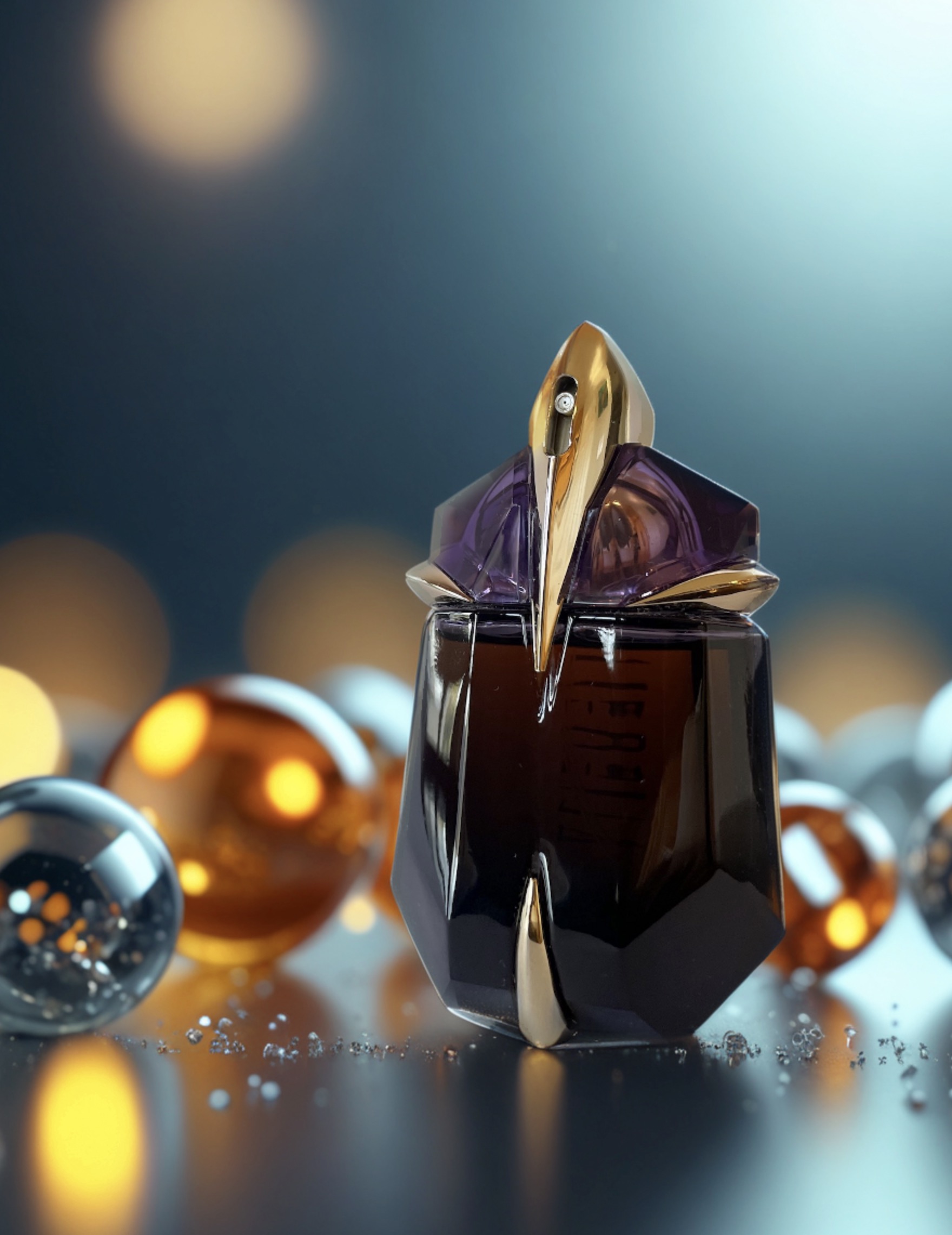
Expand your creative possibilities without limitations
AI opens up a world of creative options that might have been difficult, time-consuming, or impossible to achieve with traditional photography methods. From generating realistic textures and backgrounds to simulating complex lighting scenarios, AI empowers you to bring your vision to life.
Learn how to approach potential photo buyers with your AI-altered images of their products
Creating stunning AI-enhanced product images is just the first step. To truly succeed in the competitive world of commercial photography, you need to know how to effectively market your services and sell your work to potential clients.
Our course includes a dedicated module on how to approach and pitch your AI-altered images to product photography buyers. We'll teach you proven strategies for demonstrating the value of your work, highlighting the benefits of AI-enhanced images, and positioning yourself as a cutting-edge photographer who can deliver exceptional results.
Meet your Instructor
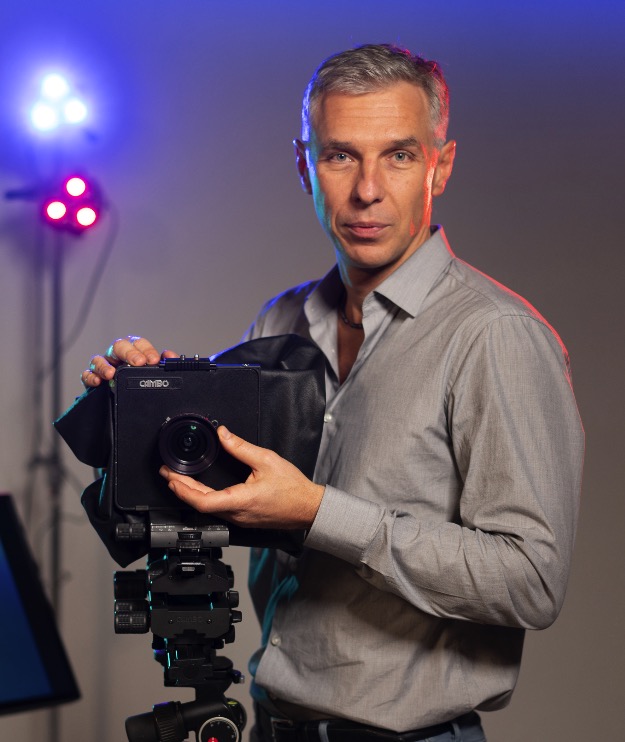
Alex Koloskov is the founder of one of the largest online schools for product photography in the world, Photigy.com. Currently, more than 70,000 photographers around the world are studying in Photigy. Alexey is also a producer of online schools and uses AI in many areas of his business, specializing in AI-assisted marketing.
AI Mastery Tools was launched in 2023 to help creative people use artificial intelligence in their work. Alexey believes that any educated person should be able to use the tools that artificial intelligence provides in business and in life, just as we once learned to use electricity.
How Does It Work?
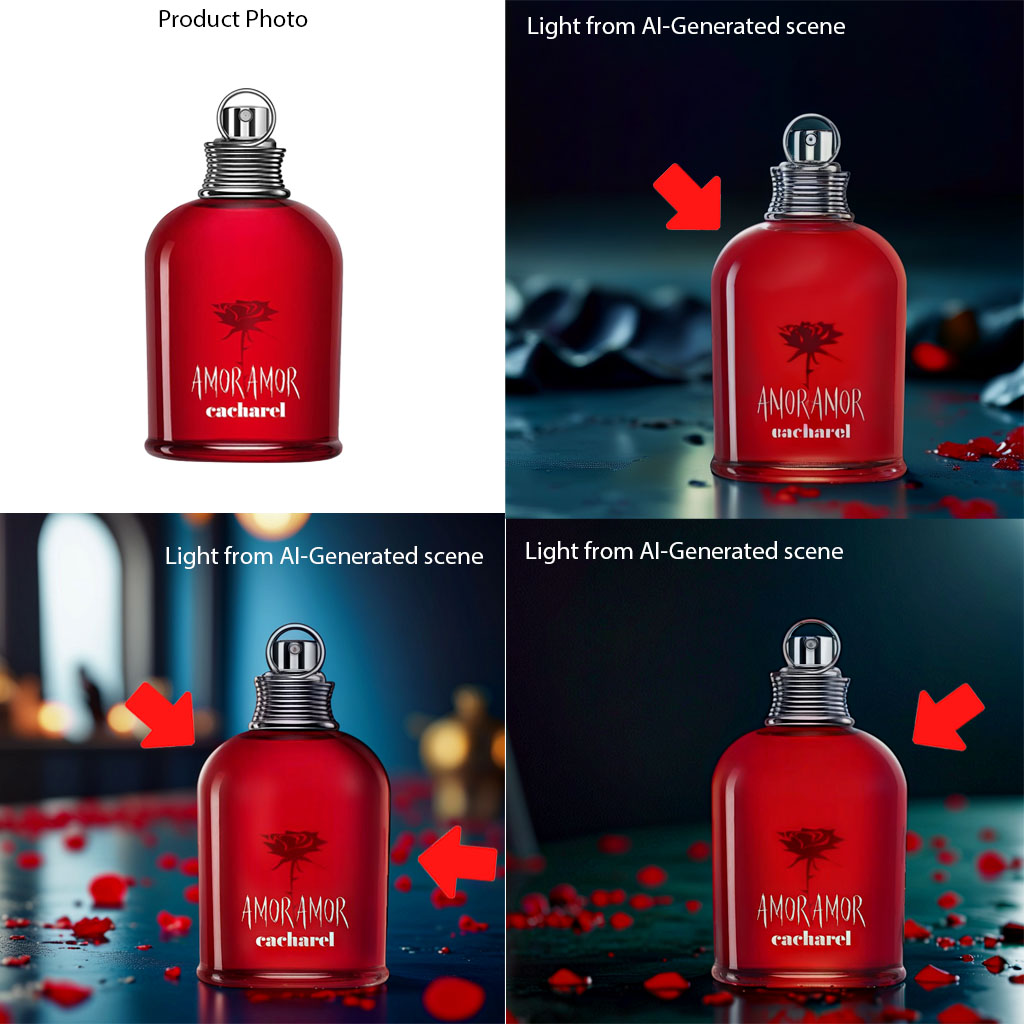
The example below demonstrates why Stable Diffusion is more than just a Photoshop AI background generation tool. It actually changes the subject and creates reflections and refractions from the lighting generated around the subject. These photos are shown as they appear, straight from the workflow taught in the course.
Learning Options
We offer two learning options to suit your needs and expertise level:
Cloud-Based Workflow
Learn how to run the AI-powered workflow on our "ready to use" cloud server (Recommended for Most Users)
No installation or setup required – everything is pre-installed and configured for you
Ideal for users who want to focus on learning and creating stunning images without the hassle of technical setup
Perfect for photographers who don't have access to high-end hardware or want to work on the go
Local Installation
Install Stable Diffusion on your local PC or Mac and run the workflow locally
Recommended for advanced users who have experience with AI and setting up Python environment and prefer to have full control over their setup
PC Requirements: Nvidia RTX video card with a minimum of 12GB of memory For optimal performance, a video card with 24GB of memory is recommended
Nvidia RTX video card with a minimum of 12GB of memory
For optimal performance, a video card with 24GB of memory is recommended
Mac Requirements: M1, M2, M3, or M4 processor in high/top configuration
M1, M2, M3, or M4 processor in high/top configuration
AI-Altered Photos of E-Commerce Products
All these images were generated by the workflow provided on this course. All images are based on real photos of products on a white background.
YOUTUBE VIDEO
WATCH THE DEMO
OF THE WORKFLOW
This is a video where Alex demonstrates how the workflow of the course works.
SIGN-UP TODAY AND GET A FREE BONUS COURSE!
This course has been discontinued. For the updated version, please check out the new course here:
⭐⭐⭐ SPECIAL OFFER
Mastering AI for
Product Photographers

Your purchase is covered with our 30 Days money back guarantee.
FREE Bonus Course Content
Course includes 2 hours and 10 minutes of instruction in 4 modules
LEARN HOW TO TAKE PHOTOS OF ANY PRODUCT
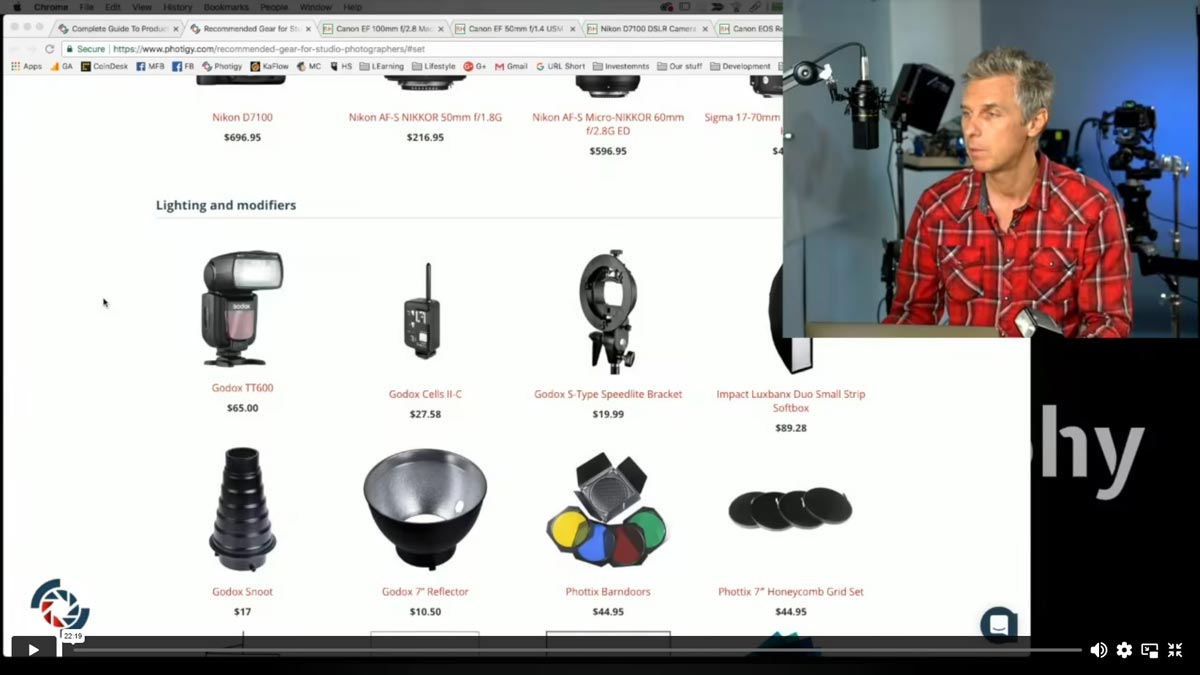
Gear for Studio Photography
A guide to all of the gear you will need, and how to avoid the overpriced, high-end gear that you don’t need.
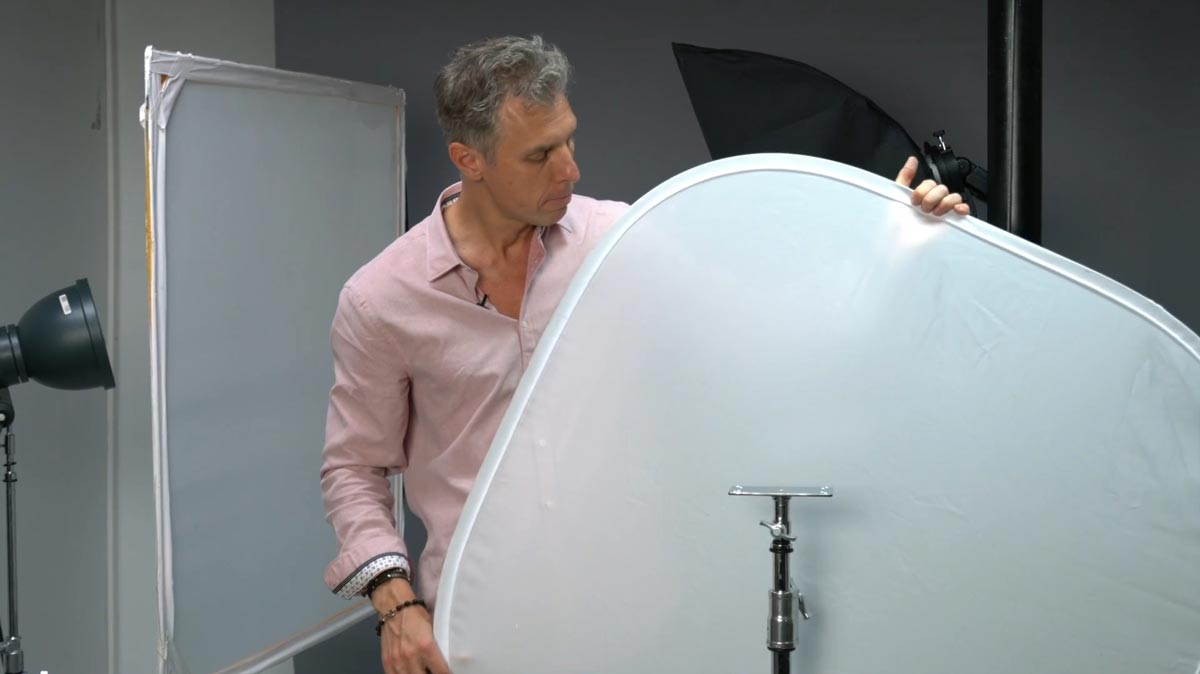
DIY Solutions to Keep your Budget under Control
A few simple hacks to help you control costs without compromising the quality of your work.
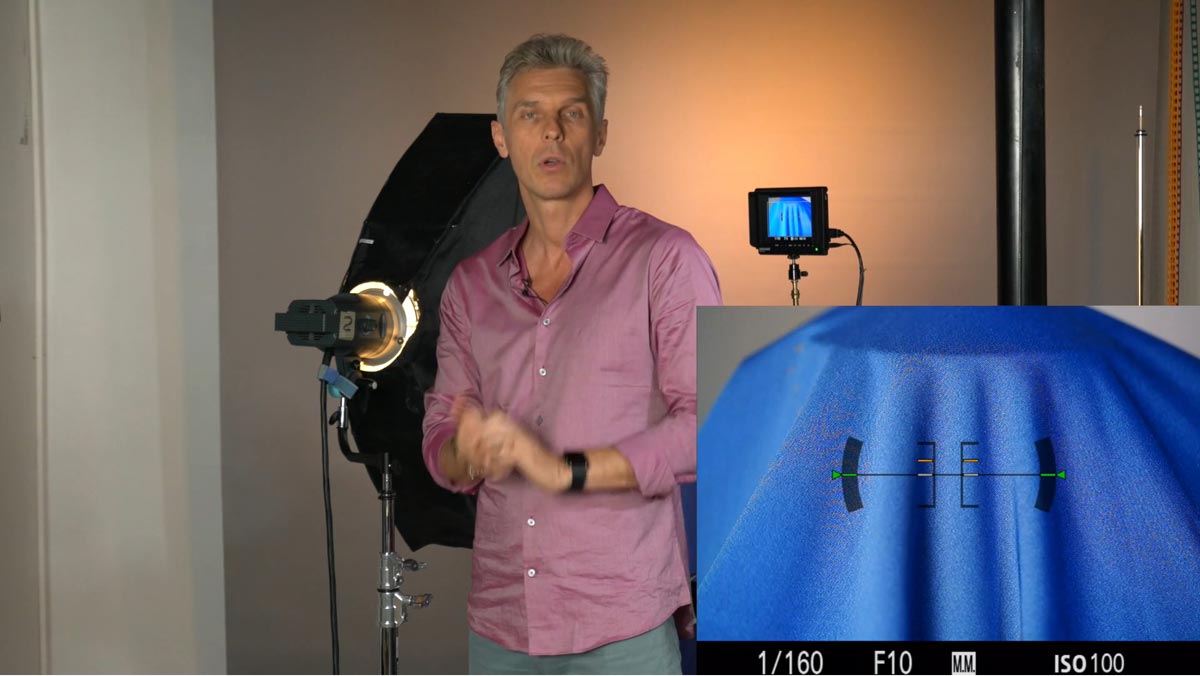
Studio Lightning Techniques
Challenges in 3 Parts How to handle matte, textured, or glossy surfaces, including combinations; using sharp light and/or diffused light, and much more!
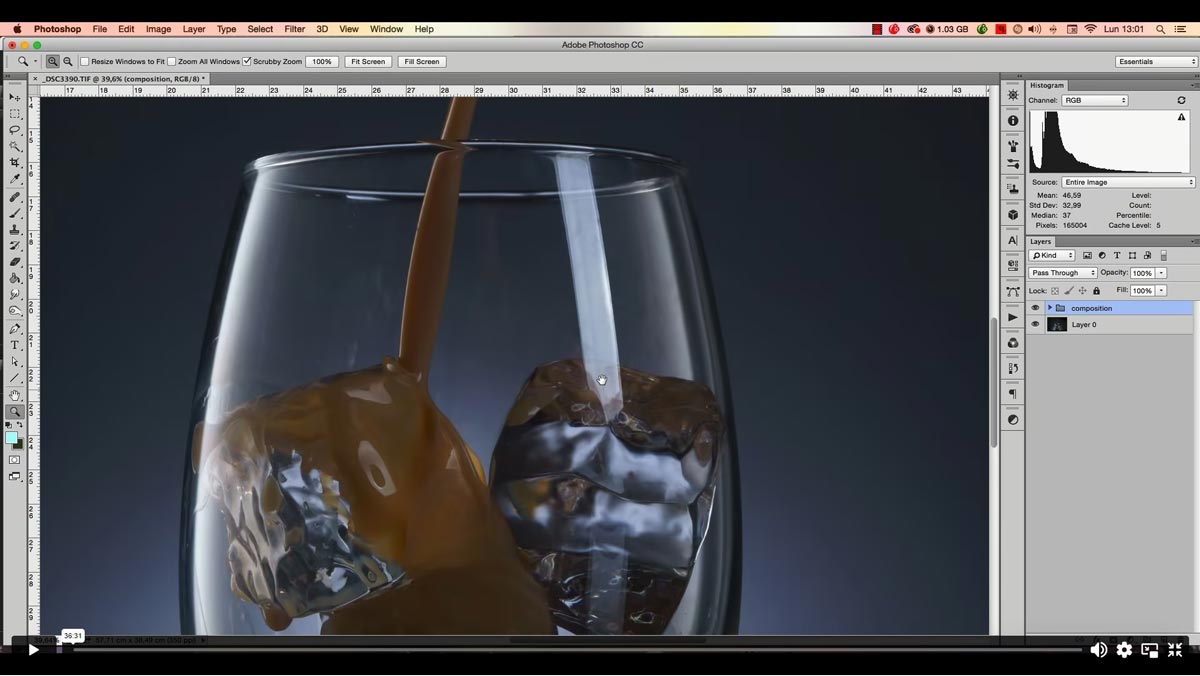
Post- Production Basics (Adobe Photoshop)
We’ll walk you through post-production on a test shot from start to finish.
INCLUDED BONUS
STARTING IN STUDIO PHOTOGRAPHY
In this introductory course, Alex shares the key steps you need to follow: everything from the gear you need (and even how to create DIY modifiers) to the most common challenges photographers face when shooting and retouching products.
F.A.Q
1. When will the course be released? The course will be released on July 12th, 2024. By enrolling now, you'll secure your spot and gain access to the course materials as soon as they become available.
1. When will the course be released?
The course will be released on July 12th, 2024. By enrolling now, you'll secure your spot and gain access to the course materials as soon as they become available.
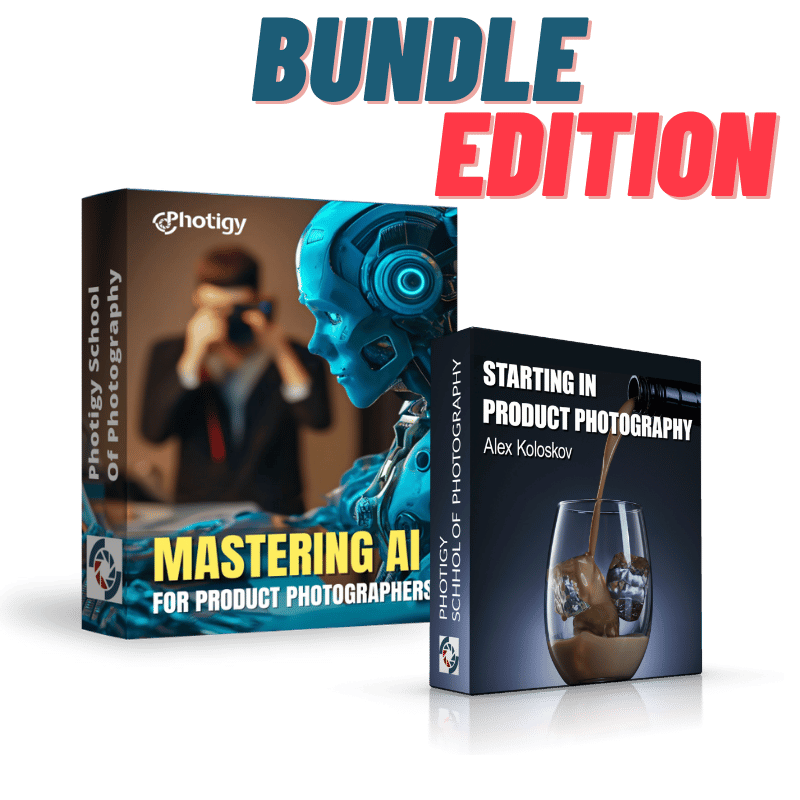
2. What is the second course in the budnle? We included a "Starting in product photography" course for beginners in product photography. Now you'll know how to take good images of your products, before turning them with AI into a masterpiece!
2. What is the second course in the budnle?
We included a "Starting in product photography" course for beginners in product photography. Now you'll know how to take good images of your products, before turning them with AI into a masterpiece!
3. What are the prerequisites for taking this course? This course is designed for semi-pro and professional commercial product photographers. While no prior AI experience is required, a basic understanding of photography principles and editing software will be helpful.
3. What are the prerequisites for taking this course?
This course is designed for semi-pro and professional commercial product photographers. While no prior AI experience is required, a basic understanding of photography principles and editing software will be helpful.
4. What software or tools do I need to participate in the course You'll need access to a computer with an internet connection. The course utilizes a cloud-based service for running Stable Diffusion, so no powerful local hardware is required.
4. What software or tools do I need to participate in the course
You'll need access to a computer with an internet connection. The course utilizes a cloud-based service for running Stable Diffusion, so no powerful local hardware is required.
5. How long will I have access to the course materials? You'll have lifetime access to the course materials, including any future updates or additions, so you can learn at your own pace and revisit the content whenever needed.
5. How long will I have access to the course materials?
You'll have lifetime access to the course materials, including any future updates or additions, so you can learn at your own pace and revisit the content whenever needed.
6. Is there a refund policy? Yes, we offer a 30-day money-back guarantee. If you're unsatisfied with the course for any reason, you can request a full refund within 30 days of your purchase.
6. Is there a refund policy?
Yes, we offer a 30-day money-back guarantee. If you're unsatisfied with the course for any reason, you can request a full refund within 30 days of your purchase.
7. How can I contact the course instructor if I have questions? As a student, you'll have access to a dedicated support forum where you can ask questions and receive guidance from the course instructor and other students. Additionally, you'll be invited to a live webinar where you can interact with the instructor directly.
7. How can I contact the course instructor if I have questions?
As a student, you'll have access to a dedicated support forum where you can ask questions and receive guidance from the course instructor and other students. Additionally, you'll be invited to a live webinar where you can interact with the instructor directly.
8. Will I receive a certificate of completion? Yes, upon completing the course and all associated assignments, you'll receive a digital certificate of completion that you can share on your website, social media profiles, or with potential clients.
8. Will I receive a certificate of completion?
Yes, upon completing the course and all associated assignments, you'll receive a digital certificate of completion that you can share on your website, social media profiles, or with potential clients.
9. Are there any additional costs or subscriptions required? The course includes one hour of free generations on the cloud-based service. After that, you may choose to subscribe to the service to continue using it, but this is optional and not required to complete the course.
9. Are there any additional costs or subscriptions required?
The course includes one hour of free generations on the cloud-based service. After that, you may choose to subscribe to the service to continue using it, but this is optional and not required to complete the course.
10. What if I have limited experience with product photography? The course includes a bonus module that teaches you how to capture high-quality product images on white backgrounds, even if you have limited experience in this area. This bonus will help you build a strong foundation for applying the AI techniques taught in the main course.
10. What if I have limited experience with product photography?
The course includes a bonus module that teaches you how to capture high-quality product images on white backgrounds, even if you have limited experience in this area. This bonus will help you build a strong foundation for applying the AI techniques taught in the main course.
Have a questions? Ask us on Facebook:
Photigy School Of Photography 2020
Photos You’ll Learn to Make
Who Teaches This Course
Get This Course
Mastering AI for Product Photographers
One-time payment · lifetime access
- Every lesson in this course
- Watch on any device, forever
- Instructor feedback in the member forum
VIP Membership
This course + every other Photigy course
- All ai photography and every other course
- 184+ Pro Club workshops
- Weekly live Q&A and photo reviews