Product Retouching for Professionals
INCLUDES IN LESSON: Every lesson includes a downloadable image for you to practice with

Photigy School Of Photography
PRODUCT RETOUCHING COURSE
BY SVETLANA TRIFONOV
Learn Product Retouching
INCLUDES IN LESSON: Every lesson includes a downloadable image for you to practice with
VARIOUS STYLES: Add images to your portfolio that attract new clients and set you apart from your competition.
POST-PRODUCTION IMAGES: Enhance your marketing assets with impeccable product images by mastering product retouching.
BOOST YOUR WORK: Draw in clients with a stunning product retouching portfolio.
About The Course
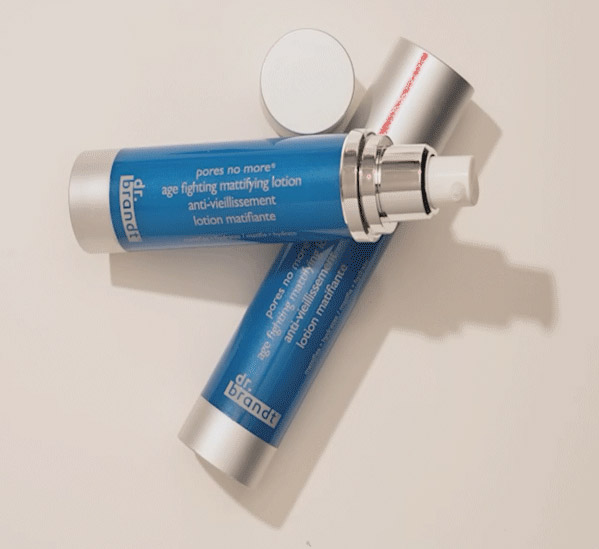
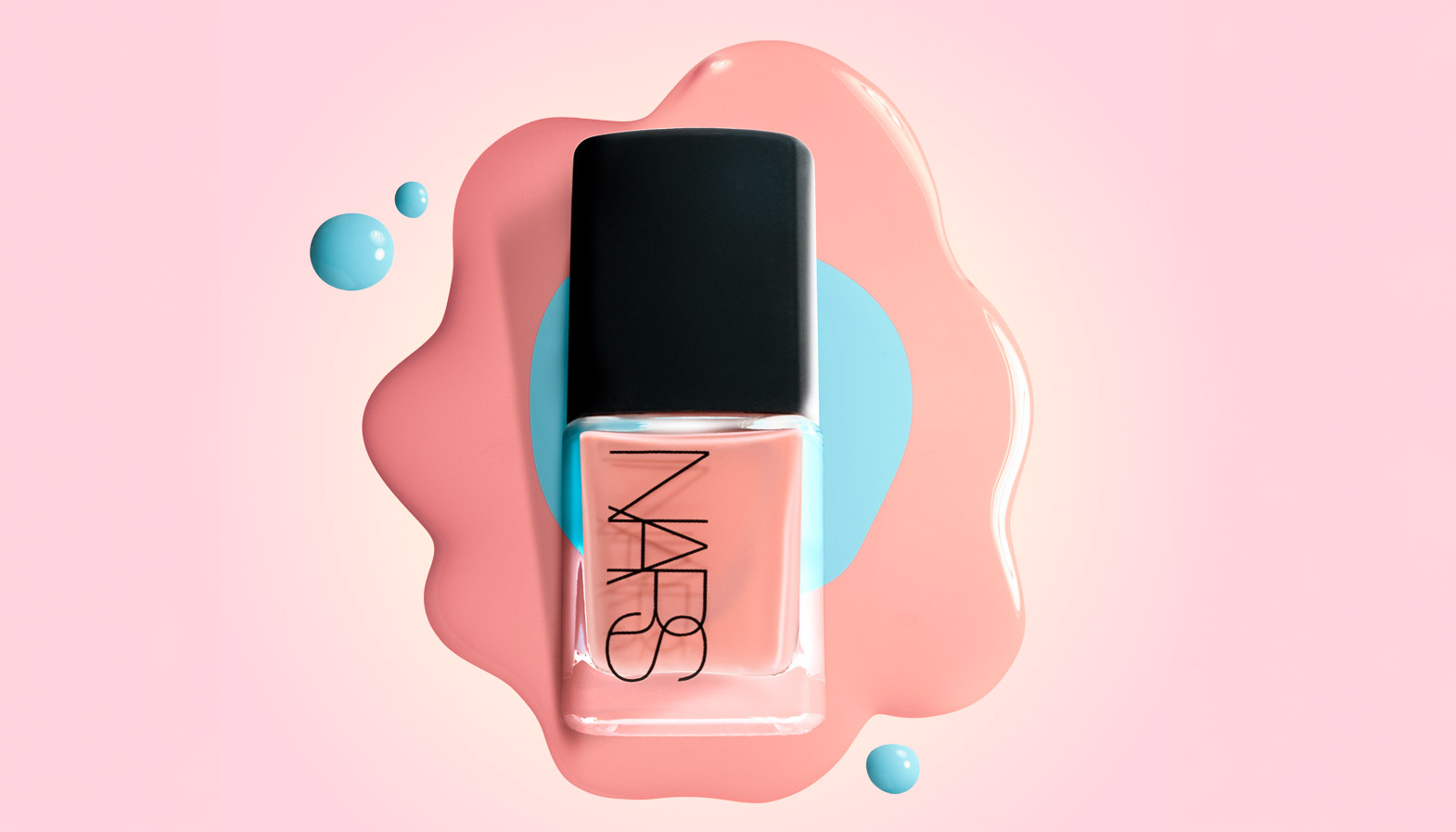
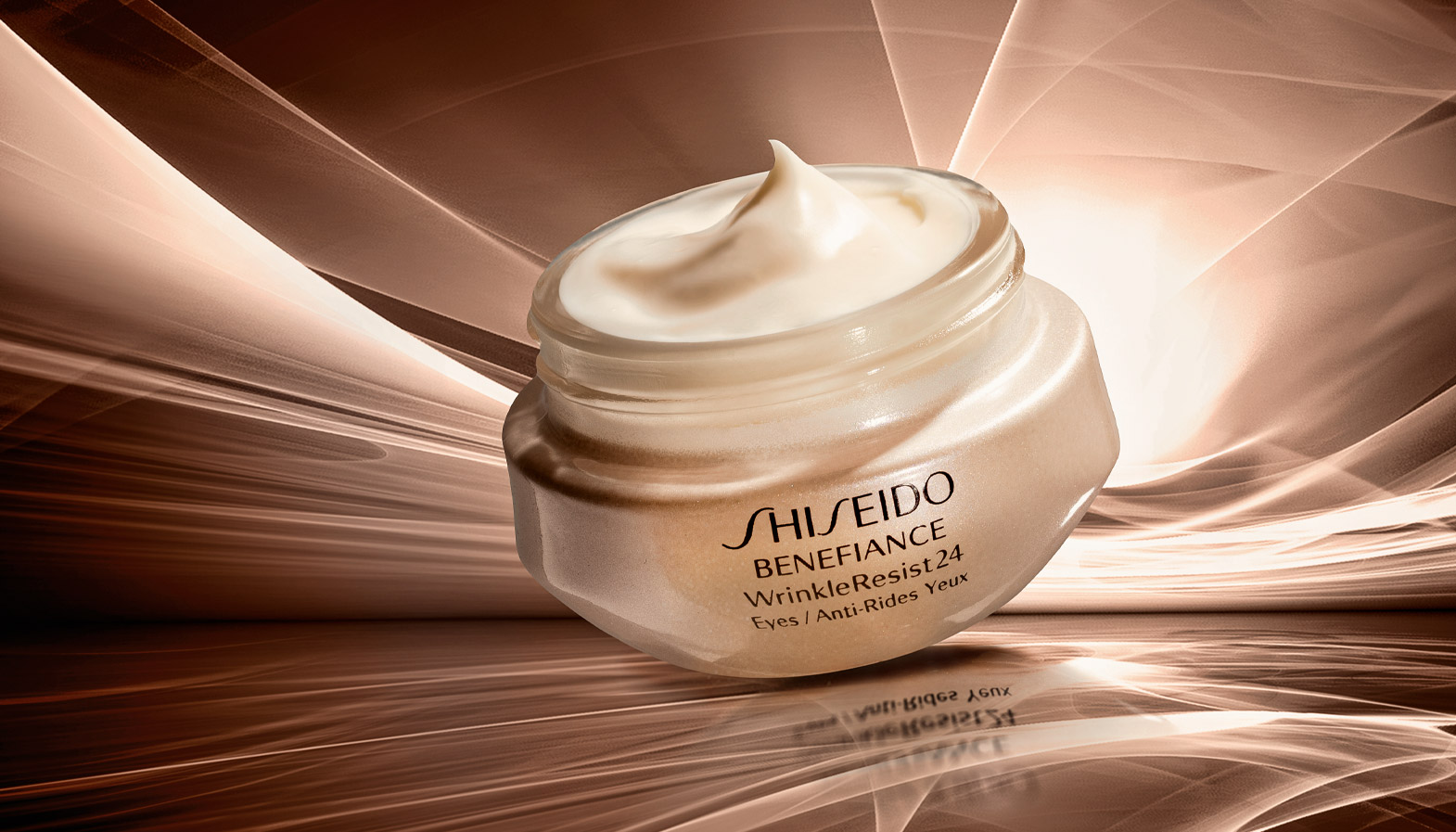
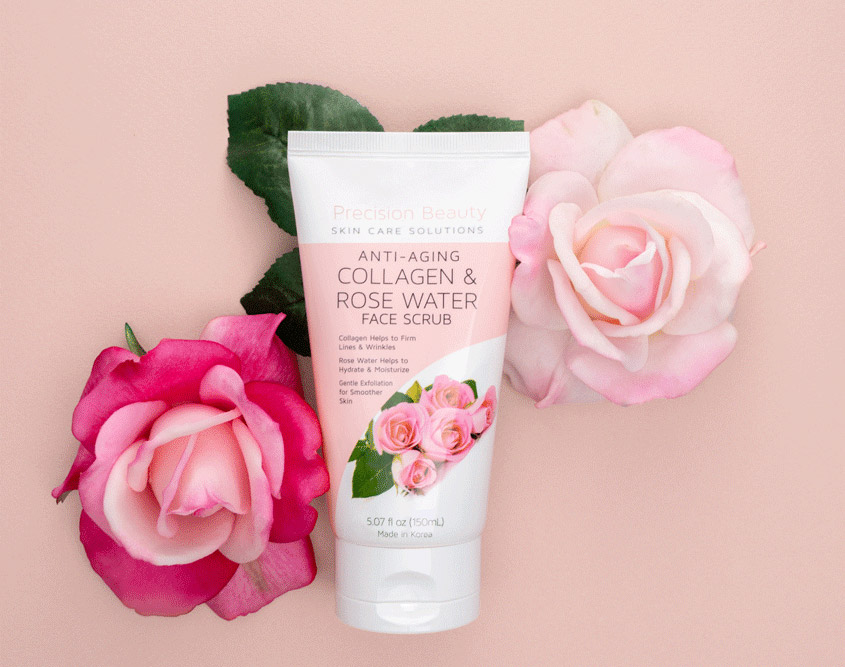
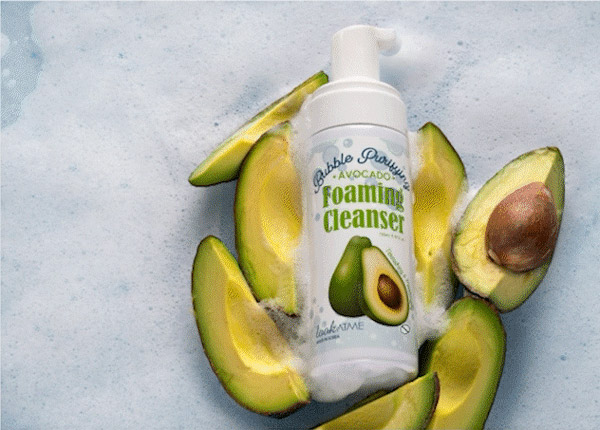
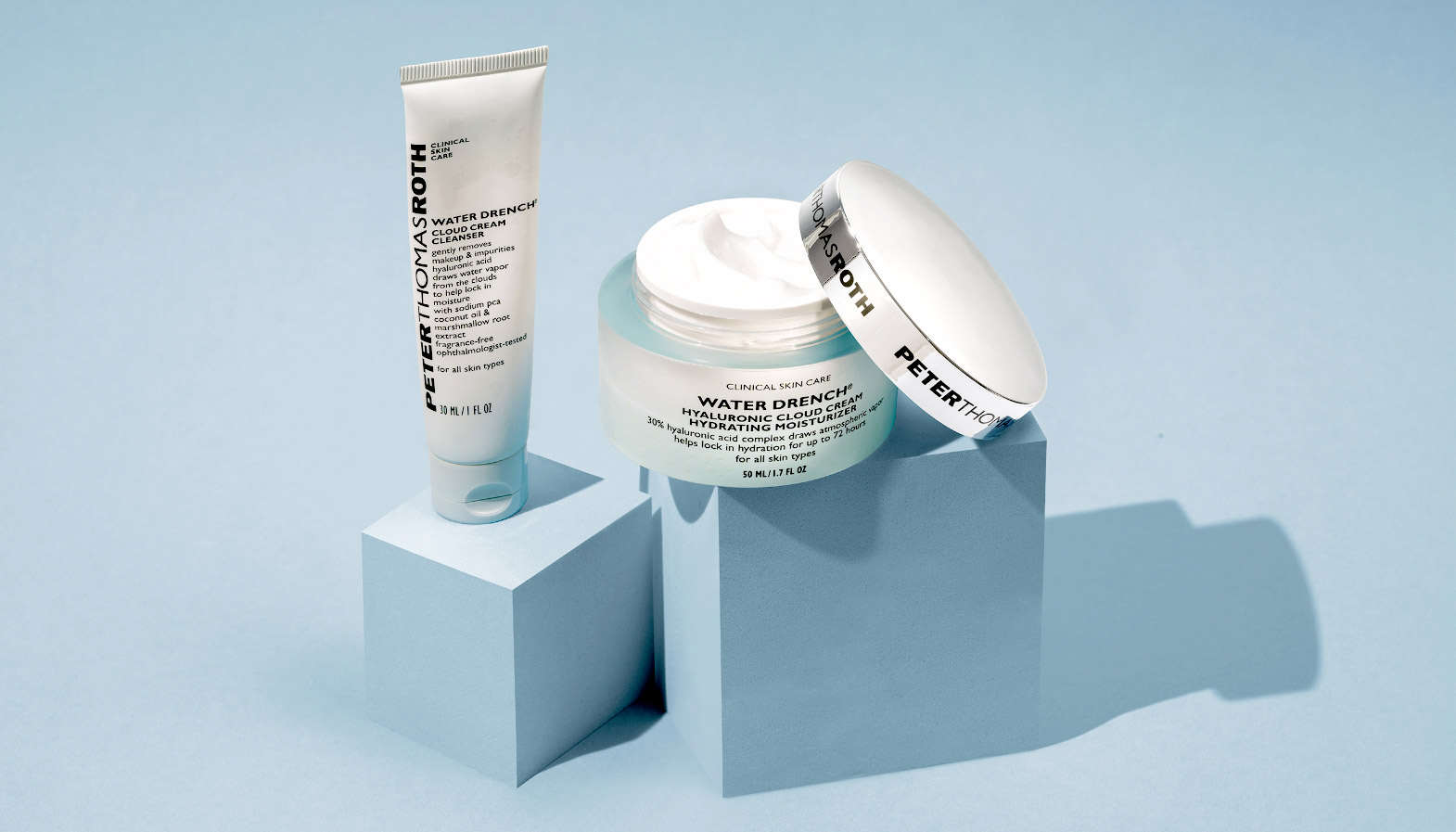
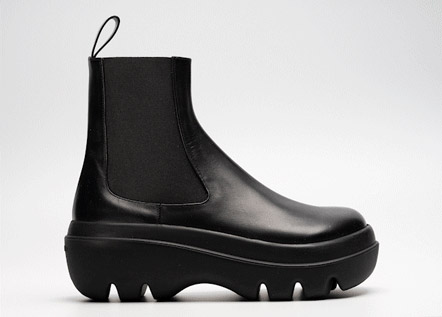
Learn how to create photos like these!
Sample photos from the program’s video lessons that you will learn
Course Curriculum
Course includes 10 Chapters
Chapter 1:
Lesson 1 - File Conversion and Prep Work
Lesson 2 - Focus Stacking
Lesson 3 - Customizing Settings Tool Panel Adobe Photoshop
Chapter 2:
Lesson 1 - Important Shortcut Keys
Lesson 2 - Layers and Masks
Lesson 3 - Adjustment layers
Chapter 3:
Lesson 1 - Product Retoucher Working Process
Lesson 2 - Perspective & Crop
Lesson 4 - Selection Tools

Chapter 4:
Lesson 1 - Pen Tool
Lesson 2 - Image Cleanup
Chapter 5:
Lesson 1
Changing Background Color with Future Updates in Mind
Lesson 2
Extending Background Color
Reshaping Product
Intro to Frequency Separation
Working with text
Troubleshoot final edits
Chapter 6:
Compositing Using Mock-Ups
loading images with their names into a single file
Replacing object using shape guide
Content-aware fill for spotting
Stock photo as color reference
Stamp Layers
Creating a Digital Background
Working with Gradients
Matching color using Hex code
Remove Tool for retouching
Fix banding in gradients.
Chapter 7:
Working with Fabric
Dodge and Burn
Building Frequency Separation Stack
Mixer Brush
Blend-If
Using Levels
Export Actions
Smart Objects
Smart Filters
Solving issues when loading files during work in progres s
Chapter 8:
Working with Blocks
Different removal tools in action
Colorizing objects, surfaces and shadows
Working with surface edges
Working with shadows along the edges
Chapter 9:
Working with Logos and Identities
Recreating metal using Layer Styles
Working with Glass and Metal
Solar Curve Check Layer
Dodge tool and Burn tool
Gradient Map
Chapter 10:
Pure white background
Changing white background to color, including shadow
Separating white subject from white background
Creating realistic shadows
Fix Indents,
Creating Reflections
Lesson 3
Changing color of makeup swatches using Gradient Map
Using Channels to make selections
Prepare images for Batch export
Lesson 4
Batch export multiple images using Photoshop & Lightroom
SOFTWARES
Adobe Photoshop and Lightroom Classic
⭐⭐⭐ PROFESSIONAL SERIES
Master Product Retouching Using Photoshop and Lightroom Classic
Individual course purchase v.s VIP Membership:
Best for long-term access, more DIY approach
Lifetime access
Weekly Q&A
24/7 Email Support
VIP Membership
Best for ongoing learning
Unlimited access to all courses
Priority support
FAQ
I am Brand New to Photoshop, can I learn from this?
While this course isn't a basic Photoshop tutorial, it is designed with beginners in mind, focusing specifically on using Photoshop tools for product retouching.
It starts from the assumption that you have little to no knowledge of the Photoshop tools needed for product retouching and guides you through each necessary tool in the product retouching process.
Is there a way to ask an instructor a question/to show work and get a feedback?
Yes, you can ask an instructor, as well as get a feedback on your work. We have a support forum for this course where you can ask questions, get answers, and feedback from your instructor.
How do I access the course materials?
You will have 24/7 access to course videos, forums, and reviews on the Photigy.com website. It is optimized for mobile as well, and we stream from the worldwide cloud to ensure a worry-free learning experience.
How long will I have access to this course?
You’ll have lifelong access to the course. There is no limitation on this.
How I can ask questions of the instructor?
All course students have access to a private forum dedicated to support. This is the place where Photigy instructors answer students’ questions, and students can share their own experiences and solutions.
Photigy School Of Photography 2020
Photos You’ll Learn to Make
Who Teaches This Course

Most frequent questions and answers
I am Brand New to Photoshop, can I learn from this?
While this course isn't a basic Photoshop tutorial, it is designed with beginners in mind, focusing specifically on using Photoshop tools for product retouching.
It starts from the assumption that you have little to no knowledge of the Photoshop tools needed for product retouching and guides you through each necessary tool in the product retouching process.
Is there a way to ask an instructor a question/to show work and get a feedback?
How do I access the course materials?
You will have 24/7 access to course videos, forums, and reviews on the Photigy.com website. It is optimized for mobile as well, and we stream from the worldwide cloud to ensure a worry-free learning experience.
How long will I have access to this course?
Get This Course
Product Retouching for Professionals
One-time payment · lifetime access
- Every lesson in this course
- Watch on any device, forever
- Instructor feedback in the member forum
VIP Membership
This course + every other Photigy course
- All retouching and every other course
- 184+ Pro Club workshops
- Weekly live Q&A and photo reviews