Photigy Course
Watch photography for professionals
Professional, step-by-step online course — watch every lesson at your own pace, forever.
$145one-time · lifetime access
Professional, step-by-step online course — watch every lesson at your own pace, forever.
WATCH PHOTOGRAPHY FOR PROFESSIONALS
ONLINE COURSE
Need an additional revenue source for your off seasons? Product photography can be the perfect compliment to your business, and many of the skills, techniques, and tools are applicable to both types of photography.
This course is for you if...
You have struggled with watch photography
You thought you had to have lots of specialized equipment to take stunning watch photos.
Imagine you could...
Take elegant watch photos with the gear you already have and a few inexpensive DIY modifiers
Create a repeatable setup to photograph multiple watches efficiently
Create eye-catching videos of watches to help promote your studio photography
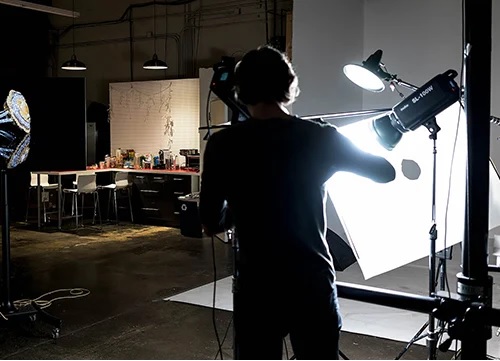
Different subject, different techniques
DARKROOM
Post-Production Included
COURSE CURRICULUM
Course includes 5 modules and 14 video lessons
INTRODUCTION
What will be covered in the course, how to save your budget with DIY light modifiers and other helpful tips.
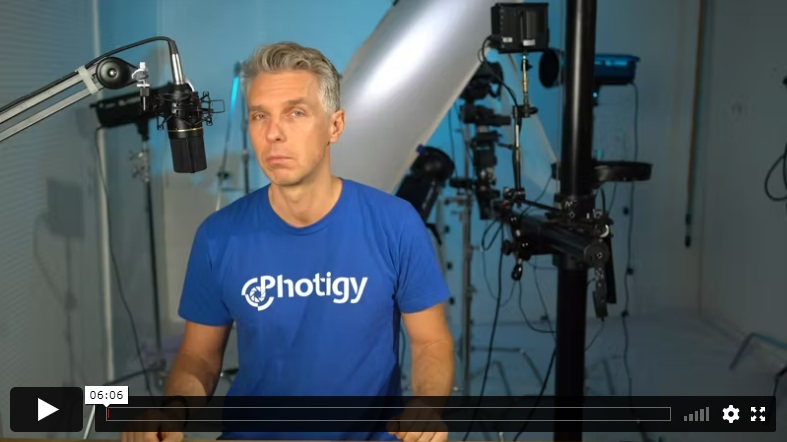
Introduction to the course. Alex explains what kind of equipment you will need and why you will need it as well as the range of techniques that will be covered in the course.
GEAR
All you need to properly mount watches and use necessary props.
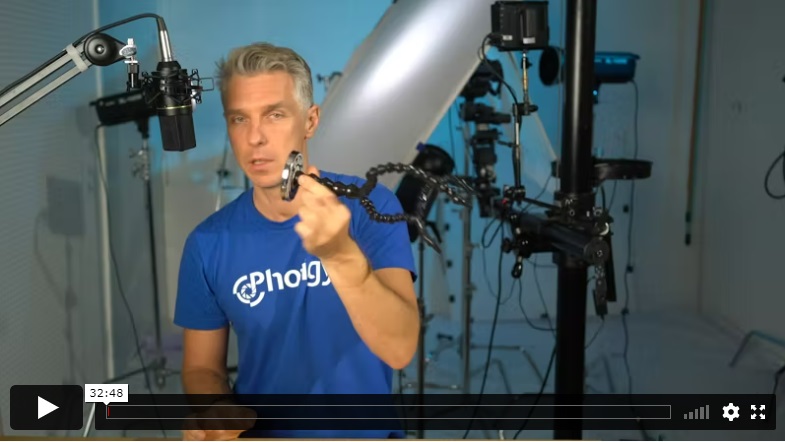
Camera, lens, lighting, and everything you need to photograph watches in the studio.
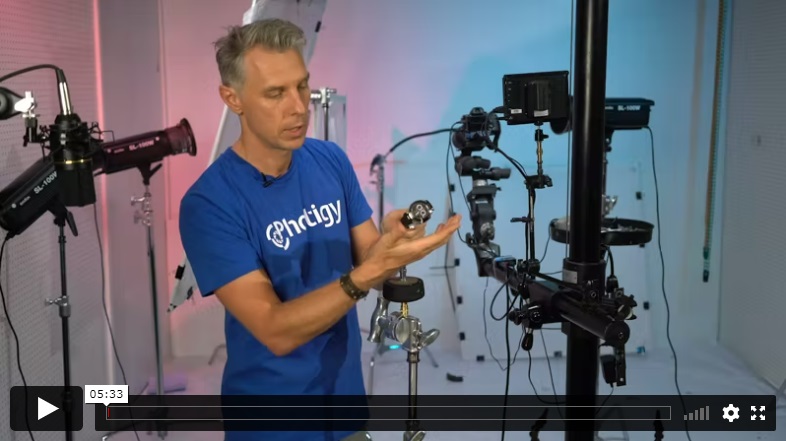
In this lesson, Alex demonstrates how to suspend the watch in front of the camera at the desired angle.
PRODUCTION STAGE
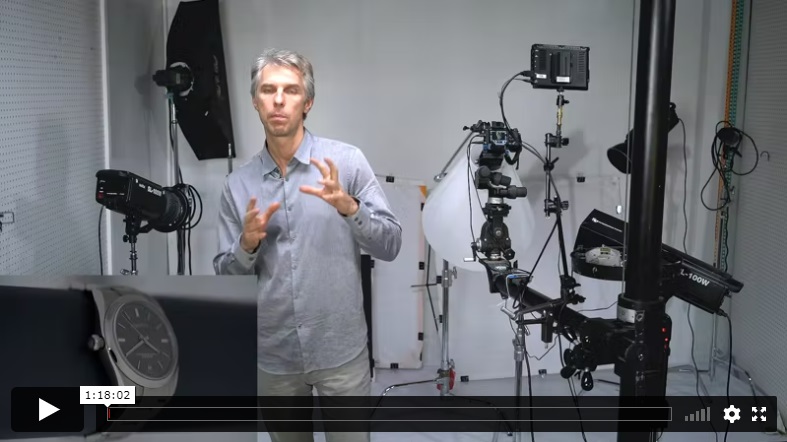
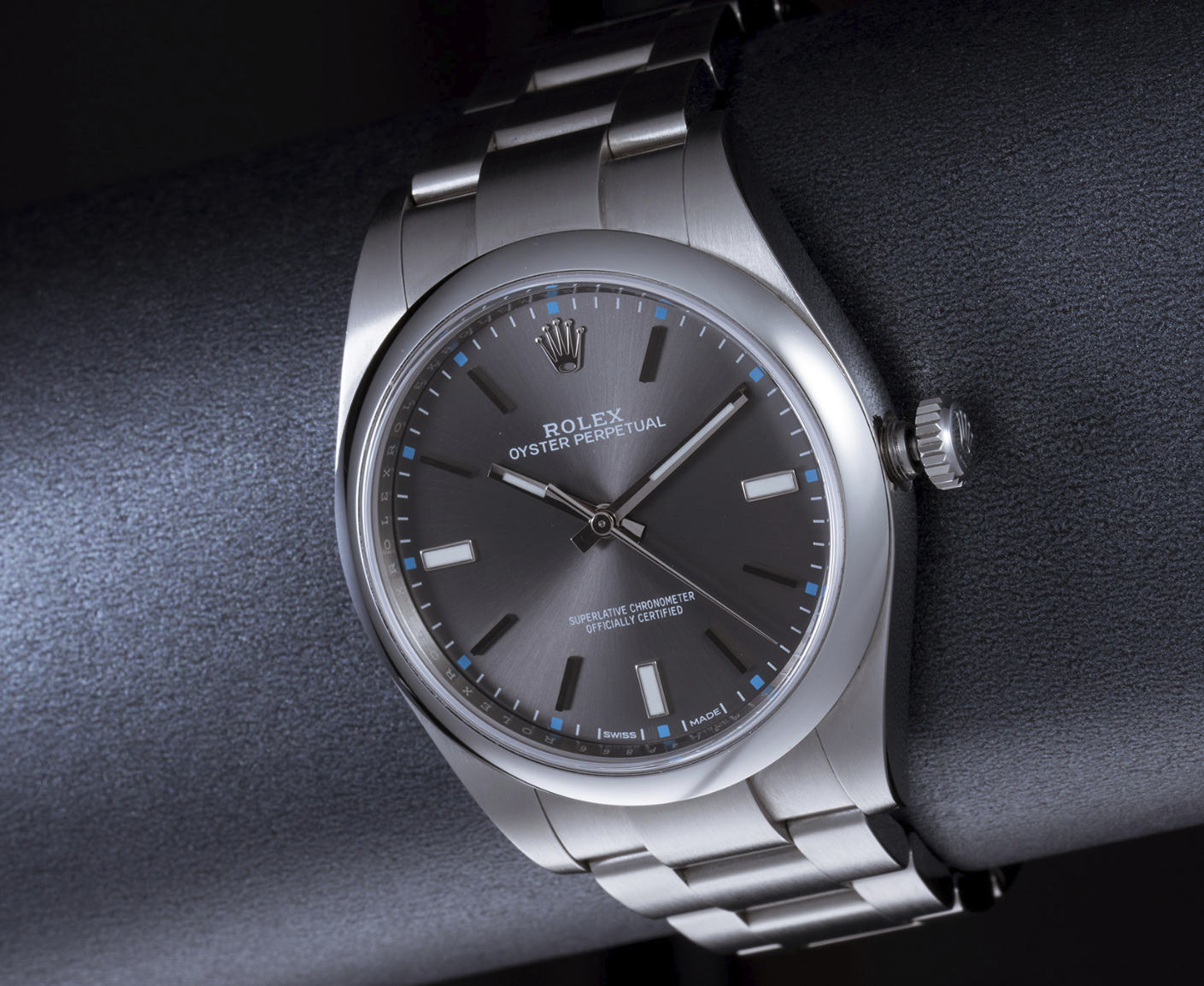
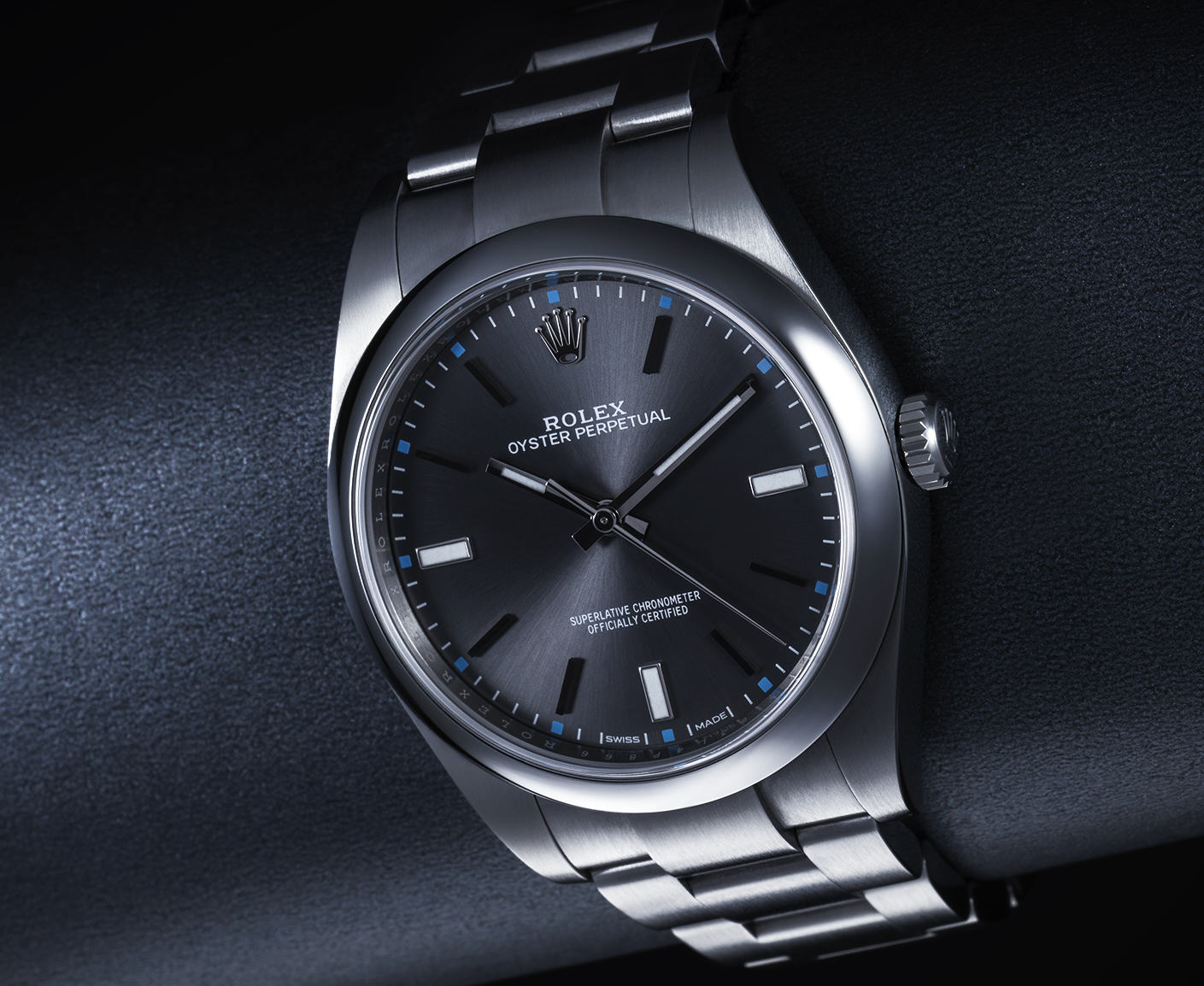
The Rolex was the most beautiful and hard to photograph watch in the course. In this lesson, Alex works with the watch using conventional diffusers, explaining how to change the light to get the desired reflection from the metal. This is particularly important because this watch has a signature finish on internal parts that must be showcased by a photographer. The main goal of this shot was to create a dramatic look of a spectacular watch.
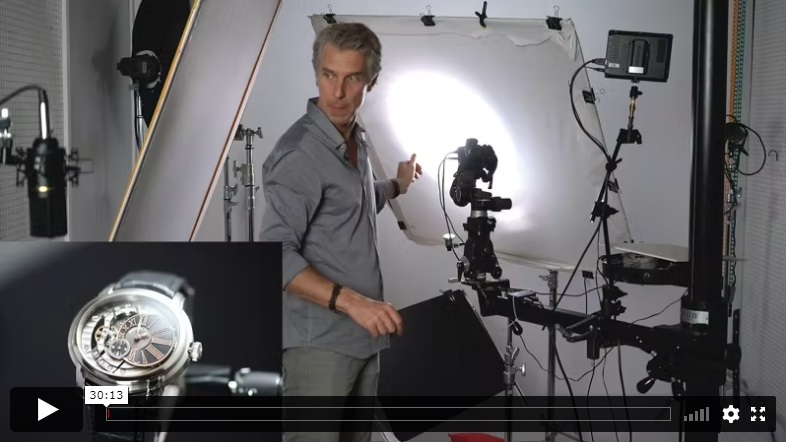
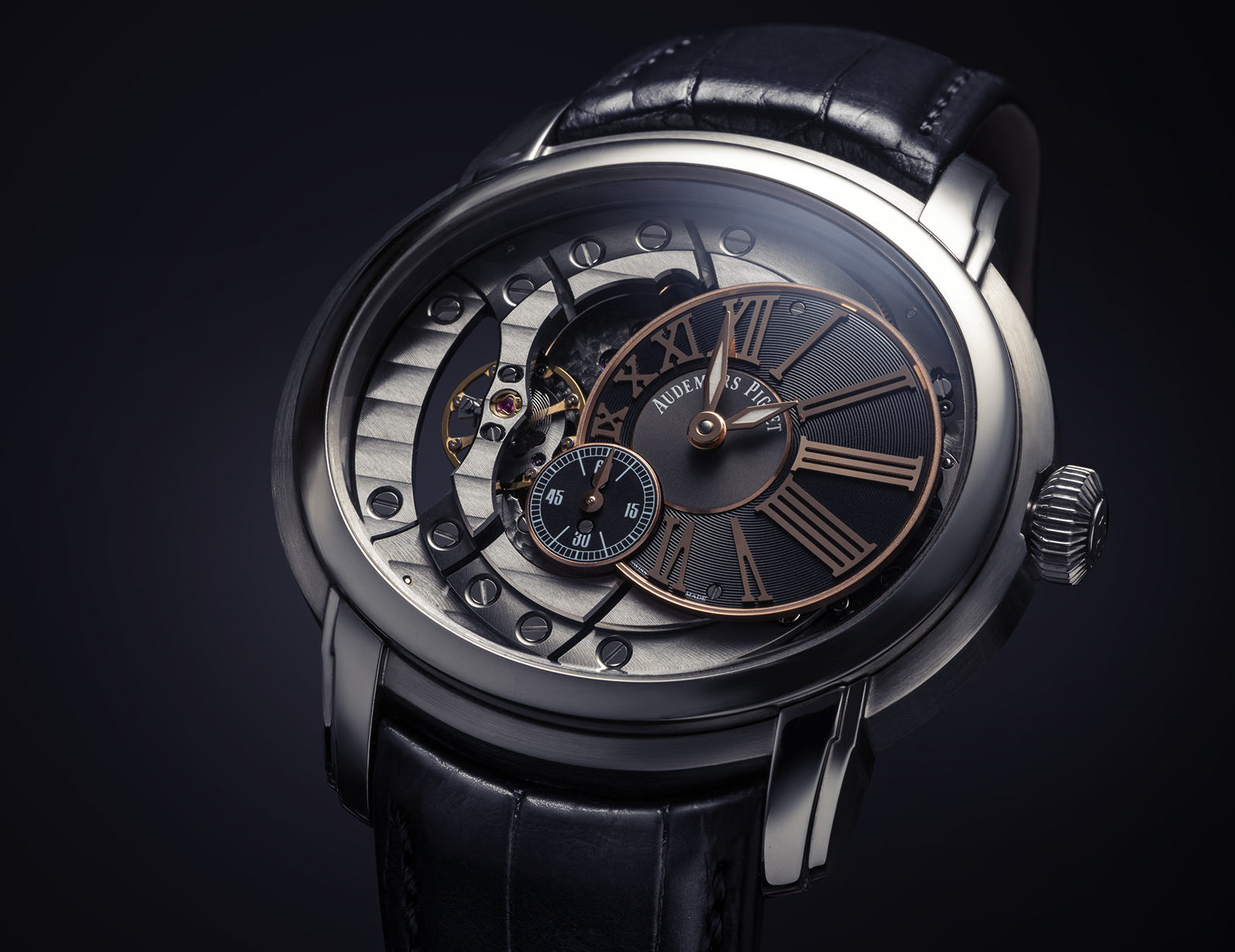
In this lesson, you will learn how to use continuous lighting and diffusers to create a dramatic look for a glossy watch on a dark background. Sometimes it gets tricky to make glossy things look right with the cone – and this lesson covers this and much more!
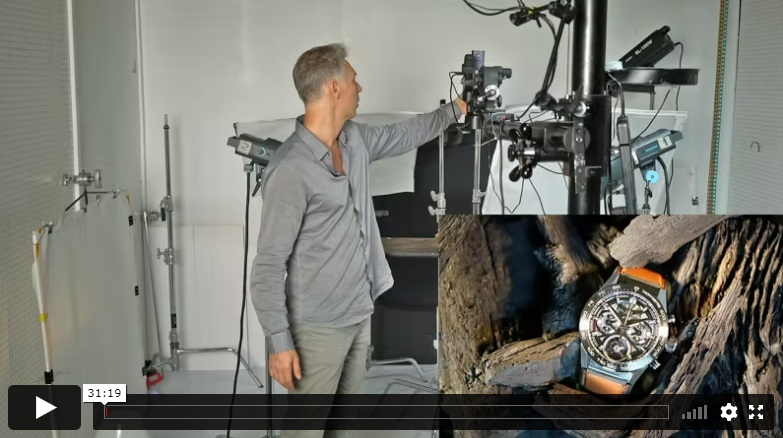
In this lesson Alex was using different light in schema and created an editorial style composition of a watch with props.
POST-PRODUCTION
Learn progressive retouching techniques to bring a high-end luxury look to your images.
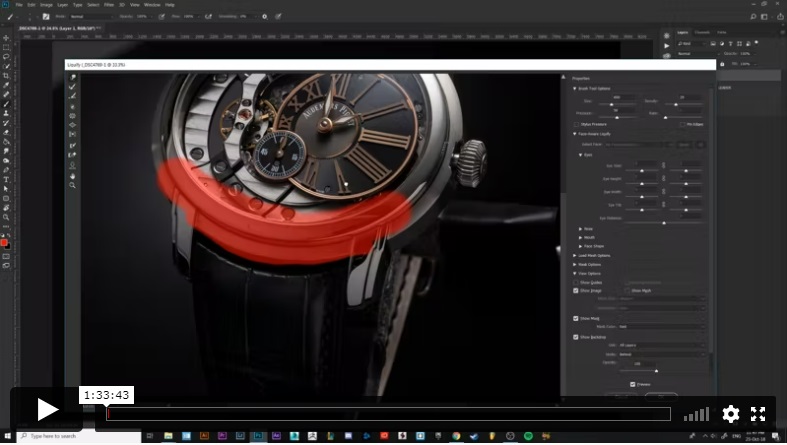
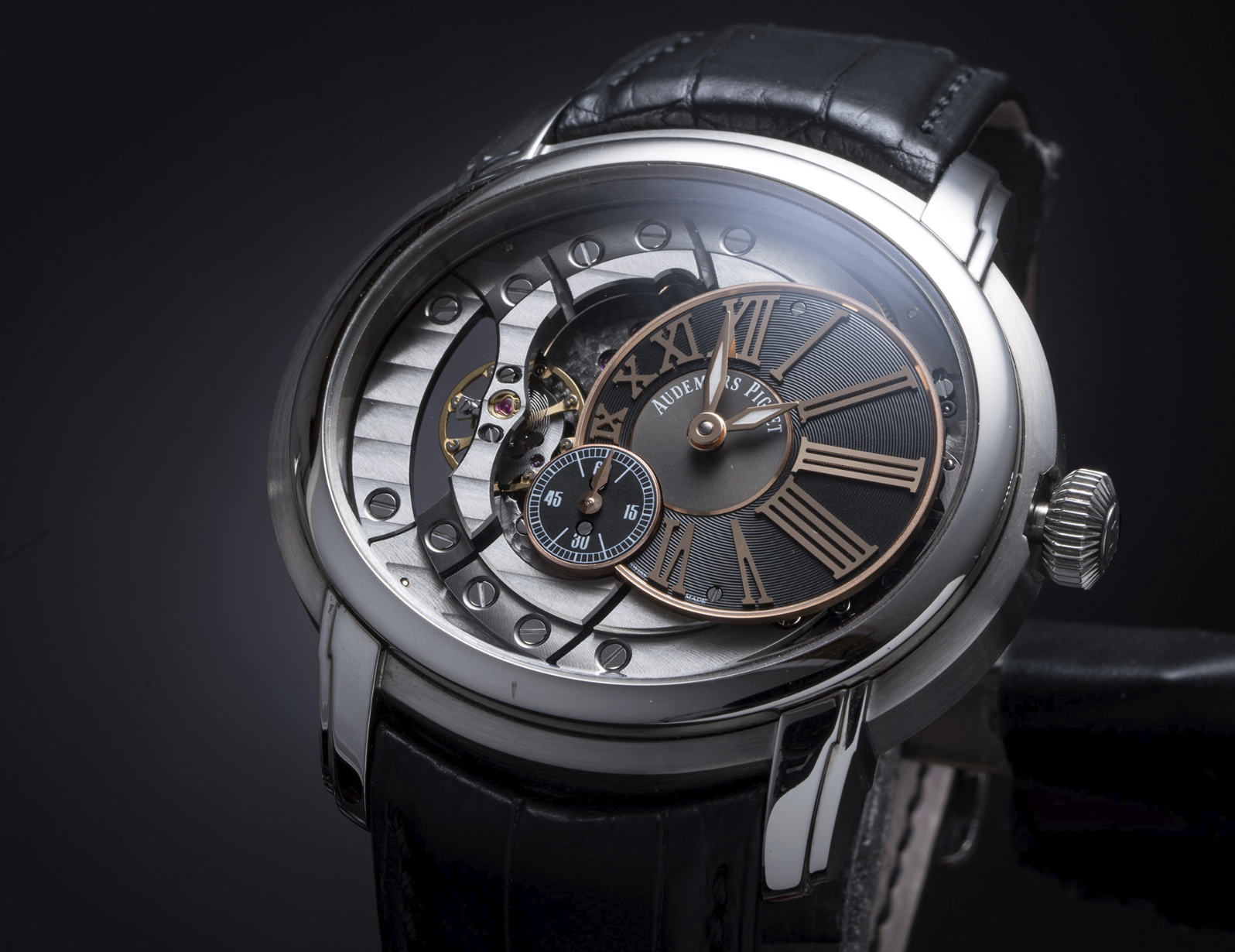
The Audemars Piguet gets retouched in Adobe Photoshop: cleaning dust and scratches, color correction, and various tasks that need to be performed to bring a photo of a glossy watch to production quality.
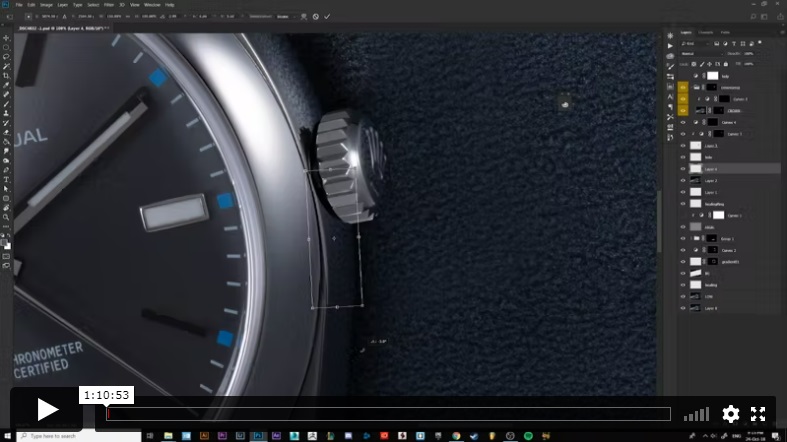
Post-production of a Rolex watch in Adobe Photoshop: raw processing, cleaning, fixing crown and metal reflections.
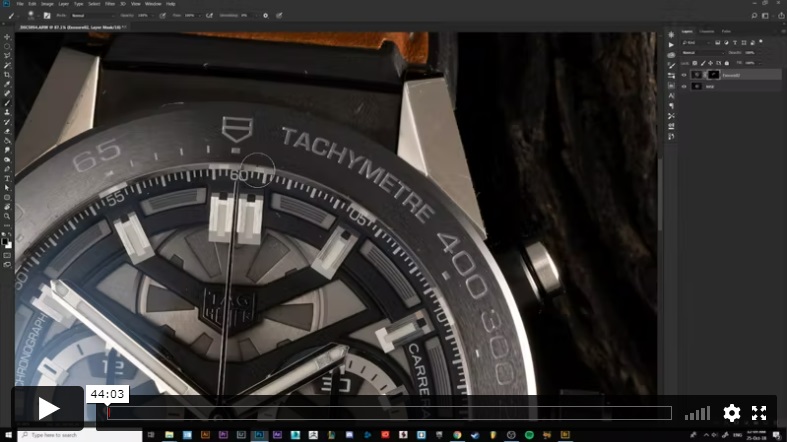
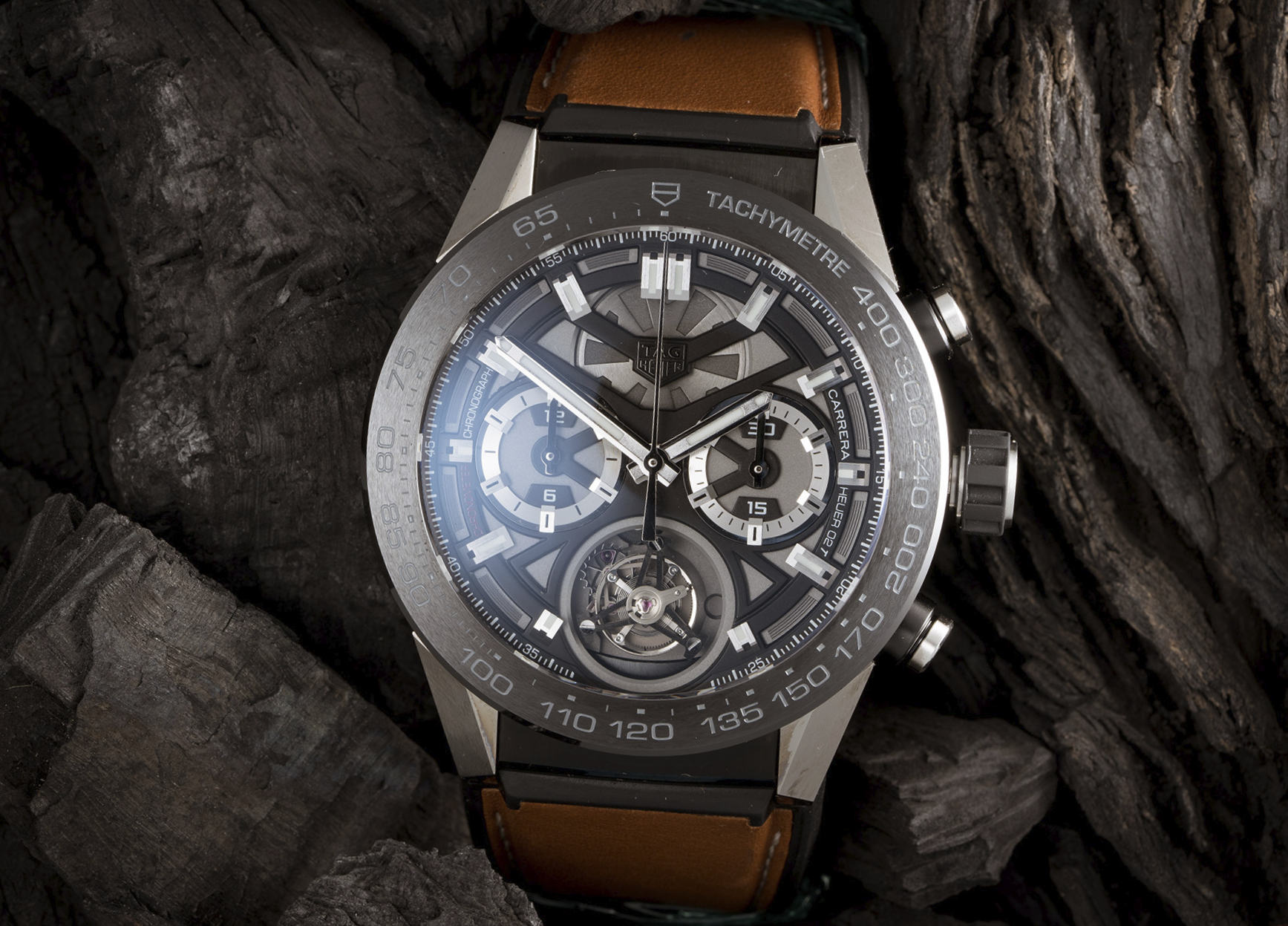
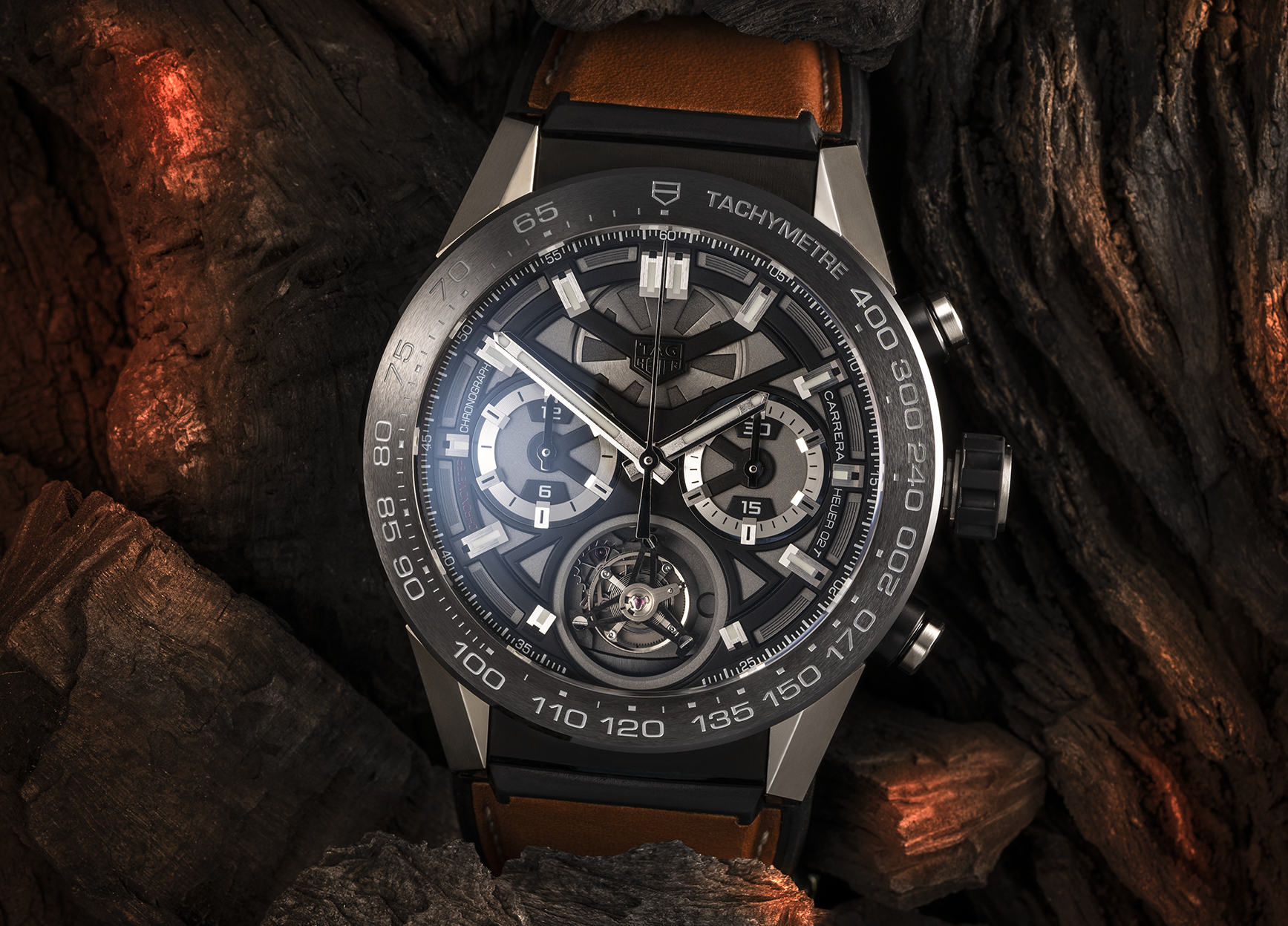
Another practical lesson on retouching a watch in Adobe Photoshop. This time, the instructor demonstrates how to retouch brushed metal and highly textured charcoal.
BONUSES
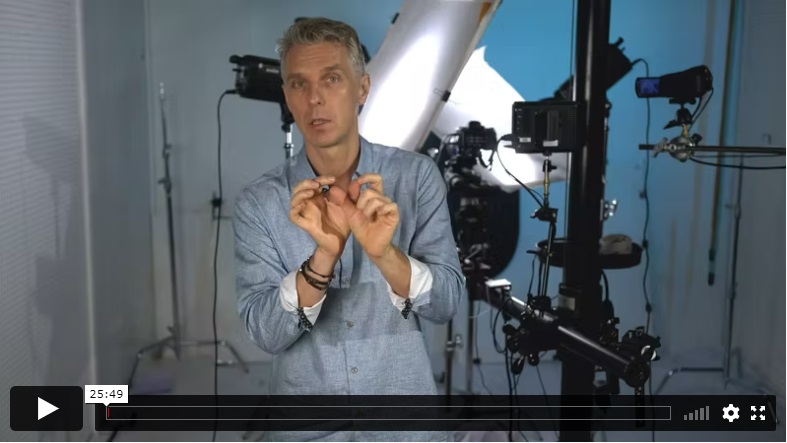
In this lesson you will learn how to create video footage of watches you shoot without changing anything except your camera mode. This technique allows you to leverage more revenue for your business, offering your clients video production as well. The image is SOOC preview from the lesson (no post-processing).
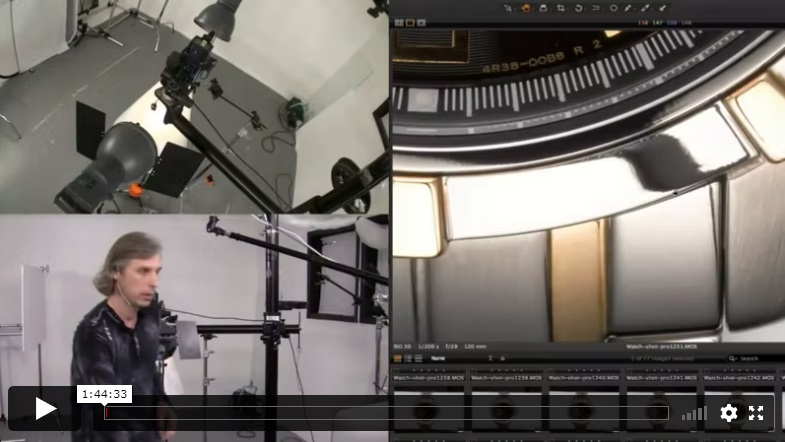
In this bonus lesson Alex demonstrates how to shoot another watch with a different technique, how to make nice S shaped dark colored reflections on the watch that makes metal look glossy.
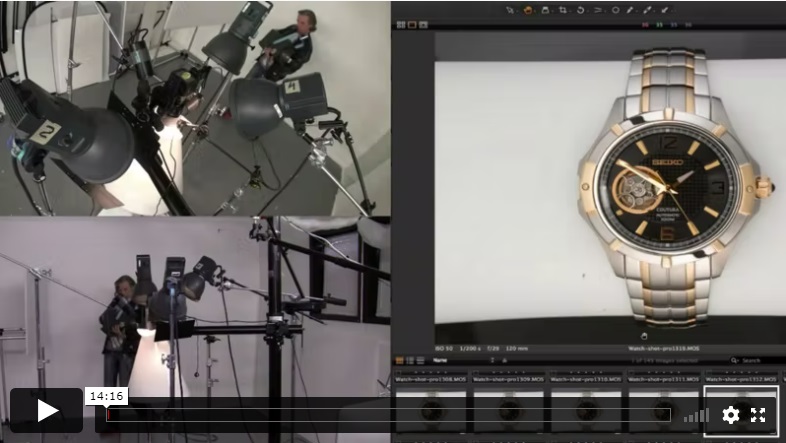
This is the second part of the bonus lesson where Alex demonstrates some advanced techniques.
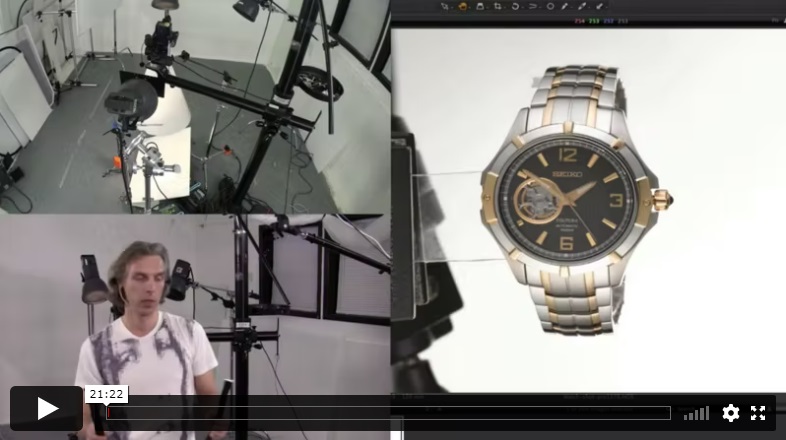
In this third bonus lesson, Alex explains how to photograph a watch on a completely white background, all in camera.
Images From The Course
Sample photos from the program’s video lessons that you will learn.
Before-After Post-Production
Left – SOOC (straight out of the camera),
Right– after Adobe Photoshop
SOOC - BEFORE
AFTER
⭐⭐⭐ PROFESSIONAL SERIES
Best for long-term access, more DIY approach
Lifetime access
Weekly Q&A
24/7 Email Support
VIP Membership
Best for ongoing learning
Unlimited access to all courses
Priority support
Photigy School Of Photography 2020
Own this course for $145, or unlock it plus every Photigy course and workshop with a VIP membership.
Try the course. If it is not helping you make better images, email us within 30 days for a full refund.