Photigy Course
Wine Photography For Professionals
Professional, step-by-step online course — watch every lesson at your own pace, forever.
$145one-time · lifetime access
Professional, step-by-step online course — watch every lesson at your own pace, forever.
ONLINE COURSE
This course is for you if...
You have struggled with taking photographs of wine or other glass bottles.
You have never attempted to photograph a dynamic wine pour/splash shot.
You have experienced challenges composing a final image from different sources.
Imagine you could...
Learn how to photograph beverages for advertisements and e-commerce, specifically wine bottles.
Expand your business offerings by attracting new clients such as local wineries and restaurants seeking slick wine bottle imagery.
Create the kind of eye-catching, dynamic wine-pour images that can set you apart from your competition.
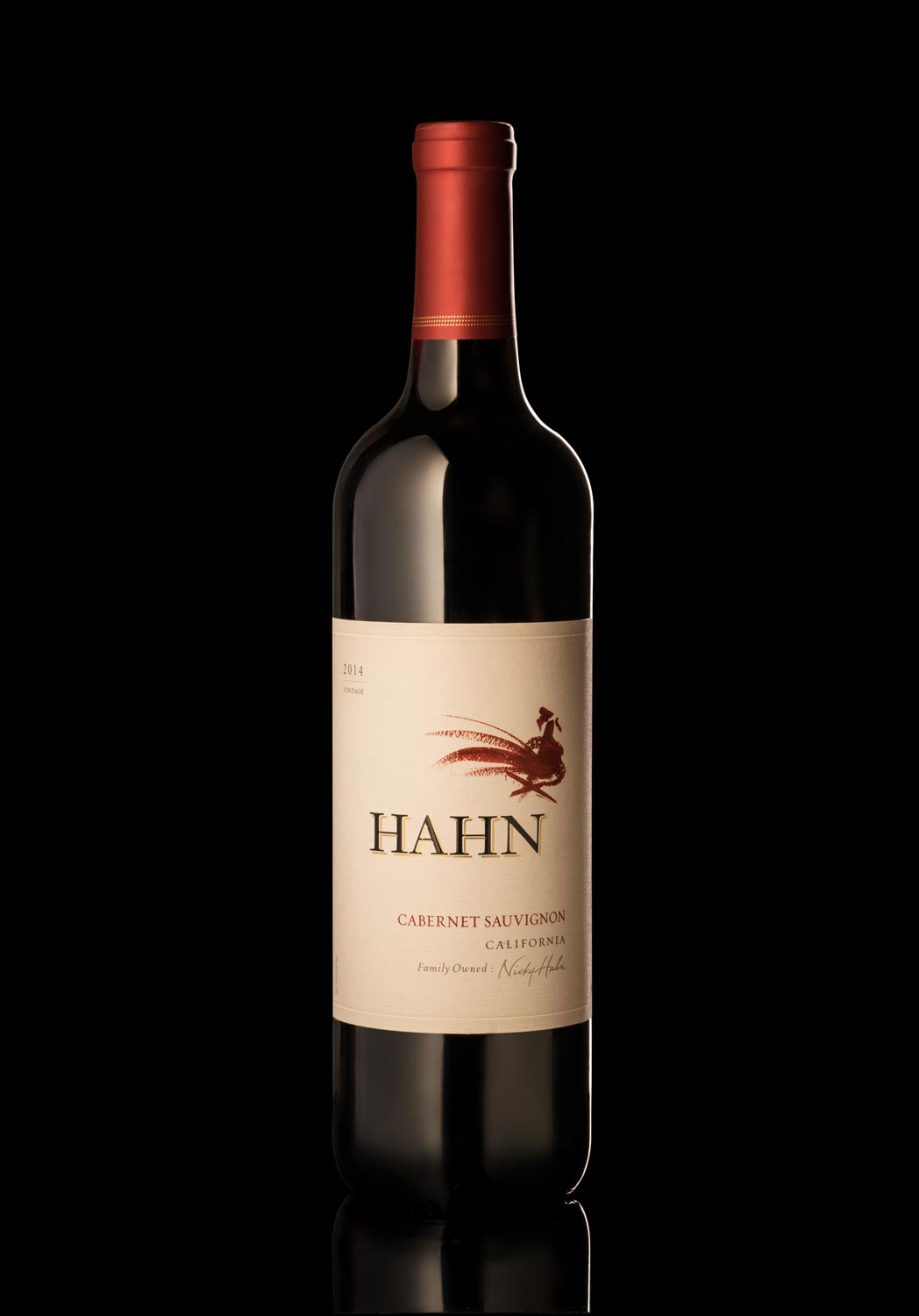
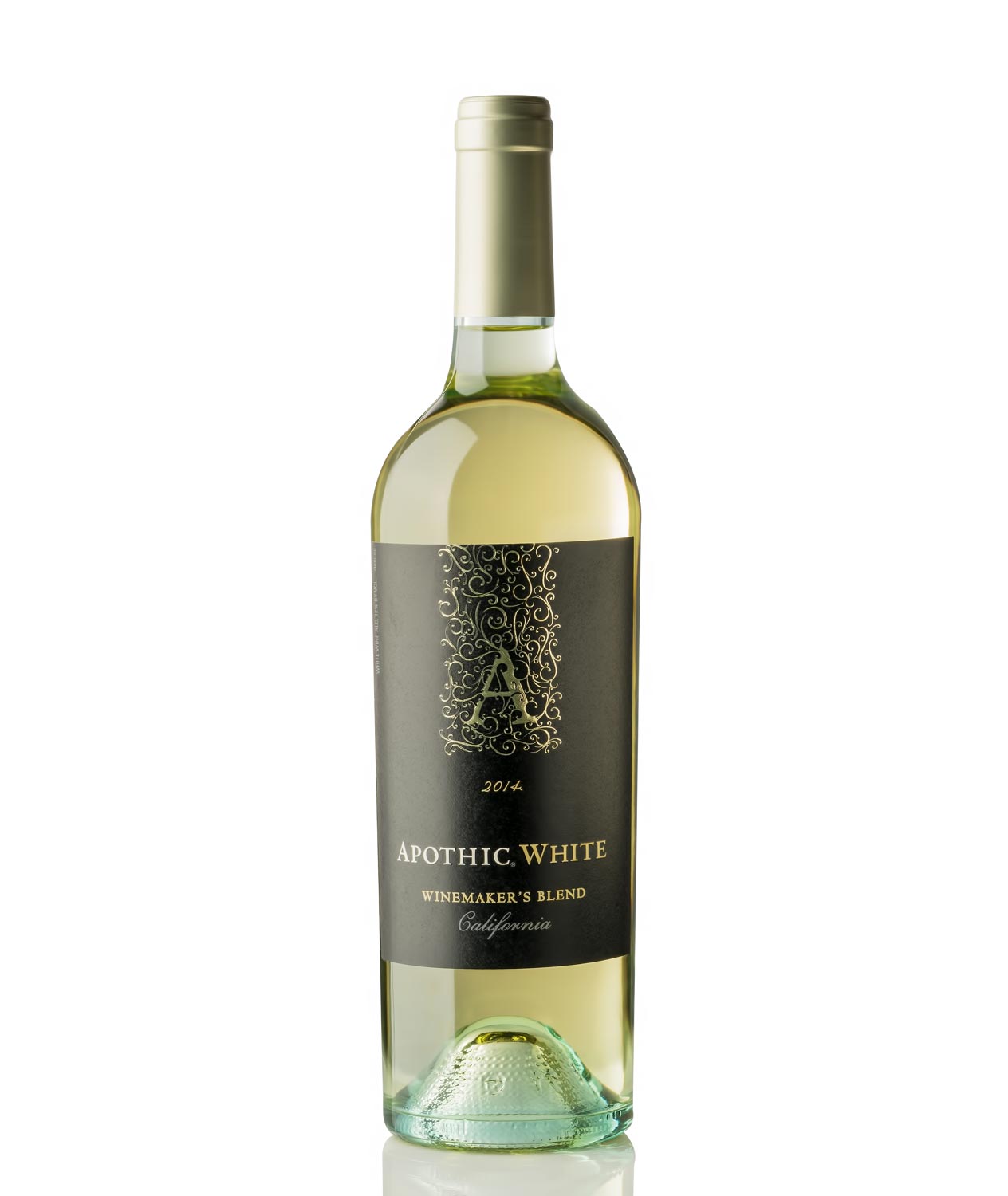
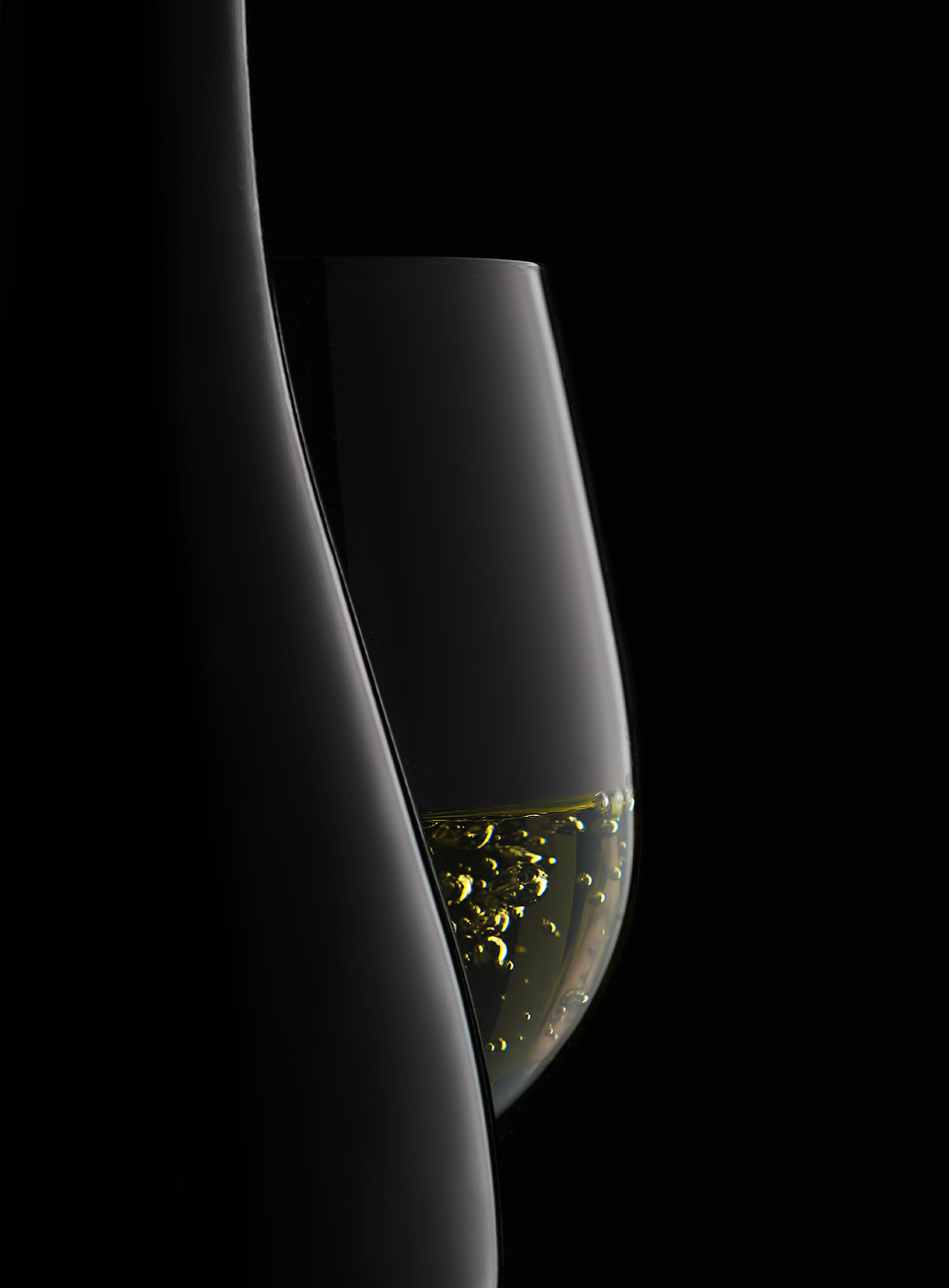
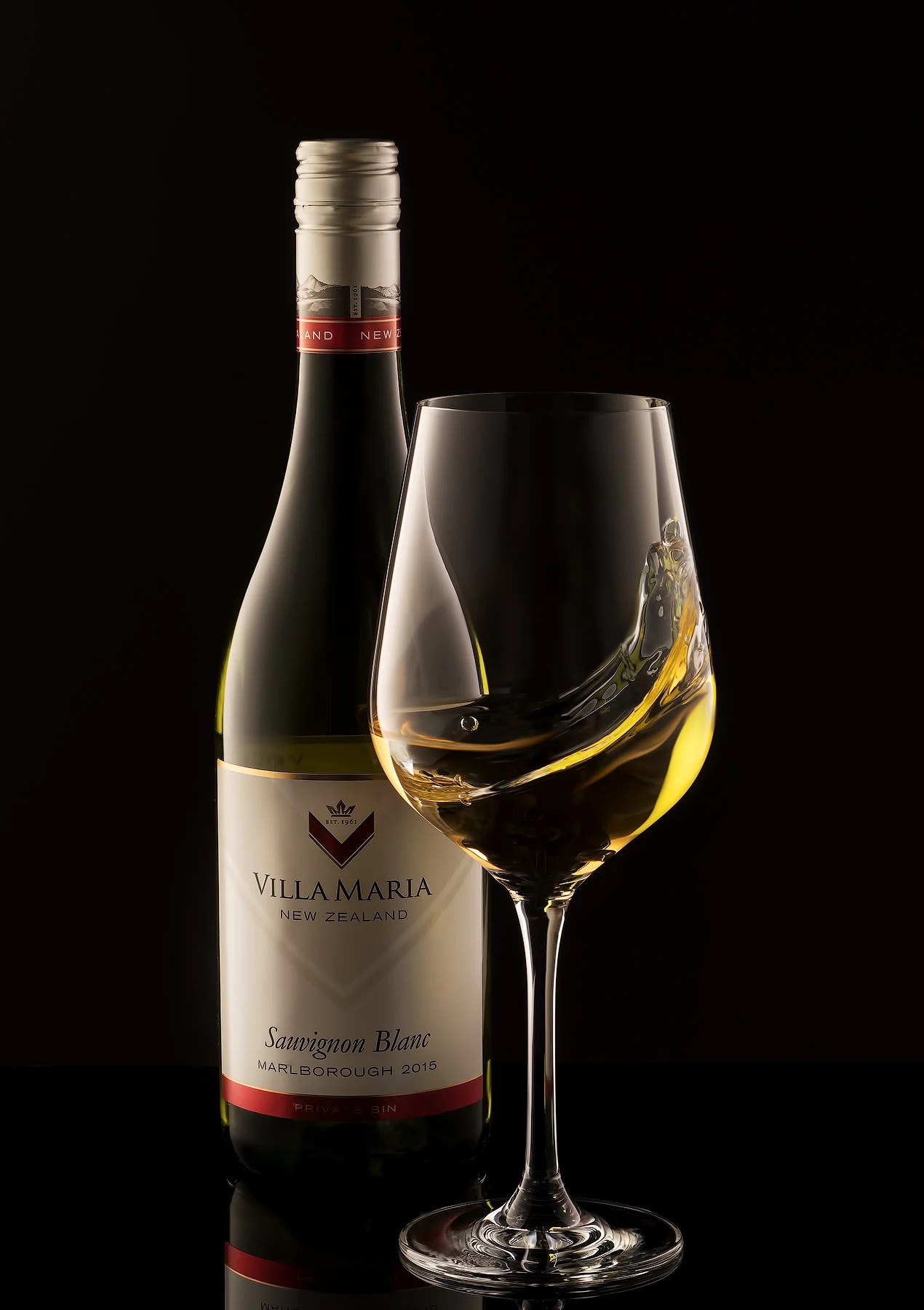
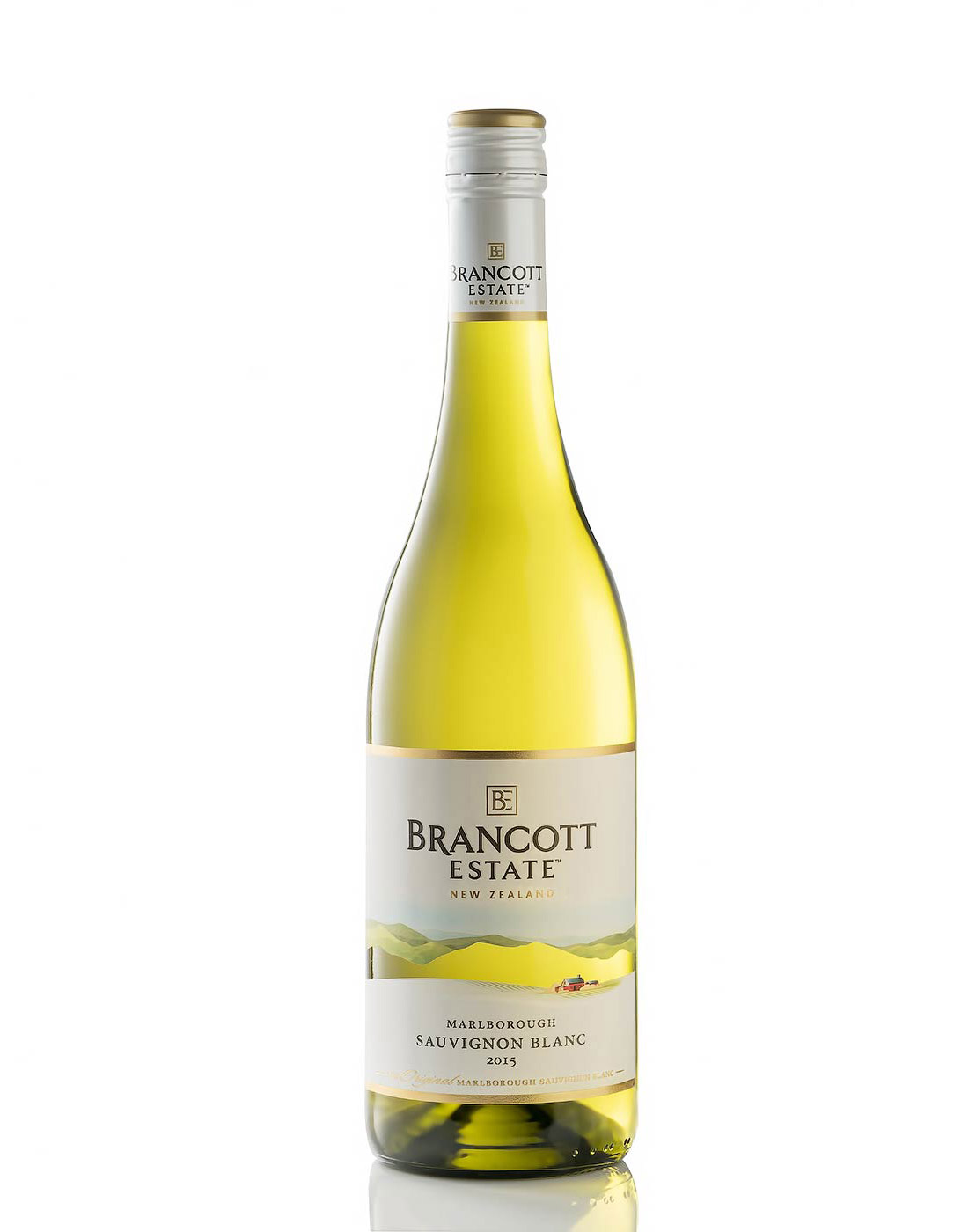
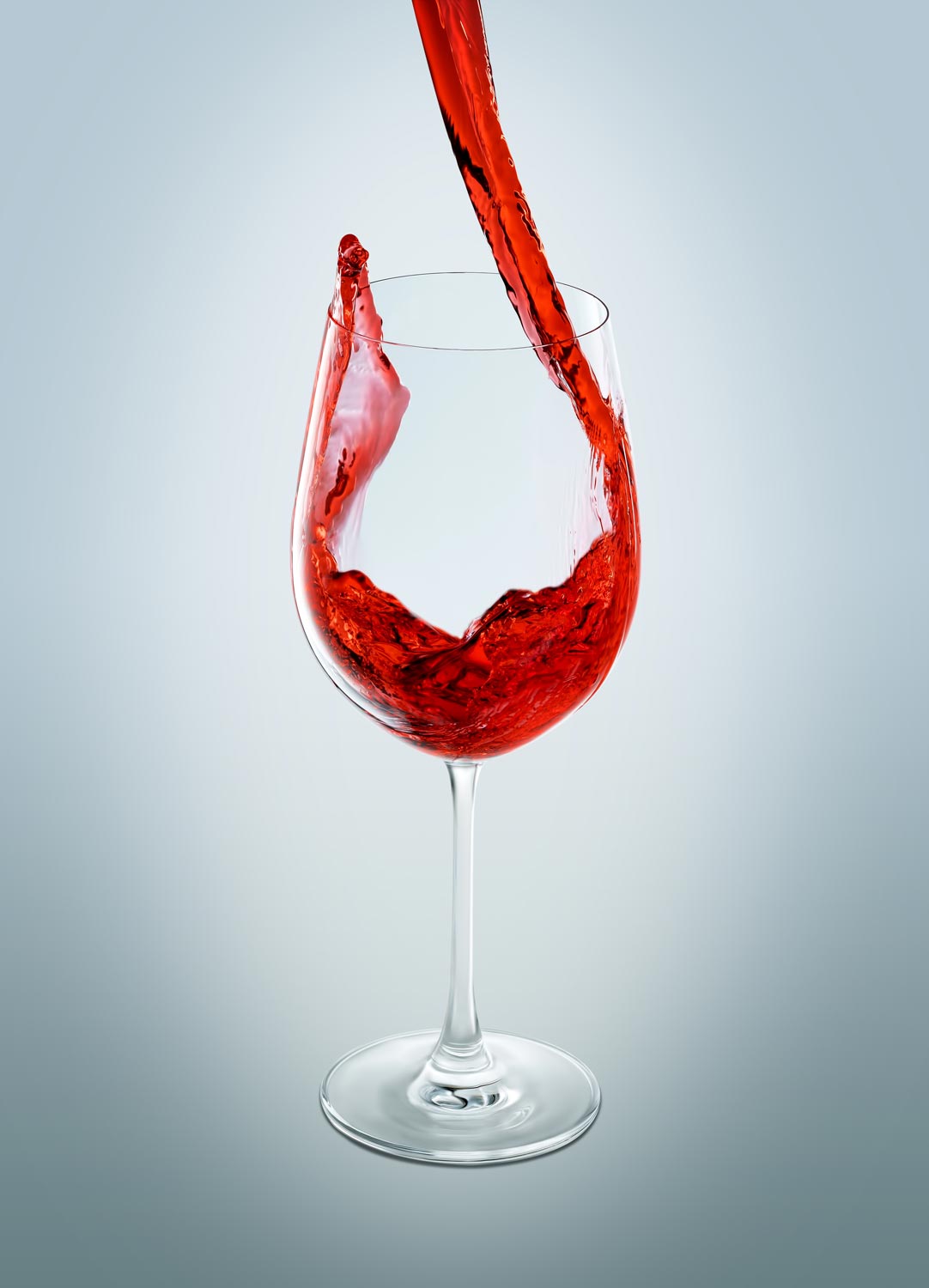
Sample photos from the program’s video lessons that you will learn
Course Curriculum
Course includes 3 module and 20 video lessons
THEORY, GEAR, AND PREPARTION
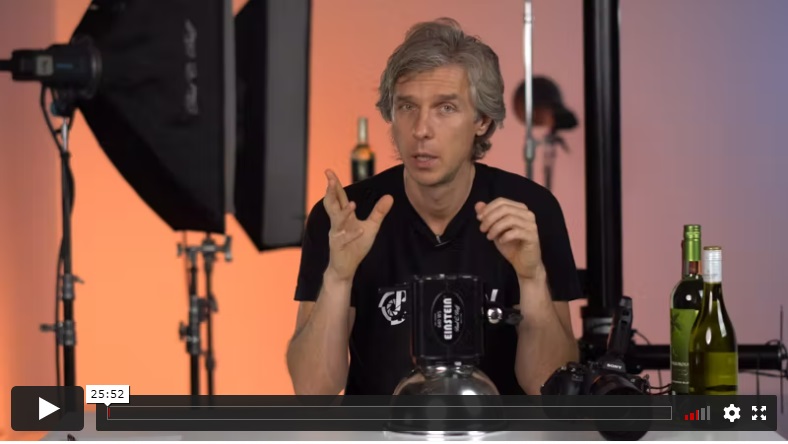
This introductory lesson covers everything you need to know about the studio equipment and camera gear you will need to complete the course, from the camera, lens, and lighting, to the grip, support, and light modifiers.
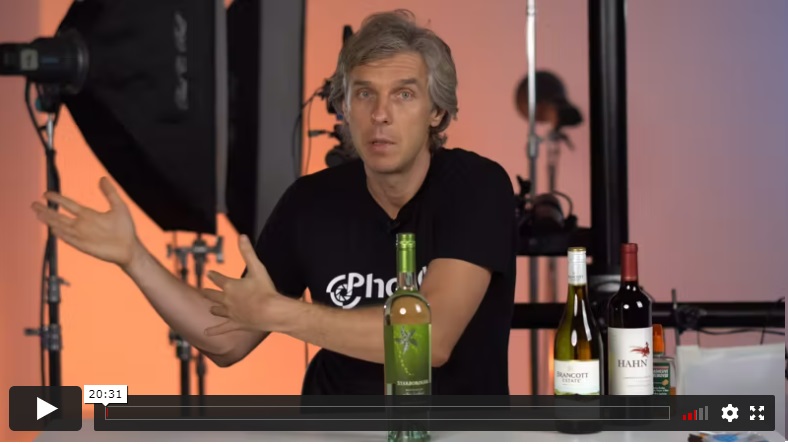
Alex explains the unique challenges that photographers face when shooting glass wine bottles and how to overcome them, as well as how to prep your bottles for the shot.
IN-STUDIO SHOOTING
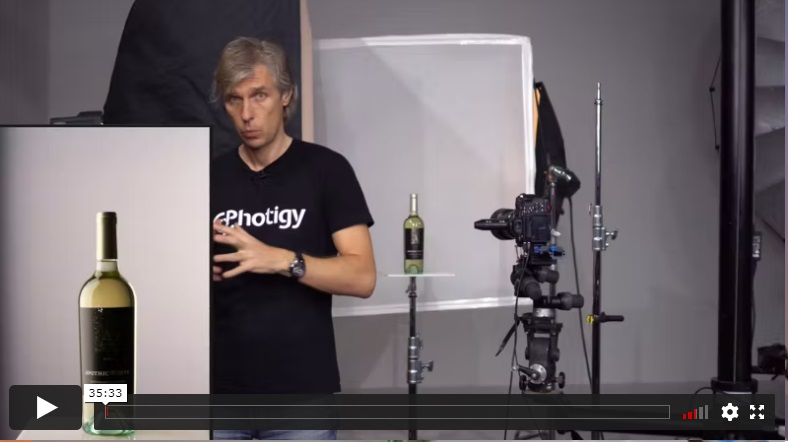
Alex begins the setup for a white wine on white background shot. This lesson will teach you what kind of softboxes and diffusers are best when shooting wine and why. You will also learn the proper camera settings to use.
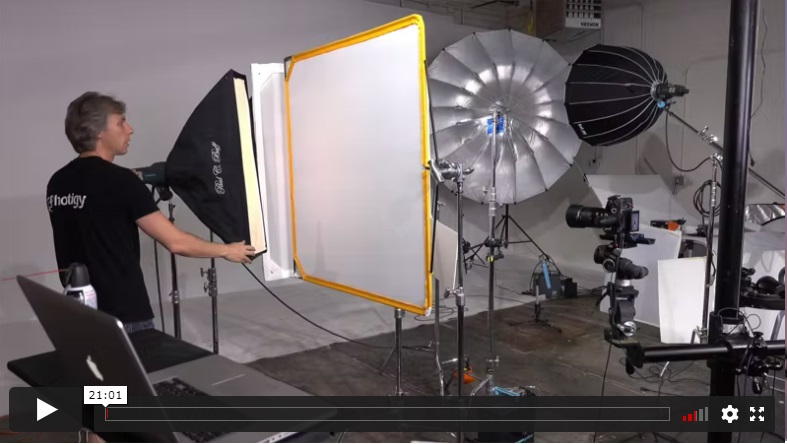
This lesson covers shooting a different shape of a wine bottle on white background. Because wine bottles are glossy and highly reflective, it is very important to learn how to set up lighting for different types of bottles.
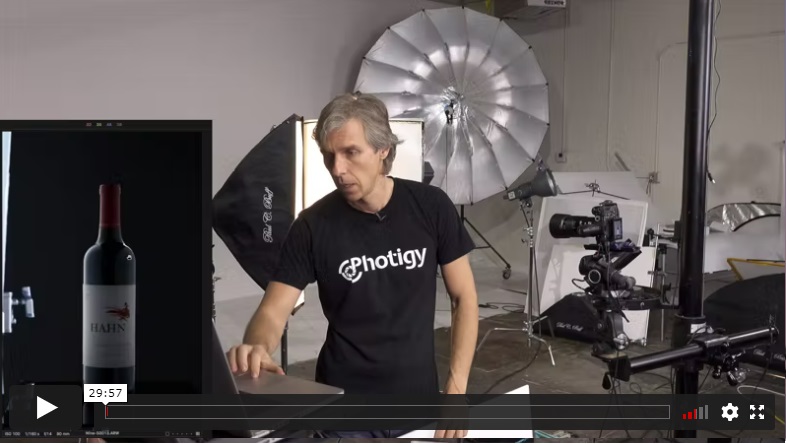
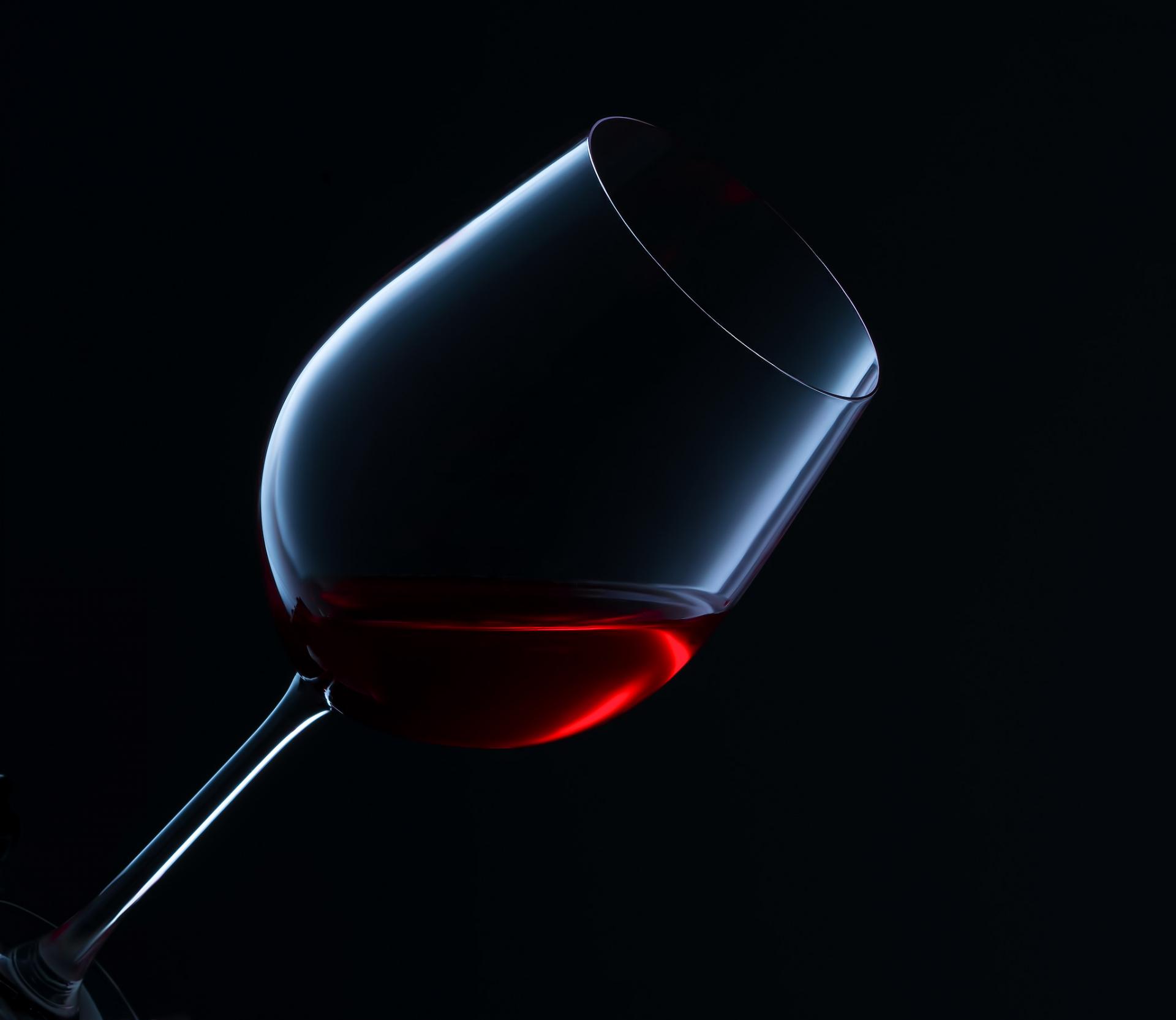
This lesson covers a dark and moody look, where Alex shoots a bottle of red wine on a black background. Alex demonstrates the specifics of shooting in this scenario. You will learn how to create a dramatic look using a bottle of wine and how to work with the wine label to make its texture look the best.
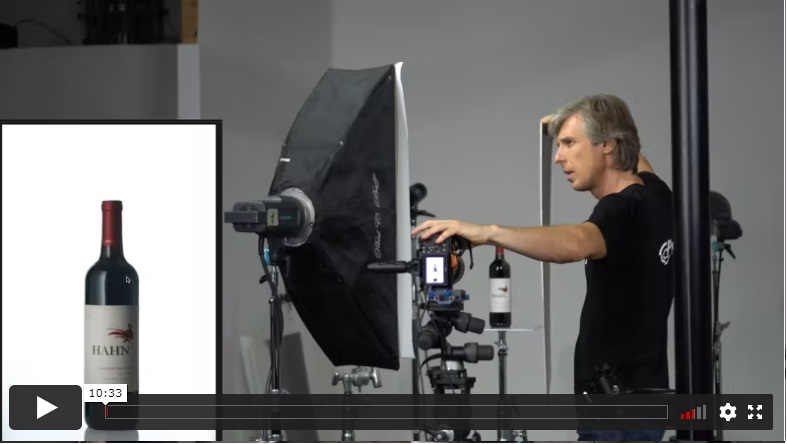
This lesson features something a little brighter. You will learn how to shoot a bottle of red wine on a white background.
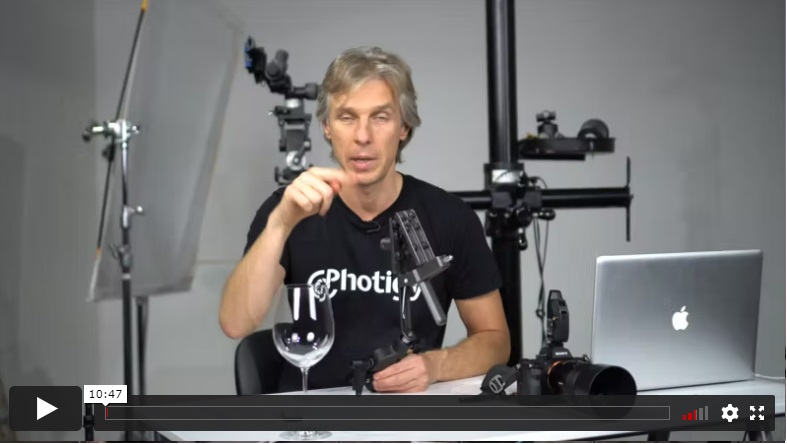
Learn how to prepare for the wine splash shot, including what kind of grip and holders Alex uses to stage a glass of wine that can make a splash.
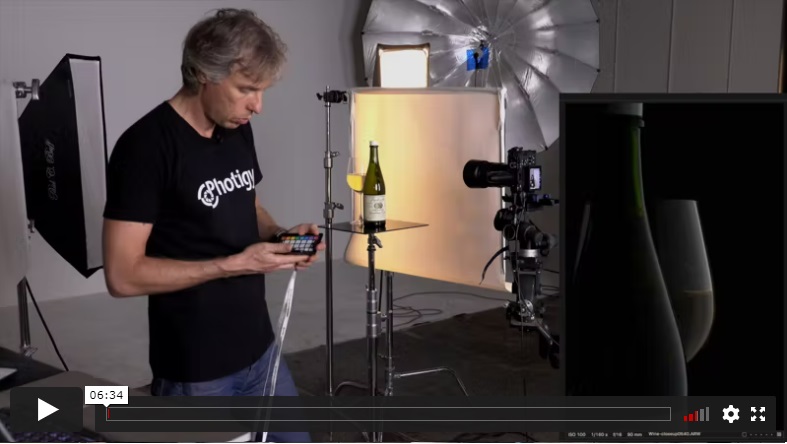
This lesson demonstrates a dramatic composition featuring a bottle of wine and a glass and then adds a splash to it, all done in the camera.
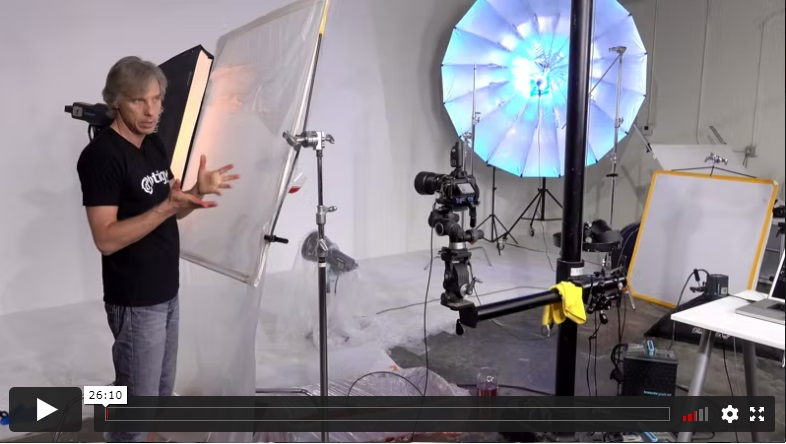
More splashes with wine! Splashes in advertising shots featuring wine are really dramatic, so Alex demonstrates even more techniques on how to create them.
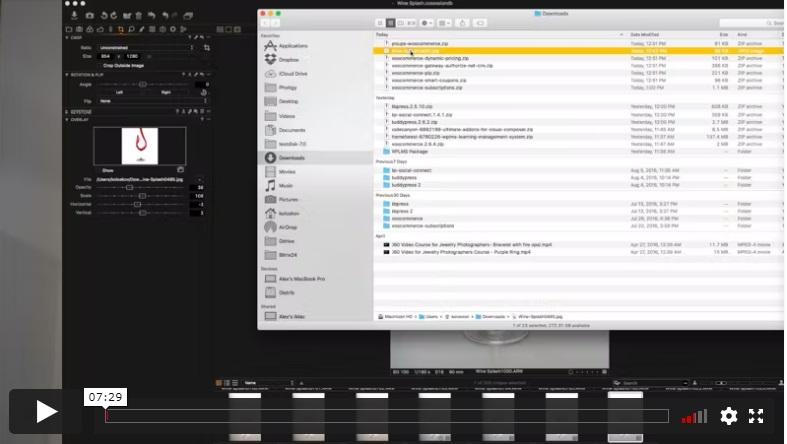
Learn how to pour wine into a glass and capture an image with a very short flash duration to stop the action.
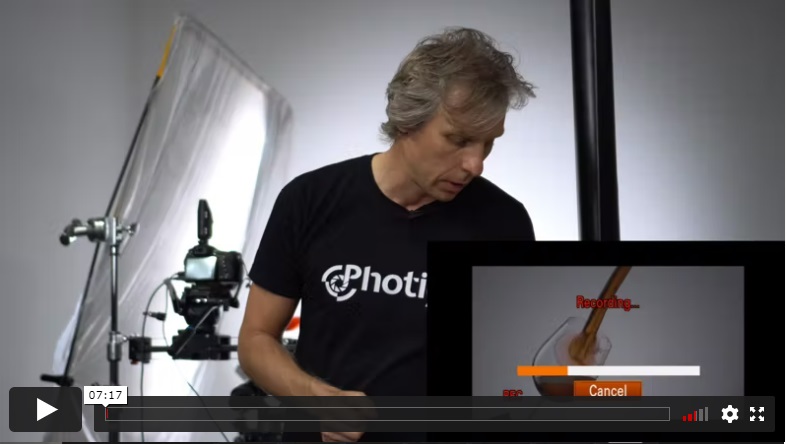
In this lesson, Alex demonstrates how to film a slow-motion wine pour, using the same camera and continuous lighting.
POST-PRODUCTION
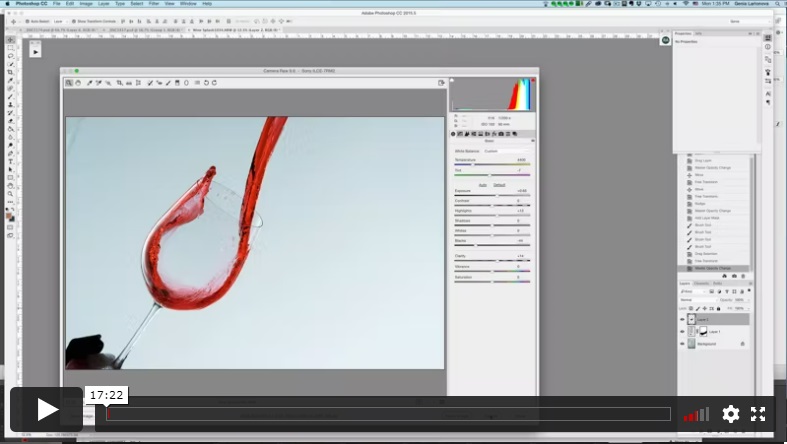
In this first post-production lesson, you will learn the basics of raw file conversion and processing of your raw splash photos.
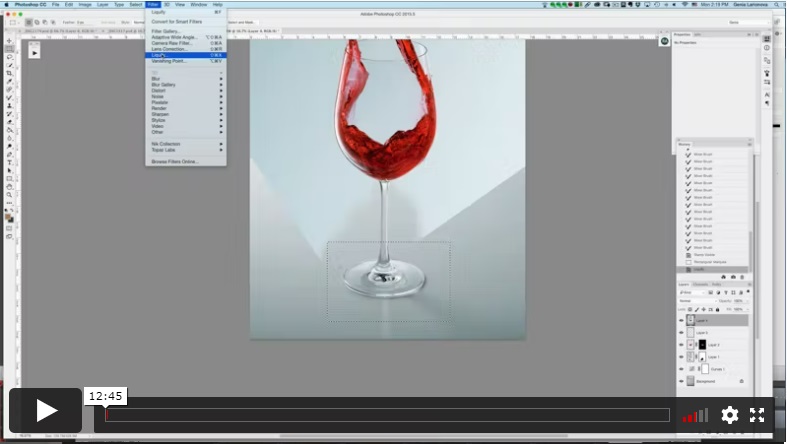
In this post-production lesson, you will see how to clean and perfect the surface of a wine glass on a white background.
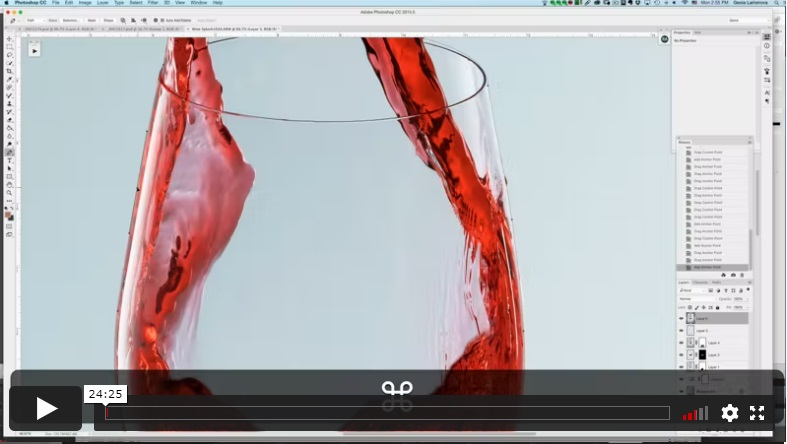
In this lesson, you will learn how to cut out the wine glass from the white background using Adobe Photoshop.
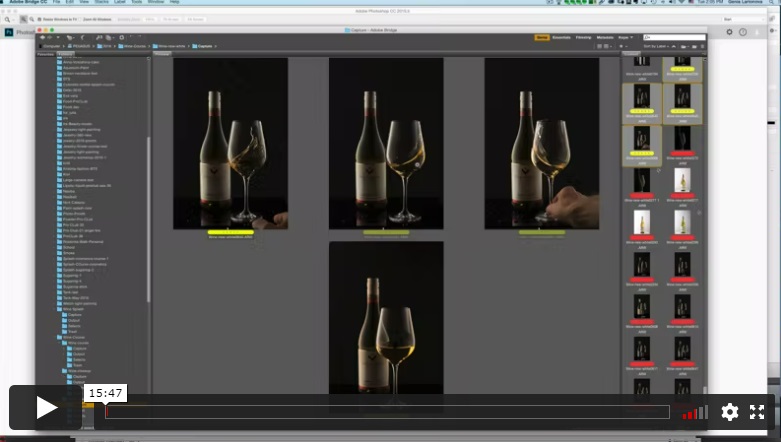
This lesson covers processing a composition with the bottle and glass of wine with a splash on a black background.
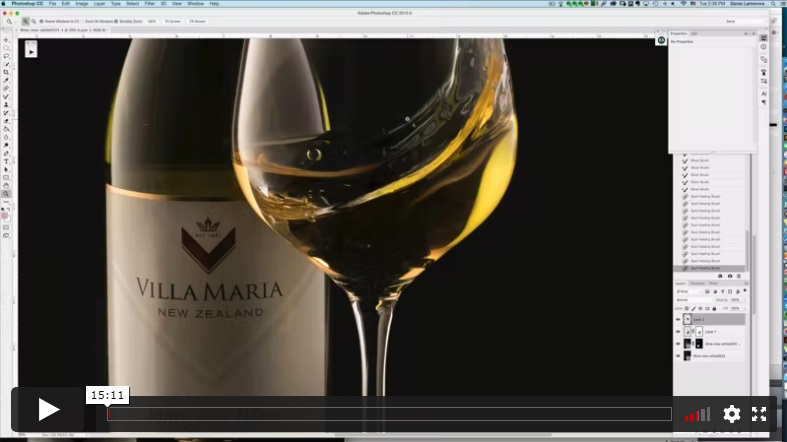
In the second part of the lesson, post-processing continues with the white wine and splash on the black background in adobe Photoshop. You will also learn how to clean the dust and imperfections from the glass of wine.
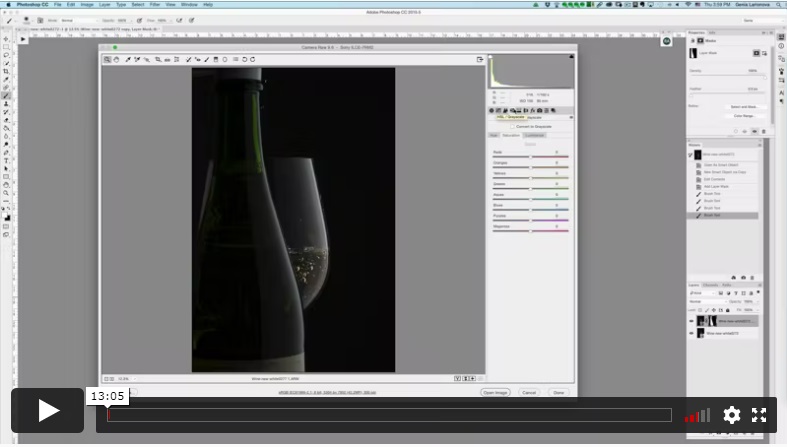
This post-production lesson features the close-up shot of the bottle of white wine on the black background. Learn how to compose a final image from different source images, plus basic adjustments and clean up.
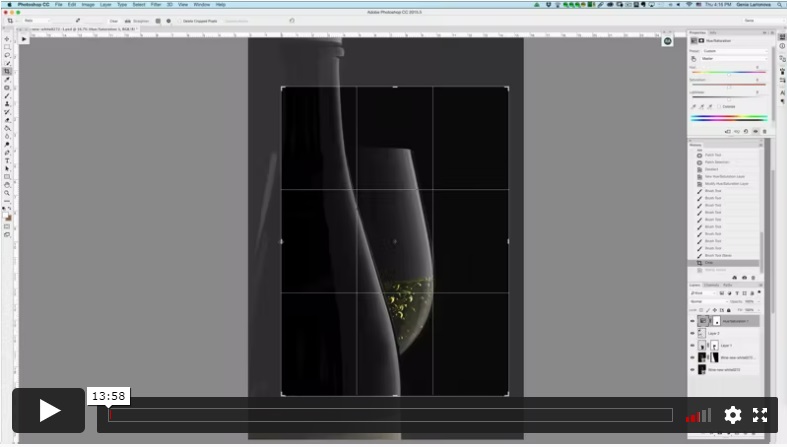
This lesson continues with the work on the previous image, exploring the technique of noise reduction to polish and enhance the reflections on the glossy surfaces.
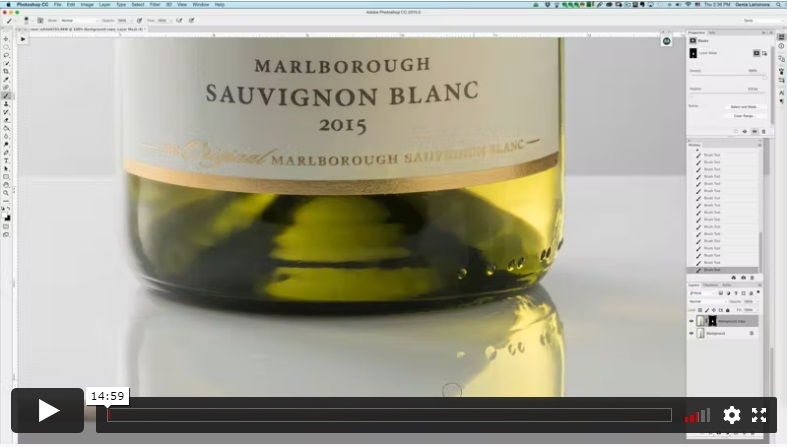
This lesson covers the post-production of white wine on the white background, including basic adjustments, raw file conversion and cleanup.
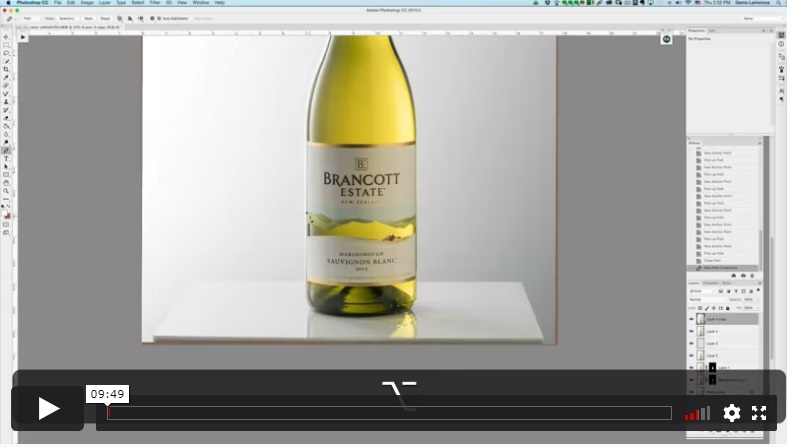
In this second half of the lesson, you will learn how to finalize the post-production of the white wine on a white background, making it ready for e-commerce.
INCLUDES
Shooting & Post-Production
⭐⭐⭐ PROFESSIONAL SERIES
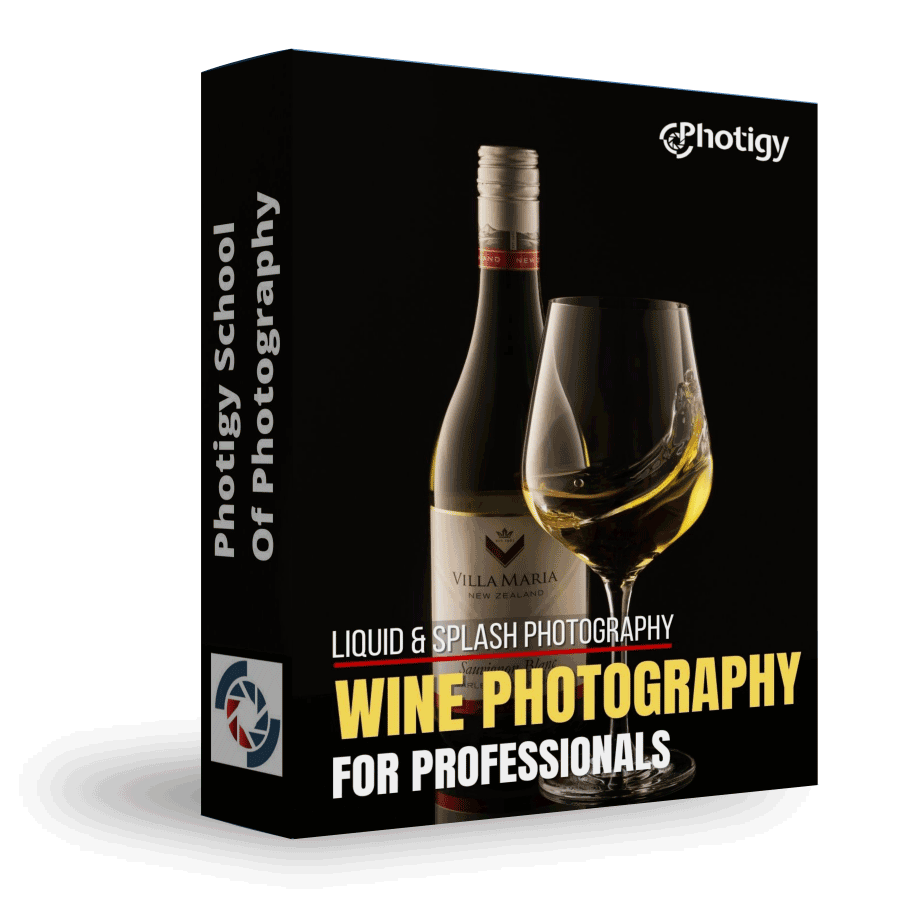
Best for long-term access, more DIY approach
Lifetime access
Weekly Q&A
24/7 Email Support
VIP Membership
Best for ongoing learning
Unlimited access to all courses
Priority support
Yes, you can ask an instructor, as well as get a feedback on your work. We have a support forum for this course where you can ask questions, get answers, and feedback from your instructor.
You will have 24/7 access to course videos, forums, and reviews on the Photigy.com website. It is optimized for mobile as well, and we stream from the worldwide cloud to ensure a worry-free learning experience.
You’ll have lifelong access to the course. There is no limitation on this.
All course students have access to a private forum dedicated to support. This is the place where Photigy instructors answer students’ questions, and students can share their own experiences and solutions.
Photigy School Of Photography 2020

Most frequent questions and answers
Is there a way to ask an instructor a question/to show work and get a feedback?
How do I access the course materials?
You will have 24/7 access to course videos, forums, and reviews on the Photigy.com website. It is optimized for mobile as well, and we stream from the worldwide cloud to ensure a worry-free learning experience.
How long will I have access to this course?
You’ll have lifelong access to the course. There is no limitation on this.
How I can ask questions of the instructor?
All course students have access to a private forum dedicated to support. This is the place where Photigy instructors answer students’ questions, and students can share their own experiences and solutions.
Own this course for $145, or unlock it plus every Photigy course and workshop with a VIP membership.
Try the course. If it is not helping you make better images, email us within 30 days for a full refund.