Select Page

Clone stamp issue.

 | 

Tagged: ,

  • Creator
    Topic  | 
  • #74434 Reply | Report | Quote

    Jean Eichenlaub
    Participant

    This is first time I’ve used the layer lock feature. For some reason, the stamp tool is creating a copy of the entire layer, rather than just the area to be copied. Can not get stamp tool to work as it normally does. Any idea what might be causing the problem? Lock on or off doesn’t seem to make a difference.

Viewing 4 reply threads
    • #74444 Reply | Report | Quote
      Morten Eriksen
      Participant

      Hi Jean! I just spoke to our retoucher. Could you please provide a screenshot of the layer panel?

    • #74467 Reply | Report | Quote
      Jean Eichenlaub
      Participant

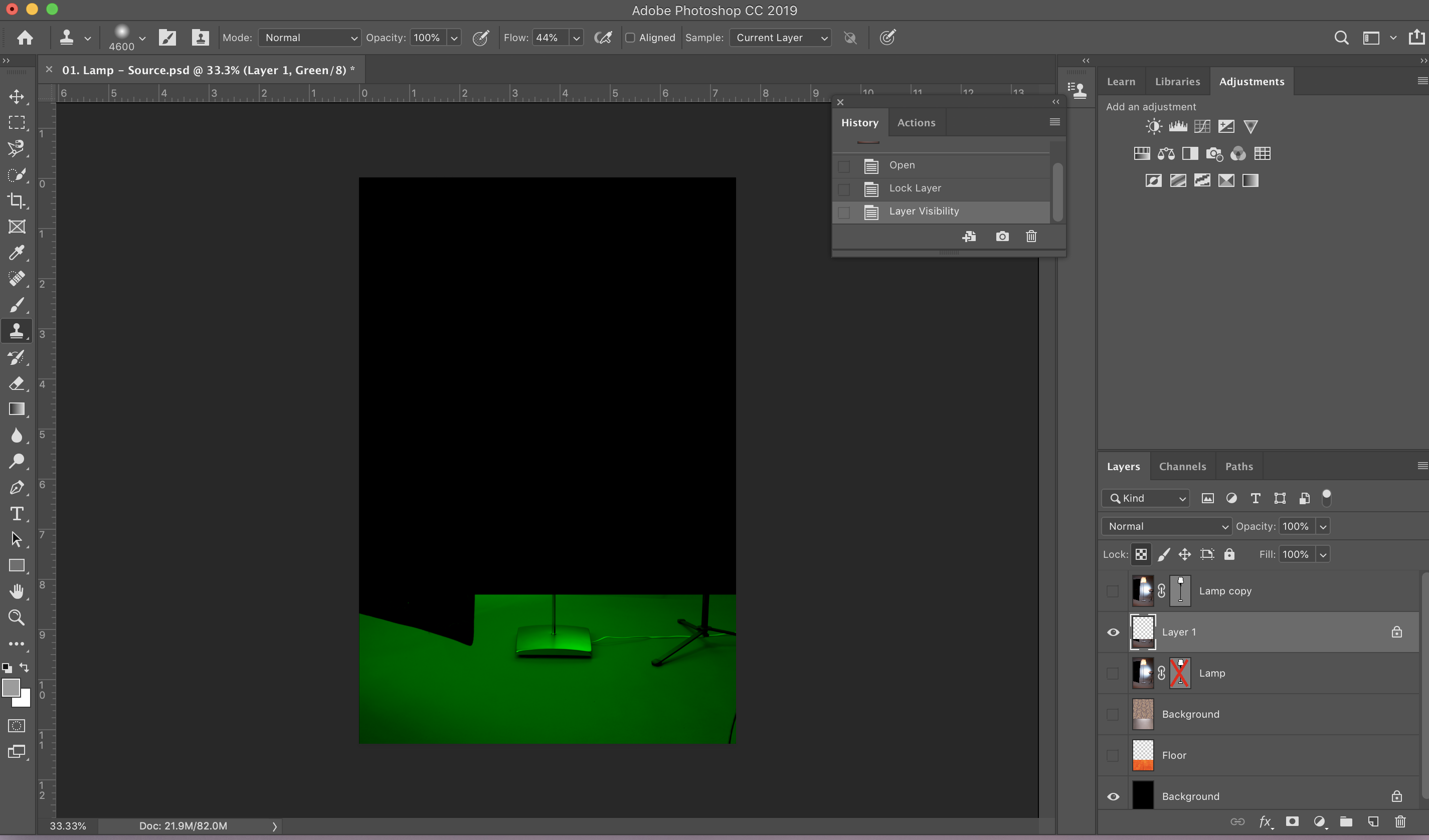
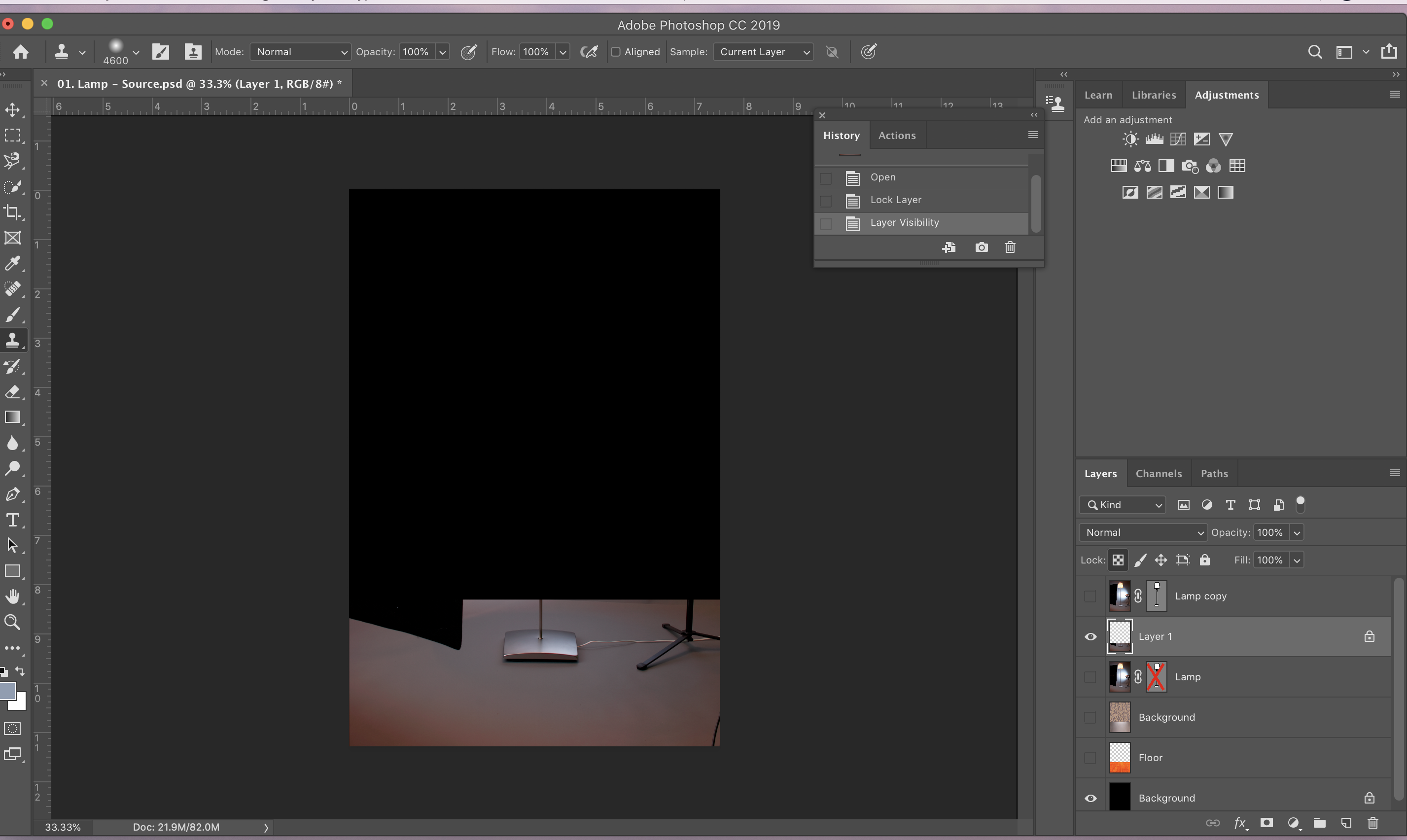
      Hi Morten, Attached is a screenshot of the settings when I start the clone stamp. Unfortunately, when I hold cmd, shift, 4 for the screenshot the multiple images of the floor goes away. I tried depressing cmd before the shift, in addition to the multiple images of the floor disappearing, the floor layer pixels turned green.

      I am very confused, the stamp tool used to be the most reliable tool.

      Jean

    • #74470 Reply | Report | Quote
      Jean Eichenlaub
      Participant

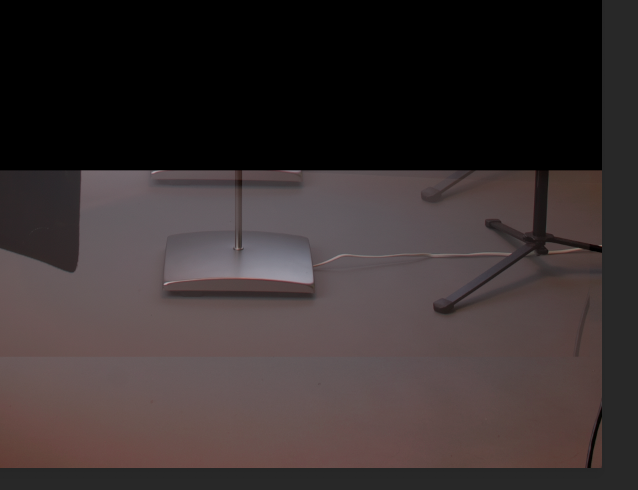
      Discovered if I did not take the cursor off the image it was possible to obtain a screenshot that shows (poorly) the double image. Notice the bottom of the lamp and light stand above the floor. that screenshot is attached.

    • #74472 Reply | Report | Quote
      Jean Eichenlaub
      Participant

      Hi Morten,

      I found as tool reset option. That seems to have solved the problem.

    • #74473 Reply | Report | Quote
      Morten Eriksen
      Participant

      Awesome! Hope it sorted it out.

Viewing 4 reply threads

BACK TO SCHOOL SALE:

Use Code “BACK2SCHOOL”

and get 50% OFF

Sale Ends In:

Days
Hours
Minutes
Seconds

Register FREE for this online workshop with Alex Koloskov and Artem Pissarevskiy