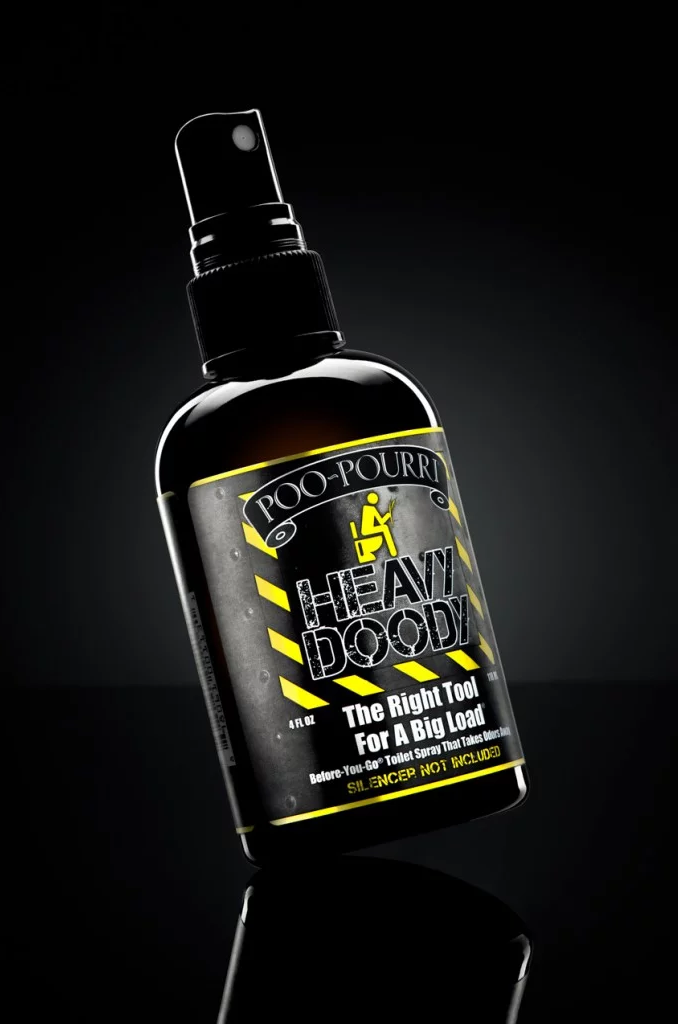
How to Make a Composite Image from a Single Light Shot
🔒 VIP members only
Become a VIP member to watchHow to create a product shot using multiple shots and a single strobe light.
So, you’re ready to try your hand at studio photography, but you only have one speedlight. Can you still create a good image?
In this tutorial, Timothy Kou shows you how to combine multiple images shot with only one light (in multiple positions) into a single composite using layers in Photoshop.
You will learn:
How to use masks to combine multiple images
This tutorial builds on concepts learned in:
Masking and Selection Basics in Photoshop
Final Image