- This topic has 2 replies, 2 voices, and was last updated 7 years, 4 months ago by
 .
.
-
Topic |
-
Hello Alex and everyone!
I was off product photography a while and finally, I’ve back.
Thank you, Alex, for the inspiring tutorial. I’ve been waiting a long time for Icy challenge from Photigy!
As always I decided to go the most complicated way to challenge myself.
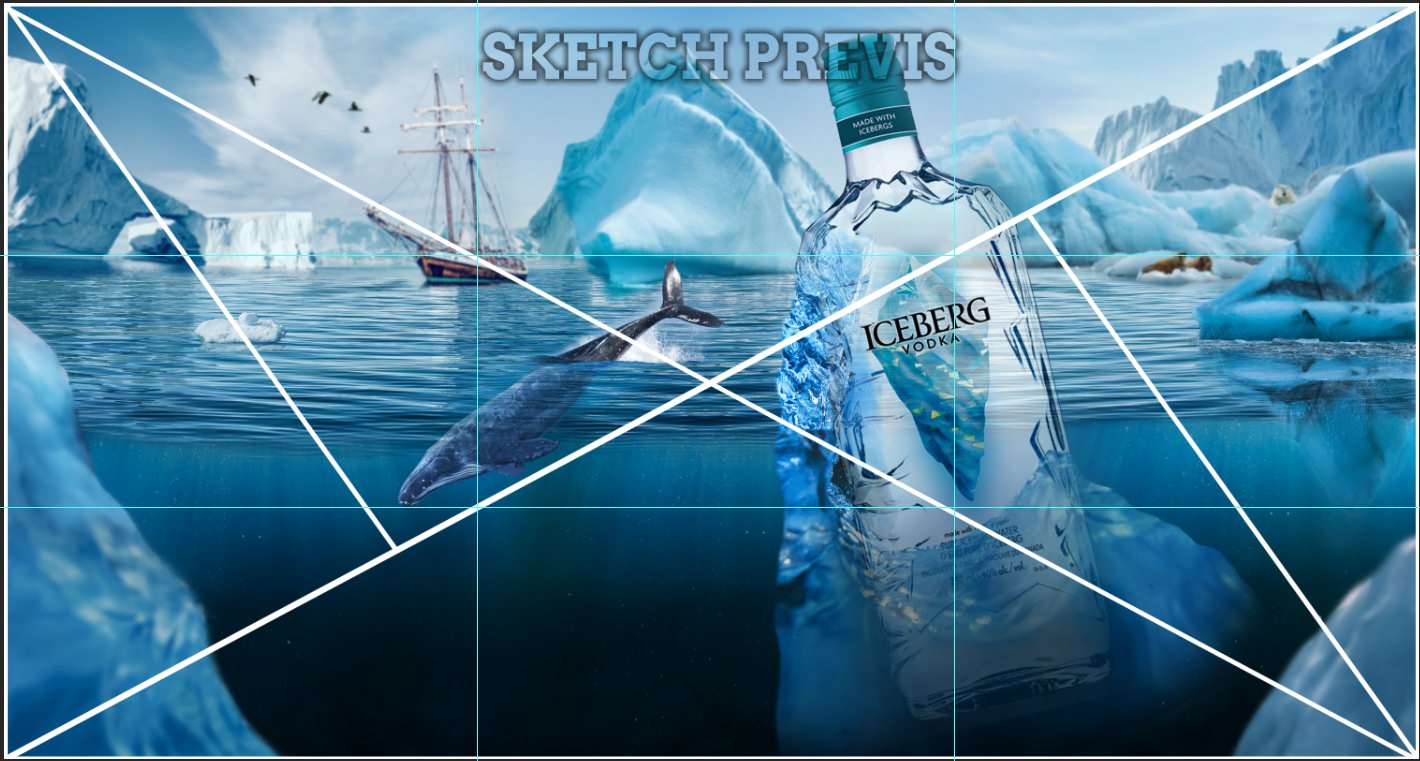
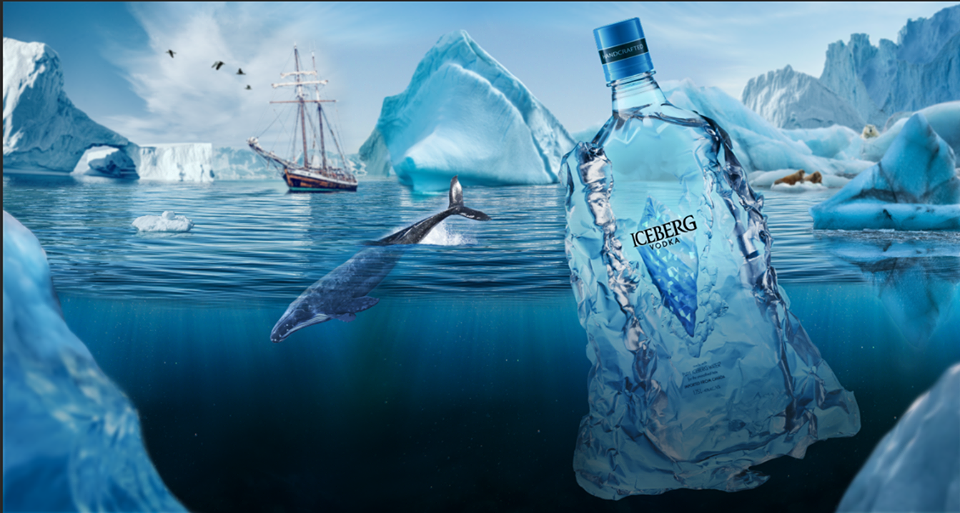
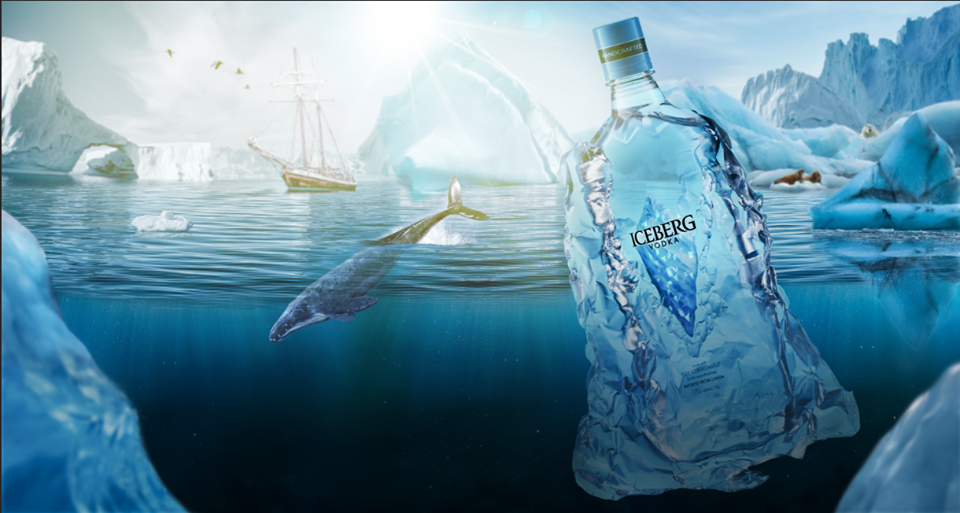
I decided to make a digital matte composing for the upcoming shoot of the frozen project.
The first is the idea. As Alex saying storytelling is everything.
I was trying to find some icy product by shape, name, story.
I found an Iceberg Vodka. Canadian vodka made from real icebergs. Sound cool right? Well, I did order it online and when I was picking it up I was surprised to see a huge 2-liter plastic bottle.
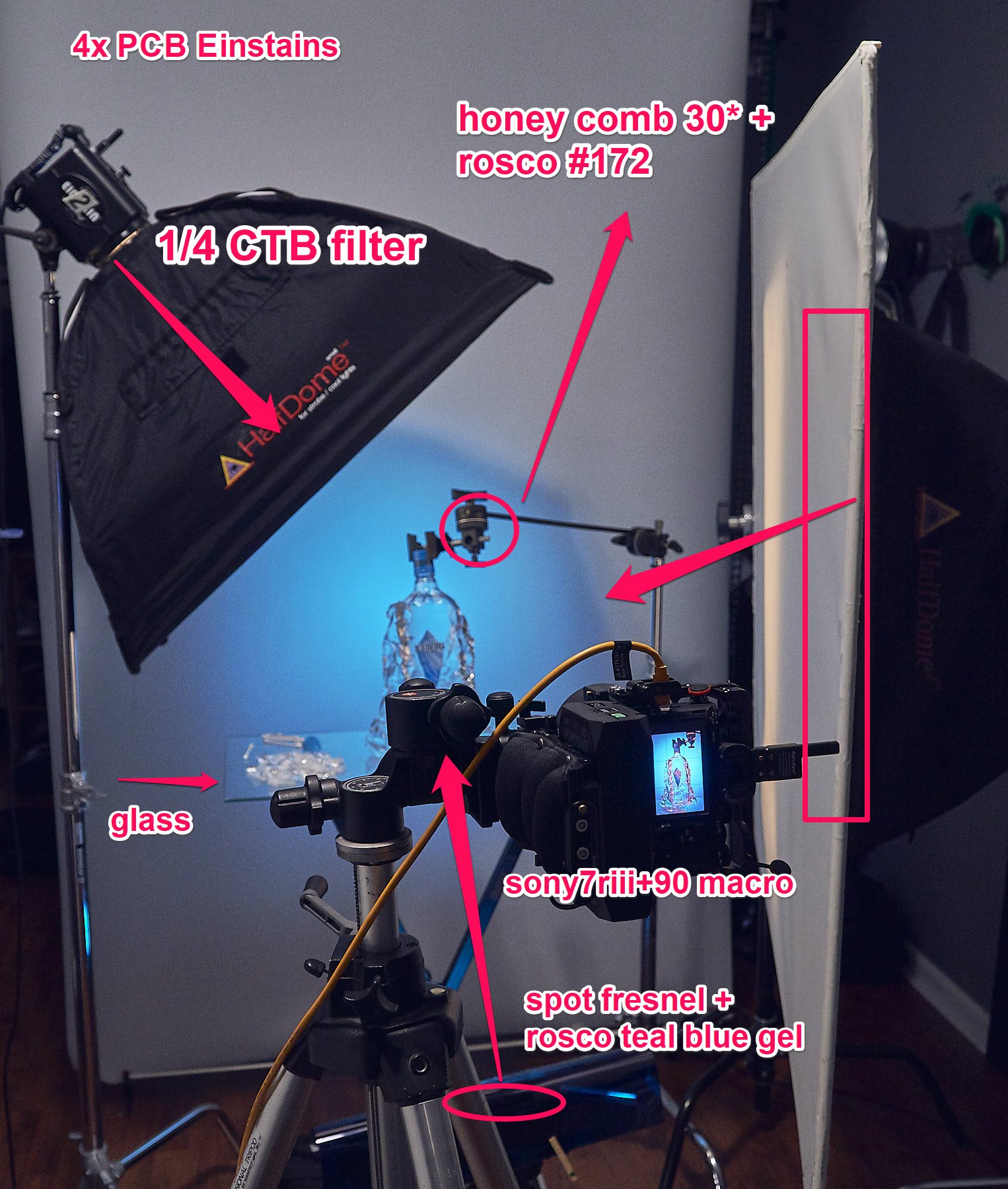
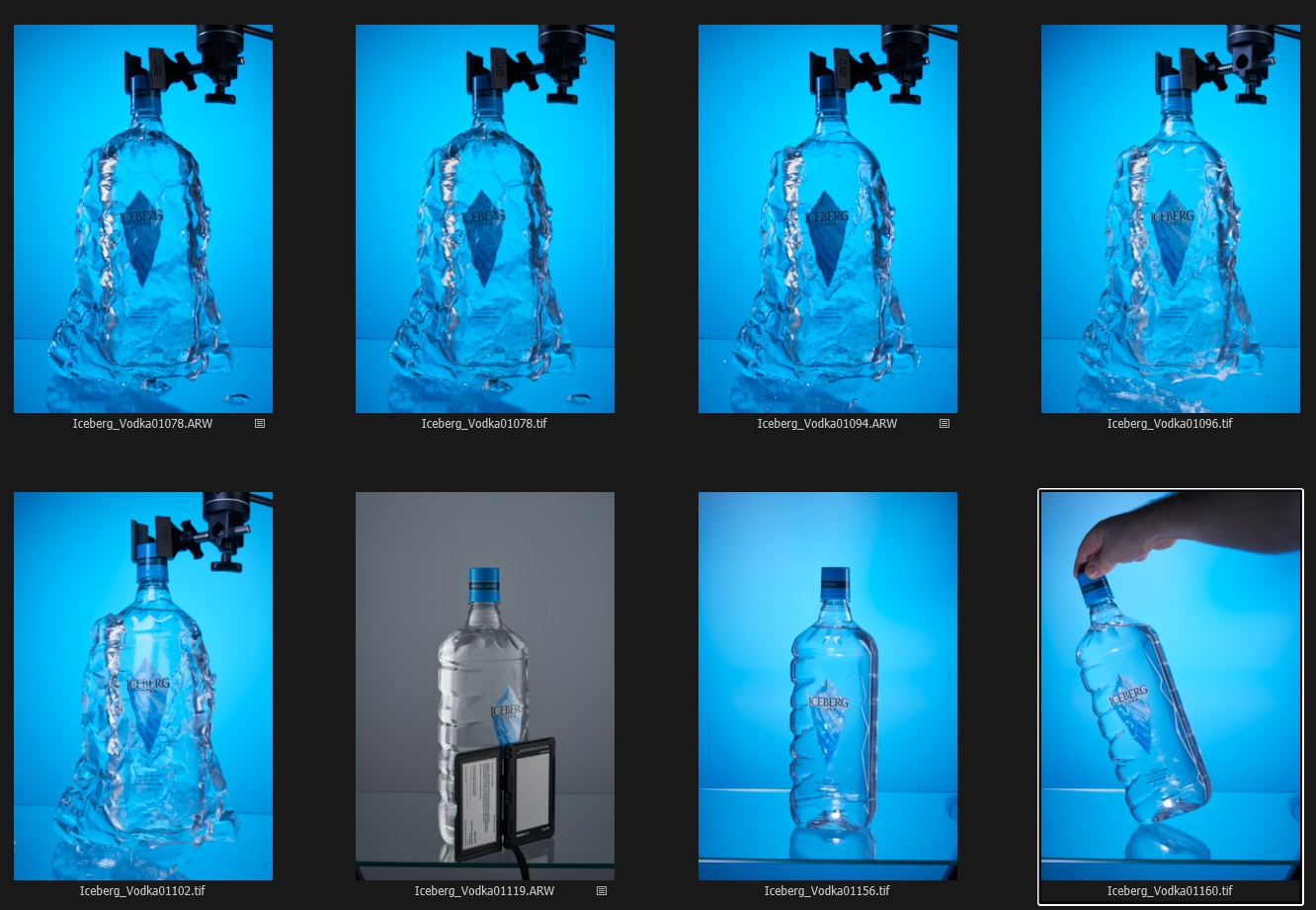
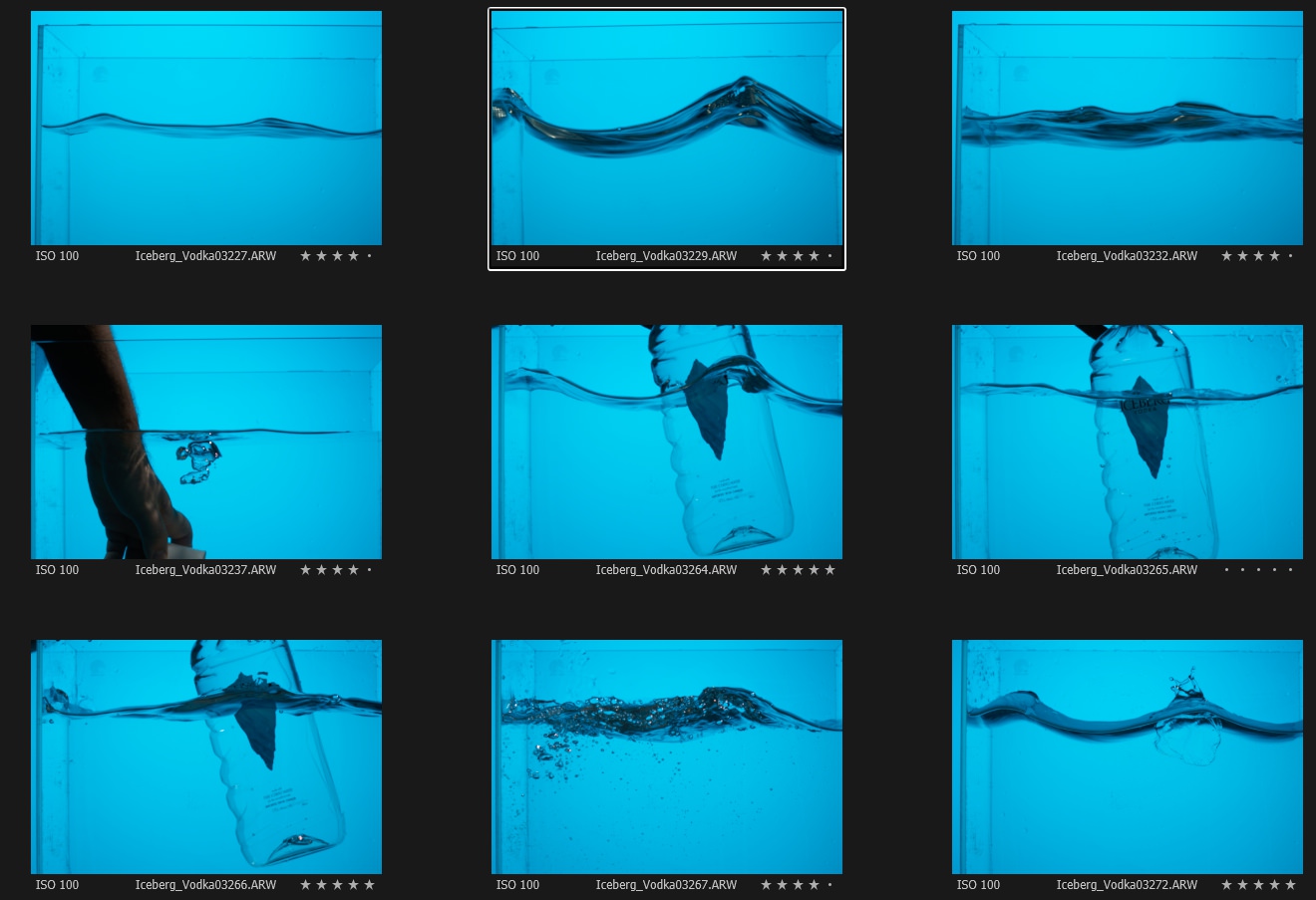
I had only small Encapso bottles which make a barely enough ice to cover that huge bottle. I would ideally need at list 2x of them. I used a foil tray to make a shape. Epic fail again. It was a small hole and part of encapso escaped =) Next time I will need a plastic film to extra layer.As I had a previs during a shoot I new all angles and colors I need to replicate to match a digi-plate I did before shooting. BTW most of the images for the background pre-comp I found on free site http://unsplash.com/
If that would be a commercial shooting the client would paying some fees for photographers (not only credits) I still have to buy some stock images for the final image as well. But It will take a lot of time to finalize it.One more problem appears while editing and composing. Using too saturated color gels was a very bad idea. It’s much easier to add color to neutral tones than trying to tweak saturated blues. (My advice to use correctional filters CTB 1/8 for slight color tone)
I’m posting right now the BTS and pre-comb images. The image of the bottle is taken from the web for text purpose only. I hope I will finish the editing by the time of Live-Webinar.