- This topic has 1 reply, 1 voice, and was last updated 6 years, 11 months ago by
.
-
Topic |
-
Hello everyone,
Thanks for another great tutorial. I decided to shoot a bottle of Jim Beam Devil’s Cut for this assignment.
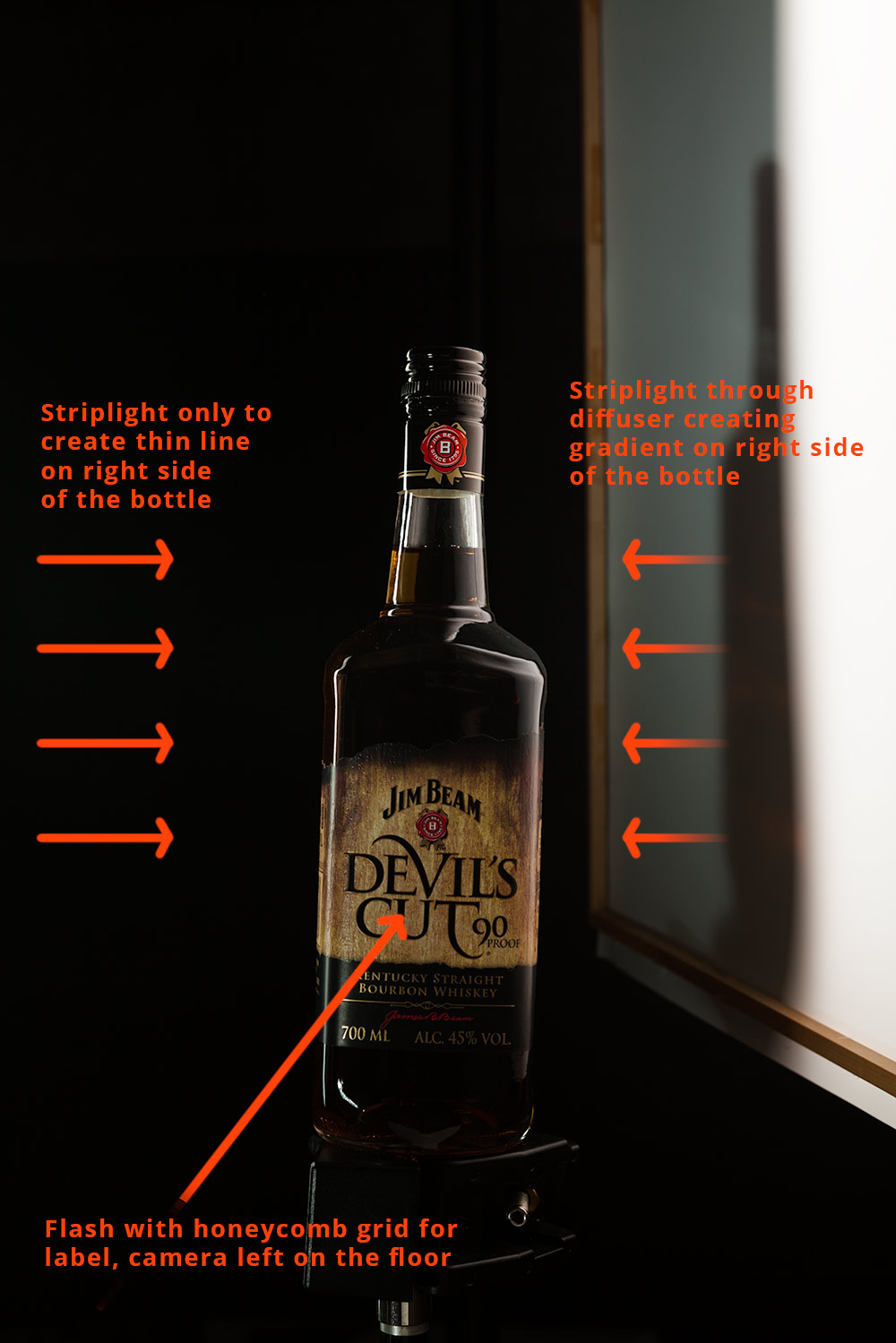
Lighting setup was similar to the one in tutorial:
– striplight camera left
– striplight with diffuser camera right
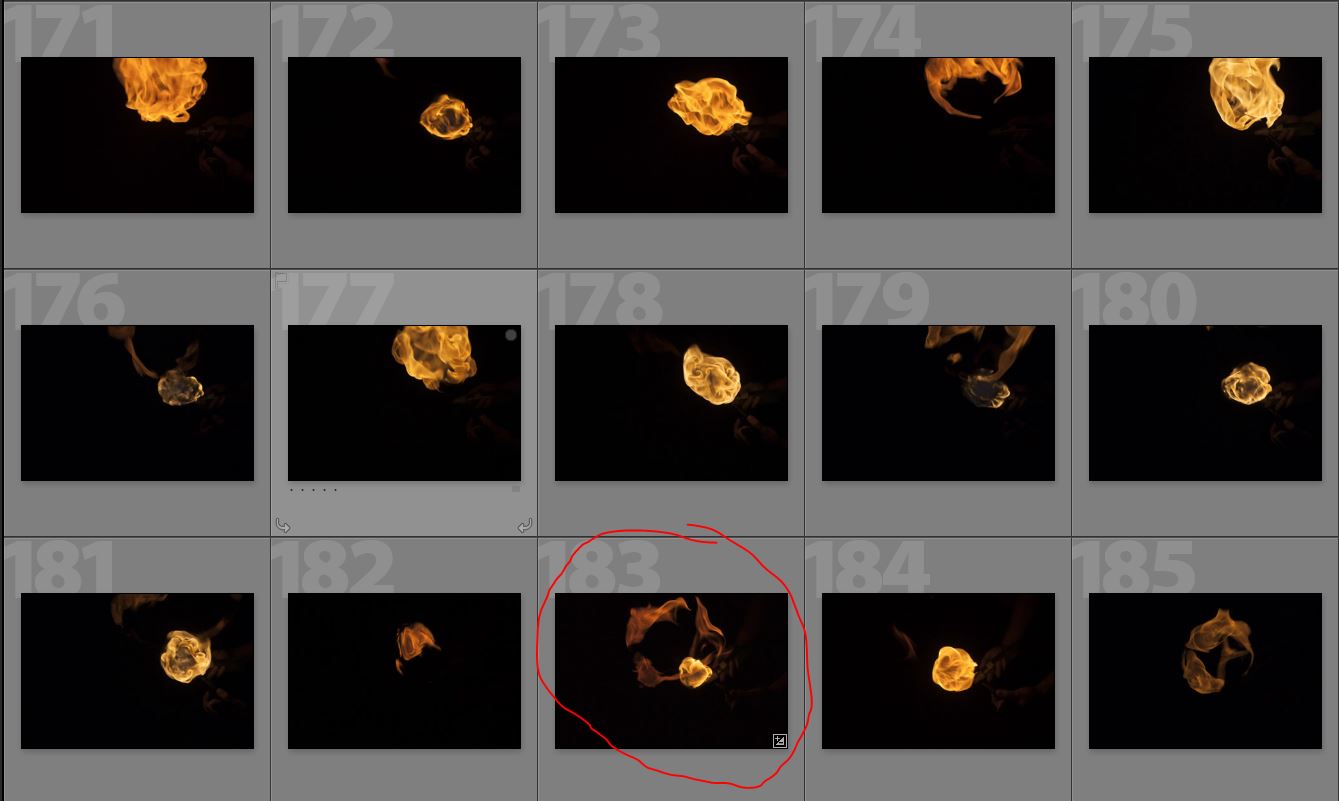
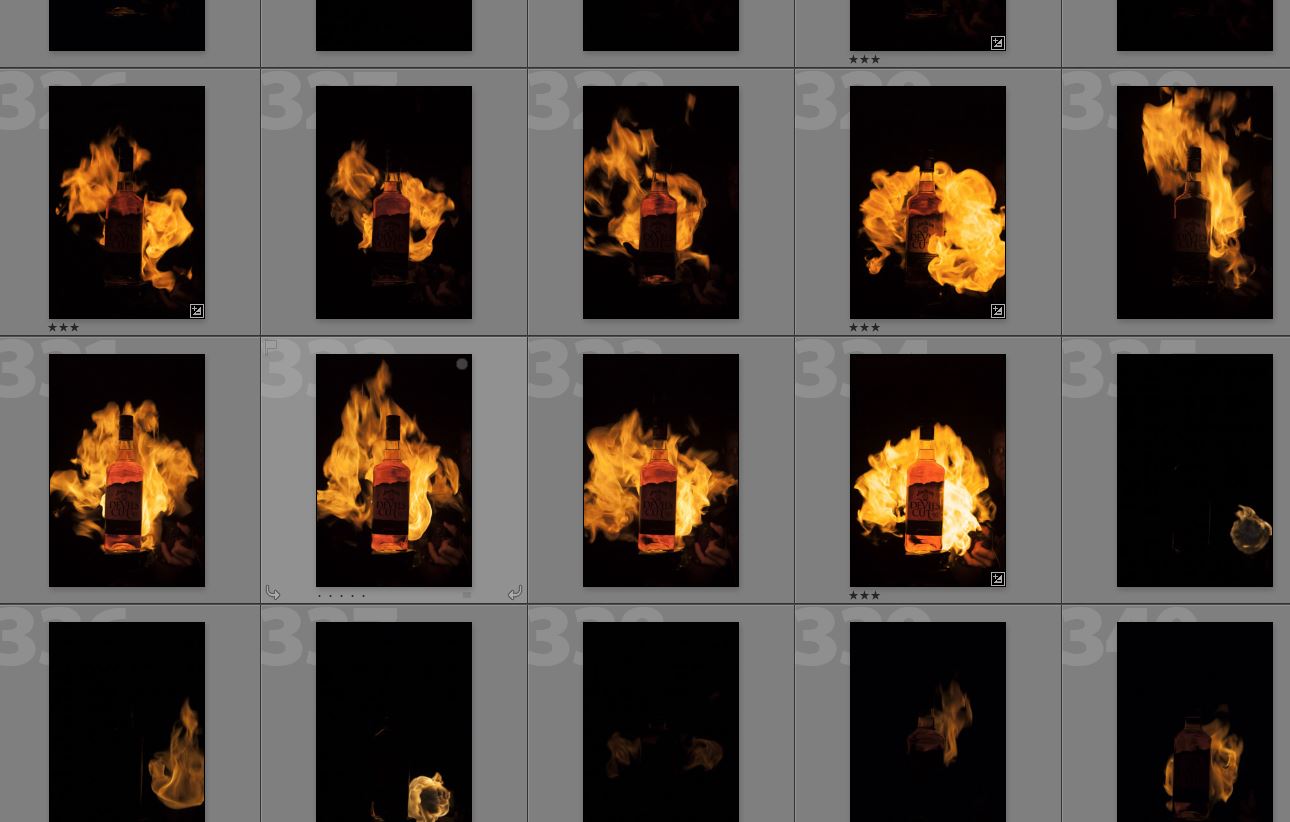
– flash with honeycomb grid for label camera bottom leftThe bottle was shot standing up, also I shot flames with bottle the same way. Afterwards I moved camera high and I shoot flames from the bottom, which gave me more circular shapes.
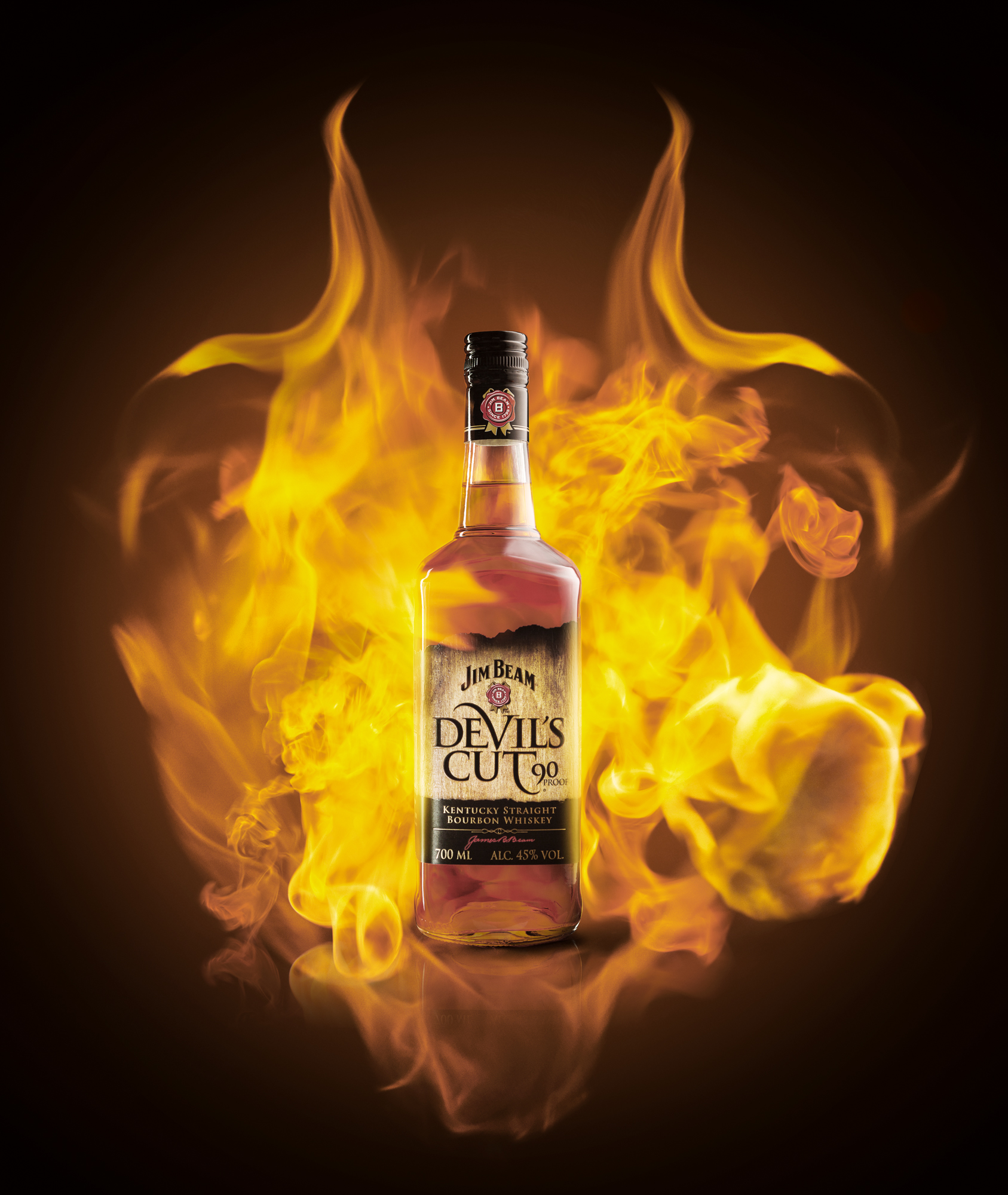
After many hours of playing in Photoshop, here is my submission. I must admit I had again many problems because the color in Photoshop (working with ProPhoto RGB color space and then converted to sRGB at the end) always came much less saturated and red than the .jpeg saved from it. I had to decrease saturation (especially in reds) in order to get .jpeg I liked, but actual color in PS are totally different. Artem do you have specific color space workflow to avoid such issues?
I look forward to your CC!
Best regards,
Jure/Yuriy